



























CPU · Memory · NVMe storage
Room for your whole island
Pick the CPU, memory and storage your server needs, and resize any time as your group grows.

Run your own Zero World island for base building and raids with your group. Set the gather rates and the world save, and keep it online when you log off.
Powering
Find your plan
Tell us about your server and we'll recommend a plan.
Let's find your plan
No per-slot fees. Choose your own slot limit. To help us recommend the right plan for you, tell us how many friends are joining you!
Best fit
Stone6 GB RAM, 150% CPU
$15.99/mo
Pick your plan
Or build your own. Then choose where it runs and deploy.
 CustomChoose your own plan!
Billing
Secure Backups Included
Stone
Billed monthly. Cancel any time.
Switch your Zero World server to any of 445 other games, right from the panel, whenever you want!*
Included with
every plan
An island that stays up when you log off, with your own rates and world save, and a panel that keeps it running.
Pick the CPU, memory and storage your server needs, and resize any time as your group grows.
99.9% uptime, and every Zero World server is protected from DDoS attacks.
Your server installs itself the moment you order. No setup, no waiting.
Faster or slower gathering
Open the config editor and set how many resources spawn on the island and how much each hit on a tree, rock or bush gives. Choose how often the world saves, too.
 ServerConfig.ini - Physgun VS Code
For hands-on owners
Edit your server config with SSH and VS Code, or right in the panel's file manager. Your server name, password, max players and world save are startup settings too.
Your world save loads again after a stop and start, so the island picks up from its last save.
Set a new save name and the server starts a new world. The old one stays on disk.
Set up a backup schedule in the panel. Secure backup storage is included.
One place for your whole server: name, password, max players and world save in the startup settings, a config editor for resource and harvest rates and how often the world saves, schedules you set for restarts and backups, subusers for your admins, a file manager with SSH and VS Code, and every other universal tool.

Accurate, blazing-fast output piped directly from the container. Paired with complete SSH access inside the Panel!
1 / 10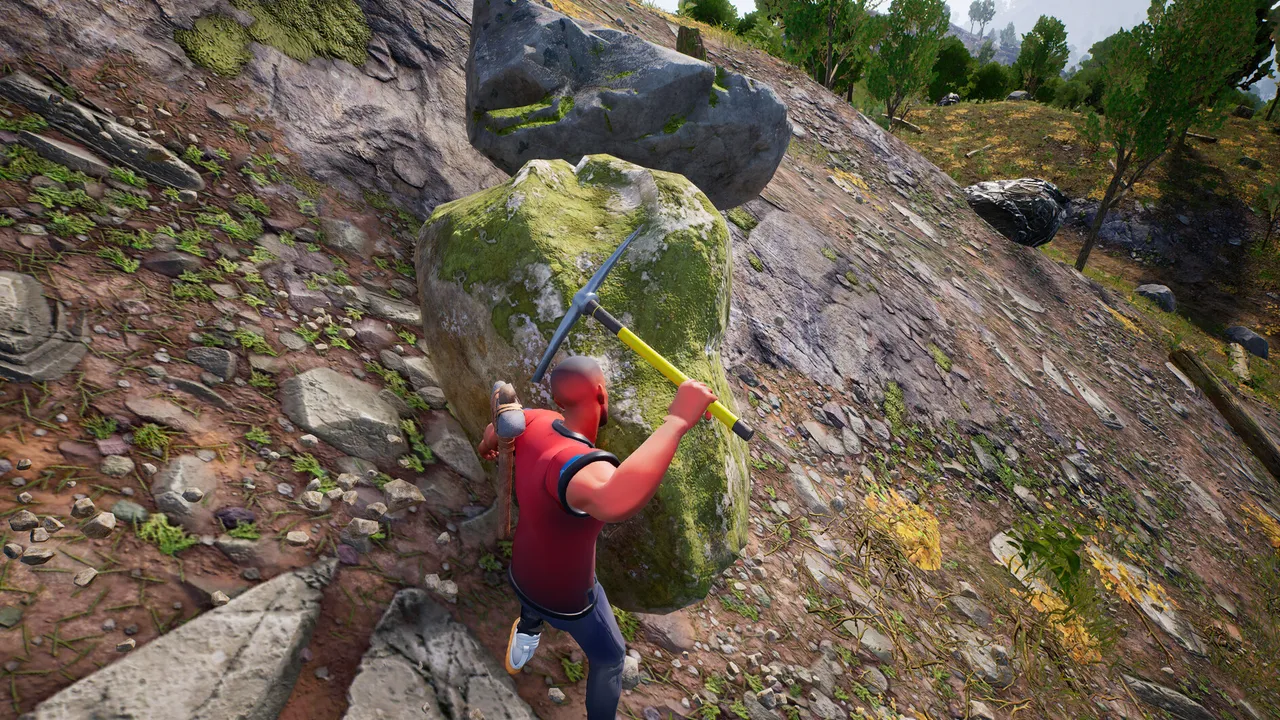
New to Zero World?
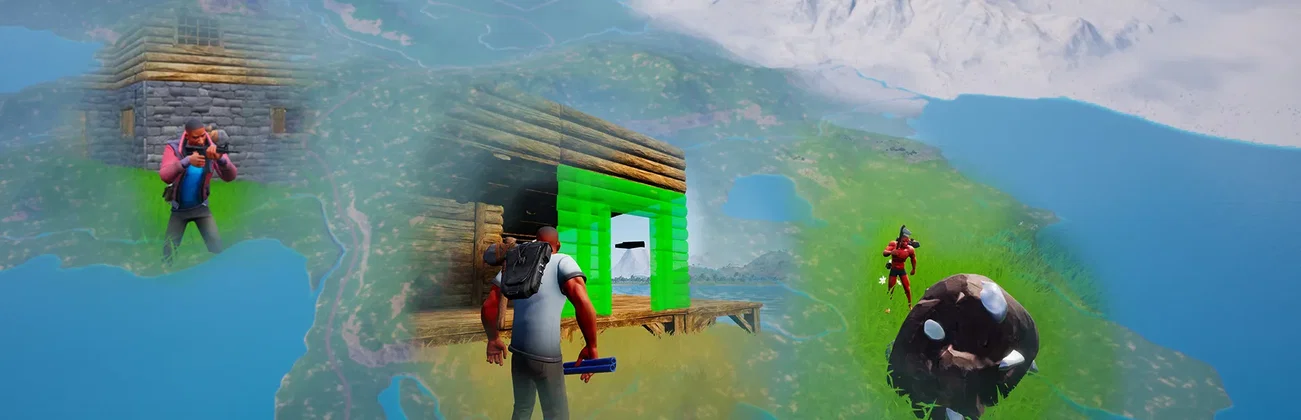
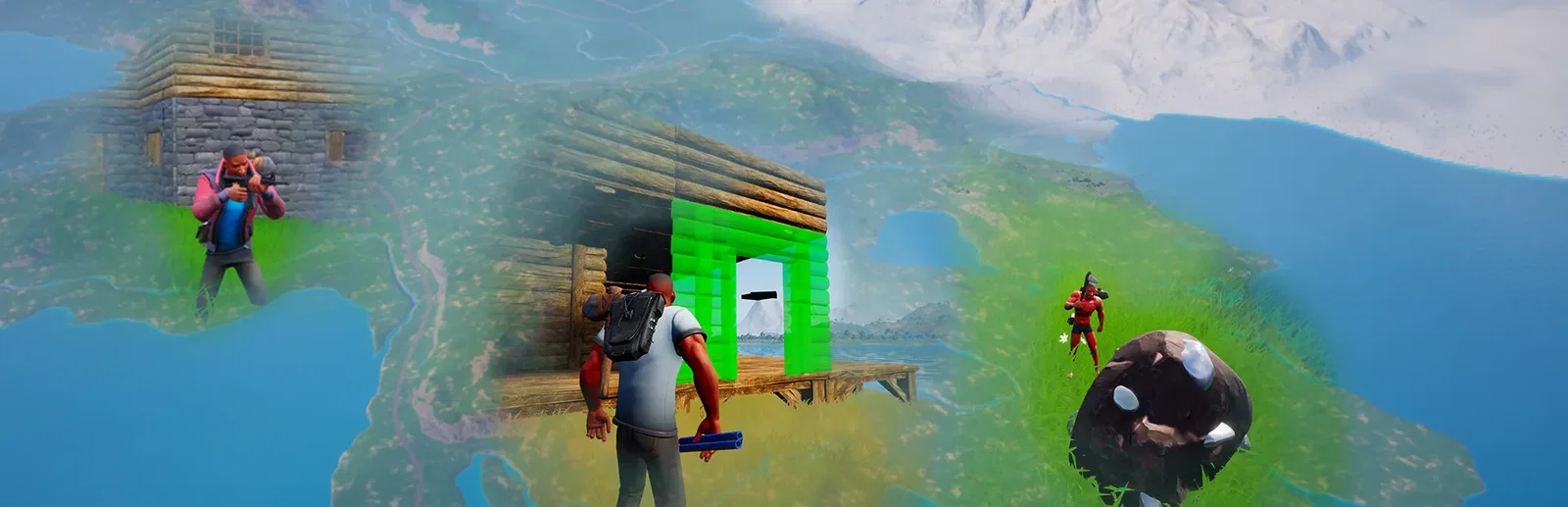
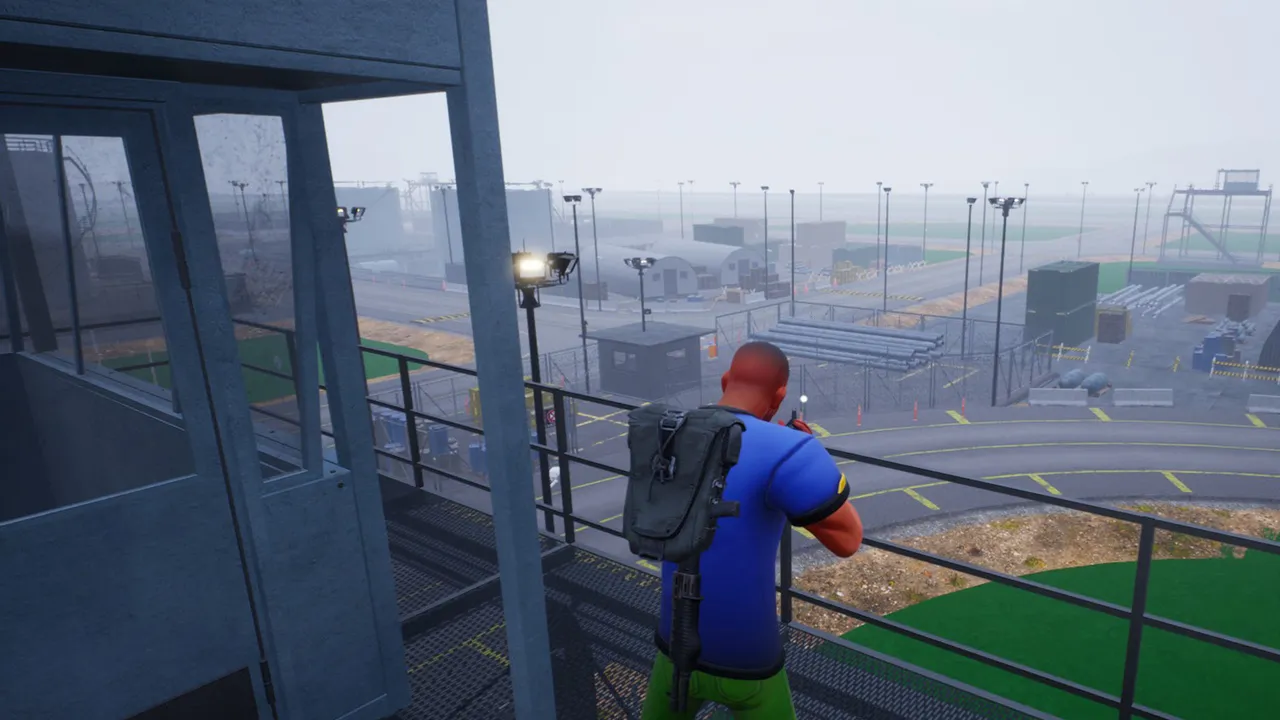
Zero World is an Early Access survival game from Total Games Studios set on one big island with different biomes. You gather resources and food, hunt animals, craft gear and build a base, then try to keep it from being raided by other players. Bases are claimed with a plotpole, and whoever reaches yours can add themselves as an owner, so hiding it matters. Loot places hold special containers with random items, including the one you need to craft C4.
Wood is quick to craft but weak. Stone and metal hold out longer and cost more.
C4 needs an item found only in loot containers, so every raid takes some planning.
Why rent a server?
A Zero World dedicated server is an island that keeps running when you log off, so bases stay standing for your group to come back to. You decide how fast resources come in, how many players can join and which world save it loads. With us, it installs itself in minutes, loads your world save again after every restart, and comes with a panel for restarts, backups and your config files.
Your island keeps running when you log off, so your group can play any time.
Set the resource amount, harvest rate, save interval, max players and password.
Straight answers before you order. Still stuck? Real people are here around the clock.
 Physgun
Set your resource and harvest rates, and your island stays online for your group in minutes.