



































Match live · NVMe storage
Pick the power you need
Choose the CPU, memory and NVMe storage your server runs on, and add more as your community grows.

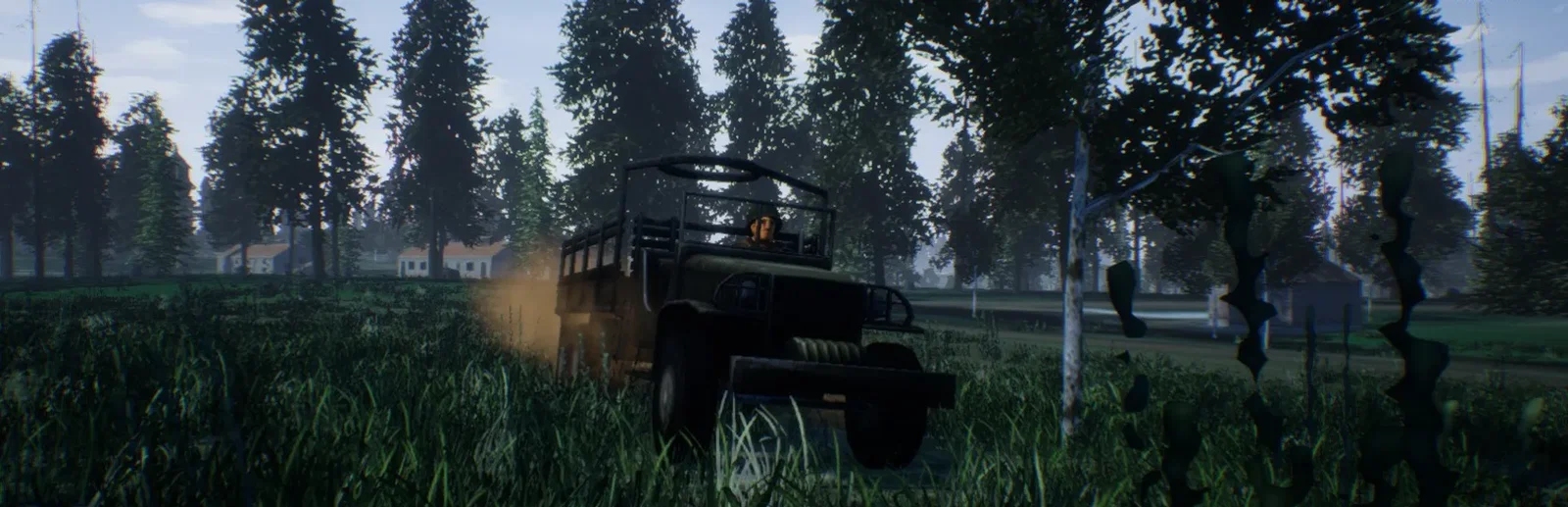
Run your own Squad server for full 50 vs 50 matches, with your map rotation, team rules and Workshop mods, set up from one panel.
Powering
Find your plan
Tell us about your server and we'll recommend a plan.
Let's find your plan
No per-slot fees. Choose your own slot limit. To help us recommend the right plan for you, tell us how many friends are joining you!

Best fit
Squad Leader12 GB RAM, 200% CPU
$31.49/mo
Pick your plan
Or build your own. Then choose where it runs and deploy.
 CustomChoose your own plan!
Billing
Secure Backups Included
Squad Leader
Billed monthly. Cancel any time.
Switch your Squad server to any of 536 other games, right from the panel, whenever you want!*
Included with
every plan
Your rotation, your rules and your mods, on a server you run from one panel.
Choose the CPU, memory and NVMe storage your server runs on, and add more as your community grows.
Your server stays up when you log off, and it is protected from DDoS attacks.
Order and the server downloads and installs Squad on its own. Nothing to set up on your side.
Server.cfg, without the typing
Map and layer voting, staging time, team balance, team-kill bans, reserved slots and the server browser, grouped and labelled in the panel.
 Server.cfg - Physgun VS Code main
For the power users
Connect with real developer tools and edit your admins, layer rotation or message of the day directly. Or skip it and use the panel.
Set the server name, password, max players and tick rate.
Send admin commands to your server from the panel console.
List Steam Workshop mods by ID or link, and the server downloads them when it starts.
One place for your whole server: name, password, max players, tick rate and Workshop mods in the startup settings, a config editor for your rotation and team rules, a console for your admin commands, schedules you set for restarts and backups, subusers for your admins, a file manager with SSH and VS Code, and every other universal tool.
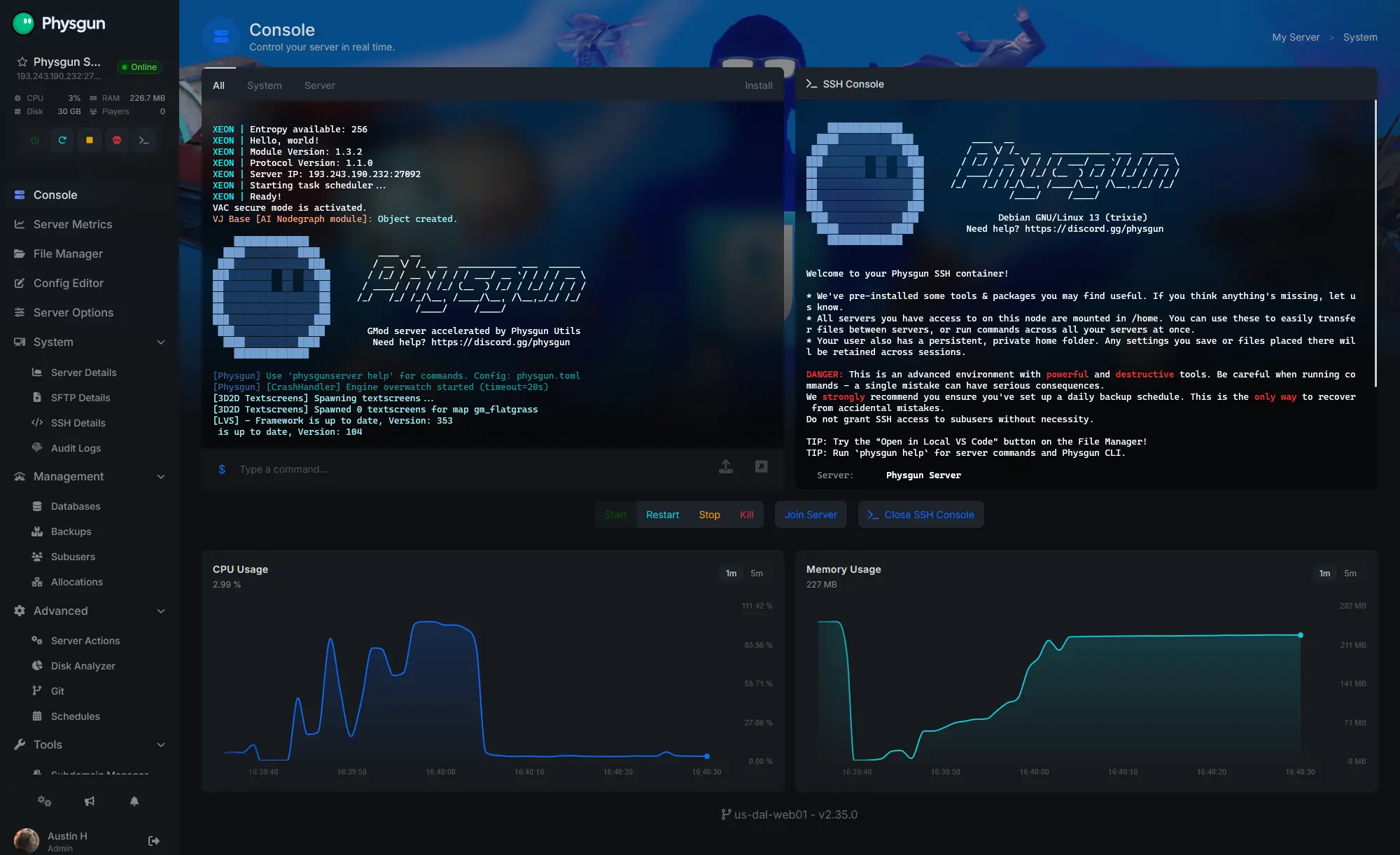
Accurate, blazing-fast output piped directly from the container. Paired with complete SSH access inside the Panel!
1 / 10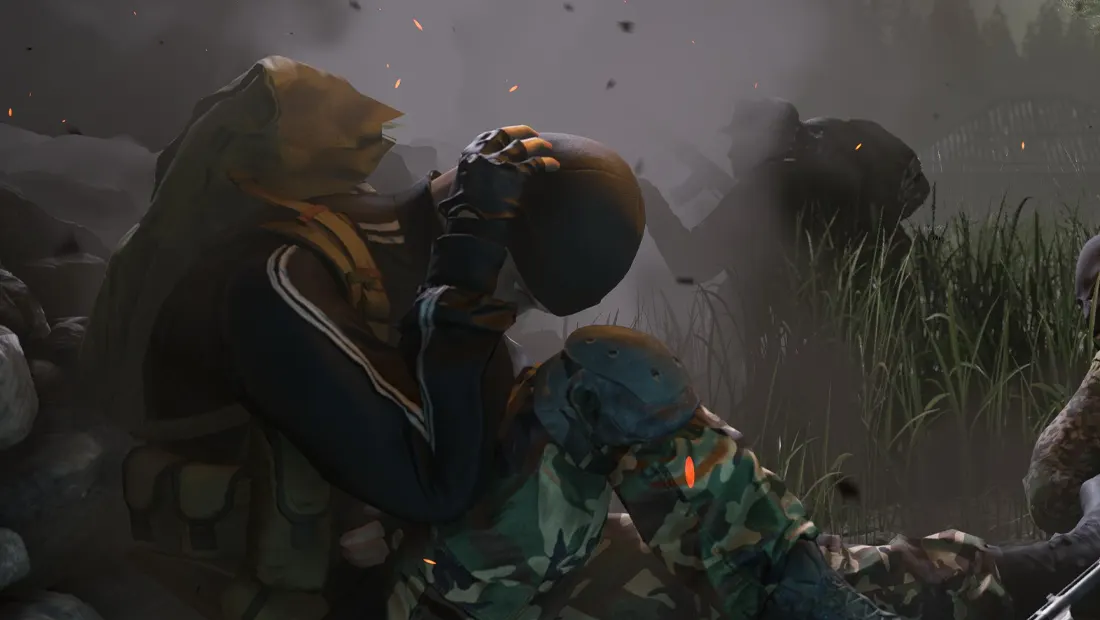
New to Squad?
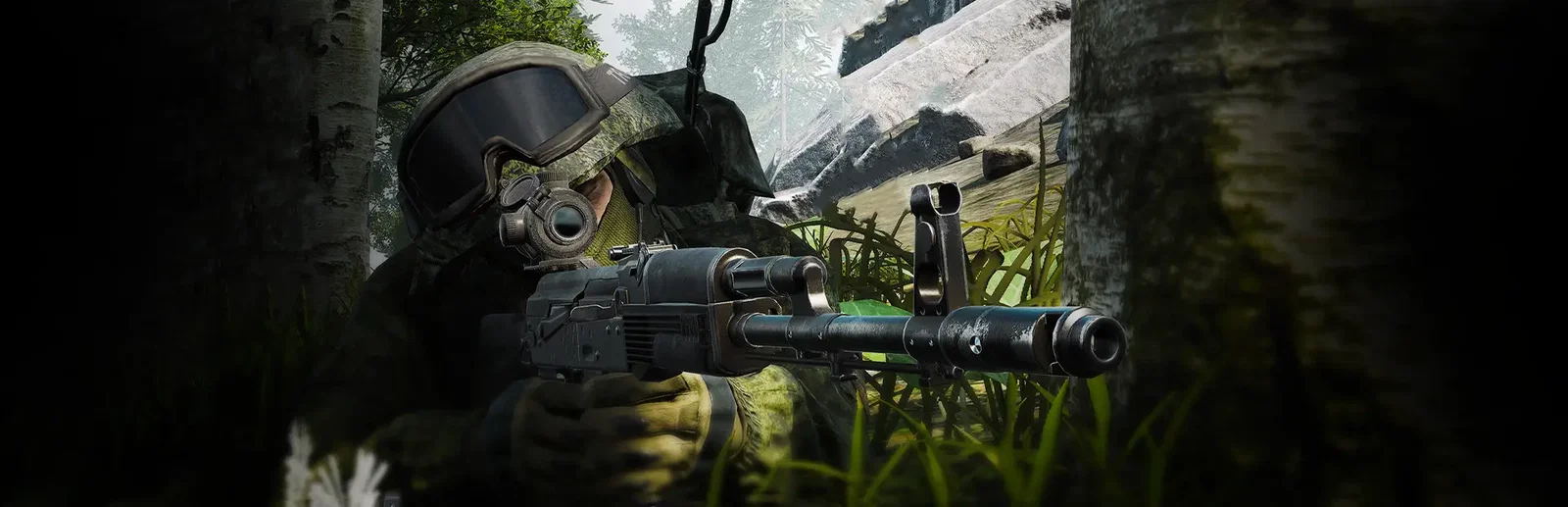
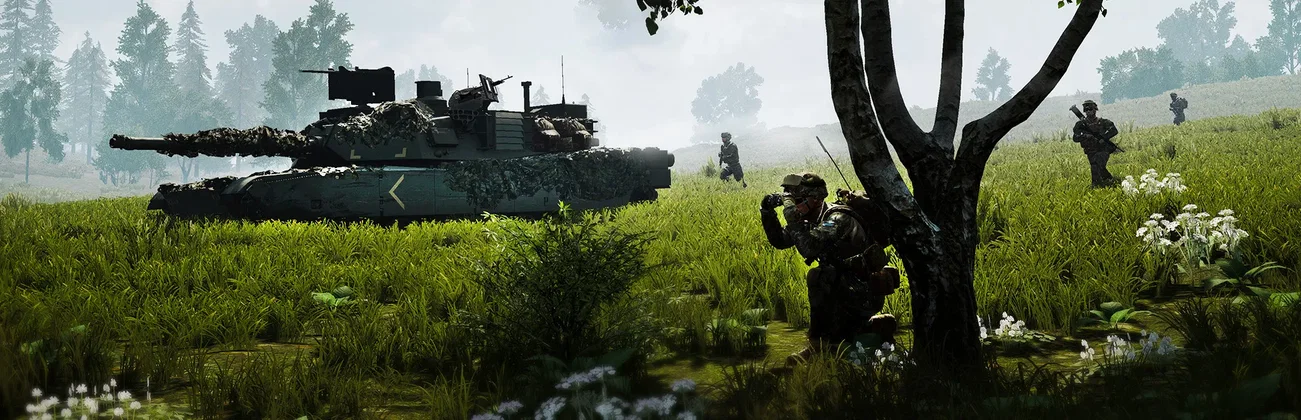
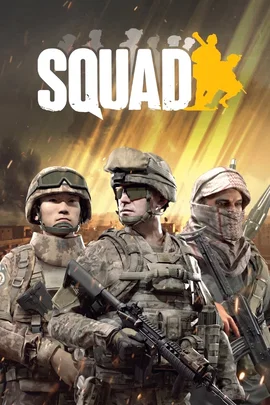
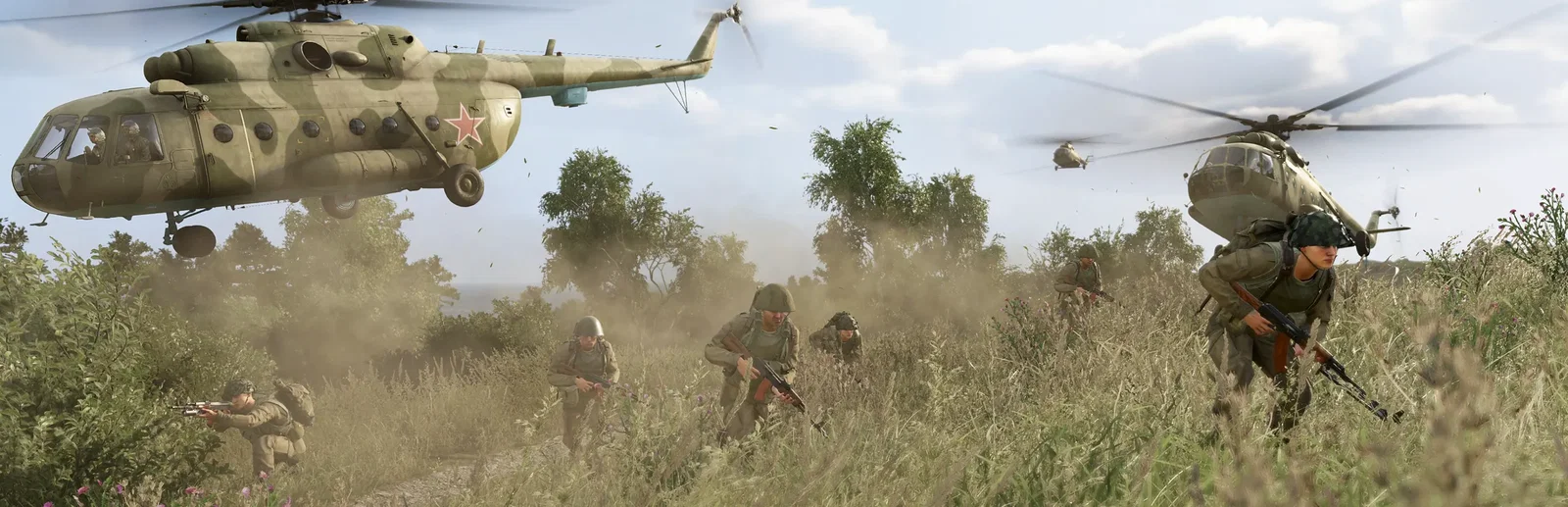
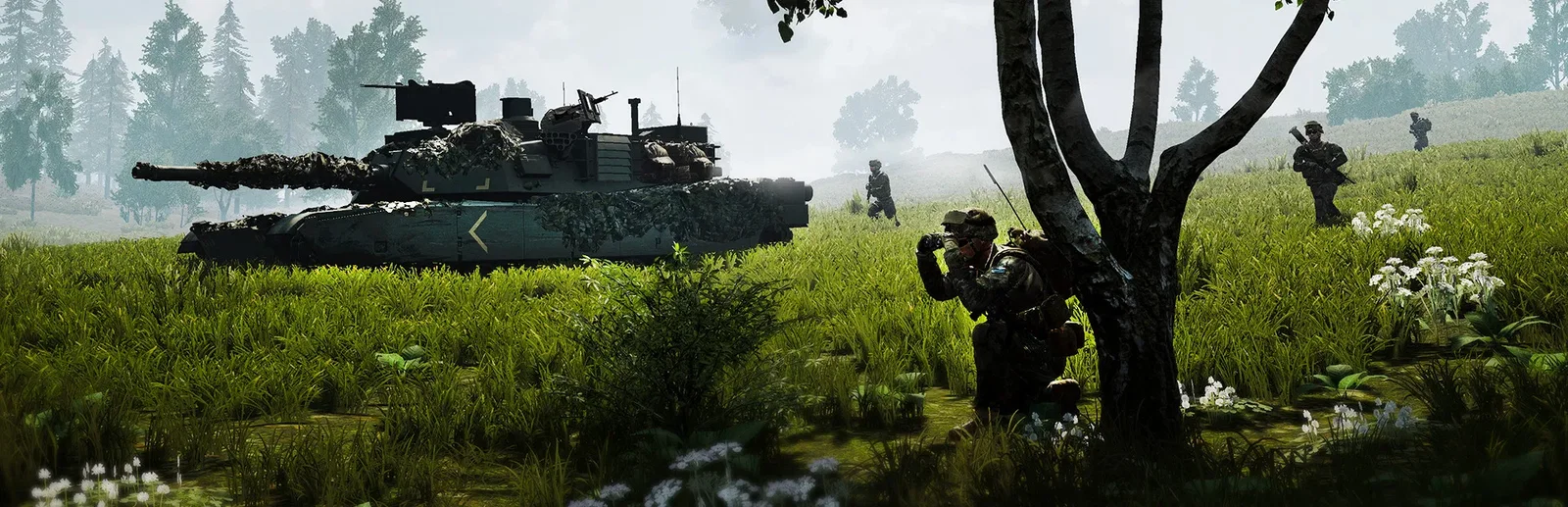
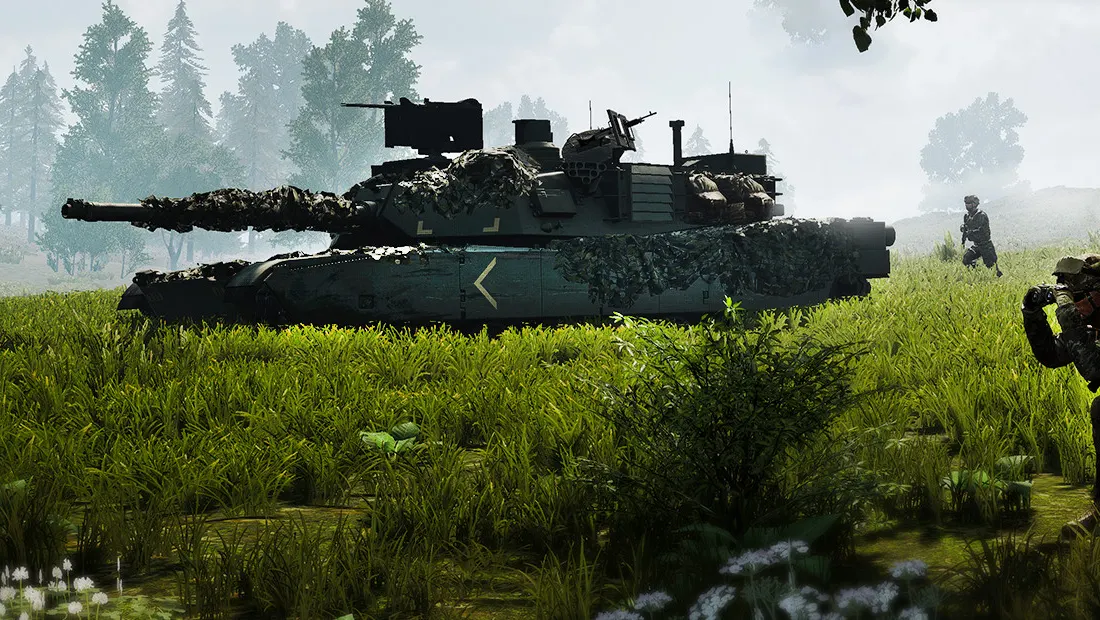
Squad is a tactical first-person shooter from Offworld that sits between arcade shooters and military simulations. Two teams of up to 50 players split into squads of nine, each with a squad leader, and fight over objectives on large maps. Voice chat, suppression, Picture-in-Picture scopes, vehicles and a building and logistics system make every push a team effort.
Join a nine-person squad and work with your team to take and hold objectives.
Haul ammo and materials, then build fortifications, emplacements and forward bases.
Why rent a server?
A Squad dedicated server gives your clan or community a home of its own, online around the clock. On a Physgun server you set the server name, password, max players and tick rate in the panel, map voting, rotation, team and team-kill rules in the config editor, list the Workshop mods to download on start, send commands from the panel console, and get full file access over SFTP and SSH.
Your server stays up when you log off, so your community can play any time.
Set your rotation, rules and passwords, and add Workshop mods.
Straight answers before you order. Still stuck? Real people are here around the clock.
 Physgun
Run your rotation, rules and Workshop mods on a server that stays up when you log off.