




































Chernarus · modded · online
Room for your map and mods
Pick the CPU and memory your map and mod list need, and size up as your community grows. Every server runs on NVMe storage.

Run your own Chernarus, with your mods, your rules and your community. Your world, bases and stashes stay online around the clock.
Powering
Find your plan
Tell us about your server and we'll recommend a plan.
No per-slot fees. Choose your own slot limit. To help us recommend the right plan for you, tell us how many friends are joining you!
No modded server is the same, and all games vary in how heavily modding can affect performance. We ask this to further estimate which plan is right for you. You can always upgrade or downgrade at any time.

Best fit
Hero12 GB RAM, 200% CPU
$31.49/mo
Pick your plan
Or build your own. Then choose where it runs and deploy.
 CustomChoose your own plan!
Billing
Secure Backups Included
Hero
Billed monthly. Cancel any time.
Switch your DayZ server to any of 534 other games, right from the panel, whenever you want!*
Included with
every plan
Your world, bases and stashes stay up when you log off, with your mods, your map and your rules.
Pick the CPU and memory your map and mod list need, and size up as your community grows. Every server runs on NVMe storage.
99.9% uptime, and every DayZ server is protected from DDoS attacks.
We install the DayZ server the moment you order, with no Steam login of your own and no port forwarding.
Steam Workshop
Paste the Workshop IDs or links of your mods in load order. Each time the server starts, it downloads them, updates them and sets them up, so players join with the right files. Server-only mods get a list of their own, and mods you upload yourself work too.
 serverDZ.cfg - Physgun VS Code main
For the power users
Connect with real developer tools and edit serverDZ.cfg, your loot tables and mission files directly. Or skip it entirely and use the panel.
First person only, crosshair, base protection, day length and more, each with a plain name in the config editor.
Play Chernarus, Livonia or Sakhal, or the map from a map mod. Change it whenever you like.
Connect BattleMetrics or CFTools Cloud with your RCON password, and send commands from our console too.
One place for your whole server: name, passwords, map, Workshop mods and RCON in the startup settings, a config editor for serverDZ.cfg, schedules you set for restarts and backups, subusers for your admins, a file manager with SSH and VS Code for your mission files, and every other universal tool.
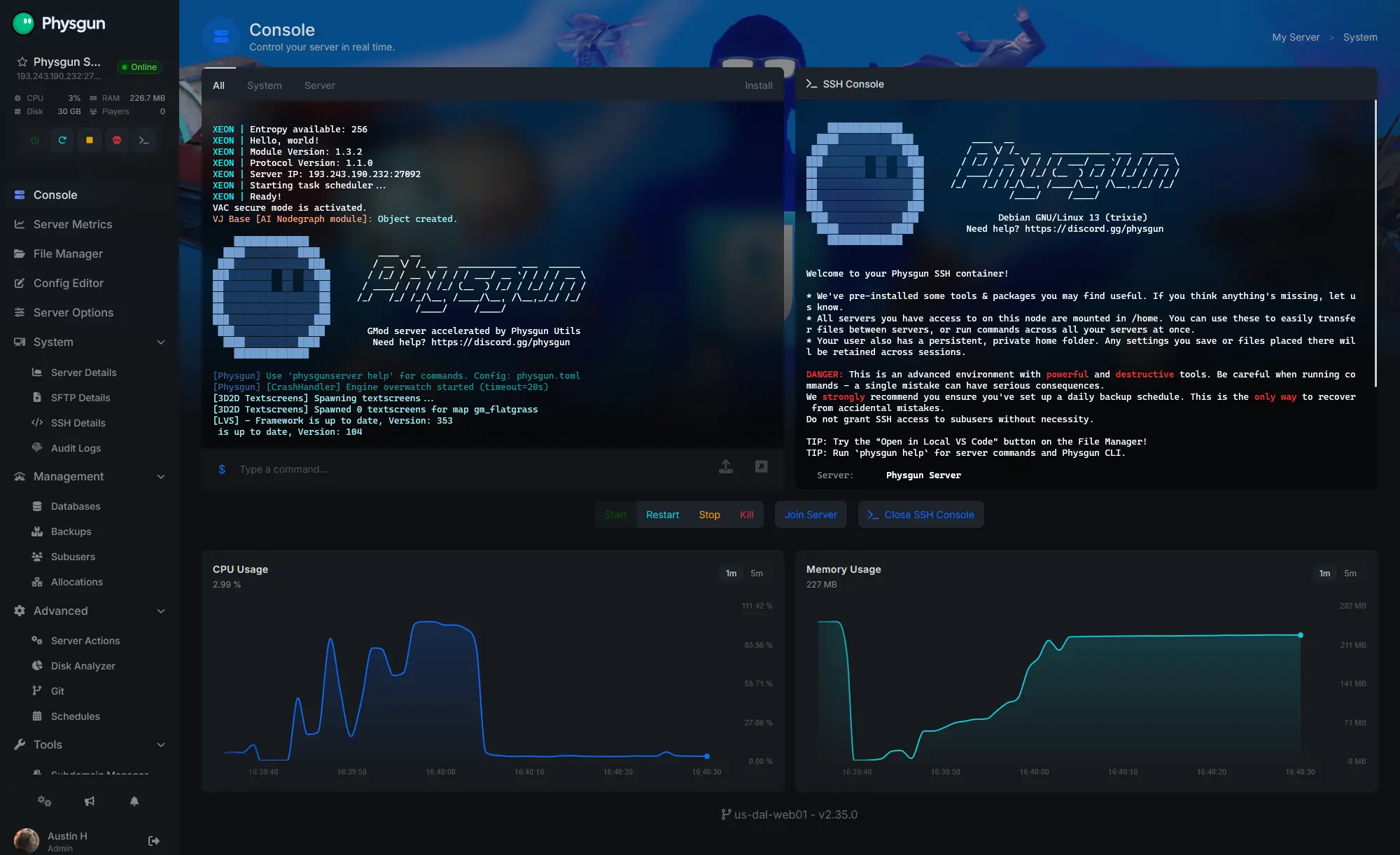
Accurate, blazing-fast output piped directly from the container. Paired with complete SSH access inside the Panel!
1 / 10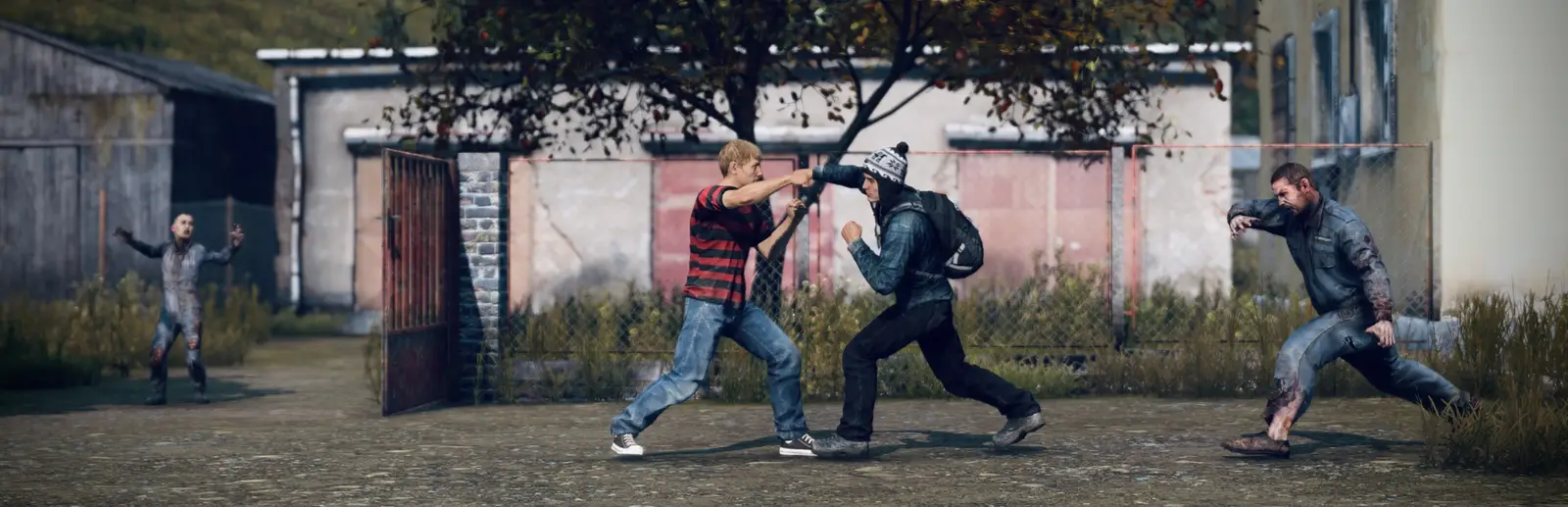
New to DayZ?
DayZ is a hardcore multiplayer survival sandbox from Bohemia Interactive. You spawn on the coast with almost nothing, and there are no quests, map markers or minimap: find food, water and gear, manage hunger, cold and disease, and deal with the infected, wolves and bears. Every other survivor could be a friend for life or the end of yours. Death means a new character, so every life and every encounter counts.
Search towns and military bases for every tool, ration and weapon, and craft what you cannot find.
Build a base, farm, fix up a car or truck, and head for train crashes and contaminated zones for the best loot.
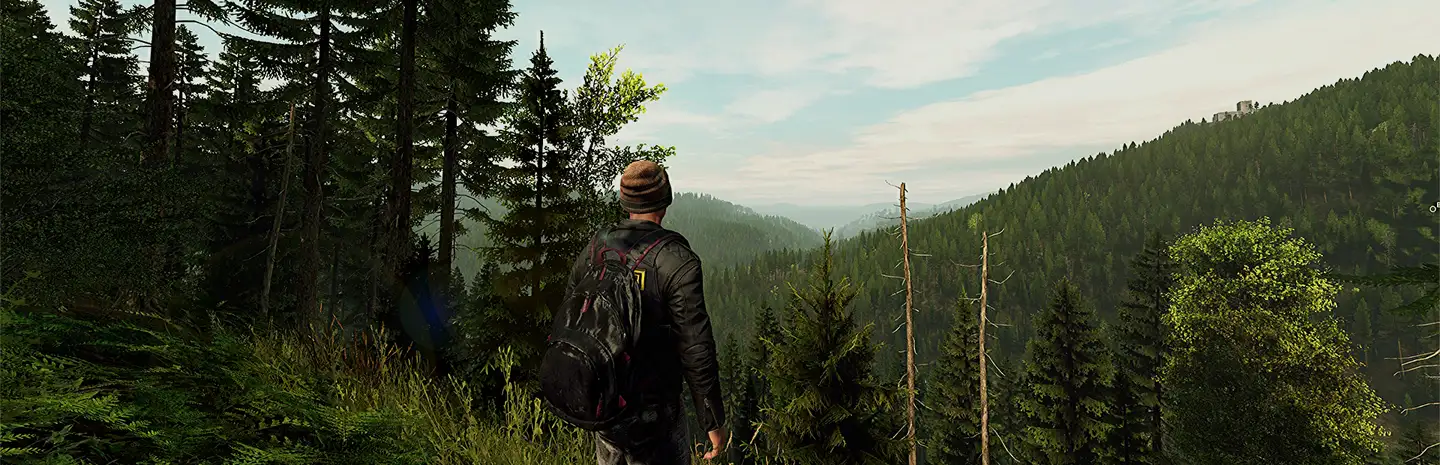
Why rent a server?
On a public server, somebody else sets the rules and the mods. A DayZ server of your own is a persistent world that runs around the clock, with the map, mod list and rules your community wants: first person only, PvE, a modded economy or a full roleplay server. With Physgun the server installs itself, downloads and updates your Steam Workshop mods and the game on every start, and keeps your config and mission edits through every update.
Bases, stashes and vehicles stay put 24/7, whether or not anyone is online.
Perspective, crosshair, base protection, day length and more, changed whenever you like.
Straight answers before you order. Still stuck? Real people are here around the clock.
 Physgun
Keep your world, bases and mods running for your community, even while you are offline.