
























PalworldServer Settings
Build a complete PalWorldSettings.ini without touching a config file. Import your existing settings, tune every rate with explanations, and copy a valid OptionSettings line with 1.0 defaults filled in.
PalWorldSettings.ini
0 changed[/Script/Pal.PalGameWorldSettings] OptionSettings=(Difficulty=None,RandomizerType=None,RandomizerSeed="",bIsRandomizerPalLevelRandom=False,DayTimeSpeedRate=1.000000,NightTimeSpeedRate=1.000000,ExpRate=1.000000,PalCaptureRate=1.000000,PalSpawnNumRate=1.000000,PalDamageRateAttack=1.000000,PalDamageRateDefense=1.000000,PlayerDamageRateAttack=1.000000,PlayerDamageRateDefense=1.000000,PlayerStomachDecreaceRate=1.000000,PlayerStaminaDecreaceRate=1.000000,PlayerAutoHPRegeneRate=1.000000,PlayerAutoHpRegeneRateInSleep=1.000000,PalStomachDecreaceRate=1.000000,PalStaminaDecreaceRate=1.000000,PalAutoHPRegeneRate=1.000000,PalAutoHpRegeneRateInSleep=1.000000,BuildObjectHpRate=1.000000,BuildObjectDamageRate=1.000000,BuildObjectDeteriorationDamageRate=1.000000,CollectionDropRate=1.000000,CollectionObjectHpRate=1.000000,CollectionObjectRespawnSpeedRate=1.000000,EnemyDropItemRate=1.000000,DeathPenalty=Item,bEnablePlayerToPlayerDamage=False,bEnableFriendlyFire=False,bEnableInvaderEnemy=True,bActiveUNKO=False,bEnableAimAssistPad=True,bEnableAimAssistKeyboard=False,DropItemMaxNum=3000,PhysicsActiveDropItemMaxNum=-1,DropItemMaxNum_UNKO=100,BaseCampMaxNum=128,BaseCampWorkerMaxNum=15,DropItemAliveMaxHours=1.000000,bAutoResetGuildNoOnlinePlayers=False,AutoResetGuildTimeNoOnlinePlayers=72.000000,GuildPlayerMaxNum=20,BaseCampMaxNumInGuild=4,PalEggDefaultHatchingTime=1.000000,WorkSpeedRate=1.000000,AutoSaveSpan=30.000000,bIsMultiplay=False,bIsPvP=False,bHardcore=False,bPalLost=False,bCharacterRecreateInHardcore=False,bCanPickupOtherGuildDeathPenaltyDrop=False,bEnableNonLoginPenalty=True,bEnableFastTravel=True,bEnableFastTravelOnlyBaseCamp=False,bIsStartLocationSelectByMap=False,bExistPlayerAfterLogout=False,bEnableDefenseOtherGuildPlayer=False,bInvisibleOtherGuildBaseCampAreaFX=False,bBuildAreaLimit=False,ItemWeightRate=1.000000,CoopPlayerMaxNum=4,ServerPlayerMaxNum=32,ServerName="Default Palworld Server",ServerDescription="",AdminPassword="",ServerPassword="",bAllowClientMod=True,PublicPort=8211,PublicIP="",RCONEnabled=False,RCONPort=25575,Region="",bUseAuth=True,BanListURL="https://b.palworldgame.com/api/banlist.txt",RESTAPIEnabled=False,RESTAPIPort=8212,bShowPlayerList=False,ChatPostLimitPerMinute=30,CrossplayPlatforms=(Steam,Xbox,PS5,Mac),bIsUseBackupSaveData=True,LogFormatType=Text,bIsShowJoinLeftMessage=True,SupplyDropSpan=180,EnablePredatorBossPal=True,MaxBuildingLimitNum=0,ServerReplicatePawnCullDistance=15000.000000,bAllowGlobalPalboxExport=True,bAllowGlobalPalboxImport=False,EquipmentDurabilityDamageRate=1.000000,ItemContainerForceMarkDirtyInterval=1.000000,PlayerDataPalStorageUpdateCheckTickInterval=1.000000,ItemCorruptionMultiplier=1.000000,MonsterFarmActionSpeedRate=1.000000,DenyTechnologyList=,GuildRejoinCooldownMinutes=0,AutoTransferMasterCheckIntervalSeconds=3600.000000,AutoTransferMasterThresholdDays=14,MaxGuildsPerFrame=10,BlockRespawnTime=5.000000,RespawnPenaltyDurationThreshold=0.000000,RespawnPenaltyTimeScale=2.000000,bDisplayPvPItemNumOnWorldMap_BaseCamp=False,bDisplayPvPItemNumOnWorldMap_Player=False,AdditionalDropItemWhenPlayerKillingInPvPMode="PlayerDropItem",AdditionalDropItemNumWhenPlayerKillingInPvPMode=1,bAdditionalDropItemWhenPlayerKillingInPvPMode=False,bEnableVoiceChat=False,VoiceChatMaxVolumeDistance=3000.000000,VoiceChatZeroVolumeDistance=15000.000000,bAllowEnhanceStat_Health=True,bAllowEnhanceStat_Attack=True,bAllowEnhanceStat_Stamina=True,bAllowEnhanceStat_Weight=True,bAllowEnhanceStat_WorkSpeed=True,bEnableBuildingPlayerUIdDisplay=False,BuildingNameDisplayCacheTTLSeconds=60)
Server Identity
Name, passwords, and player cap
Shown in the community server browser.
One-liner under your name in the browser.
Leave empty for a public server.
Needed for in-game admin commands, RCON, and the REST API.
Dedicated servers support up to 32.
Expose the online player list in-game.
Network & Access
Ports, crossplay, RCON, and REST API
UDP. Default 8211, must be open to the internet.
Usually left empty, your host sets this automatically.
Which platforms can join.
Let players join with client-side mods installed.
Remote console for admin tools.
HTTP admin API, used by panels and bots.
Rates & Multipliers
EXP, capture, spawn, and work speed
1 = normal progression. 2 to 3 suits most community servers.
Sphere catch chance multiplier.
More wild Pals = more CPU load.
Base Pal crafting and building speed.
0 hatches eggs instantly. Applies to the largest eggs, smaller ones scale down.
Above 1 makes nights pass faster.
Ore, wood, berries and other gatherables.
Below 1 lets players carry more.
Combat & Difficulty
Damage, PvP, hardcore, and raids
None means the individual rates below are used as-is.
What players drop on death. All includes their Pals.
Wild raids on your base camps.
Roaming predator boss Pals in the world.
Death is permanent for players.
Pals that die are lost forever.
Survival & Regen
Hunger, stamina, and HP regen
Bases & Guilds
Base camps, guild size, and item caps
Every extra active base adds server load.
Working Pals per base camp. 15 is the game default.
Clean up guilds whose players stopped logging in.
0 disables decay outside base areas.
World item cap. Lower helps performance.
Sleeping players remain in the world and can be looted in PvP.
World & QoL
Auto-save, fast travel, and voice chat
Let players export Pals to the global Palbox.
Let players bring Pals in from other worlds. Off keeps progression legit.
Defaults match the official DefaultPalWorldSettings.ini from Palworld 1.0. Settings you import but we don't list are preserved untouched in the output.
FAQ · Frequently. Asked. Questions.
Still fighting your config? Check the Physgun Knowledge Base, or hop into the Physgun Discord and our team will sort it with you.
Featured Articles
More Palworld Tools
Palworld Server Hosting
Deploy a dedicated server in minutes on Ryzen 9 hardware. No slot limits, US & UK.
RAM Calculator
Size your dedicated server and match a plan.
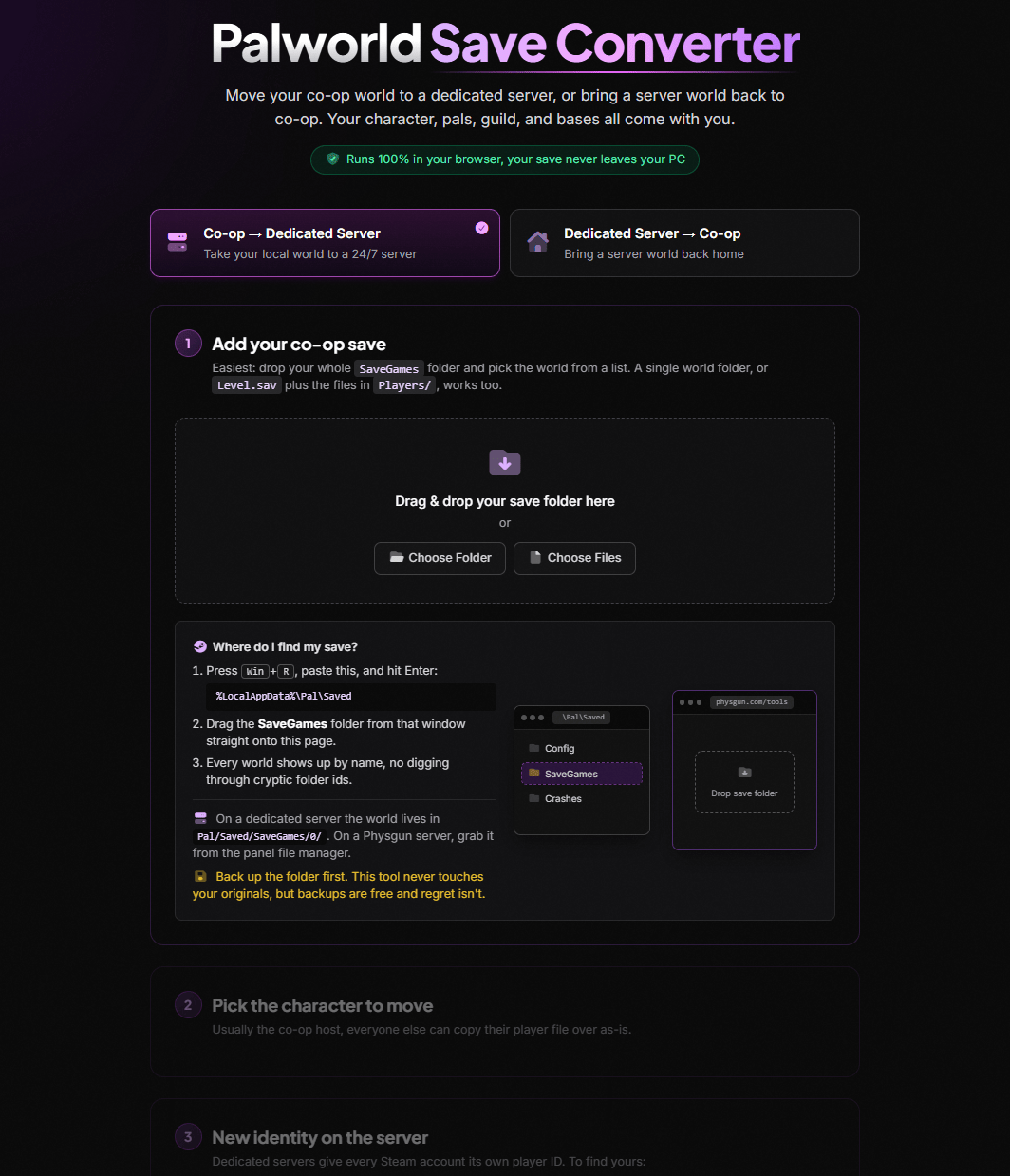
Save Converter
Move co-op worlds to a dedicated server, or back.
Breeding Calculator
Every combo for all 299 Pals, from the game files.
Type Chart
All element strengths, weaknesses, and multipliers.
Passive Skills List
All 115 passives with effects and ranks, searchable.
Work Suitability Chart
The best Pals for all twelve base jobs, ranked.
IV Calculator
Read hidden IVs from your Pal's displayed stats.
Team Builder
Element coverage, weaknesses, and gap-fillers for your party of five.
Physgun Game Servers
Deploy a dedicated server in minutes on Ryzen 9 hardware. No slot limits, US & UK.
Rust Server Hosting
DDoS-protected Rust servers on Ryzen 9 hardware. Oxide & Carbon ready.
GMod Server Hosting
The #1 host for Garry's Mod communities.
ARK Server Hosting
Clustered maps, mods, and cross-travel.
Project Zomboid Hosting
Multiplayer saves, mods, and workshop support.
DayZ Server Hosting
Custom maps and mission files, full FTP.

Ready to launch your Palworld server?
Deploy a no-lag, high-performance Palworld server in seconds, then paste the config you just built straight into the panel.


