


































Day 7 · blood moon rising
Pick the power you need
Choose the CPU, memory and NVMe storage your server runs on, and add more when your group or your horde grows.

Run your own world for your group: pick the map, set the horde, and keep it online between blood moons.
Powering
Find your plan
Tell us about your server and we'll recommend a plan.
Let's find your plan
No per-slot fees. Choose your own slot limit. To help us recommend the right plan for you, tell us how many friends are joining you!
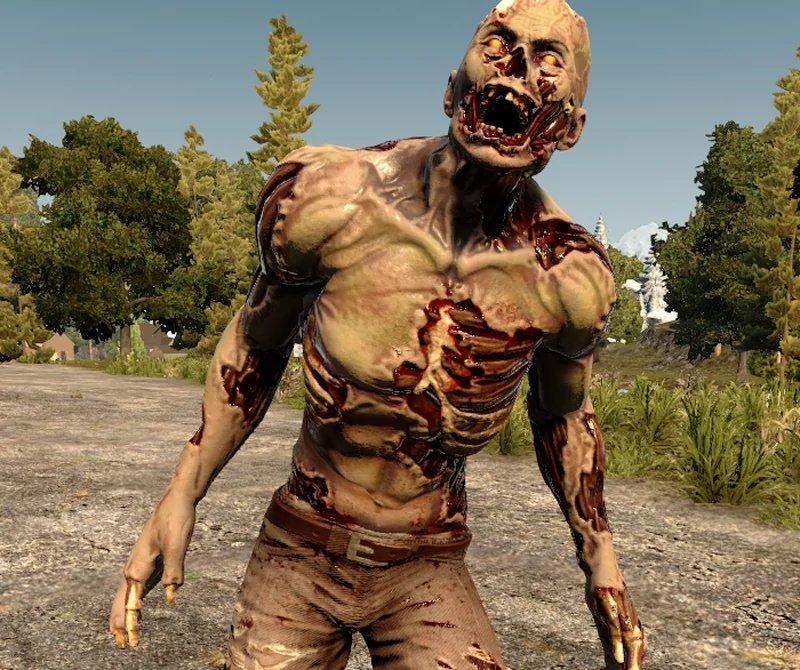
Best fit
Feral Wight12 GB RAM, 200% CPU
$31.49/mo
Pick your plan
Or build your own. Then choose where it runs and deploy.
 CustomChoose your own plan!
Billing
Secure Backups Included
Feral Wight
Billed monthly. Cancel any time.
Switch your 7 Days to Die server to any of 539 other games, right from the panel, whenever you want!*
Included with
every plan
Your world, your rules and your horde nights, on a server that stays up when you log off.
Choose the CPU, memory and NVMe storage your server runs on, and add more when your group or your horde grows.
Your world stays up when you log off, and it is protected from DDoS attacks.
Order and the server installs 7 Days to Die on its own. A restart brings the latest game update.
No XML to edit
Play Navezgane or a new random world with your own seed and size, cap how many zombies are alive at once, set who can hurt whom, and turn on the game's web dashboard. Difficulty, loot, day length and blood moons come from one game settings code you copy from the game's New Game screen.
 serverconfig.custom.xml - Physgun VS Code main
For the power users
Connect with real developer tools to edit the server's config and admin list directly. Or skip it and use the panel.
Run the latest version, or pin an older one.
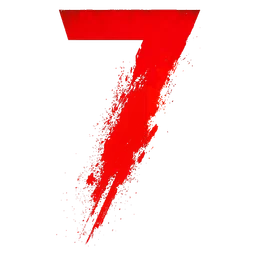
Play the hand-made map, or generate a random world from your own seed and size.
Turn on the game's web dashboard, and set the telnet password your admin tools connect with.
One place for your whole world: world, seed, max players, zombie cap, web dashboard and game version in the startup settings, schedules you set for restarts and backups, subusers for your admins, a file manager with SSH and VS Code for your config and admin list, and every other universal tool.
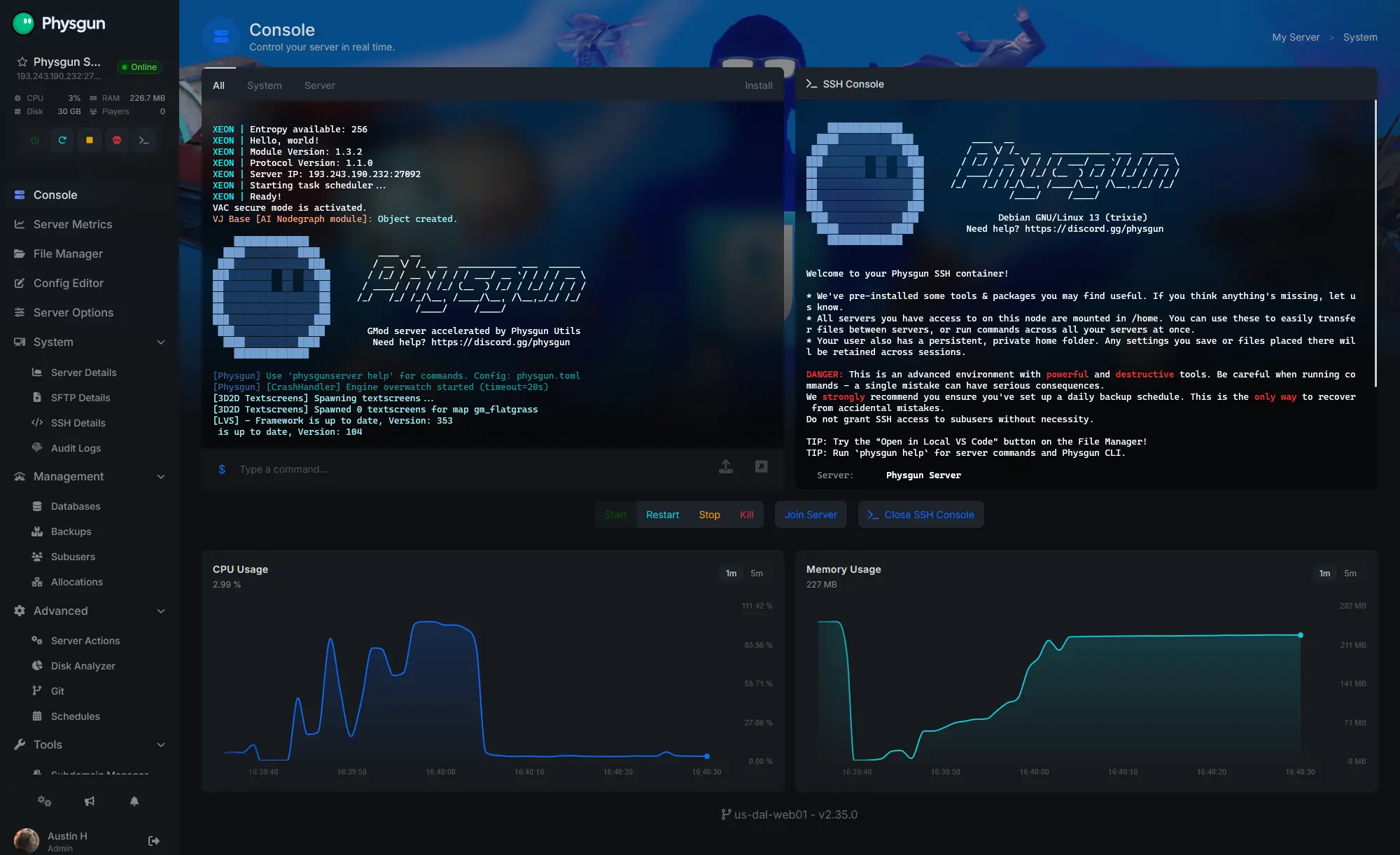
Accurate, blazing-fast output piped directly from the container. Paired with complete SSH access inside the Panel!
1 / 10
New to 7 Days to Die?
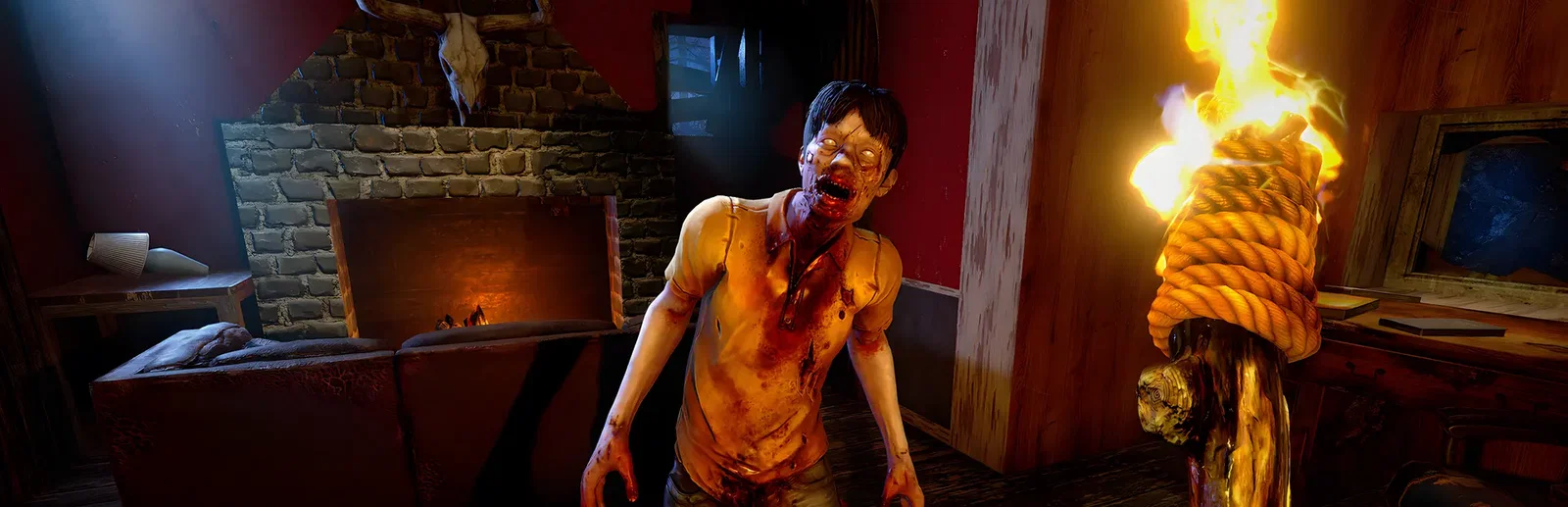
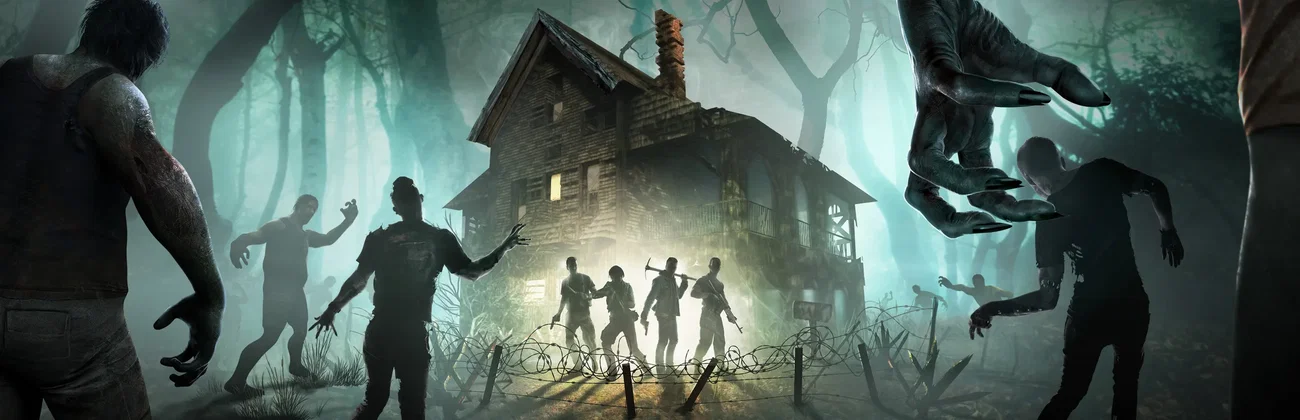
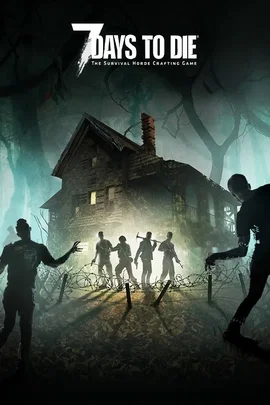
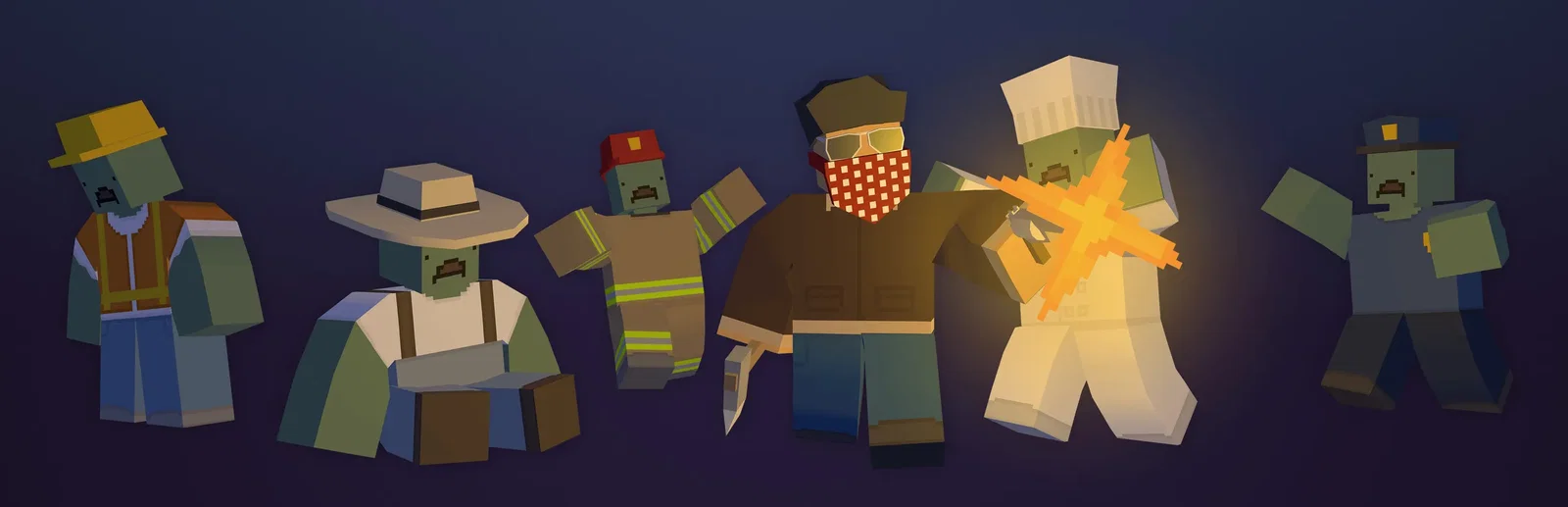
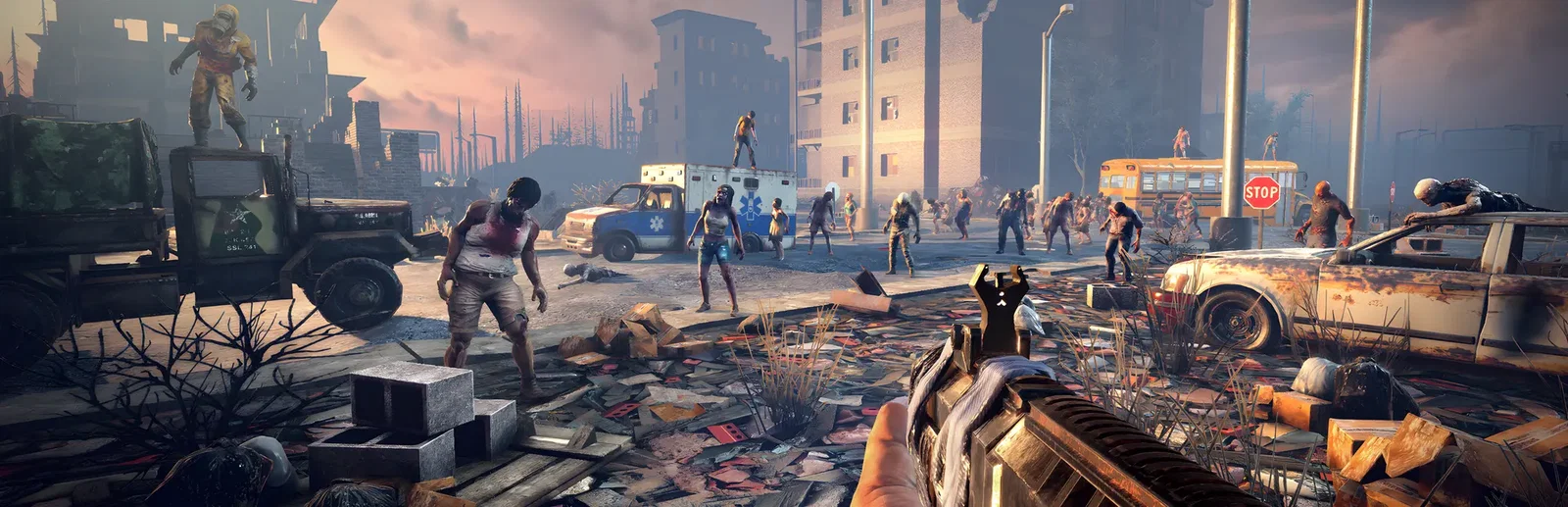
7 Days to Die is an open-world zombie survival game from The Fun Pimps that mixes first-person shooter, survival horror, tower defense and RPG. You loot, mine and craft, level up your skills and perks, and build a fort with traps, electric power and turrets in a fully destructible world. Every seventh night the Blood Moon horde comes for you, wherever you are, and it gets harder each time.
Design a fort with traps, power and turrets, and watch it hold or collapse under the horde.
Build a settlement together, or raid each other's bases. It is up to your group.
Why rent a server?
A 7 Days to Die dedicated server keeps your world online when the host logs off, so everyone can play on their own schedule, and no one has to run the game and the server on the same PC. With Physgun you pick the world, seed and size, max players, zombie cap and game version in the panel, paste a game settings code for difficulty and blood moons, and get full file access over SFTP and SSH.
Your world stays up when you log off, so your group can play any time.
Set your world and rules, and pick the game version you want.
Straight answers before you order. Still stuck? Real people are here around the clock.
 Physgun
Keep your world online between blood moons, with your map, your horde and your rules.