















































Bedrock level · running
Room for your whole group
Pick the CPU and memory your server needs, on NVMe storage, and size up as your world grows.

Run a Minecraft Bedrock world that stays online for your group. Pick the game mode, difficulty and version, and keep it to an allow list from the panel.
Powering
Find your plan
Tell us about your server and we'll recommend a plan.
Let's find your plan
No per-slot fees. Choose your own slot limit. To help us recommend the right plan for you, tell us how many friends are joining you!

Best fit
Iron4 GB RAM, 200% CPU
$11.49/mo
Pick your plan
Or build your own. Then choose where it runs and deploy.
 CustomChoose your own plan!
Billing
Secure Backups Included
Iron
Billed monthly. Cancel any time.
Switch your Minecraft: Bedrock Edition server to any of 536 other games, right from the panel, whenever you want!*
Included with
every plan
A Bedrock world that stays online for your group, with its settings, version and allow list in the panel.
Pick the CPU and memory your server needs, on NVMe storage, and size up as your world grows.
99.9% uptime, and every Minecraft Bedrock server is protected from DDoS attacks.
Your server deploys itself the moment you order. No setup, no waiting.
Your server, your rules
Set how far players can see, how much of the world stays active around them, what new players are allowed to do, and whether they need to sign in with Xbox, all in the config editor.
 server.properties - Physgun VS Code main
For the power users
Connect with real developer tools and edit server.properties, your allow list or your permissions directly. Or skip it entirely and use our simple panel.
Stay on the latest release, which the server installs every time it starts, try preview builds, or pin a version. Players need the same version to join.
Turn on the allow list to keep the server to your group, then add players by gamertag from the console.
Want plugins? Endstone and LeviLamina are one click away in the panel.
One place for your whole Bedrock world: game mode, difficulty, allow list, seed and version in the startup settings, a config editor for permissions and view distance, a console for your commands, scheduled restarts and backups, subusers for your friends, a file manager with SSH and VS Code, and every other universal tool.
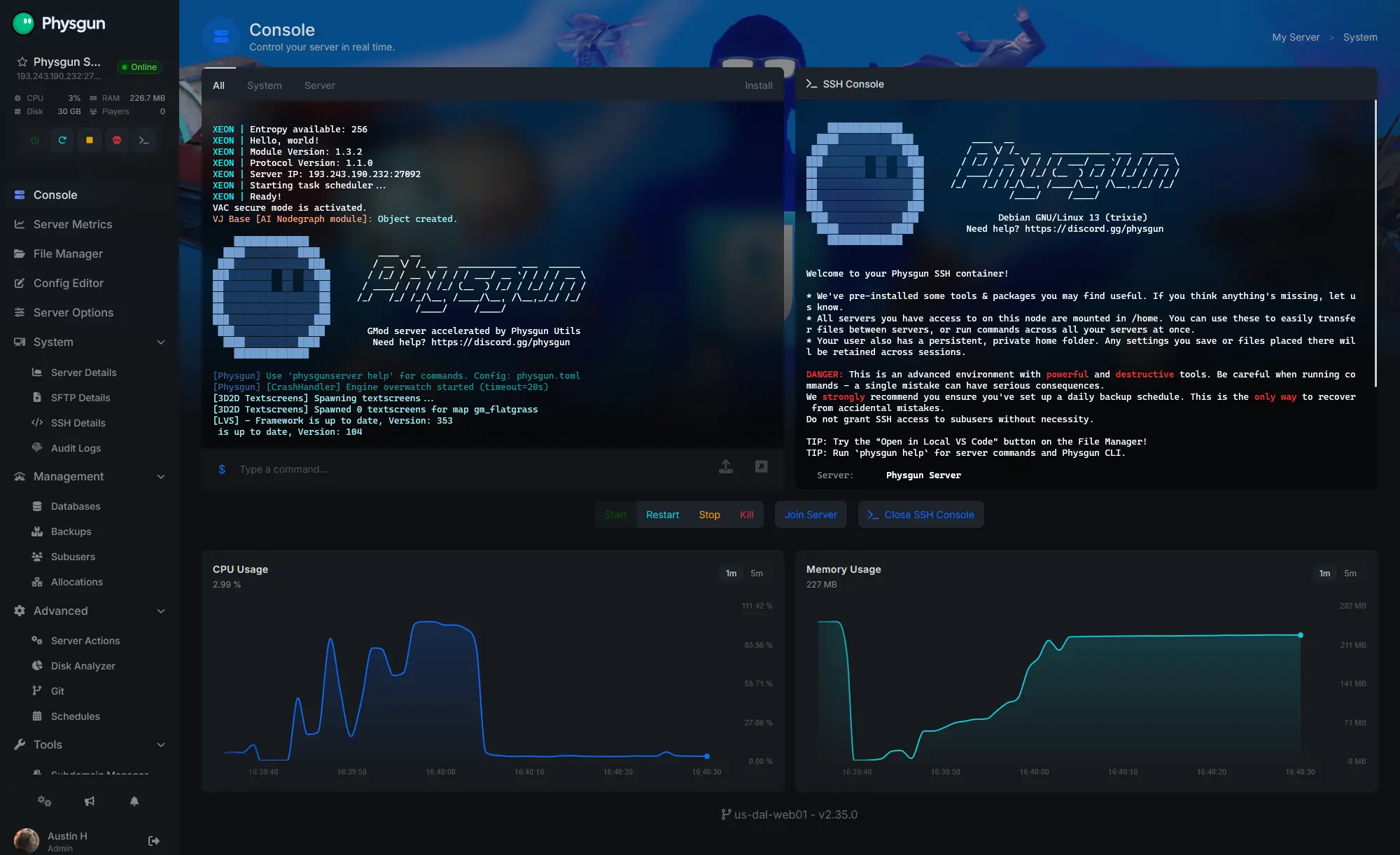
Accurate, blazing-fast output piped directly from the container. Paired with complete SSH access inside the Panel!
1 / 10
New to Bedrock?
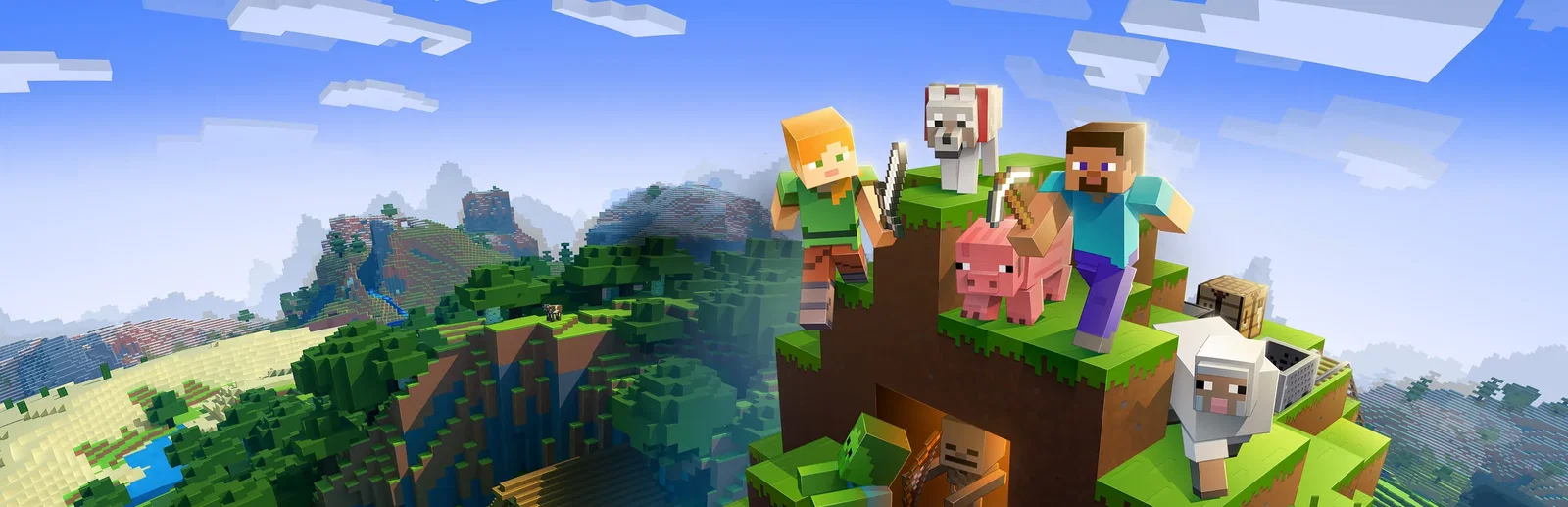
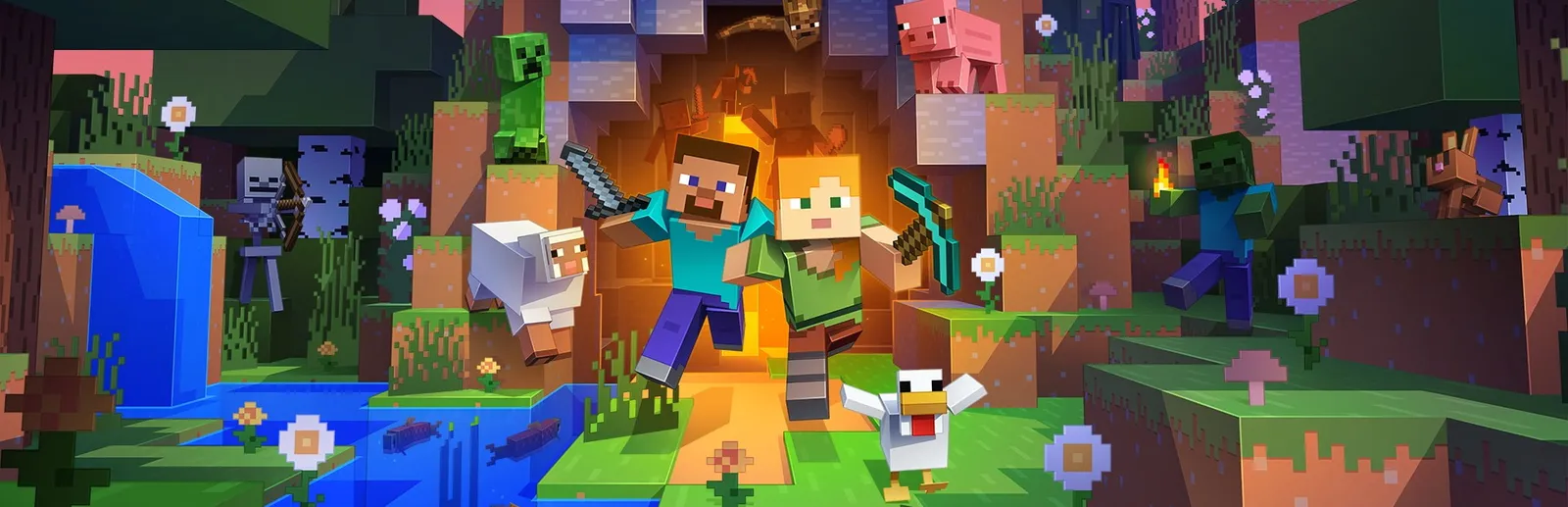
Minecraft: Bedrock Edition is the version of Minecraft from Mojang Studios that runs on Windows, consoles and mobile. You punch trees, craft tools, mine ore, build a shelter and fight mobs at night. Over time you farm, explore caves and structures, enter the Nether and the End, and take on big builds. There is no fixed goal: play survival or creative, alone or with friends.
Gather resources and build whatever you like, from a first shelter to a whole town.
Fight mobs, explore caves, and head into the Nether and the End.
Why rent a server?
A world hosted from a player's own device is only online while they play. A server of your own keeps the world running for everyone, whoever is on, with as many players as your server can hold. With Physgun it deploys in minutes, with the game mode, difficulty, player limit, allow list, seed and version in the panel, a restart that brings in the latest release, and full file access over SFTP and SSH.
The world stays online, so your group can play on its own schedule.
Set the game mode, difficulty, seed, permissions and view distance from the panel.
Straight answers before you order. Still stuck? Real people are here around the clock.
 Physgun
Launch a Minecraft Bedrock world for your group, with your game mode, version and allow list.