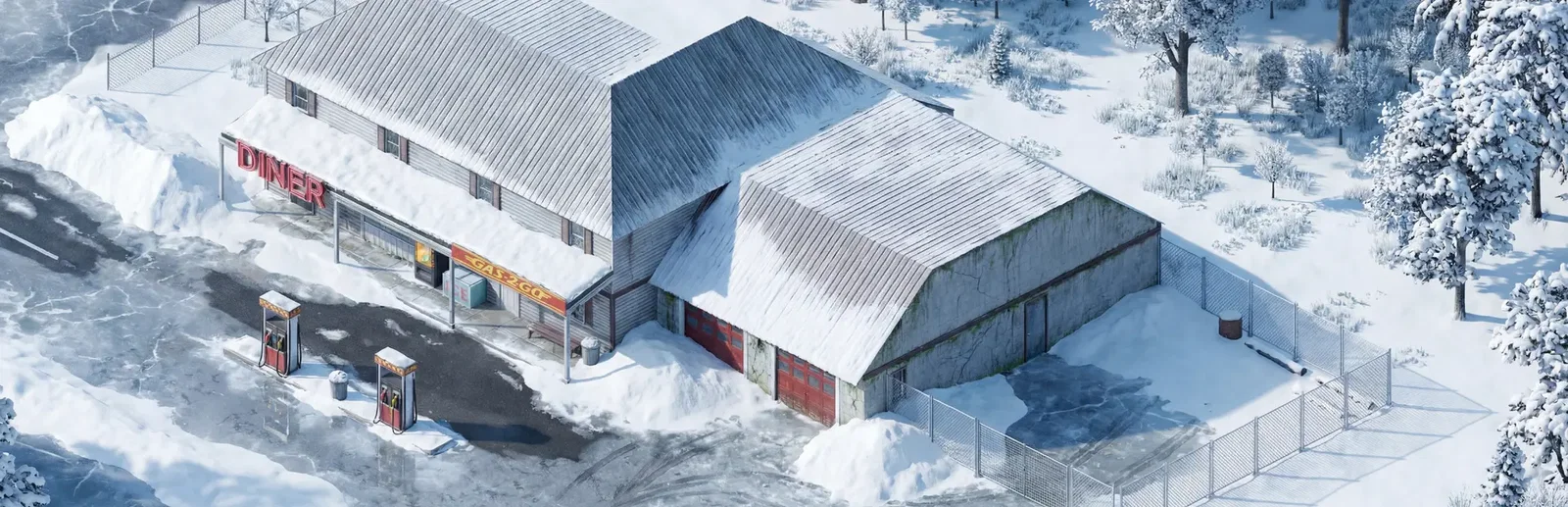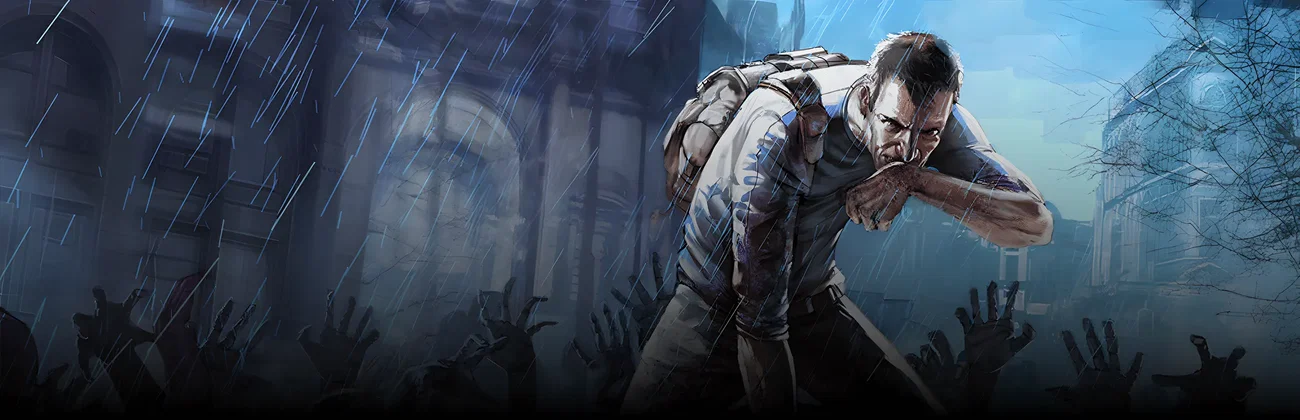


























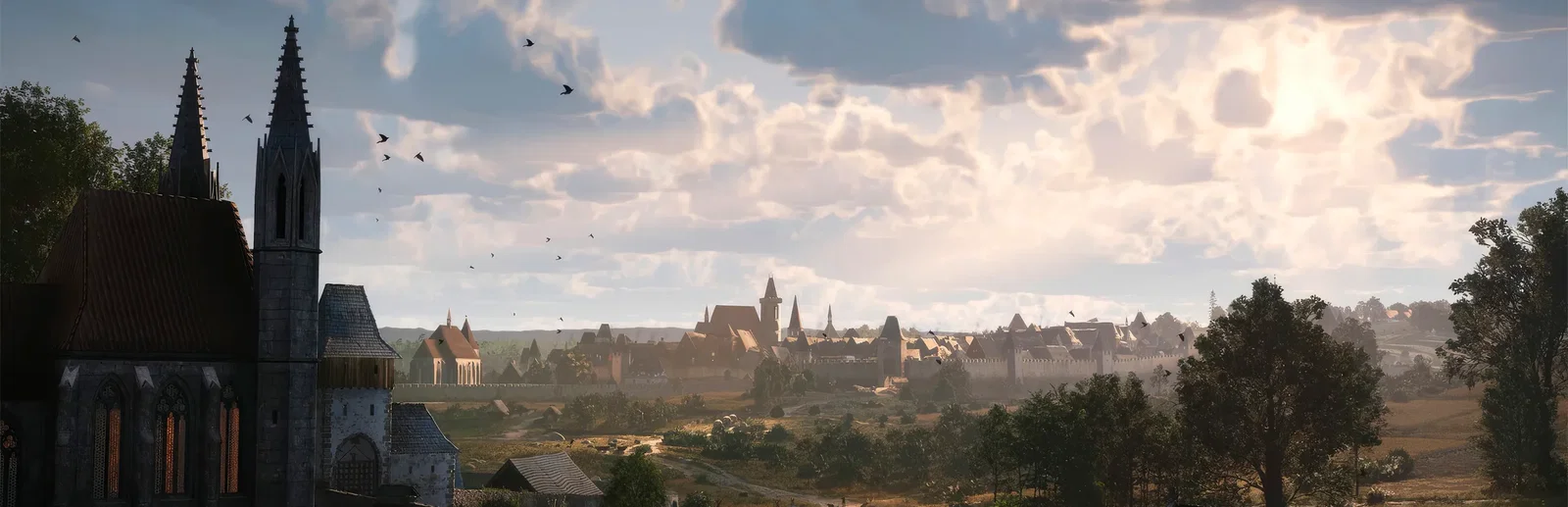

Muldraugh, KY · horde inbound
Pick the power you need
Choose the CPU, memory and NVMe storage your world runs on, and add more when your mod list grows.
Run your own Knox Country world for friends or a community, with your mods, your sandbox rules and your PvP settings, all set up from one panel.
Powering
Find your plan
Tell us about your server and we'll recommend a plan.
No per-slot fees. Choose your own slot limit. To help us recommend the right plan for you, tell us how many friends are joining you!
No modded server is the same, and all games vary in how heavily modding can affect performance. We ask this to further estimate which plan is right for you. You can always upgrade or downgrade at any time.

Best fit
Fast Shamblers12 GB RAM, 300% CPU
$32.49/mo
Pick your plan
Or build your own. Then choose where it runs and deploy.
 CustomChoose your own plan!
Billing
Secure Backups Included
Fast Shamblers
Billed monthly. Cancel any time.
Switch your Project Zomboid server to any of 539 other games, right from the panel, whenever you want!*
Included with
every plan
Your mods, your sandbox rules and a world that keeps going, on a server you run from one panel.
Choose the CPU, memory and NVMe storage your world runs on, and add more when your mod list grows.
Your world stays up when you log off, and it is protected from DDoS attacks.
Order and the server installs Project Zomboid on its own, then fetches game updates each time it starts.
servertest.ini, without the typing
Safehouses and factions, PvP damage, respawns, sleep, voice chat and a Discord chat link, grouped and labelled in the panel.
 servertest.ini - Physgun VS Code main
For the power users
Connect with real developer tools and edit servertest.ini or your sandbox settings directly. Or skip it and use the panel.
Set the server name, passwords, max players and PvP in the startup settings, and restart to apply them.
Run Build 42, or stay on Build 41 while your mods catch up.
List Workshop items and mod IDs, and the server downloads them when it starts.
One place for your whole Knox Country world: name, passwords, PvP, game version and Workshop mods in the startup settings, a config editor for safehouses, factions and chat, schedules you set for restarts and backups, subusers for your admins, a file manager with SSH and VS Code, and every other universal tool.
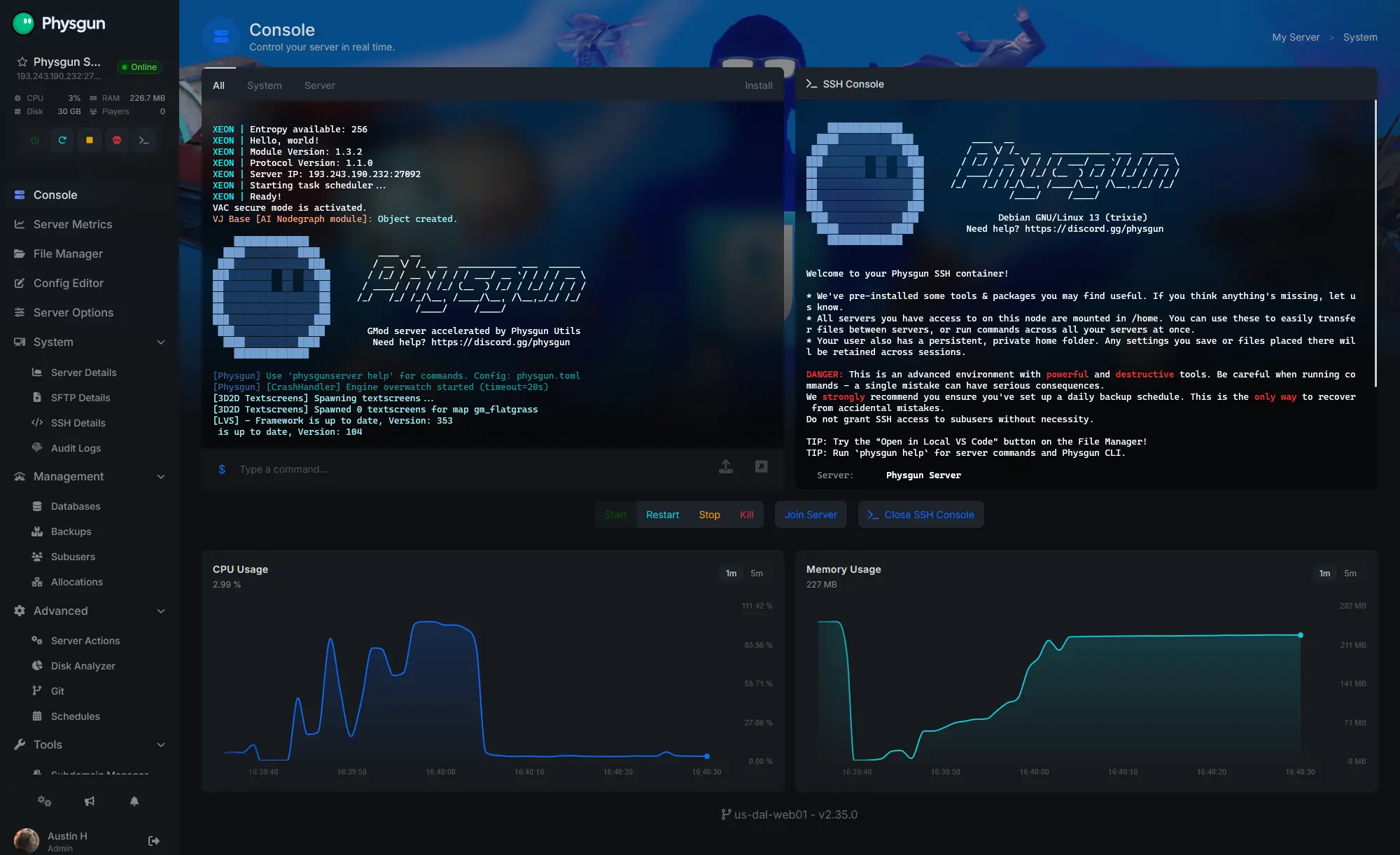
Accurate, blazing-fast output piped directly from the container. Paired with complete SSH access inside the Panel!
1 / 10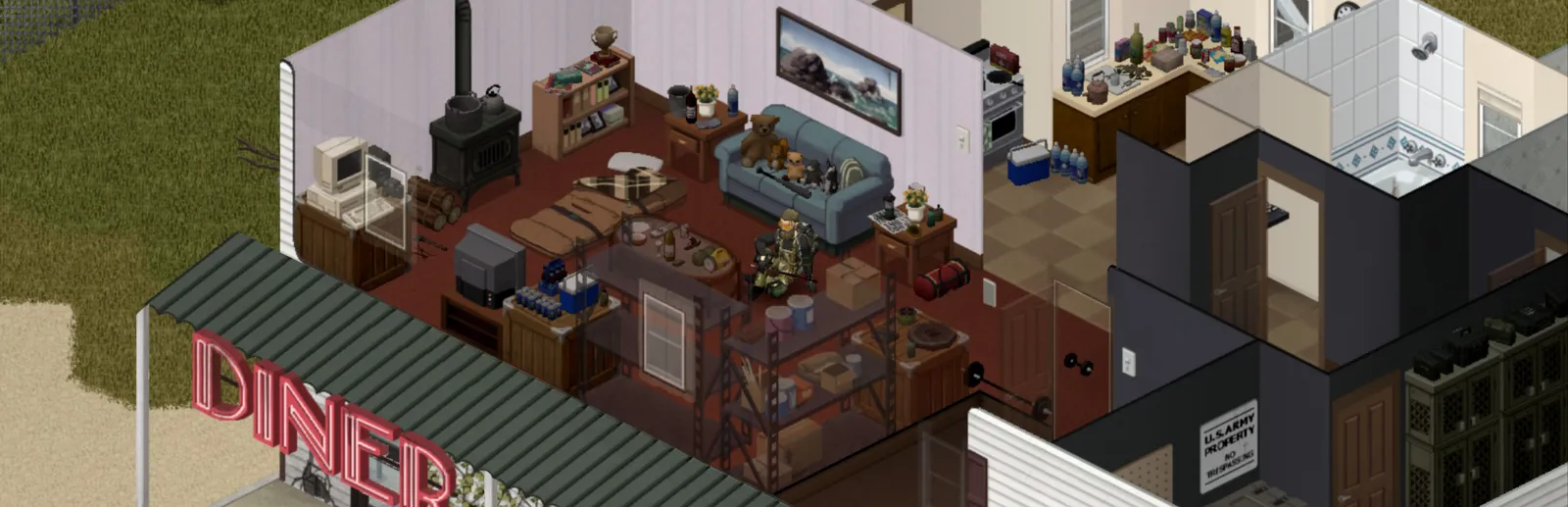
New to Project Zomboid?
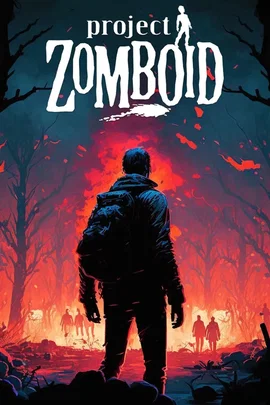
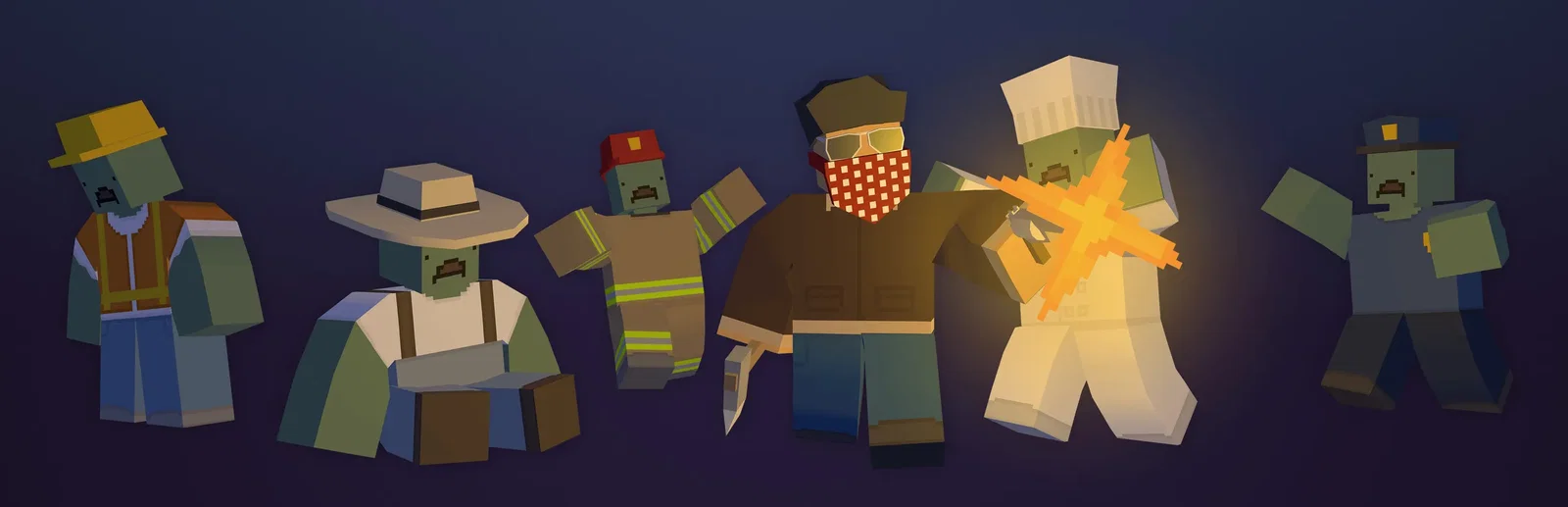
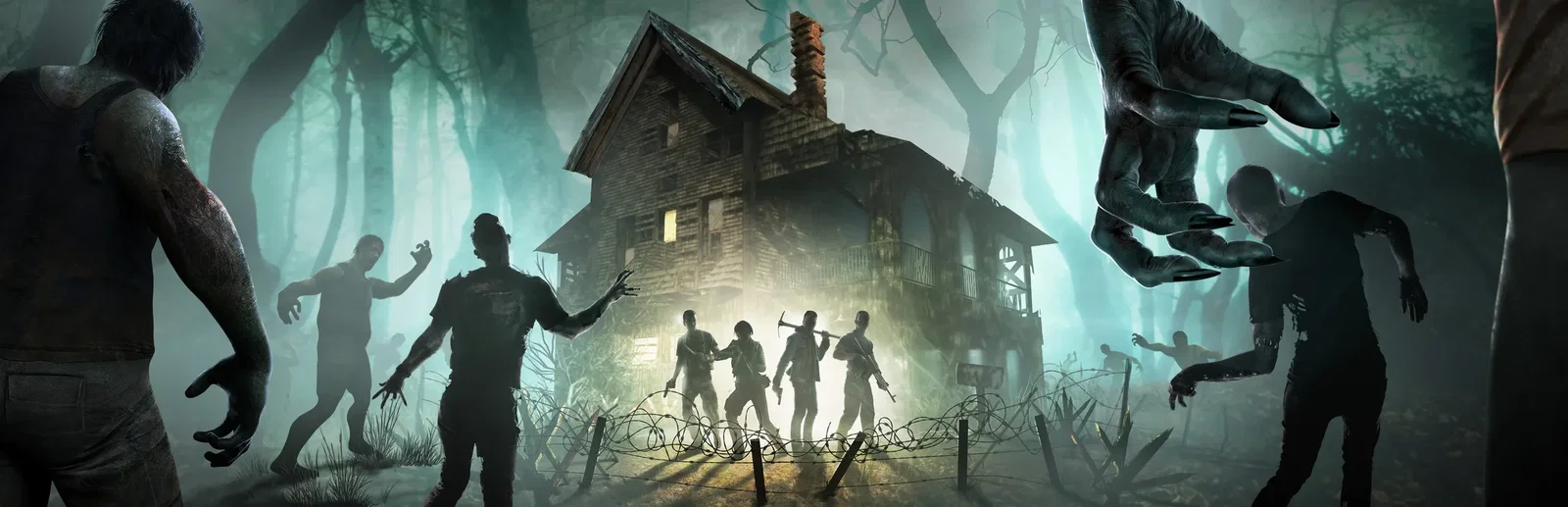
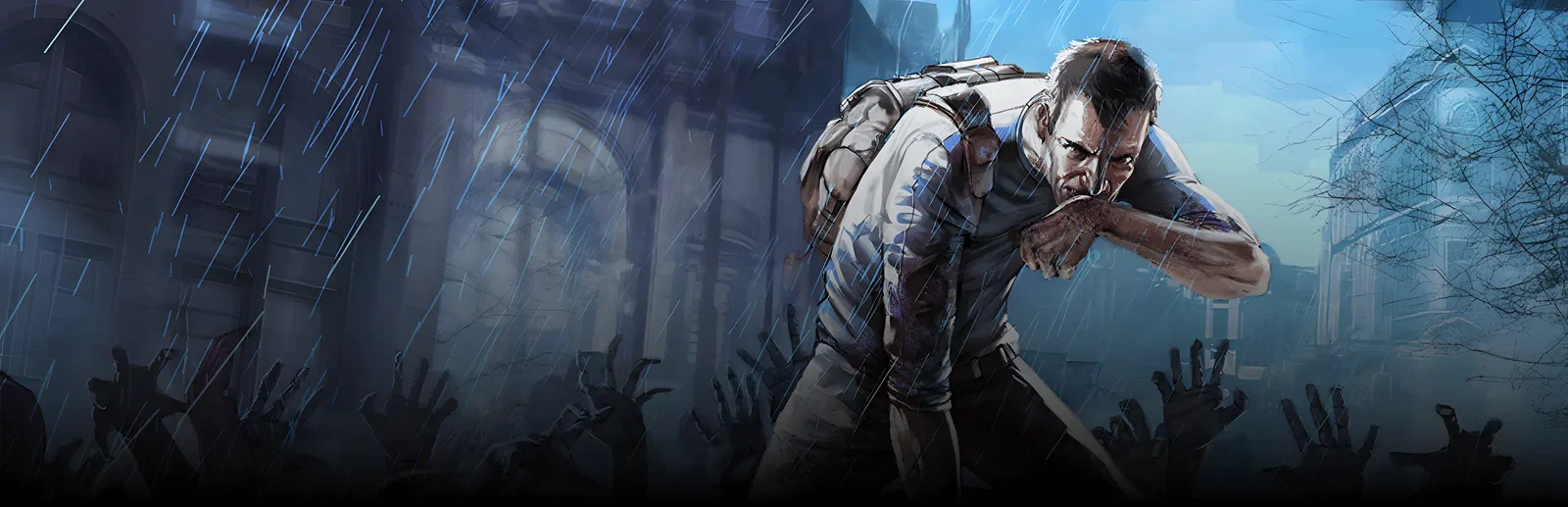
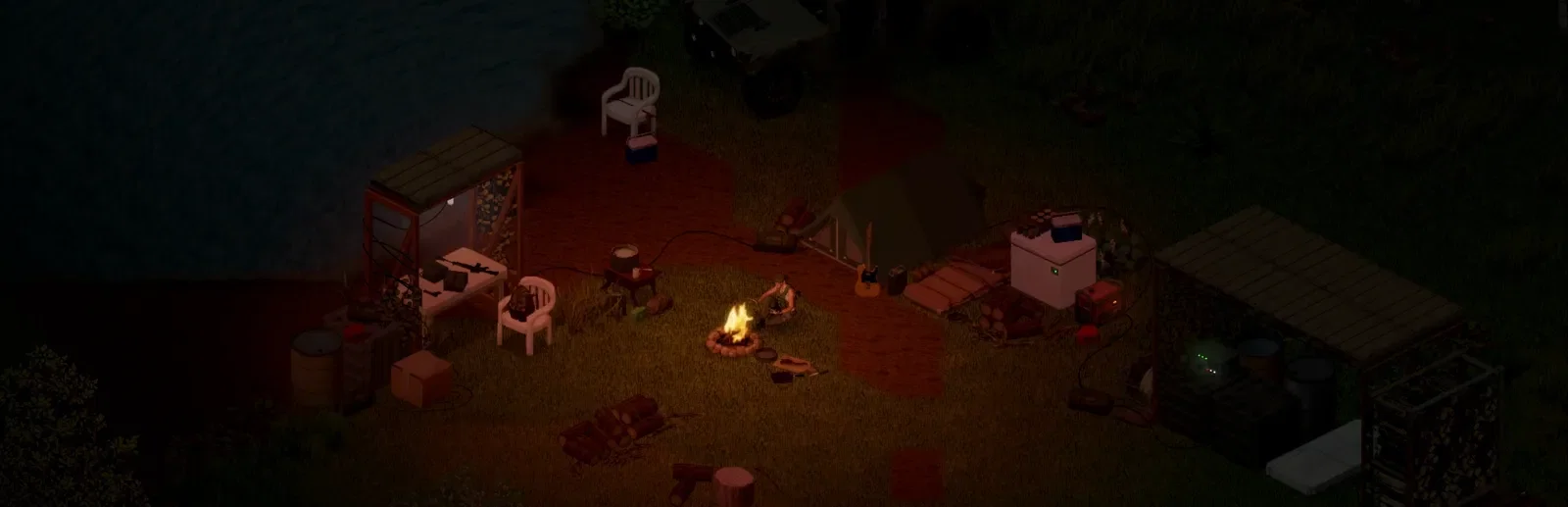
Project Zomboid is an open-ended zombie survival sandbox from The Indie Stone, set in Knox Country, a vast map loosely based on real-world Kentucky. It asks one simple question: how will you die? You loot houses, build defences, farm, fish, cook and level skills by using them, while keeping your survivor fed, rested and sane. Day turns to night, the electricity falters, hordes migrate and winter draws in. All it takes is a bite.
Scavenge supplies, barricade a safehouse and grow a base that can last the winter.
Zombie speed, population, loot and infection are all yours to set.
Why rent a server?
A Project Zomboid dedicated server keeps your world online without a PC left on at home, so your group can play whenever they like. With Physgun you set the server name, passwords, max players, PvP and game version in the panel, tune safehouses, factions, respawns and chat in the config editor, list Workshop mods to download on start, and get full file access over SFTP and SSH for your sandbox settings.
Your world stays up when you log off, so friends can join any time.
Run Build 42 or Build 41 with the Workshop mods your group plays.
Straight answers before you order. Still stuck? Real people are here around the clock.
 Physgun
Run a Knox Country world with your mods and rules that stays up when you log off.