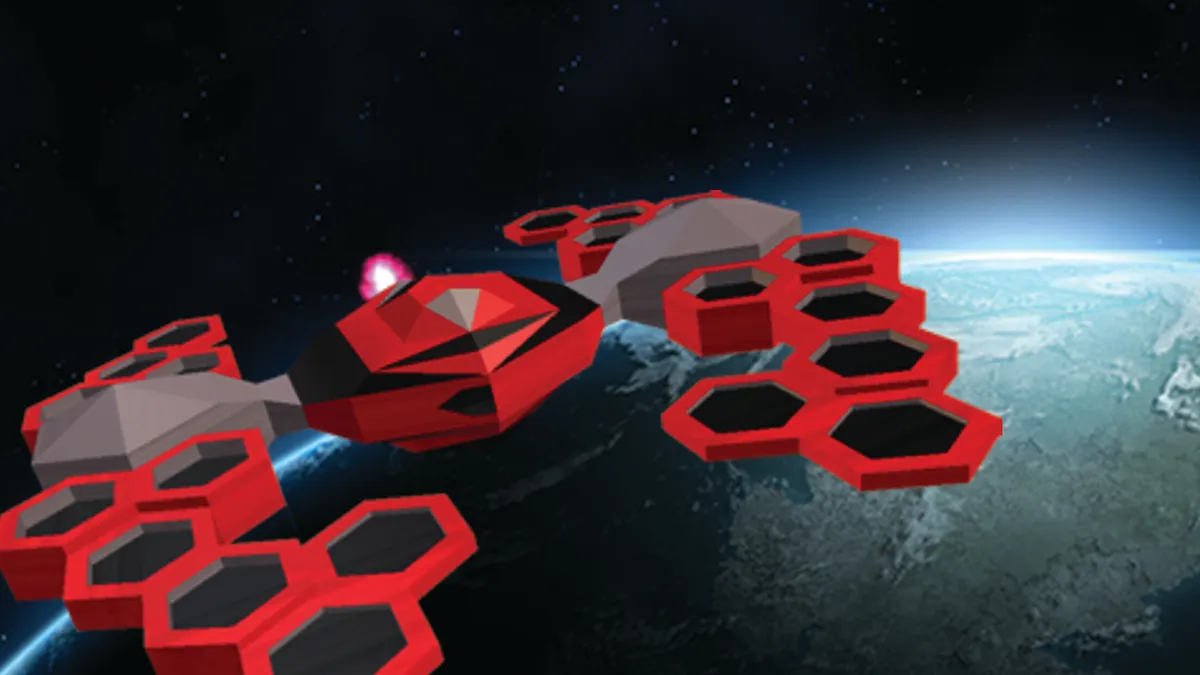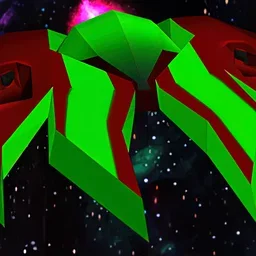




































Full lobby · close combat
Room for every pilot
Pick the CPU and memory your matches need, and resize any time as your group grows.

Run your own Yargis server for close combat with your group. Set the name, the password and the levels, and keep it online when you log off.
Powering
Find your plan
Tell us about your server and we'll recommend a plan.
Let's find your plan
No per-slot fees. Choose your own slot limit. To help us recommend the right plan for you, tell us how many friends are joining you!
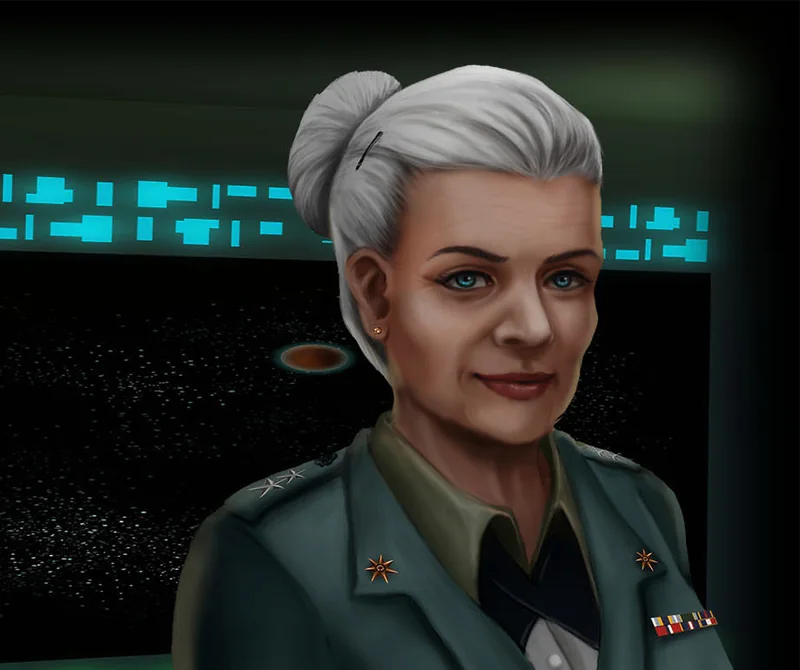
Best fit
Admiral Wilma1 GB RAM, 150% CPU
$3.49/mo
Pick your plan
Or build your own. Then choose where it runs and deploy.
 CustomChoose your own plan!
Billing
Secure Backups Included
Admiral Wilma
Billed monthly. Cancel any time.
Switch your Yargis - Space Melee server to any of 445 other games, right from the panel, whenever you want!*
Included with
every plan
A server that stays up when you log off, with your own name, password and levels, and a panel that keeps it running.
Pick the CPU and memory your matches need, and resize any time as your group grows.
99.9% uptime, and every Yargis server is protected from DDoS attacks.
Your server installs itself the moment you order. No setup, no waiting.
Private matches for your group
Name your server, add a password to keep matches to your group, and set how many pilots can join. Pick the levels to play, in order, and give your admins their own password.
 ServerSettings.json - Physgun VS Code
For level builders
Upload the levels you make in the editor and add them to your rotation. Edit your server settings with SSH and VS Code, or right in the panel's file manager.
Watch your server as it runs and send it commands from the panel.
Set up a backup schedule in the panel. Secure backup storage is included.
Set the message of the day, setup and results times, late joins, chat and idle kicks in the config editor.
One place for your whole Yargis server: name, password, player limit and level rotation in the startup settings, a config editor for match timers, idle kicks and chat, a live console, scheduled restarts and backups, subusers for your admins, a file manager with SSH and VS Code for your levels, and every other universal tool.

Accurate, blazing-fast output piped directly from the container. Paired with complete SSH access inside the Panel!
1 / 10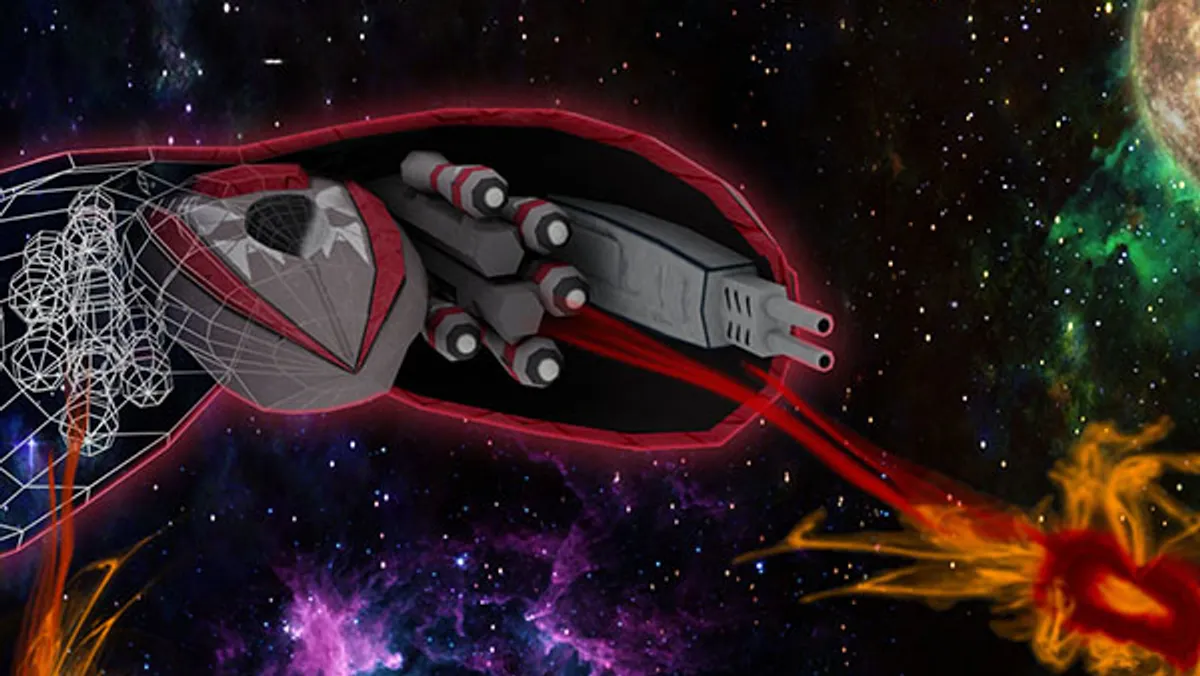
New to Yargis?
Yargis is a fast paced, top down spaceship shooter from PlazSoft, focused on team based, close combat action. Your ship has momentum and is pulled by gravity, and explosions and even your own shots push it around. Online, you fight in Capture the Flag, King of the Hill, Prison Break, Maze Race, Melee Battle or the co-op Base Conquer. Matches earn money and experience for new ships, weapons and part upgrades, and the editor lets you build your own levels with Lua scripts.
Your ship keeps its momentum, and explosions and recoil push it around.
Capture the Flag, King of the Hill and more, built for close-range team fights.

Why rent a server?
A Yargis dedicated server is your own arena that stays up around the clock. Hosting from the game ties up one player's PC and home connection, and the server only runs while they play. A dedicated server gives your group its own name, password and level rotation, with the levels you build in the editor. With us, it installs itself in minutes and comes with a panel for restarts, backups, the live console and your files.
Your server keeps running when you log off, so your group can fight any time.
Set the levels, setup and results times, late joins and idle kicks.
Straight answers before you order. Still stuck? Real people are here around the clock.
 Physgun
Set your name, password and level rotation, and your space battles stay online for your group.