



































Racks filling · tenants online
Room for a growing floor
Pick the CPU and memory your datacenter needs, on NVMe storage, and size up as it grows.

Keep your cloud provider online for the whole crew. Pick the scenario, password and player limit from the panel.
Powering
Find your plan
Tell us about your server and we'll recommend a plan.
Let's find your plan
No per-slot fees. Choose your own slot limit. To help us recommend the right plan for you, tell us how many friends are joining you!
Best fit
42U Full Rack1 GB RAM, 150% CPU
$3.49/mo
Pick your plan
Or build your own. Then choose where it runs and deploy.
 CustomChoose your own plan!
Billing
Secure Backups Included
42U Full Rack
Billed monthly. Cancel any time.
Switch your Uptime: A Cloud Provider Sim server to any of 445 other games, right from the panel, whenever you want!*
Included with
every plan
A shared datacenter that stays online for your whole crew, with its scenario, players and access in the panel.
Pick the CPU and memory your datacenter needs, on NVMe storage, and size up as it grows.
99.9% uptime, and every server we host is protected from DDoS attacks.
Your server installs itself the moment you order, and picks up game updates each time it restarts.
Start your world
Start a new world in Garage to Glory, The ARM Race or Sandbox, pick the site a Sandbox world begins in, and set hard mode and a world seed. Give a world a new name to start another one.
 adminlist.txt - Physgun VS Code main
For the power users
Connect with real developer tools to look through your worlds and server files, and add your admins to the admin list. Or skip it entirely and use our simple panel.
Set a join password and a player limit.
Players need the same version as the server. A restart saves the world and brings the server up to date.
Put backups and restarts on a schedule, and the panel runs them on time, whether or not anyone is online.
One place for your whole datacenter: server name, password, player limit, listing, scenario, Sandbox site, hard mode, seed, world and autosave in the startup settings, schedules you set for restarts and backups, subusers for your crew, a file manager with SSH and VS Code, and every other universal tool.

Accurate, blazing-fast output piped directly from the container. Paired with complete SSH access inside the Panel!
1 / 10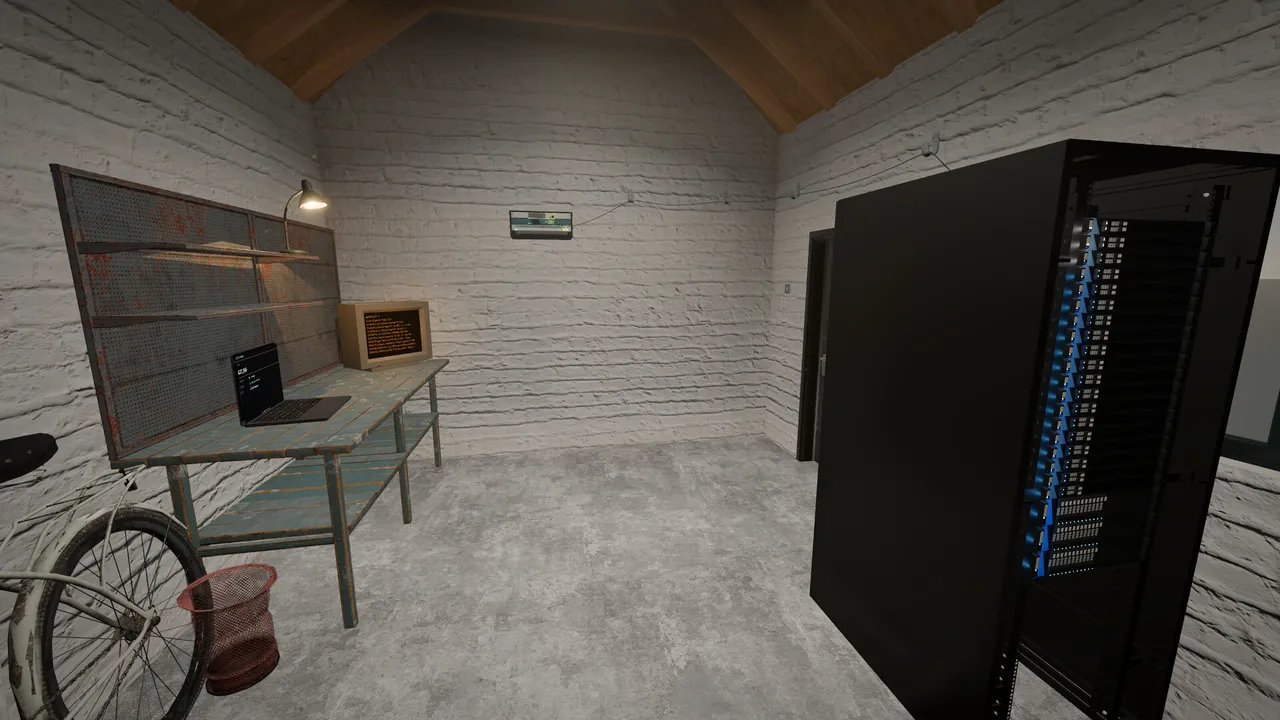
New to Uptime?
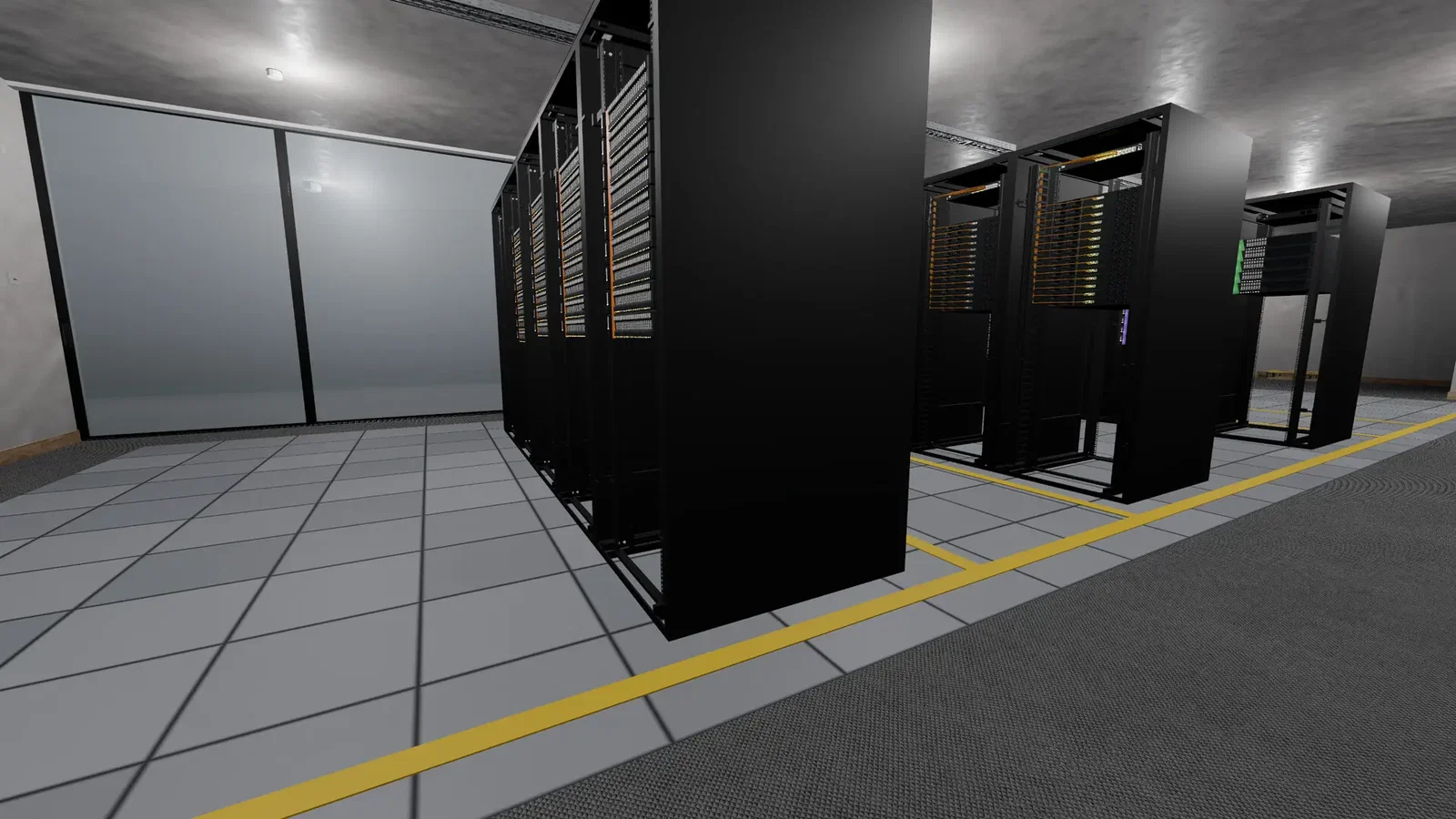
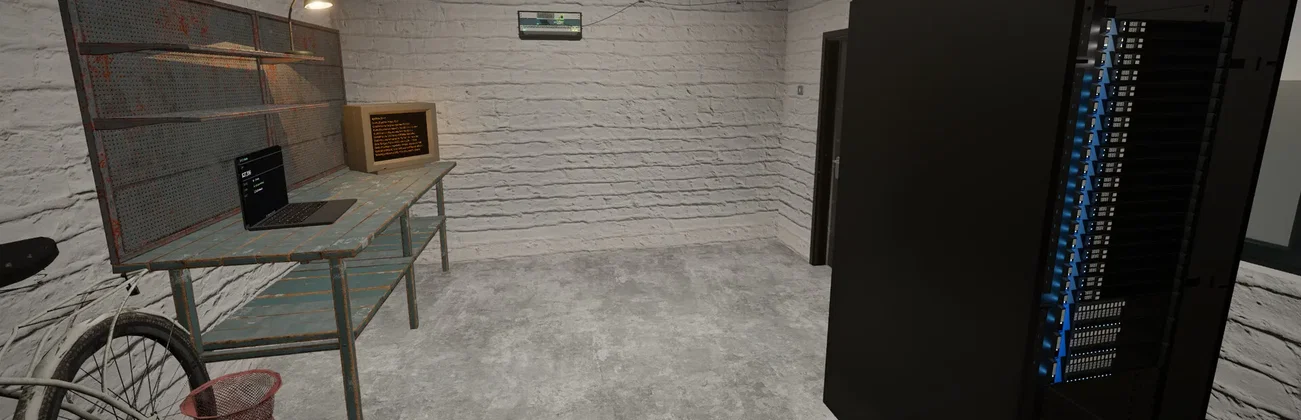
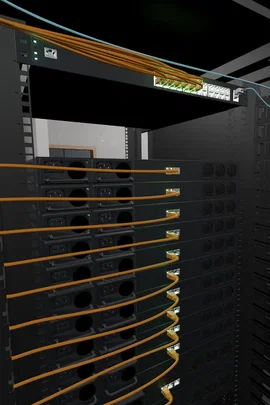
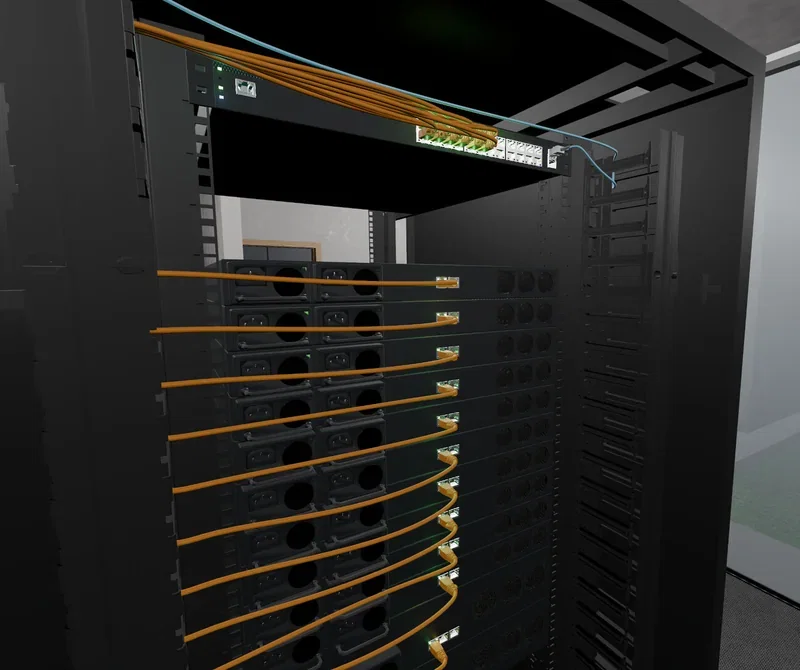
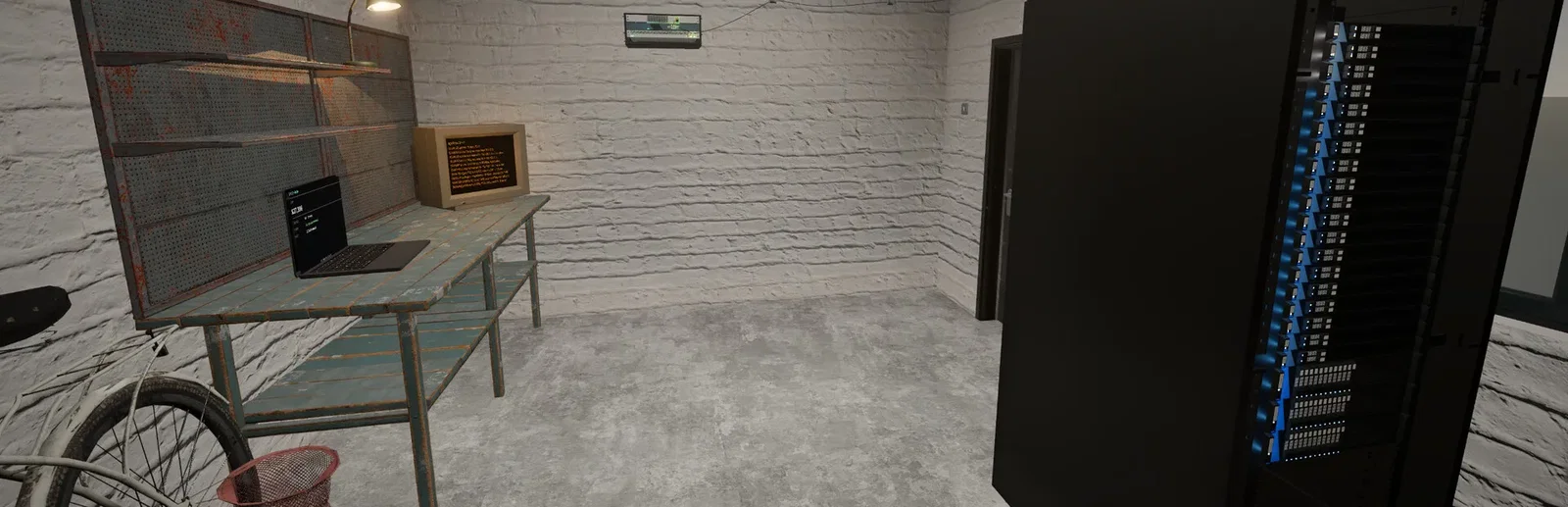
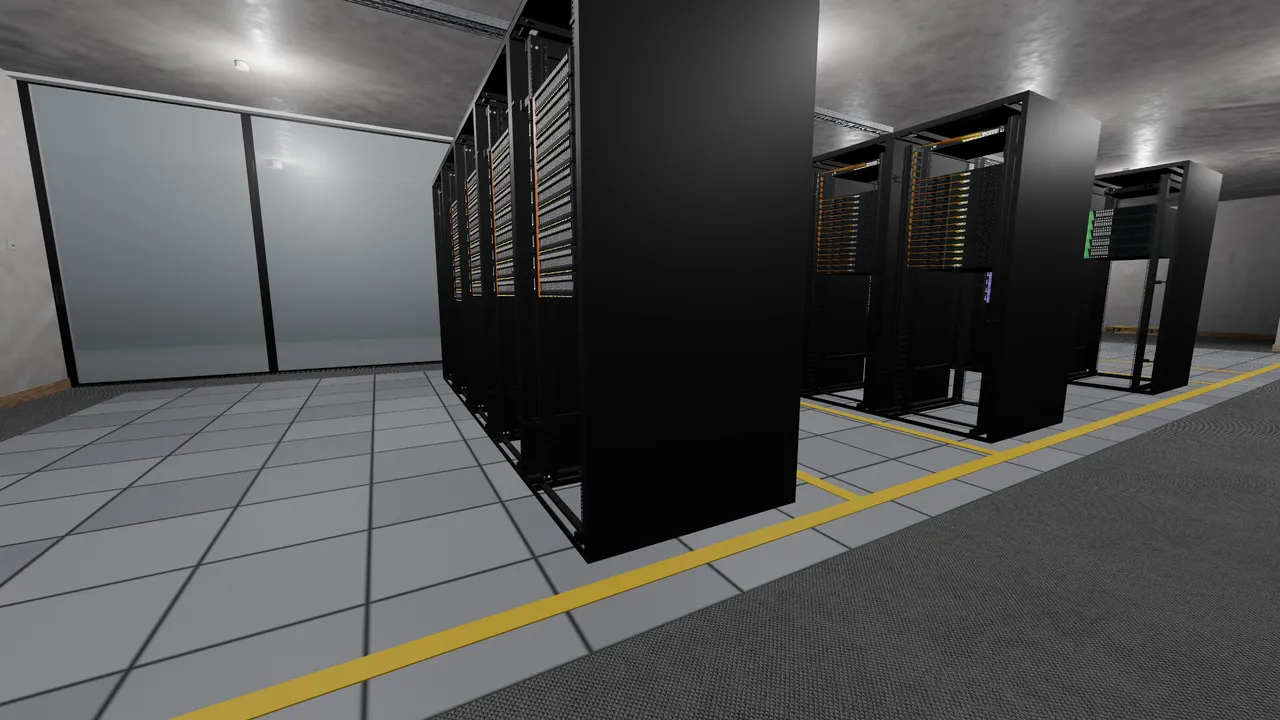
Uptime is a first-person sim where you build a cloud provider from a garage up. You buy servers, carry them to the rack, run every cable and power them on, then sign customers and keep their virtual machines, storage, databases and Kubernetes online. Underneath is a real network simulation: ports, power, cooling, fault domains, spanning tree and BGP all do real work, and traffic floods grow as you do. The campaign moves you from the Garage to the Basement, a Small Colocation and a Small Campus.
Seat the hardware, lay every cable by hand, and build a network that holds when traffic arrives.
Every contract is a bet on your capacity, and reputation is the currency underneath it all.
Why rent a server?
An Uptime dedicated server keeps your shared datacenter online around the clock, so the floor does not close when the host logs off. One person can rack, one can cable and one can watch the graphs, each on their own schedule. With Physgun you pick the scenario, Sandbox site, hard mode and seed for a new world, set the password, player limit, listing and autosave in the panel, and get full file access over SFTP and SSH.
Your datacenter stays up when you log off, so the crew can work their own shifts.
Set the scenario, password, players, listing and autosave, and keep your admins in the admin list.
Straight answers before you order. Still stuck? Real people are here around the clock.
 Physgun
Keep your datacenter online for your whole crew, so anyone can rack, cable and keep customers happy whenever they like.