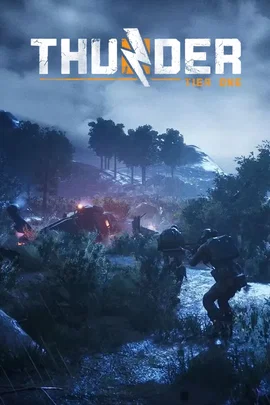




































Co-op campaign · squad in
Pick the power you need
Choose the CPU, memory and NVMe storage your server runs on, and add more when it grows.

Run your own Thunder Tier One server, with the lobby always open for your squad and the modes, missions and difficulty set the way you play.
Powering
Find your plan
Tell us about your server and we'll recommend a plan.
Let's find your plan
No per-slot fees. Choose your own slot limit. To help us recommend the right plan for you, tell us how many friends are joining you!
Best fit
Veteran Operator1 GB RAM, 150% CPU
$3.49/mo
Pick your plan
Or build your own. Then choose where it runs and deploy.
 CustomChoose your own plan!
Billing
Secure Backups Included
Veteran Operator
Billed monthly. Cancel any time.
Switch your Thunder Tier One server to any of 445 other games, right from the panel, whenever you want!*
Included with
every plan
Co-op operations and versus matches on your own modes and difficulty, on a server you run from one panel.
Choose the CPU, memory and NVMe storage your server runs on, and add more when it grows.
Your lobby stays open when nobody is hosting, and the server is protected from DDoS attacks.
Order and the server downloads and installs the Thunder Tier One dedicated server on its own.
Co-op or versus
Run the co-op campaign or Domination for your squad, or Death Match, Advance and Secure and Exfil for up to 8 players. Choose the missions or maps it rotates through, or play all of them.
Make it easier or harder
Play on Realism or Arcade, and set how many enemies spawn, how much damage players, allies and enemies take, and how often enemies surrender.
Name the server your squad looks for, and set how many players join a co-op game.
Turn on the downed state, Lone Wolf or Together or Not at All, and set the versus match length, score limit and tickets.
The server looks for a game update every time it starts, so a restart keeps it current.
One place for your squad's server: game modes, missions, difficulty and match rules in the startup settings, scheduled restarts, backup schedules you set, subusers for your squad, a file manager with SSH and VS Code, and every other universal tool.

Accurate, blazing-fast output piped directly from the container. Paired with complete SSH access inside the Panel!
1 / 10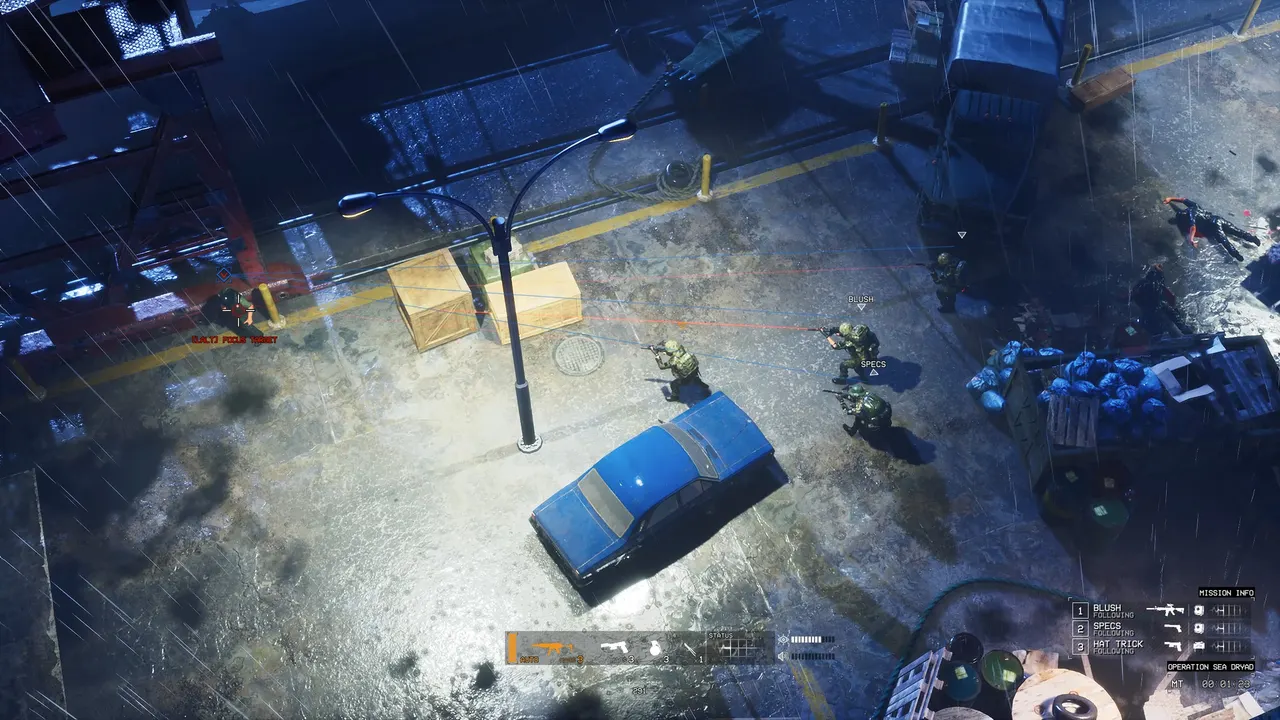
New to Thunder Tier One?
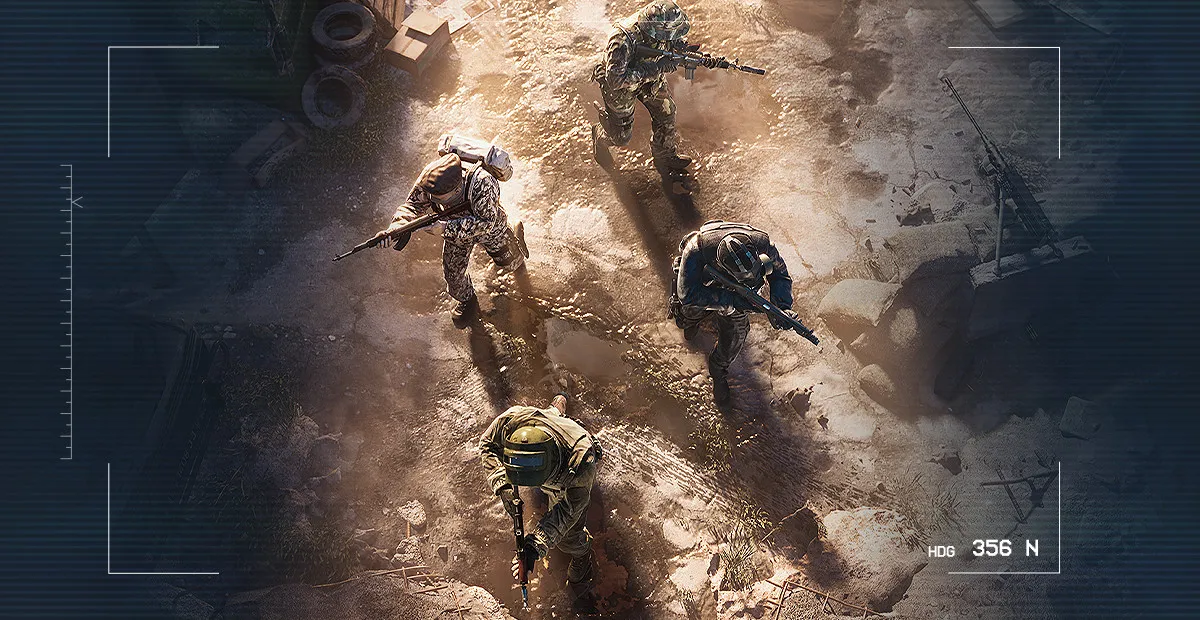
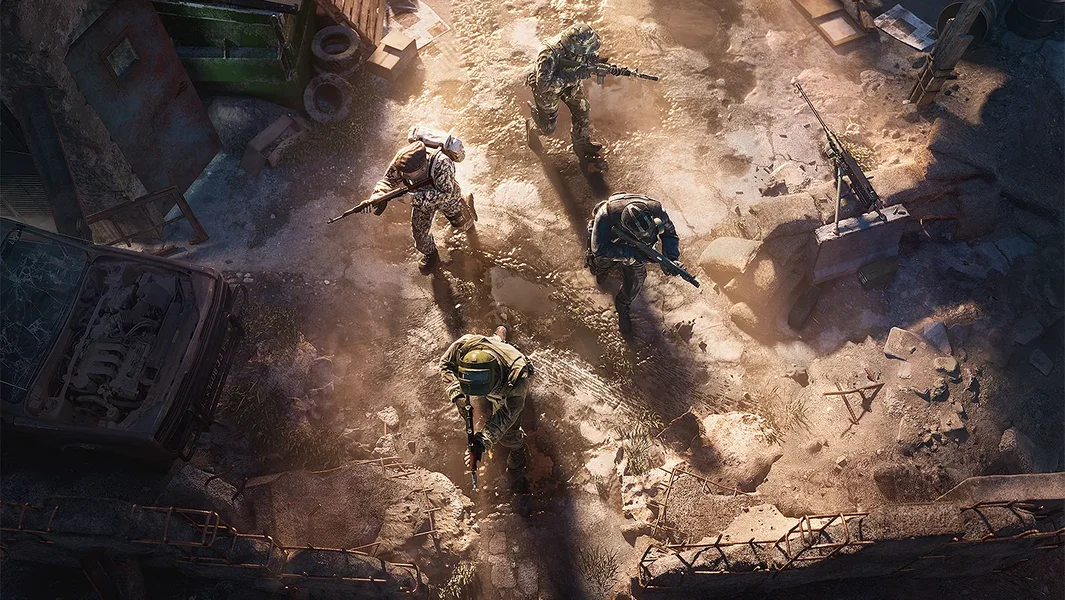
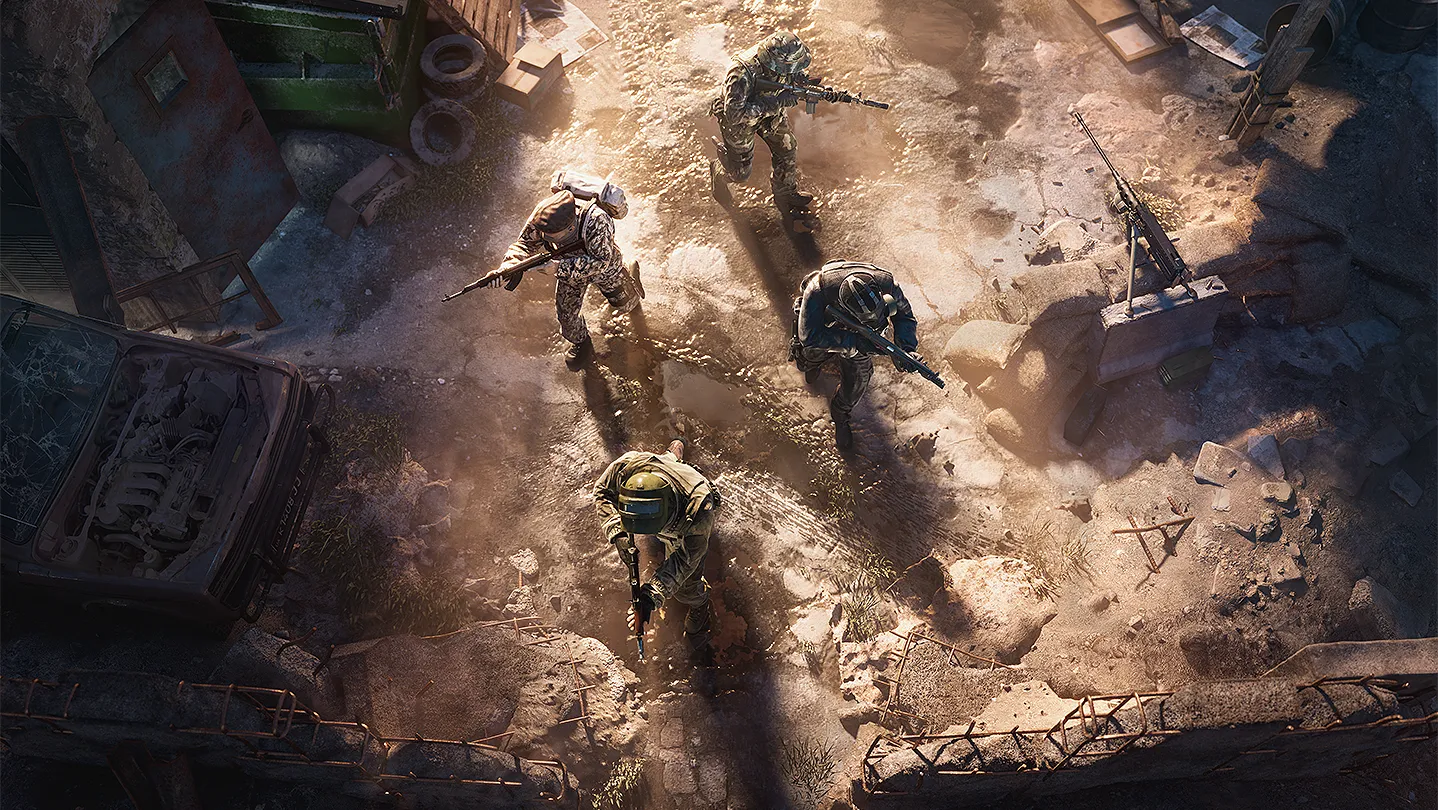
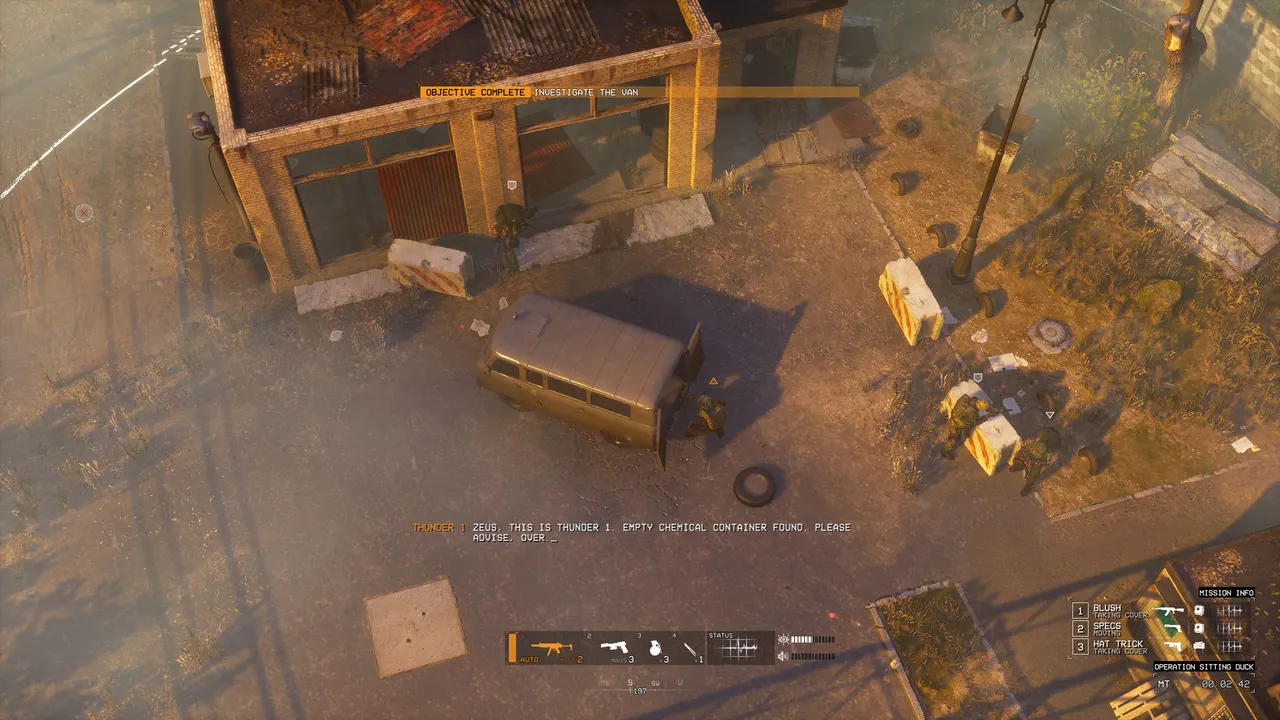
Thunder Tier One is a realistic top-down shooter from KRAFTON, set in the 90's after the fall of the USSR. You join Thunder, an elite special operations team sent to stop the terrorist group SBR in the Eastern European country of Salobia. Play the 9-mission campaign in 4-player co-op or solo with AI teammates, pick every weapon, attachment, ammo type and piece of armor you take in, and take on four multiplayer modes: Exfil, Advance and Secure, Death Match and Domination.
Go fully suppressed with IR lasers and NVGs, or in heavy armor with a backpack full of frags.
Ammo type, armor and cover all decide what a shot does.
Why rent a server?
The official Thunder Tier One servers closed in 2023, so a dedicated server is how your squad keeps a lobby that is always there, without one of you hosting from your own PC. With Physgun it deploys in minutes, with its name, game modes, missions, difficulty and match rules set in the panel, plus scheduled restarts, backups, subusers for your squad and full file access over SFTP.
Your lobby stays up when you log off, so the squad can play on their own schedules.
Set the modes, missions, difficulty and the versus timers and scores.
Straight answers before you order. Still stuck? Real people are here around the clock.
 Physgun
Launch a Thunder Tier One server your squad can join any time, with the modes and difficulty you pick.