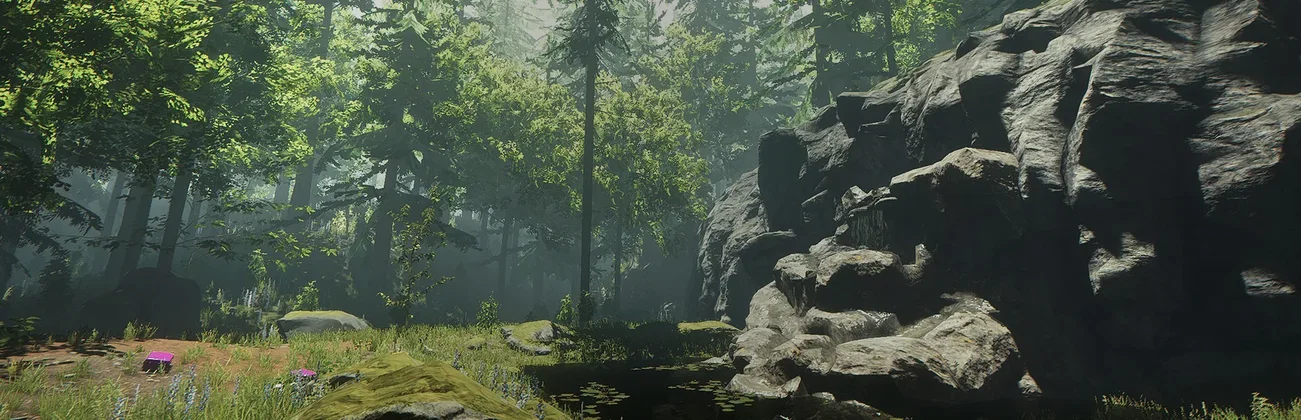
































Night on the peninsula · server steady
Room for the whole group
Pick the CPU and memory your world needs, on NVMe storage, and size up as your base grows.

Keep the peninsula online for your whole group, even when the host logs off. Set the difficulty, password and save slot from the panel.
Powering
Find your plan
Tell us about your server and we'll recommend a plan.
Let's find your plan
No per-slot fees. Choose your own slot limit. To help us recommend the right plan for you, tell us how many friends are joining you!

Best fit
Cowman6 GB RAM, 150% CPU
$15.99/mo
Pick your plan
Or build your own. Then choose where it runs and deploy.
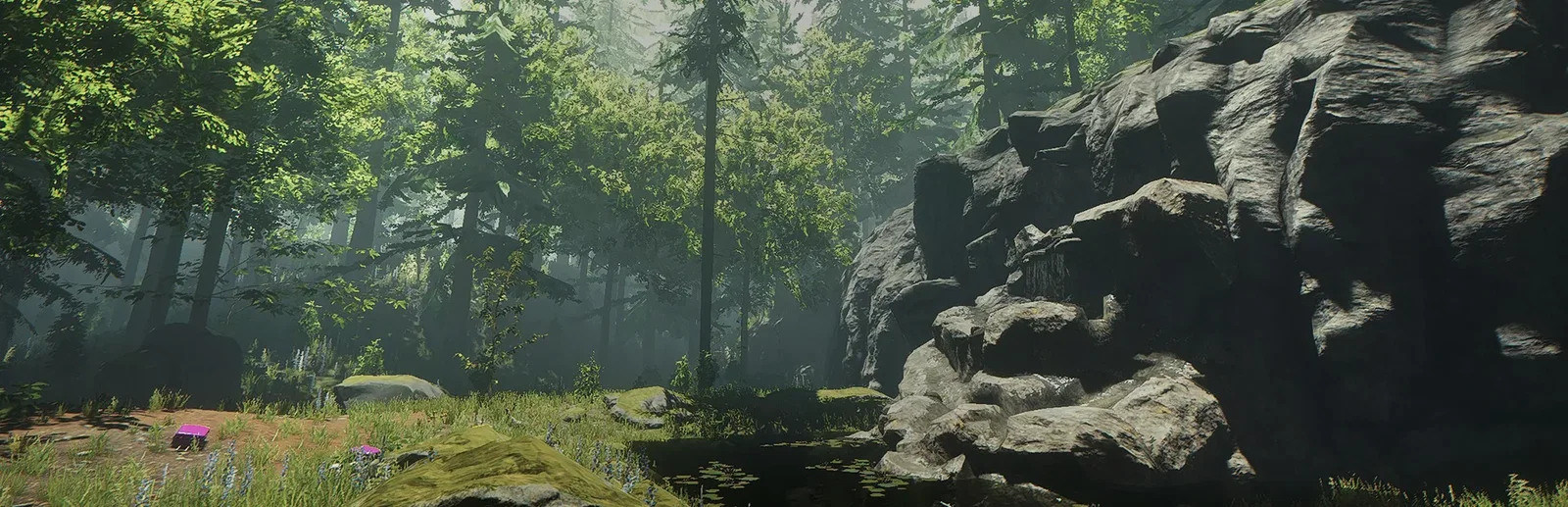 CustomChoose your own plan!
Billing
Secure Backups Included
Cowman
Billed monthly. Cancel any time.
Switch your The Forest server to any of 445 other games, right from the panel, whenever you want!*
Included with
every plan
A world that stays online for your whole group, with its difficulty, save slots and rules set from the panel.
Pick the CPU and memory your world needs, on NVMe storage, and size up as your base grows.
99.9% uptime and DDoS protection on every The Forest server.
Your server installs itself the moment you order. No setup, no port forwarding.
Set up your world
Pick Peaceful, Normal, Hard or Hard Survival, and the save slot the server loads. Then set the rules in the config editor: no enemies at all or none by day, tree regrowth, building destruction, realistic player damage and cheats.
 Server.cfg - Physgun VS Code main
For the power users
Connect with real developer tools and edit Server.cfg or your saves directly. Or skip it entirely and use the config editor in our panel.
Keep up to five worlds and pick the one the server loads. It autosaves as often as you set while players are online, and when the last player leaves.
Set how fast the server runs while nobody is online, and while players are on. A low idle rate saves CPU between sessions.
With Update on Start on, the server checks for a game update every time it starts. Schedule restarts and backups and the panel runs them.
One place for your whole peninsula: difficulty, passwords and save slot in the startup settings, a config editor for your gameplay rules, scheduled restarts and backups, subusers for your group, a file manager with SSH and VS Code, and every other universal tool.

Accurate, blazing-fast output piped directly from the container. Paired with complete SSH access inside the Panel!
1 / 10
New to The Forest?
The Forest is a first-person survival horror game from Endnight Games. As the lone survivor of a passenger jet crash, you wake on a forested peninsula ruled by a society of cannibalistic mutants, while you search for your missing son. By day you chop trees, gather food, craft tools and weapons and build anything from a small shelter to an ocean side fortress. At night you defend it, or take the fight to the enemy. Below ground, a network of caves and underground lakes leads on with the story. Play alone or with up to seven friends.
Every tree can be chopped down. Build a camp, lay traps and defences, and hold it through the night.
Split up the work, explore the caves as a group and cover each other when the mutants attack.

Why rent a server?
When one player hosts, the world only runs while they play, and everyone is kicked when they quit. A dedicated server runs the peninsula on its own, so anyone in the group can log in whenever they like and the save is always there. There is no PC to leave on and no port forwarding to set up. With Physgun it installs itself in minutes, with the difficulty, passwords, save slot and gameplay rules in the panel, and full file access over SFTP and SSH.
The world stays online when the host logs off, so the group can play on their own schedules.
Set the difficulty and gameplay rules, keep worlds in save slots, and lock the server with a password.
Straight answers before you order. Still stuck? Real people are here around the clock.
 Physgun
Keep your peninsula online for the whole group, with its difficulty, saves and rules set from the panel.