



































Attack and Defend · round live
Pick the power you need
Choose the CPU, memory and NVMe storage your server runs on, and add more when your squad grows.

Run your own Takedown: Red Sabre server, always up for your squad, with the mode, map and round rules set the way you play.
Powering
Find your plan
Tell us about your server and we'll recommend a plan.
Let's find your plan
No per-slot fees. Choose your own slot limit. To help us recommend the right plan for you, tell us how many friends are joining you!
Best fit
Assault1 GB RAM, 150% CPU
$3.49/mo
Pick your plan
Or build your own. Then choose where it runs and deploy.
 CustomChoose your own plan!
Billing
Secure Backups Included
Assault
Billed monthly. Cancel any time.
Switch your Takedown: Red Sabre server to any of 445 other games, right from the panel, whenever you want!*
Included with
every plan
Slow, deadly close-quarters matches for up to 12 players, on a server you run from one panel.
Choose the CPU, memory and NVMe storage your server runs on, and add more when your squad grows.
Your server stays up when you log off, so nobody has to host the match from their own PC. It is protected from DDoS attacks.
Order and the server installs the Takedown: Red Sabre dedicated server on its own, ready on Killhouse in Attack and Defend.
Match rules, without the typing
Friendly fire, random spawn points, rounds to win, team balance, side switching and round times, grouped and labelled in the panel.
 PCServer-TakedownGame.ini - Physgun VS Code main
For the power users
Connect with real developer tools and edit your server's config files directly. Or skip it and use the panel.
Set the name players see in the server browser and how many players can join, up to the game's 12.
Start on Attack and Defend, Team Deathmatch or Last Man Standing, on any map from Biolab to Killhouse.
Every server gets its own admin password, so you can log in as admin from the game's console.
One place for your squad's server: name, password, max players, game mode, map and admin password in the startup settings, a config editor for friendly fire, rounds and time limits, schedules you set for restarts and backups, subusers for your team, a file manager with SSH and VS Code, and every other universal tool.

Accurate, blazing-fast output piped directly from the container. Paired with complete SSH access inside the Panel!
1 / 10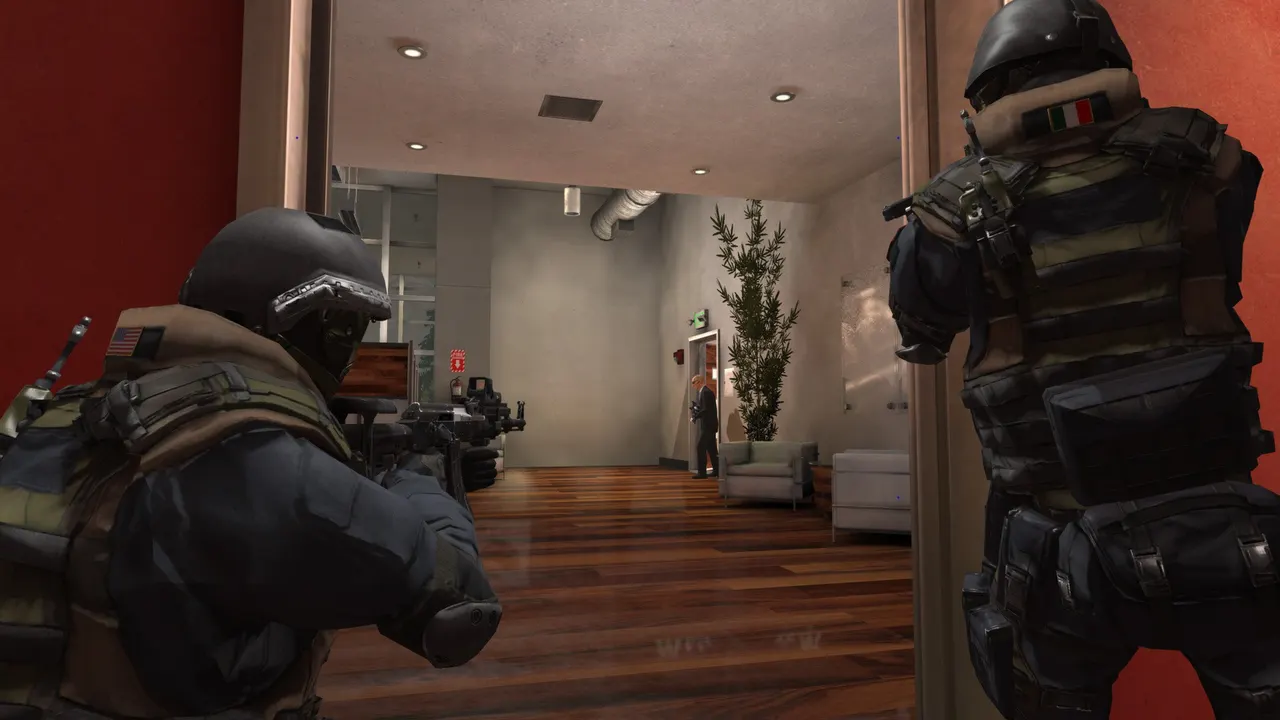
New to Takedown: Red Sabre?
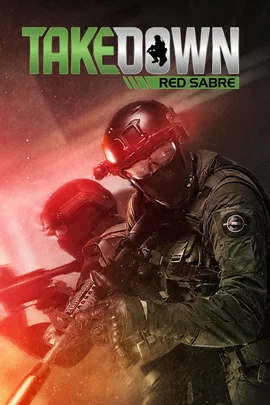
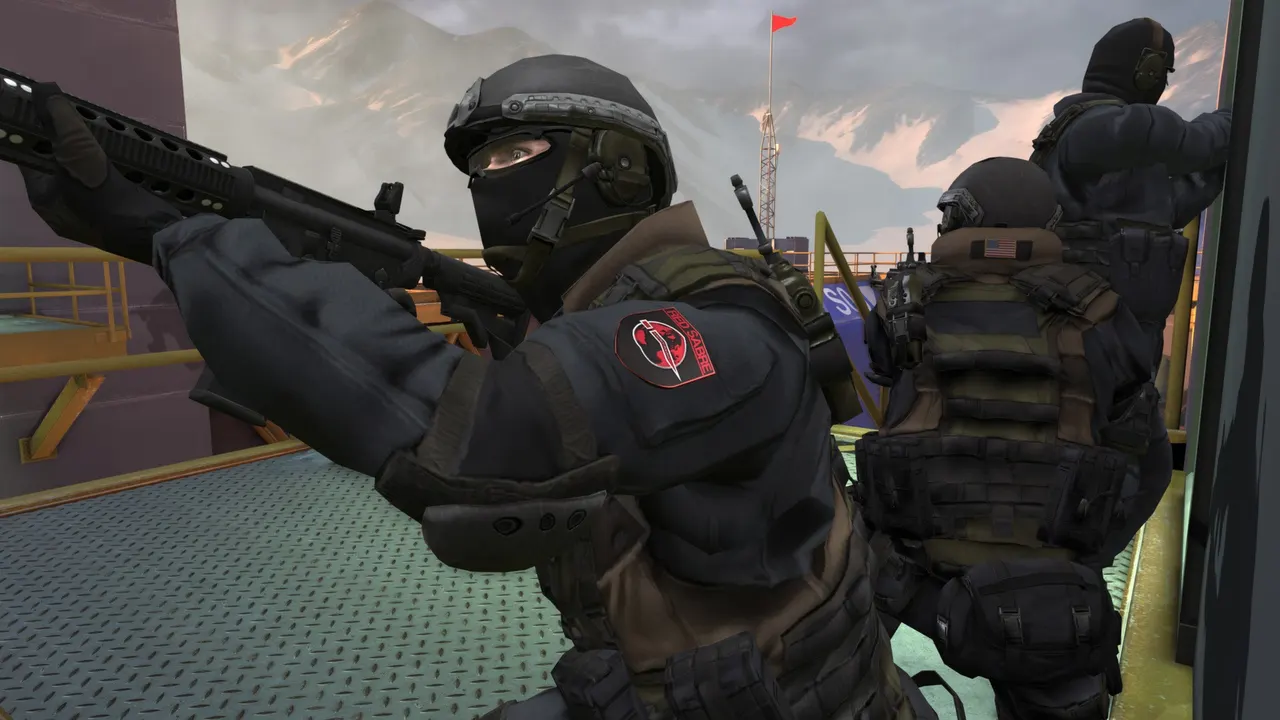
Takedown: Red Sabre is a slow, hardcore first-person tactical shooter from Serellan, built for players who miss slow, old school tactical shooters. Squads fight close quarters through non-linear indoor maps with more than one way in. Health does not regenerate, you get one life, bullets go through cover, and recoil and accuracy are modelled on the real thing. There are no perks or killstreaks: every weapon, attachment and piece of gear is unlocked from the start, so planning and teamwork decide the fight.
No regenerating health and no respawns, so every room you clear counts.
Start from Recon, Assault, Breach or Sniper, or build your own from weapons, armor and gear.
Why rent a server?
A Takedown: Red Sabre dedicated server is a match server that stays up on its own, so your squad always has a place to play and nobody has to host from their own PC. A Physgun server deploys in minutes, with its name, player limit, game mode, map and admin password set in the panel and your round rules in the config editor, plus scheduled restarts, backups, subusers for your team and full file access over SFTP.
Your server stays online when you log off, so the squad can play on their own schedules.
Set friendly fire, rounds to win, team balance and round times for your matches.
Straight answers before you order. Still stuck? Real people are here around the clock.
 Physgun
Launch a Takedown: Red Sabre server your squad can join any time, with your own maps, modes and round rules.