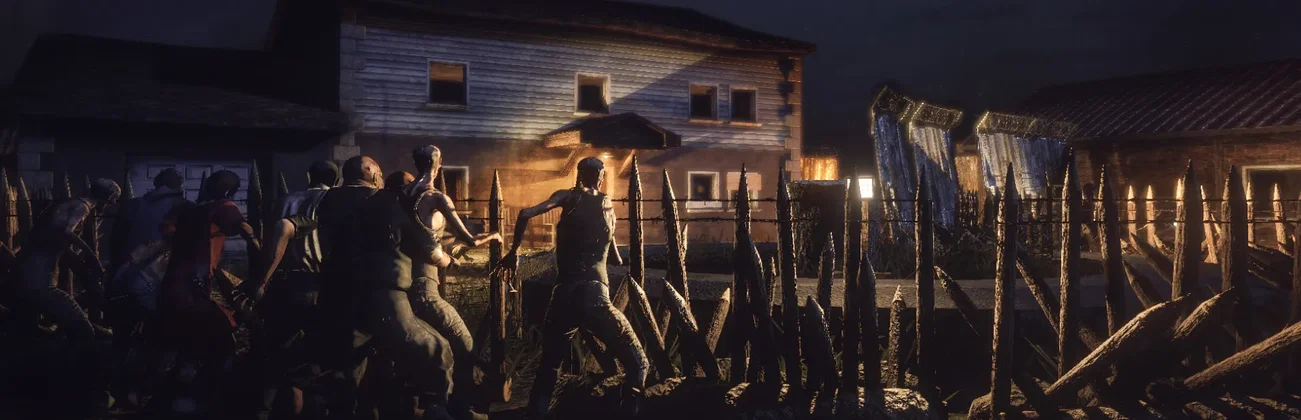



























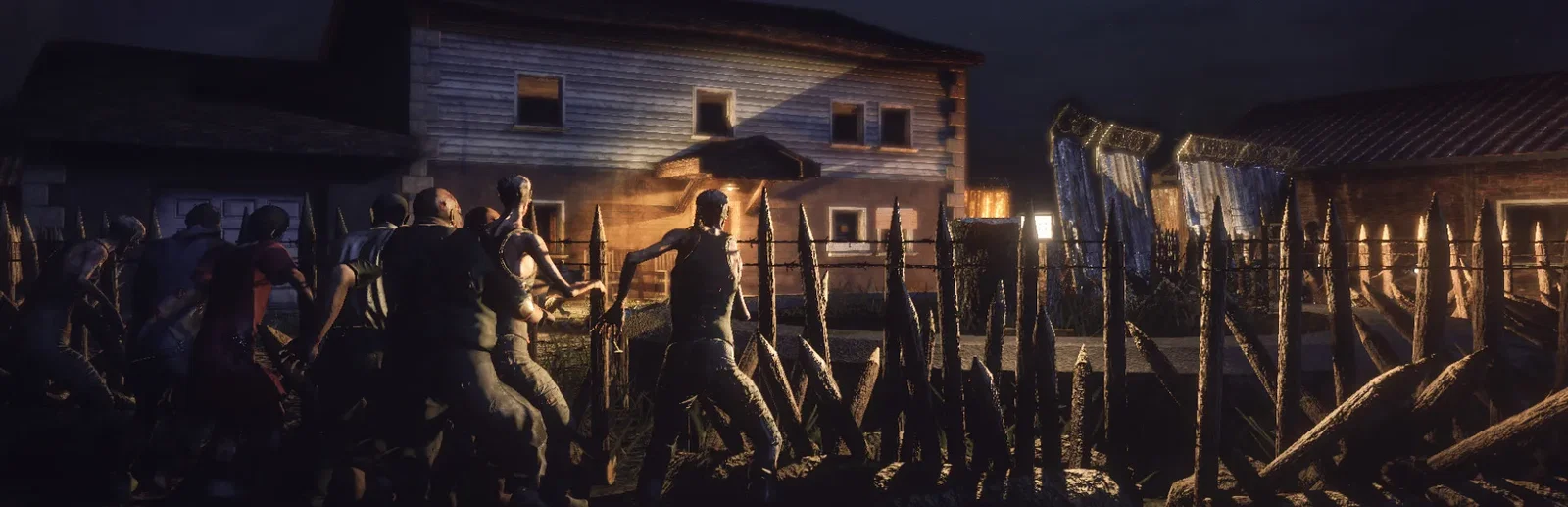
Night falls · horde inbound
Pick the power you need
Choose the CPU, memory and NVMe storage your server runs on, and add more when your group or your mod list grows.

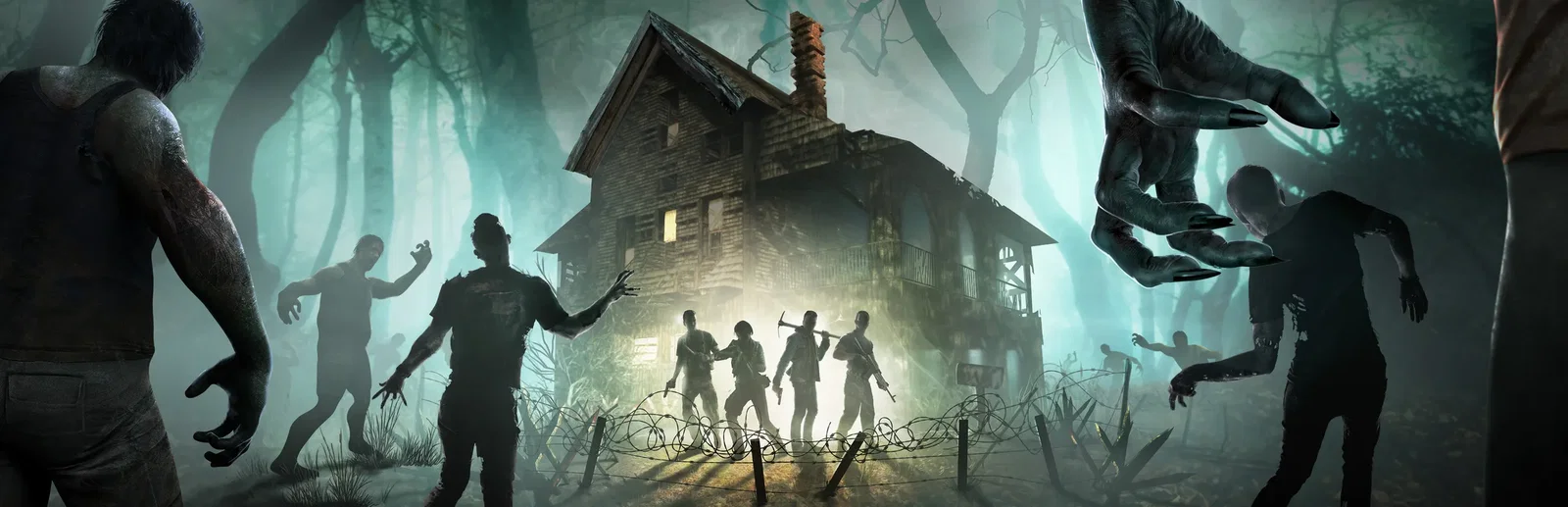
Run your own Black Island with the zombies, hordes and rules your group wants, online even when nobody is playing.
Powering
Find your plan
Tell us about your server and we'll recommend a plan.
Let's find your plan
No per-slot fees. Choose your own slot limit. To help us recommend the right plan for you, tell us how many friends are joining you!
Best fit
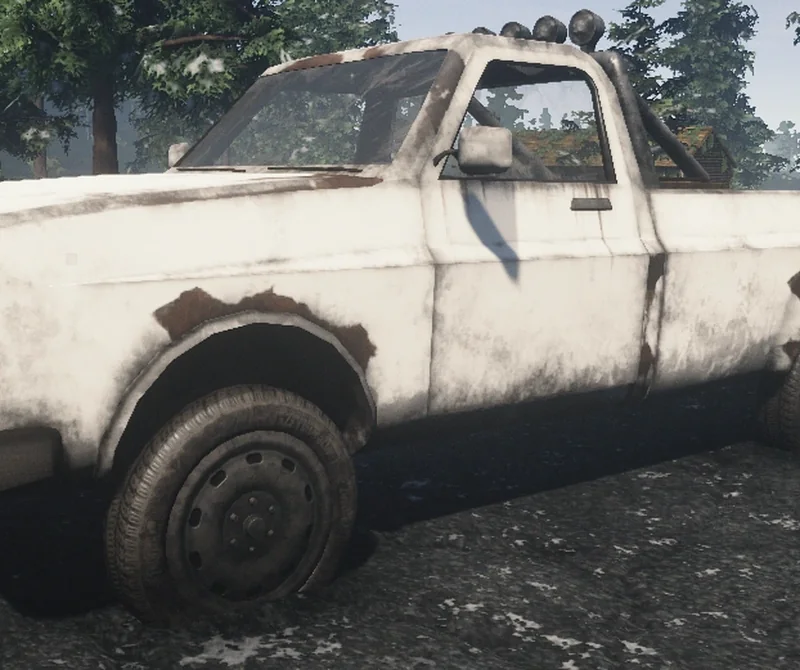
Pickup6 GB RAM, 150% CPU
$15.99/mo
Pick your plan
Or build your own. Then choose where it runs and deploy.
 CustomChoose your own plan!
Billing
Secure Backups Included
Pickup
Billed monthly. Cancel any time.
Switch your Survive the Nights server to any of 445 other games, right from the panel, whenever you want!*
Included with
every plan
Your own Black Island, with the zombies, hordes and rules you choose, run from one panel.
Choose the CPU, memory and NVMe storage your server runs on, and add more when your group or your mod list grows.
Your world keeps running when you log off, and the server is protected from DDoS attacks.
Order and the server installs Survive the Nights with its config ready to edit. Nothing to set up on your side.
Your apocalypse, your rules
Zombie numbers and runners, hordes, loot and vehicles, day length and weather, PvP and mental health penalties, grouped and labelled in the panel.
 ServerConfig.txt - Physgun VS Code main
For the power users
Connect with real developer tools and edit the server's config and admin ranks directly. Or skip it and use the panel.
Set the server name, a password, max players and your Steam ID as owner, right from the panel.
The server saves your world each time it stops, so a restart picks up right where your group left off.
List Steam Workshop mods by ID or link, and the server downloads and updates them each time it starts.
One place for your whole island: name, password, owner, max players and Workshop mods in the startup settings, a config editor for zombies, hordes, loot and time, schedules you set for restarts and backups, subusers for your admins, a file manager with SSH and VS Code, and every other universal tool.

Accurate, blazing-fast output piped directly from the container. Paired with complete SSH access inside the Panel!
1 / 10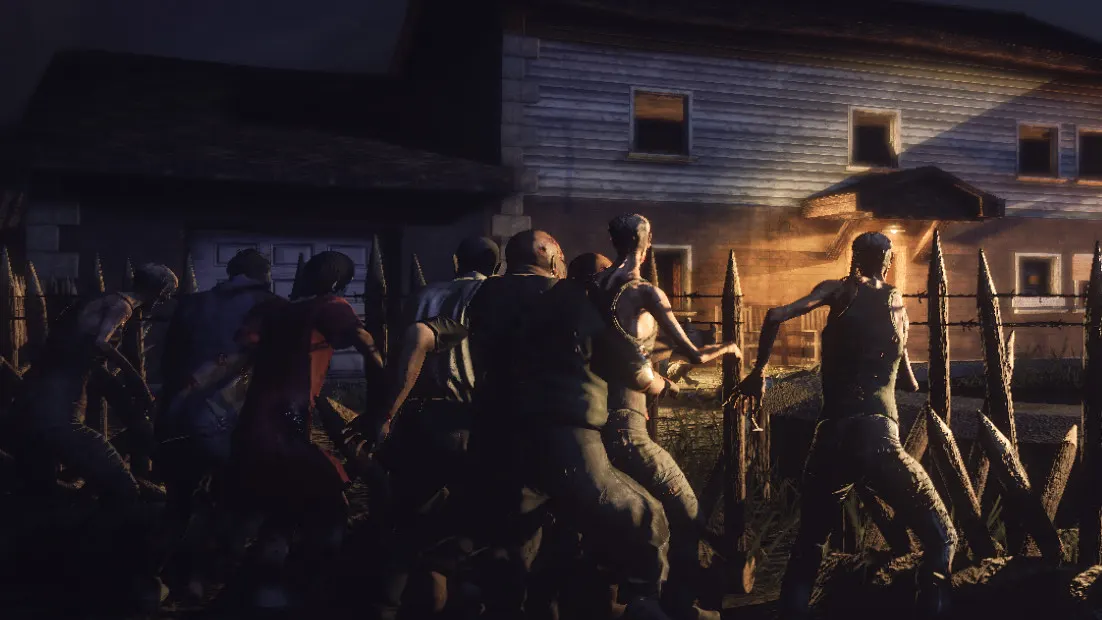
New to Survive the Nights?
Survive the Nights is a hardcore open-world zombie survival game set on Black Island. By day you scavenge towns, cut wood, hunt, farm and fortify a building or a vehicle. When night falls the infected gather into hordes drawn to player activity, and the longer you survive, the bigger and more dangerous the nights become. Play it solo or with friends, with seasons, electrical systems, weapon attachments and full Steam Workshop support.
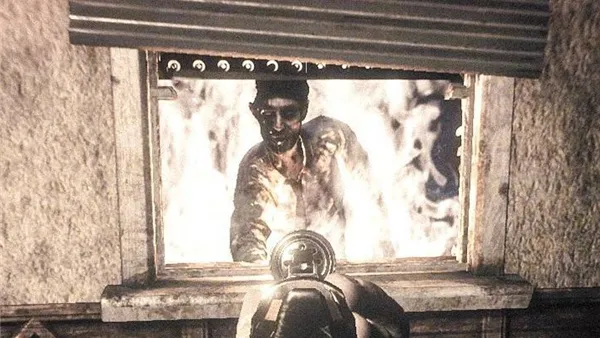
Cover windows, set traps and turn a house or a truck into a base that lasts the night.
Zombies are dangerous in numbers, so preparation and teamwork matter more than gunplay.
Why rent a server?
When you host from the game, the world only runs while you are playing, so your friends cannot get in without you. A dedicated server keeps Black Island online around the clock. With Physgun you set the server name, password, owner and max players, set zombies, hordes, loot and PvP in the config editor, add Workshop mods that download on start, and get full file access over SFTP and SSH.
Your base and your world are there whenever anyone in your group logs in.
Set the rules, add mods and choose who can join, all from one panel.
Straight answers before you order. Still stuck? Real people are here around the clock.
 Physgun
Set the zombies, hordes and loot your way, and your base stays standing while you are offline.