



























Storm warning · crew on station
Pick the power you need
Choose the CPU, memory and NVMe storage your world runs on, and add more when your crew's builds grow.

Run a Stormworks world that stays online for your rescue crew, with your own starting island, damage rules, sea monsters and DLC, all set from one panel.
Powering
Find your plan
Tell us about your server and we'll recommend a plan.
Let's find your plan
No per-slot fees. Choose your own slot limit. To help us recommend the right plan for you, tell us how many friends are joining you!
Best fit
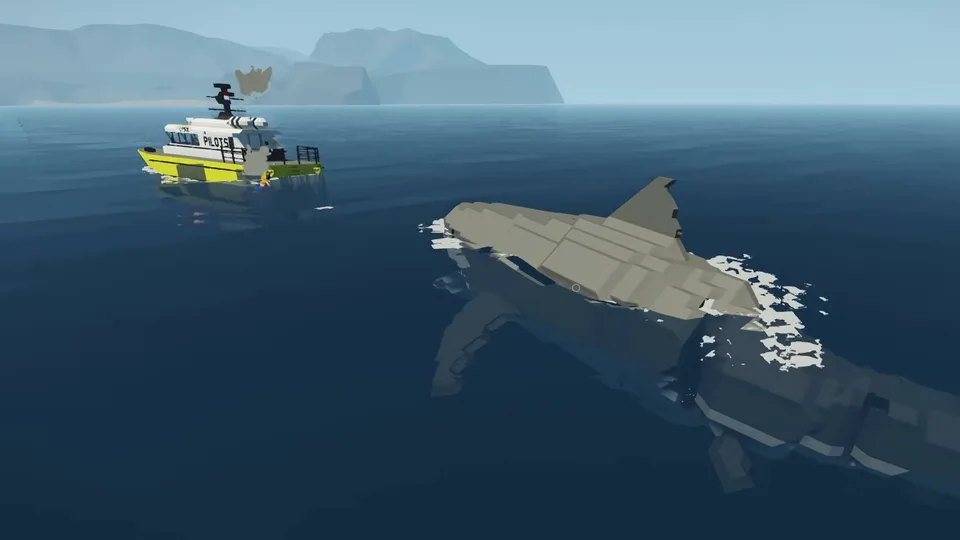
Megalodon6 GB RAM, 175% CPU
$16.24/mo
Pick your plan
Or build your own. Then choose where it runs and deploy.
 CustomChoose your own plan!
Billing
Secure Backups Included
Megalodon
Billed monthly. Cancel any time.
Switch your Stormworks: Build and Rescue server to any of 610 other games, right from the panel, whenever you want!*
Included with
every plan
Your islands, your rules and your crew's world, on a server that stays up and that you run from one panel.
Choose the CPU, memory and NVMe storage your world runs on, and add more when your crew's builds grow.
Your world stays up when you log off, and it is protected from DDoS attacks.
Order and the server installs Stormworks on its own, then fetches game updates each time it starts.
No XML to edit
Starting island, day and night length, starting money, damage, sharks, sea monsters and infinite fuel, as switches and fields in the startup settings.
 server_config.xml - Physgun VS Code main
For the power users
Connect with real developer tools and edit server_config.xml and your files directly. Or skip it and use the panel.
Set the server name, password, max players and an admin's Steam ID, and restart to apply them.
Turn on weapons, the Meier Isles desert and rockets to the moon. Players need the DLC you turn on.
Browse the Stormworks Workshop in the panel, with pictures, search and tags. Add or remove an addon or mod with one click, and the server downloads and loads it on its next start.
One place for your whole rescue service. Set the name, password, starting island, damage, sea monsters and DLC, browse the Steam Workshop and add addons and mods with one click, and schedule restarts and backups. Subusers for your crew, a file manager with SSH and VS Code, and every other universal tool come with it.
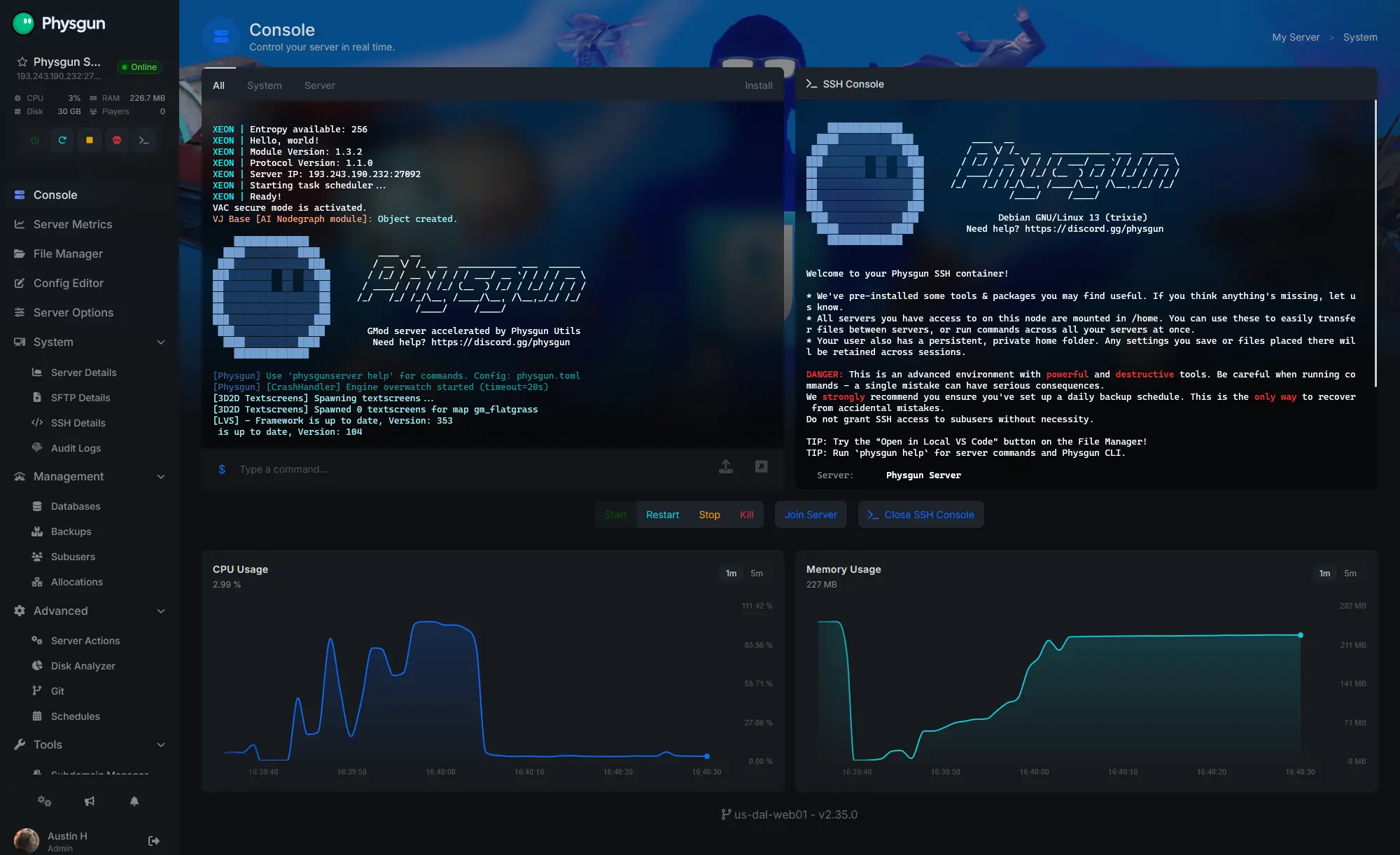
Accurate, blazing-fast output piped directly from the container. Paired with complete SSH access inside the Panel!
1 / 10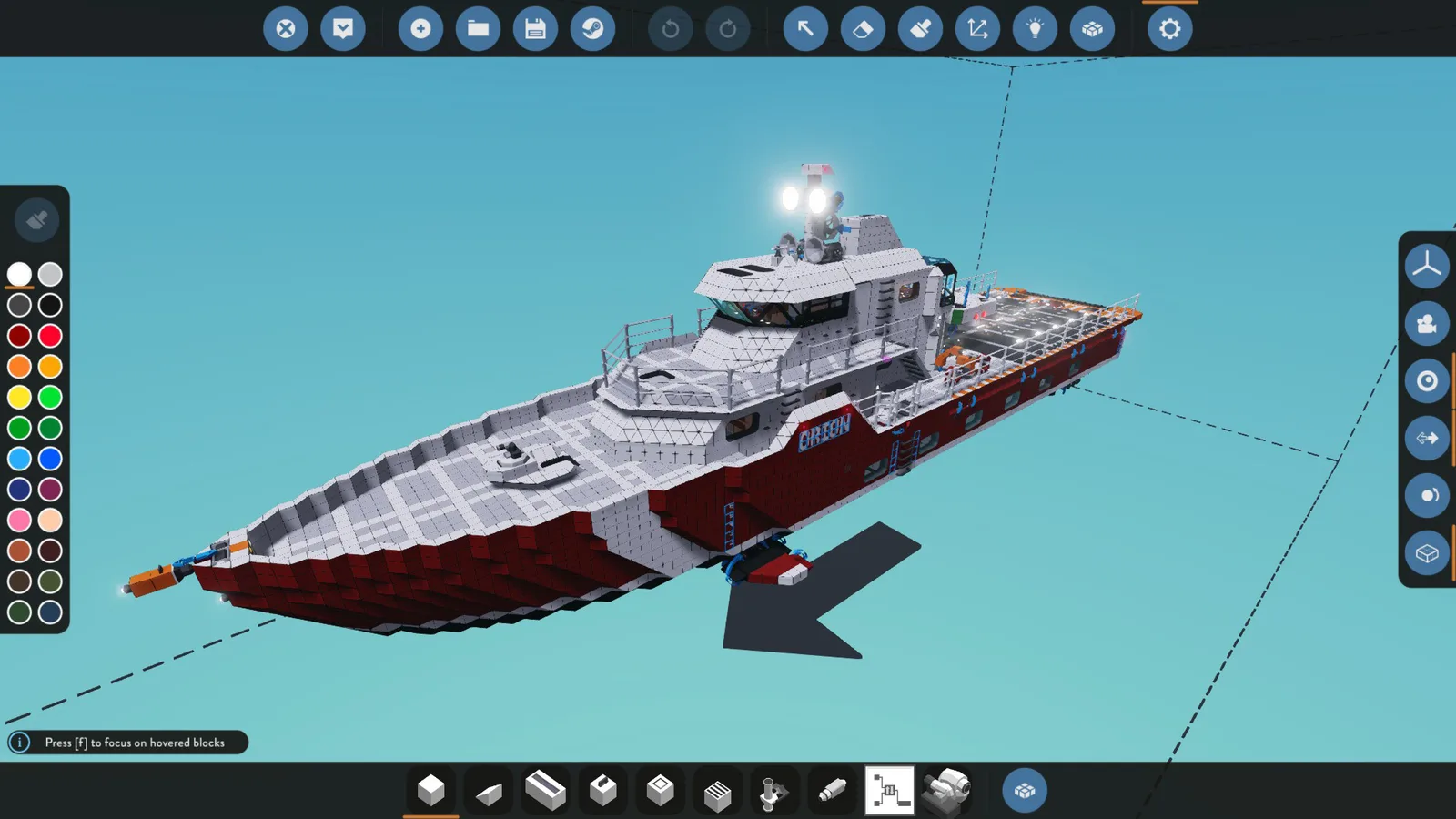
New to Stormworks?
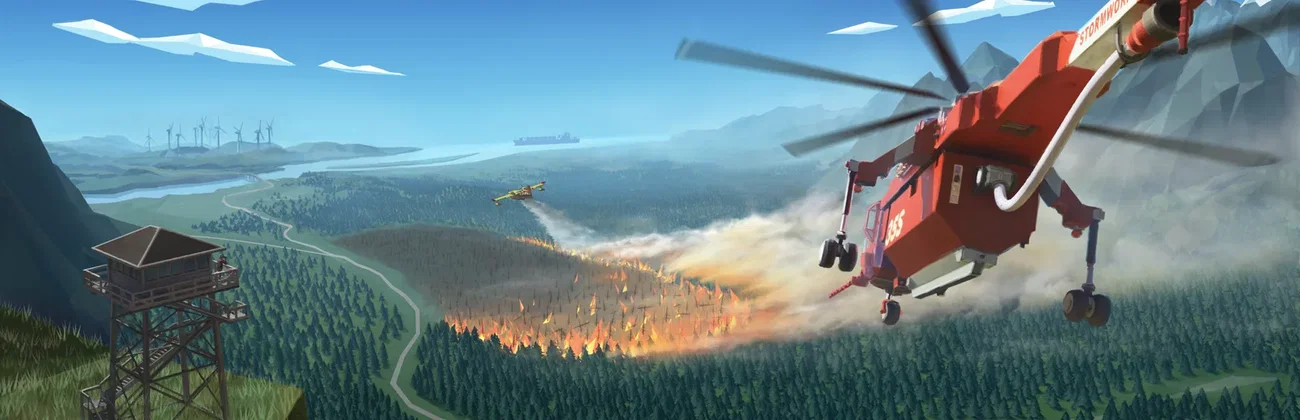
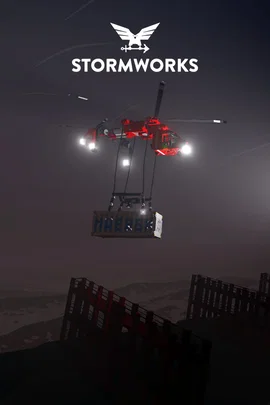
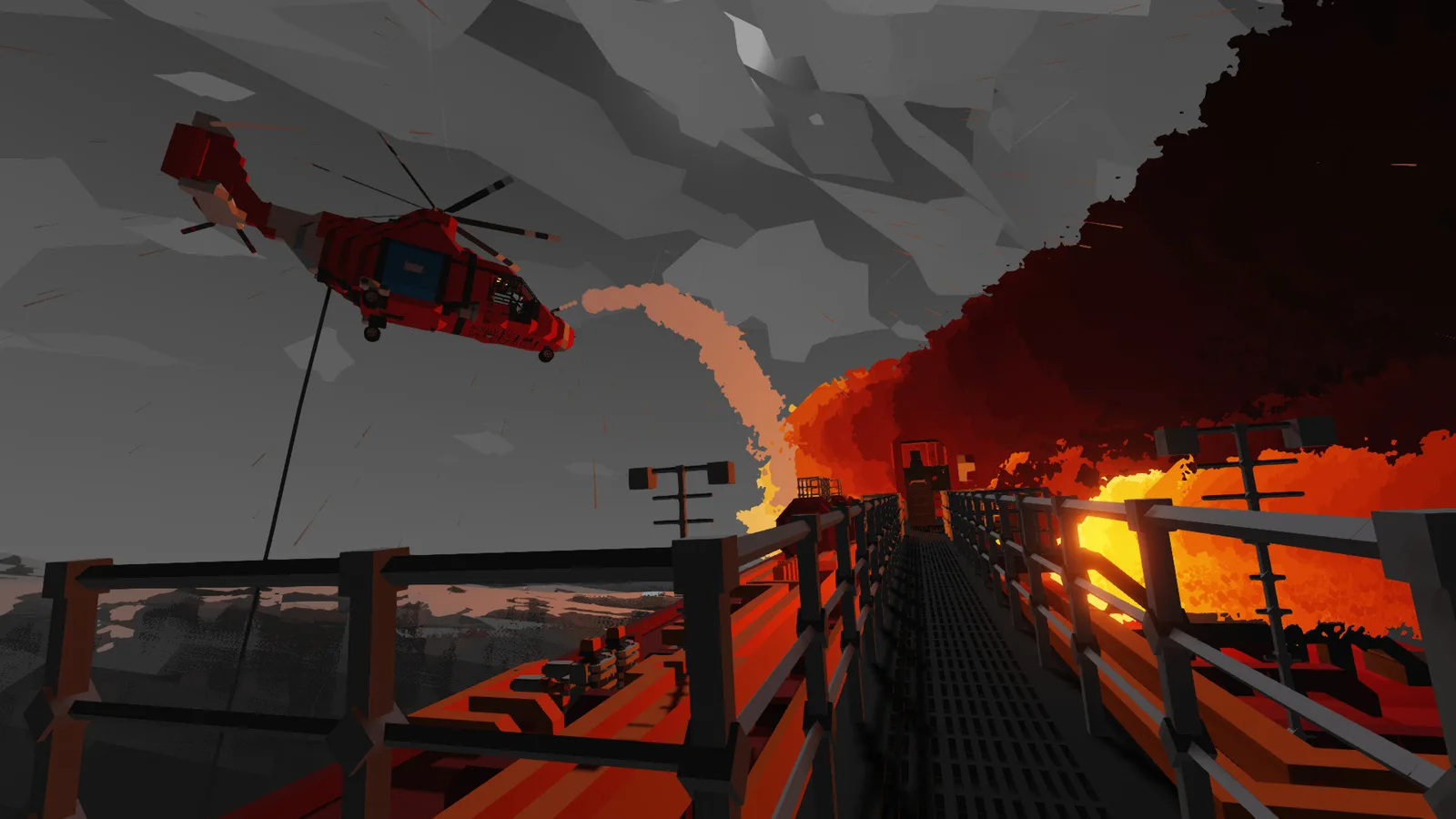
Stormworks: Build and Rescue is a physics sandbox from Geometa where you design, build and pilot your own air sea rescue service. Build helicopters, boats, submarines, planes and trains from blocks, program how they behave with the in-game logic system and Lua, and take them into fierce ocean storms. Rescue survivors, fight fires and repair oil rigs across over 15,000 square kilometres of ocean and islands, in Career mode or in the Custom creative sandbox.
Assemble vehicles block by block, then wire their engines and logic yourself.
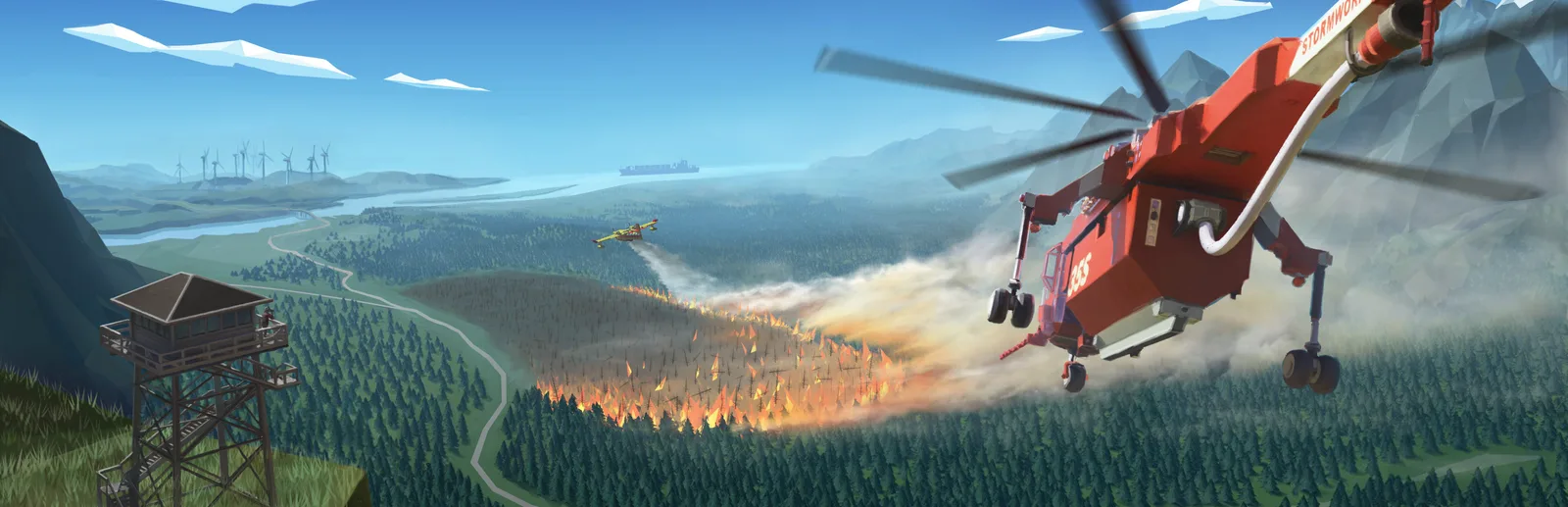
Day and night, dynamic weather and even tsunamis put every build to the test.
Why rent a server?
A Stormworks dedicated server keeps your world and your crew's bases online without a PC left on at home, and runs the physics on the server instead of one player's machine. With Physgun you set the server name, password, max players, starting island, damage, sharks, sea monsters and DLC in the panel, browse and add Workshop addons and mods with one click, and get full file access over SFTP and SSH.
Your world stays up when you log off, so your crew can join any time.
Pilot, navigate and work the winch together on one multi-crew vehicle.
Straight answers before you order. Still stuck? Real people are here around the clock.
 Physgun
Run a world for your rescue crew that stays up when you log off, with your own starting island, rules and Workshop addons.