



































CPU · memory · NVMe storage
Sized for your matches
Pick the CPU and memory your server needs, on NVMe storage. Add more later without starting over.

Keep a StickyBots server online for your group, even when you log off. Name it, pick the arena and set the game mode from the panel.
Powering
Find your plan
Tell us about your server and we'll recommend a plan.
Let's find your plan
No per-slot fees. Choose your own slot limit. To help us recommend the right plan for you, tell us how many friends are joining you!
Best fit
Flamethrower1 GB RAM, 150% CPU
$3.49/mo
Pick your plan
Or build your own. Then choose where it runs and deploy.
 CustomChoose your own plan!
Billing
Secure Backups Included
Flamethrower
Billed monthly. Cancel any time.
Switch your StickyBots server to any of 445 other games, right from the panel, whenever you want!*
Included with
every plan
Your arenas, your game mode and your server name, set from one panel, on a server that stays online when you log off.
Pick the CPU and memory your server needs, on NVMe storage. Add more later without starting over.
DDoS protection on every StickyBots server, so your matches stay up.
Your server installs itself the moment you order. No setup, no waiting.
Your arena, your rules
Name your server and pick the arena it opens with: Station Kappa, Nest, Olympus or Outpost. The panel shows your server's name, map, game mode and player limit while it runs.
 StickyBotsSettings.ini - Physgun VS Code main
Full file access
Choose which arenas are in your map rotation in our config editor, no file editing needed. Or connect with real developer tools and edit your server's files directly.
Hold the capture points in Domination or score with the ball in Tether Ball. Turn on 1v1 Mode for two player duels.
Your server gets the latest StickyBots update each time it starts, so a restart is all it takes.
Set up a backup schedule in the panel, and secure backup storage is included with every server.
One place for your whole StickyBots server: server name, starting arena, game mode and 1v1 Mode in the startup settings, a config editor for your map rotation, scheduled restarts and backups, subusers, a file manager with SSH and VS Code, and every other universal tool.

Accurate, blazing-fast output piped directly from the container. Paired with complete SSH access inside the Panel!
1 / 10
New to StickyBots?
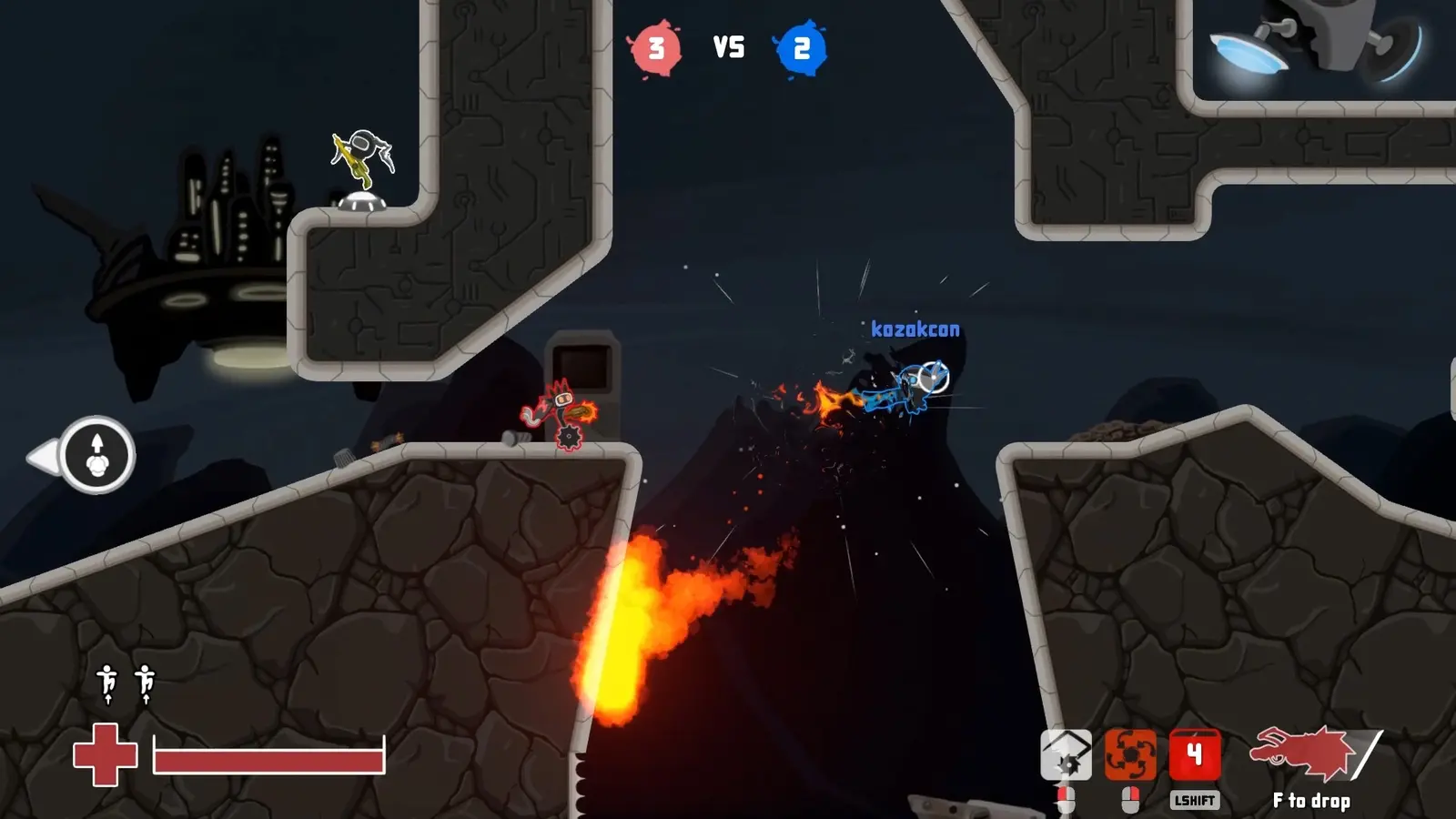
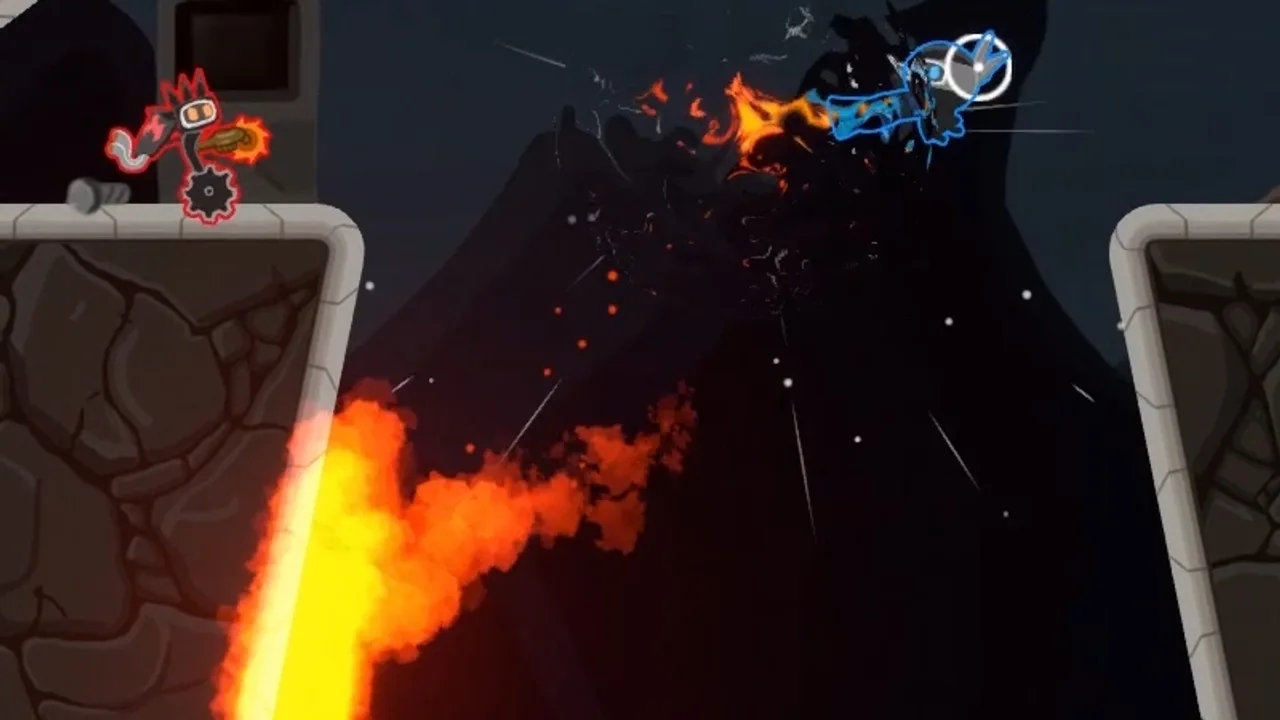
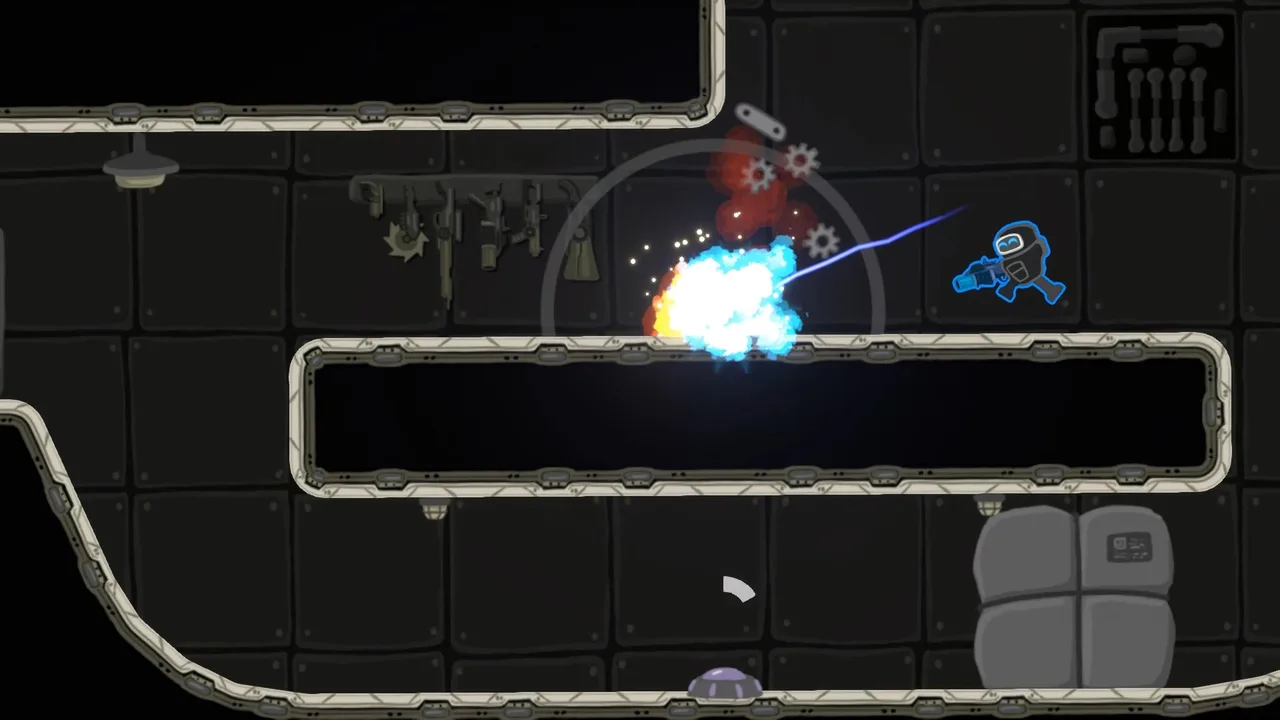
StickyBots is a frantic platform shooter about momentum, transformation and sticking to the ceiling. Players climb walls and ceilings, bunny hop and rocket jump across the arena, and launch a flying fist to push enemies, grab character classes out of the air and pick up the ball. With six character classes to swap between mid-fight, and influences from Soldat, Abuse, Altitude, Teeworlds and Quake, every match turns on movement.
Climb walls, run on the ceiling, bunny hop and rocket jump for a view of the fight from every angle.
Change between six character classes in the middle of a battle, or grab one out of the air with your fist.
Why rent a server?
A StickyBots match hosted from a player's own game holds 4 players, and it ends when that player leaves. A dedicated server holds 8, and stays up on its own, so your group always has a match ready. With us it installs in minutes, with the server name, starting arena, game mode and 1v1 Mode in the panel, the map rotation in the config editor, and full file access over SFTP and SSH.
Your server stays up when you log off, so your group can play on their own schedule.
Set the arena, map rotation, game mode and 1v1 Mode from the panel.
Straight answers before you order. Still stuck? Real people are here around the clock.
 Physgun
Name your server, pick the arena and the game mode in the panel, and your StickyBots matches stay online when you log off.