



































CPU · Memory · NVMe storage
Pick the power you need
Choose the CPU, memory and NVMe storage your server runs on, and add more when it grows.

Run your own Stickforge server with your game mode, your rules and your Workshop mods, online even when you log off.
Powering
Find your plan
Tell us about your server and we'll recommend a plan.
Let's find your plan
No per-slot fees. Choose your own slot limit. To help us recommend the right plan for you, tell us how many friends are joining you!
Best fit
Warrior2 GB RAM, 125% CPU
$5.74/mo
Pick your plan
Or build your own. Then choose where it runs and deploy.
 CustomChoose your own plan!
Billing
Secure Backups Included
Warrior
Billed monthly. Cancel any time.
Switch your Stickforge server to any of 445 other games, right from the panel, whenever you want!*
Included with
every plan
Your own arena with your own rules, mods and community, online when you are not.
Choose the CPU, memory and NVMe storage your server runs on, and add more when it grows.
Your server stays up when you log off, and it is protected from DDoS attacks.
Order and the server downloads and installs Stickforge on its own, and updates it every time it starts.
Mods and modes
Paste Steam Workshop item IDs or links into your startup settings, and the server downloads them when it starts and updates them on every restart. Run Free For All, Conquer Points or Protect Santa.
 .env - Physgun VS Code main
For the power users
Connect with real developer tools and edit your server's settings and mod configs directly. Or skip it entirely and use our simple panel.
Set the message players see when they connect, a welcome line in chat, and a Discord button that leads to your community.
Set the coins and diamonds players get on their first visit and every day, put the shop on sale, or cap levels.
List your server in the in-game server browser for anyone to find, or hide it and share the address with your group.
One place for your whole server: name, game mode, max players, menu and welcome messages, your Discord button and Workshop mods in the startup settings, a config editor for rewards, shop prices and gameplay, a console for your commands, schedules you set for restarts and backups, subusers for your admins, a file manager with SSH and VS Code, and every other universal tool.

Accurate, blazing-fast output piped directly from the container. Paired with complete SSH access inside the Panel!
1 / 10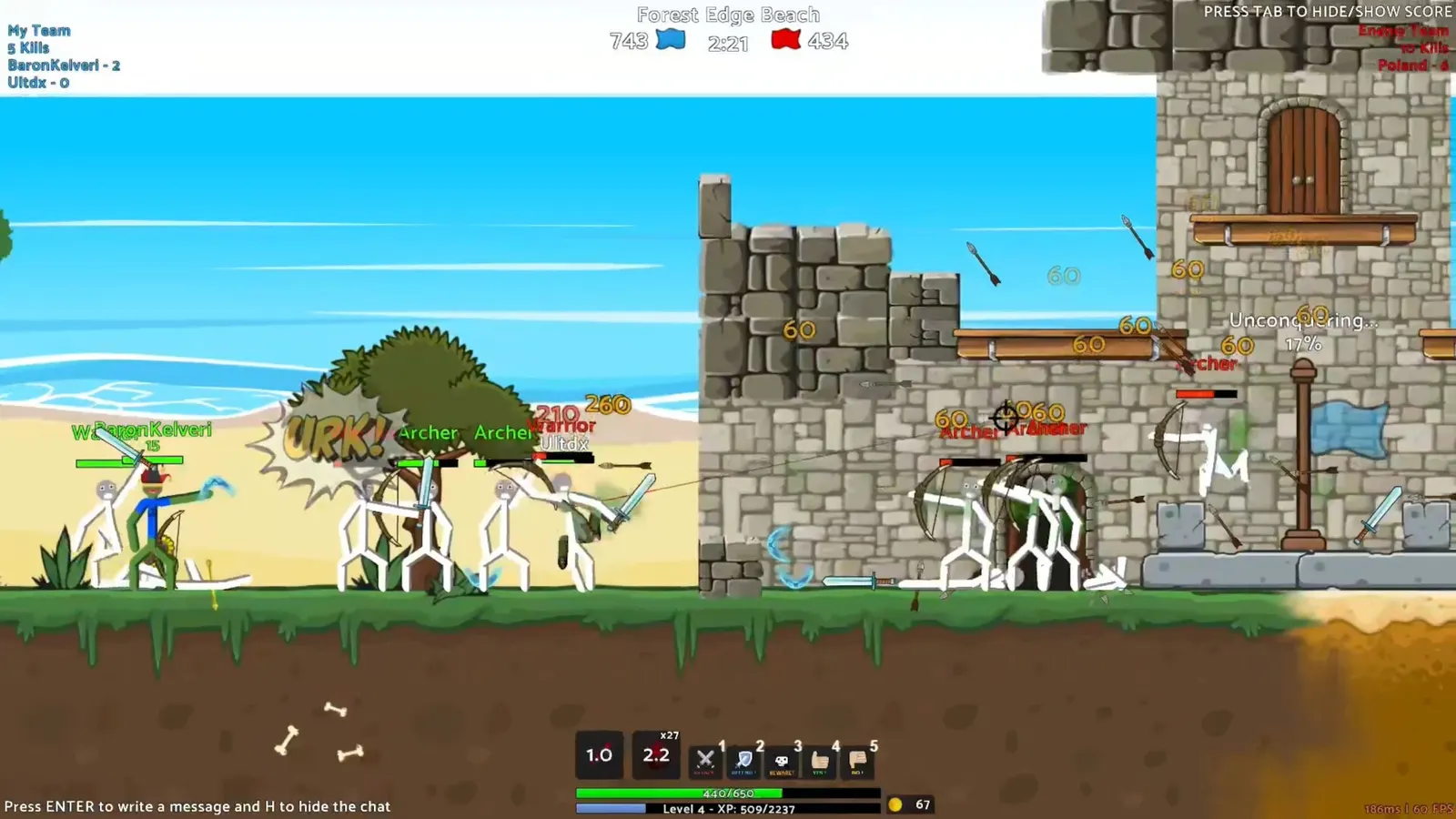
New to Stickforge?
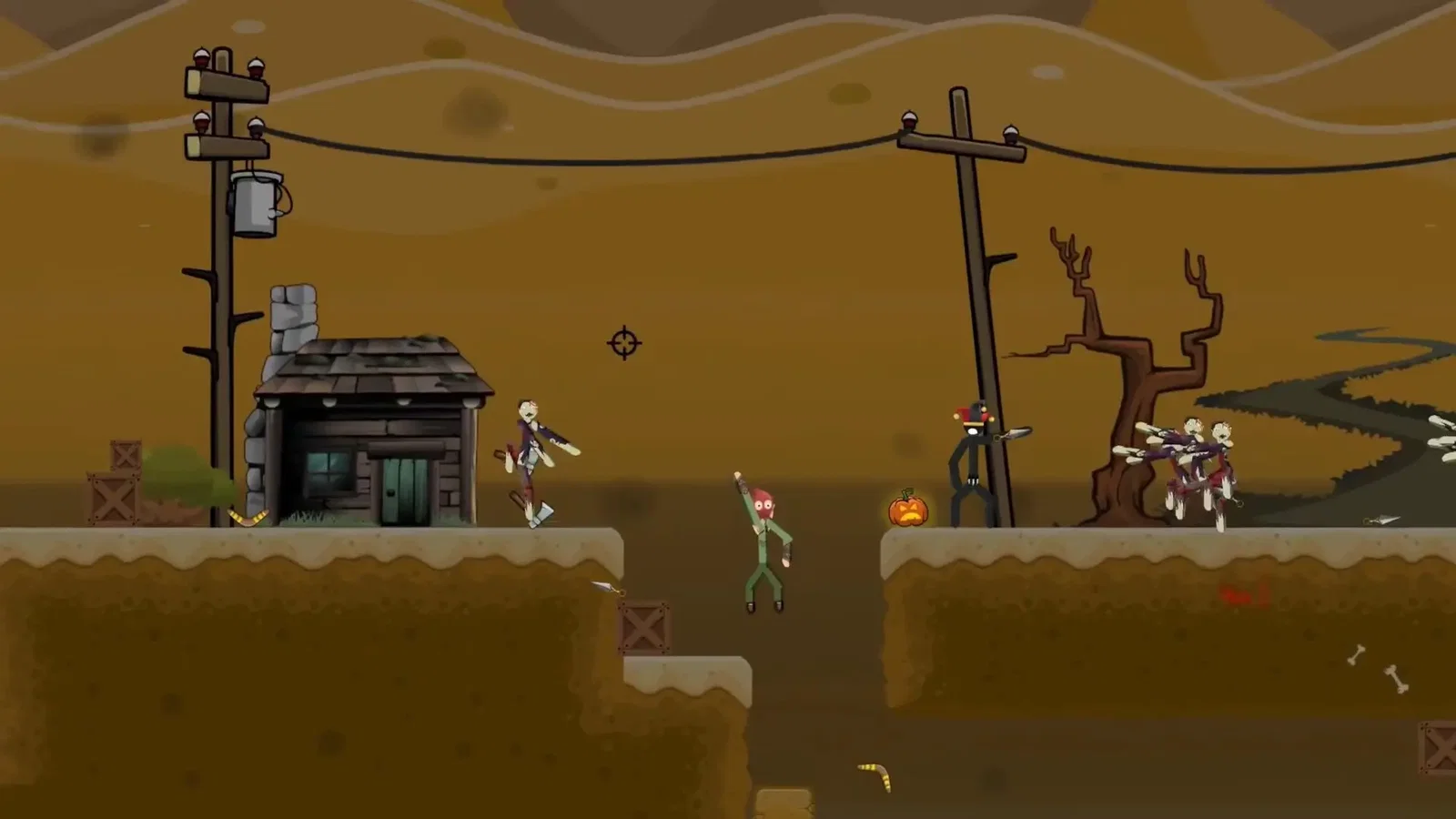
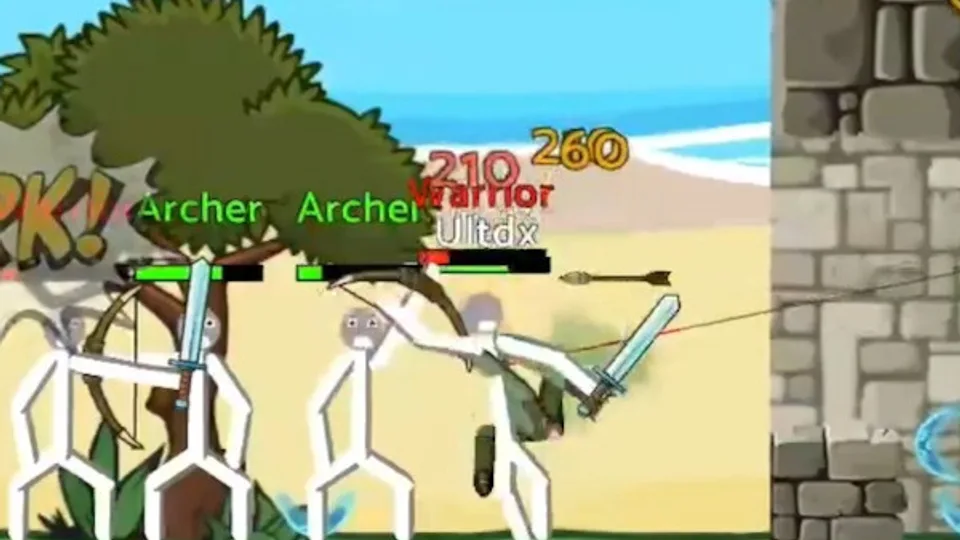
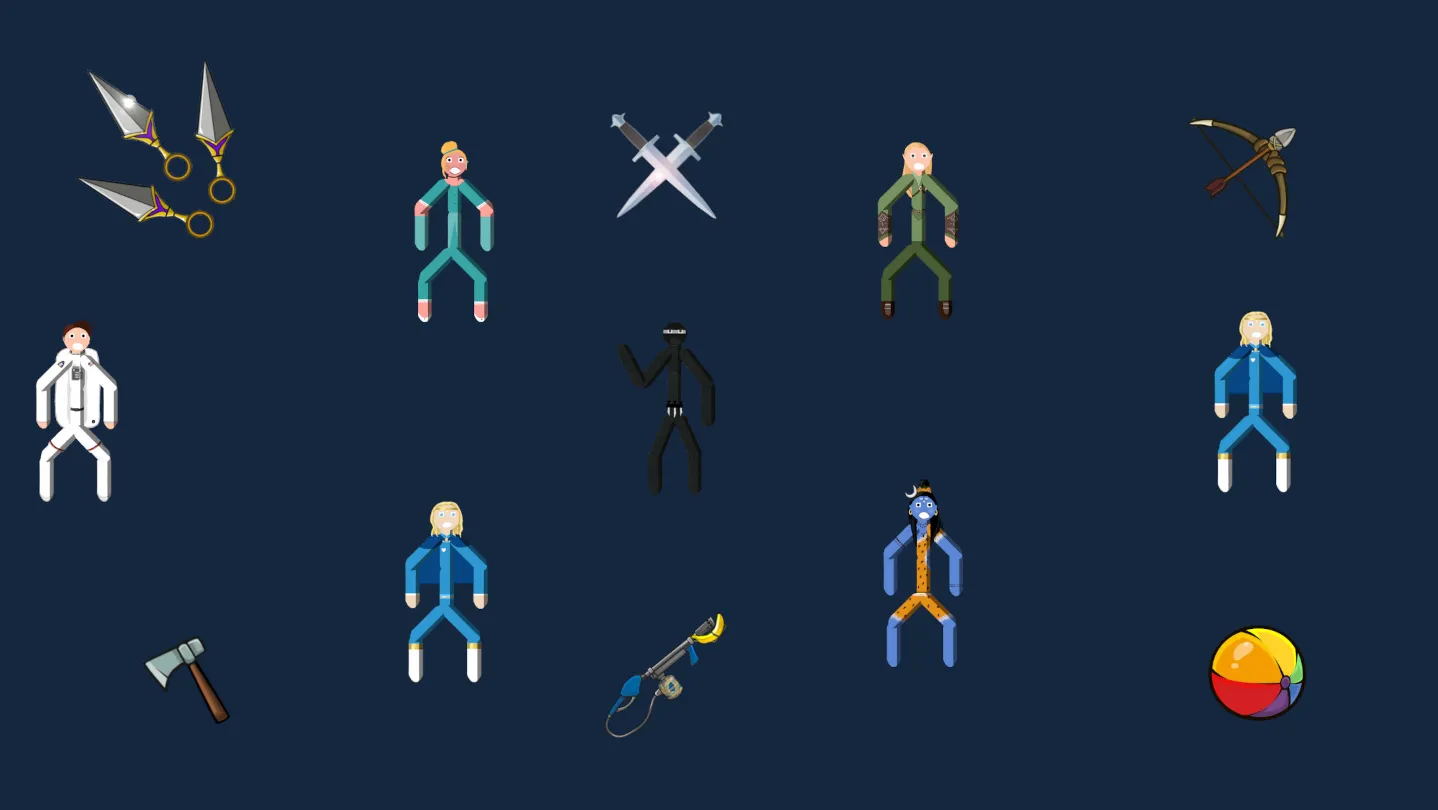
Stickforge is a physics-based 2D multiplayer stickman game from the creator of BattleStick, where stickmen bounce, break and occasionally explode. Fight other players and NPCs in arena PvP with melee and ranged weapons, and pick from skins, headgear and maps. It has full modding support: players make their own maps, skins, weapons and items, NPCs and scripts, and share them on the Steam Workshop.
Fast, casual PvP with ragdoll physics.
Custom maps, skins, weapons, NPCs and scripts, shared on the Workshop.
Why rent a server?
A Stickforge dedicated server keeps your arena online around the clock, without a PC left on at home, and close to your players in the US or UK. On our servers you set the server name, game mode, player limit, menu and welcome messages, Discord button and Workshop mods in the panel, rewards, shop prices and gameplay in the config editor, and get full file access over SFTP and SSH.
Your server stays up when you log off, so your community can play any time.
Set your game mode, rules and rewards, and run the mods you want.
Straight answers before you order. Still stuck? Real people are here around the clock.
 Physgun
Run your own game mode, rules and Workshop mods on a server that stays up when you log off.