


























CPU
Memory
Storage
CPU · memory · NVMe storage
Room for a growing factory
Pick the CPU, memory and NVMe storage your base needs, and size up as the rails and machines spread.

Keep your factory on Arcadia-7 online for the whole crew. Name the world and set a password, all from one panel.
Powering
Find your plan
Tell us about your server and we'll recommend a plan.
Let's find your plan
No per-slot fees. Choose your own slot limit. To help us recommend the right plan for you, tell us how many friends are joining you!
Best fit
Slasher8 GB RAM, 150% CPU
$20.99/mo
Pick your plan
Or build your own. Then choose where it runs and deploy.
 CustomChoose your own plan!
Billing
Secure Backups Included
Slasher
Billed monthly. Cancel any time.
Switch your StarRupture server to any of 445 other games, right from the panel, whenever you want!*
Included with
every plan
Your base on Arcadia-7 stays online for the whole crew, and the world is saved before the server stops.
Pick the CPU, memory and NVMe storage your base needs, and size up as the rails and machines spread.
99.9% uptime, so your crew can join any time, and every server is protected from DDoS attacks.
Your server installs StarRupture the moment you order. No downloads on your own PC.
World, password and autosave
Name the world your server plays. A new name starts a fresh world, and your old worlds stay saved to load again later. Set a join password and how often the world autosaves, all from the panel.
[update] Checking for a game update
[update] StarRupture is up to date
[server] Loading world Arcadia_Crew
[server] Server started, players can join
> save
[stop] Saving the world before it stops
[stop] World saved, server stopped
Updates and the console
With Auto Update on, the server downloads the latest StarRupture update every time it starts, so a restart is all an update takes. When you stop the server, it saves the world first, and you can type save in the console whenever you like.
Give your friends their own login with limited access. No password sharing.
Set up a backup schedule in the panel. Backup storage is included.
Start a fresh world with a new name, and load an old one again whenever your crew wants it back.
One place for your whole factory: world name, password, autosave interval and auto update in the startup settings, schedules you set for restarts and backups, subusers for your crew, a file manager with SSH and VS Code for your worlds, and every other universal tool.

Accurate, blazing-fast output piped directly from the container. Paired with complete SSH access inside the Panel!
1 / 10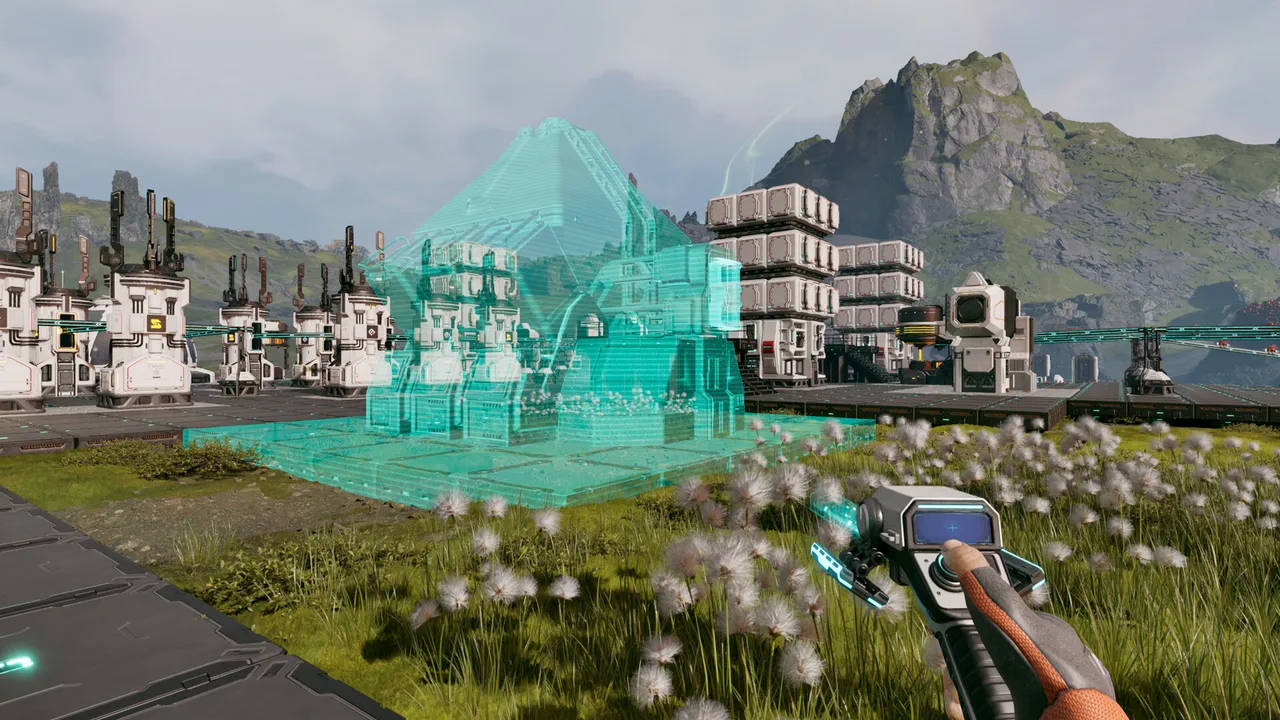
New to StarRupture?
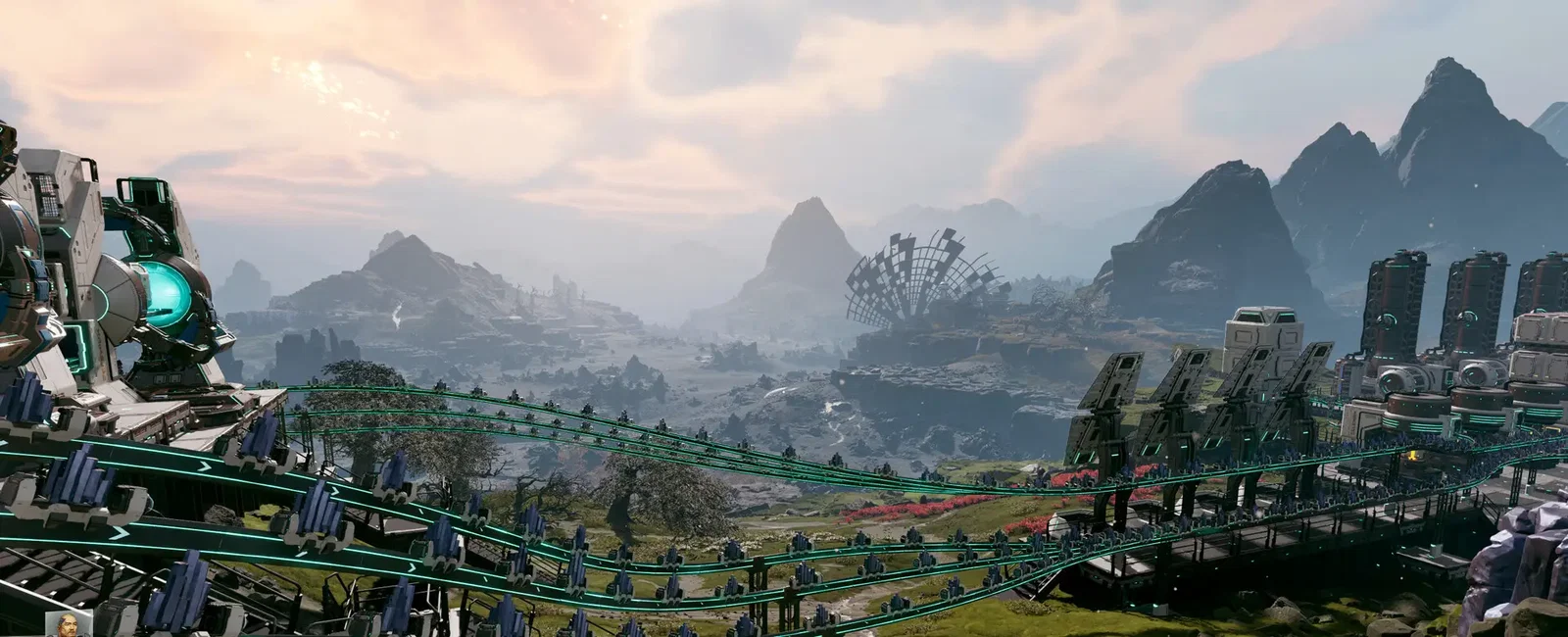
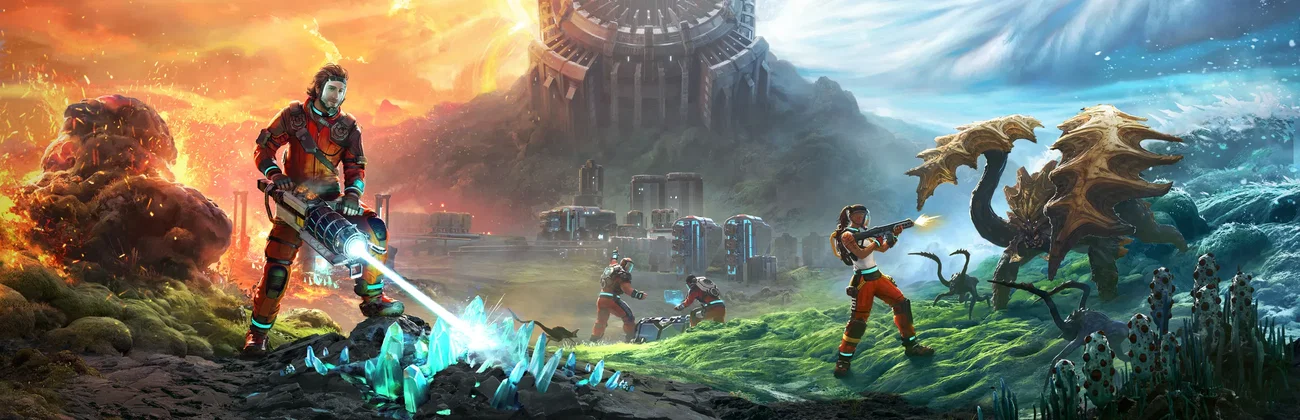
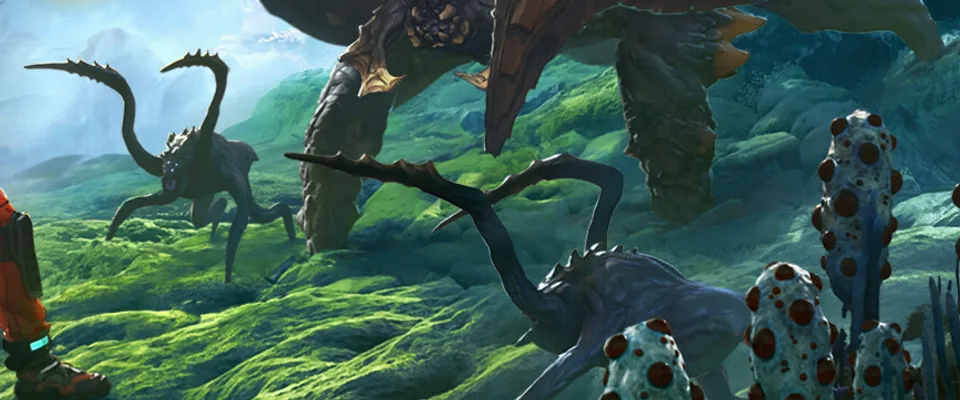
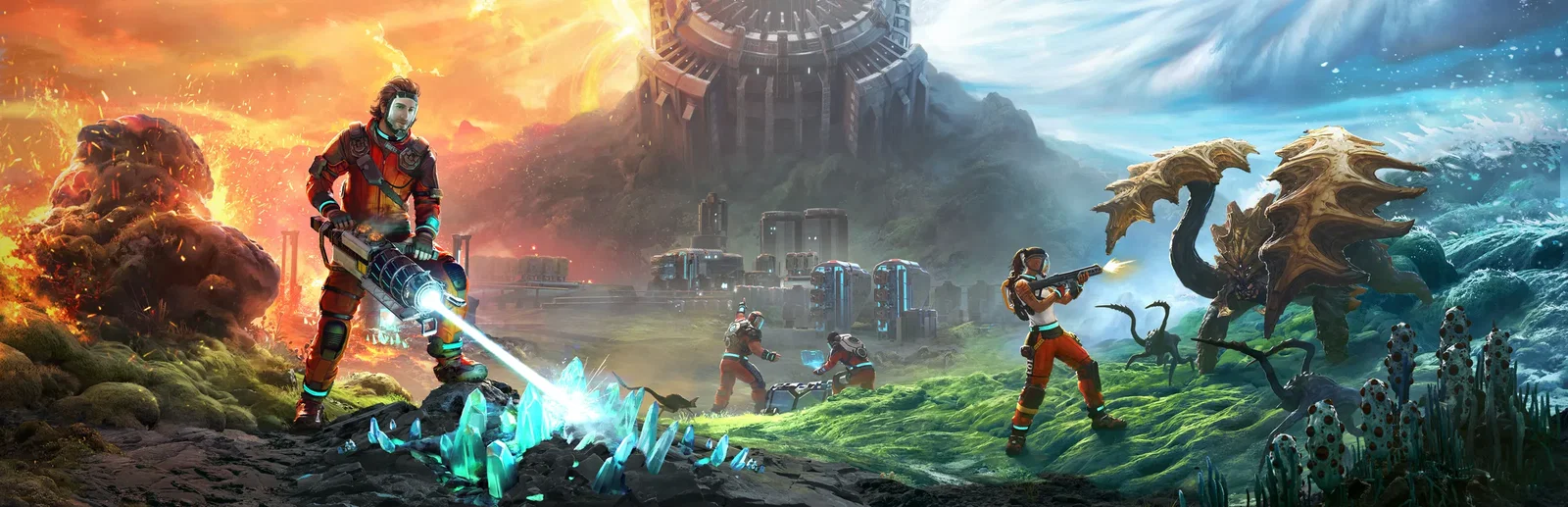
StarRupture is a first-person open world base-building game from Creepy Jar, set on the planet Arcadia-7. You mine and process resources, link extractors and smelters with rails, and ship goods to orbit for the corporations' commissions. Hordes of alien monsters attack your base, and the Rupture, a recurring blast from the planet's star, sweeps the surface and destroys whatever is left unprotected.
Extract resources and grow a production line that keeps your base alive.
Play with up to 3 friends and split the work: building, defense and exploring.

Why rent a server?
When one player hosts from their own game, the world goes offline the moment they leave. A dedicated StarRupture server keeps the world on its own machine, so anyone in your crew can join and carry on the factory. With us you set the world name, password and autosave interval in the panel, get game updates with a restart, and have full file access over SFTP.
The world stays up when the host logs off, so the crew can play on their own schedules.
Mod Loader plugins, one click away in the panel.
Straight answers before you order. Still stuck? Real people are here around the clock.
 Physgun
Keep your factory on Arcadia-7 online for the whole crew, saved before every stop and updated with a restart.