






































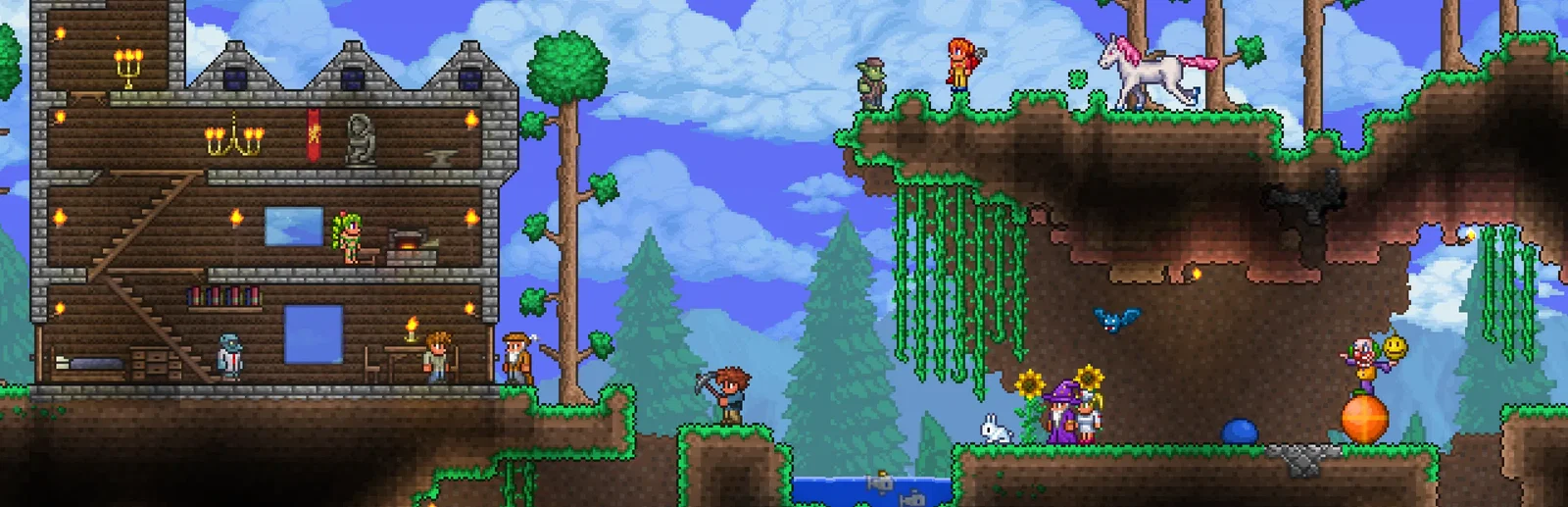







Willow Farm · harvest day
Pick the power you need
Choose the CPU, memory and NVMe storage your farm runs on, and add more when your group or mod list grows.

Keep your farm open around the clock, so every farmhand can tend crops, fish and dig the Mines on their own schedule, with your rules and your mods.
Powering
Find your plan
Tell us about your server and we'll recommend a plan.
Let's find your plan
No per-slot fees. Choose your own slot limit. To help us recommend the right plan for you, tell us how many friends are joining you!

Best fit
Gold Ore3 GB RAM, 150% CPU
$8.49/mo
Pick your plan
Or build your own. Then choose where it runs and deploy.
 CustomChoose your own plan!
Billing
Secure Backups Included
Gold Ore
Billed monthly. Cancel any time.
Switch your Stardew Valley server to any of 610 other games, right from the panel, whenever you want!*
Included with
every plan
A farm that stays open for every farmhand, with your rules and your mods, on a server you run from one panel.
Choose the CPU, memory and NVMe storage your farm runs on, and add more when your group or mod list grows.
Your farm stays open when you log off, and it is protected from DDoS attacks.
Order and the server installs Stardew Valley with SMAPI on its own, then fetches game updates each time it starts.
server-settings.json, without the typing
Cabins, shared or separate wallets, profit margin, and the options for a new farm, grouped and labelled in the panel.
 server-settings.json - Physgun VS Code main
For the power users
Connect with real developer tools to edit your settings and manage your mods. Or skip it and use the panel.
Set the farm name, player limit and a password in the startup settings, and restart to apply them.
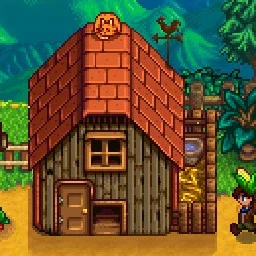
Start a new farm on any of the game's farm maps, from Standard to Meadowlands.
Every server runs SMAPI, so the mods you add load when it starts.
One place for your whole farm: farm name, farm map, player limit and password in the startup settings, a config editor for cabins, wallets, profit margin and new-farm options, schedules you set for restarts and backups, subusers for your farmhands, a file manager with SSH and VS Code, and every other universal tool.
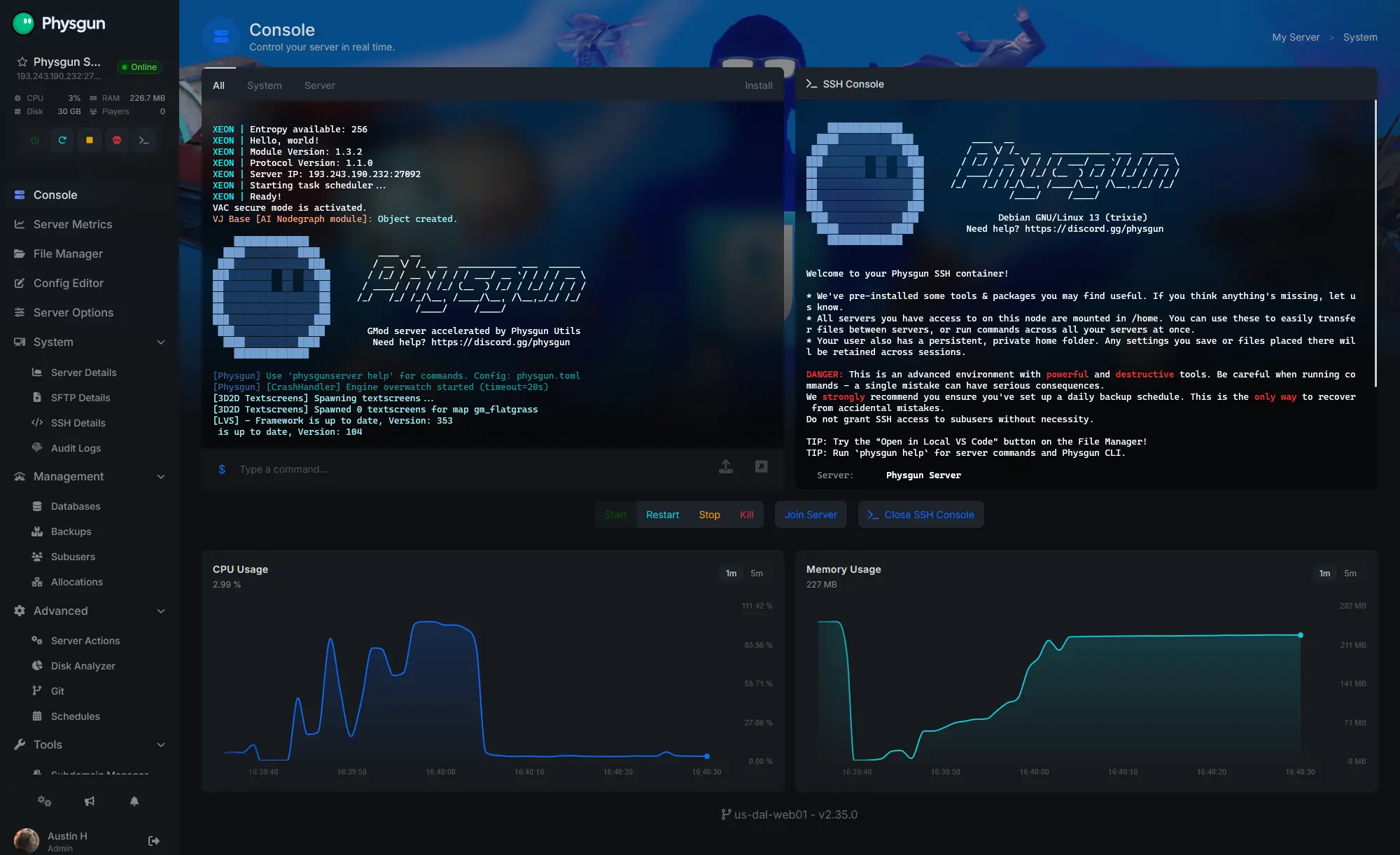
Accurate, blazing-fast output piped directly from the container. Paired with complete SSH access inside the Panel!
1 / 10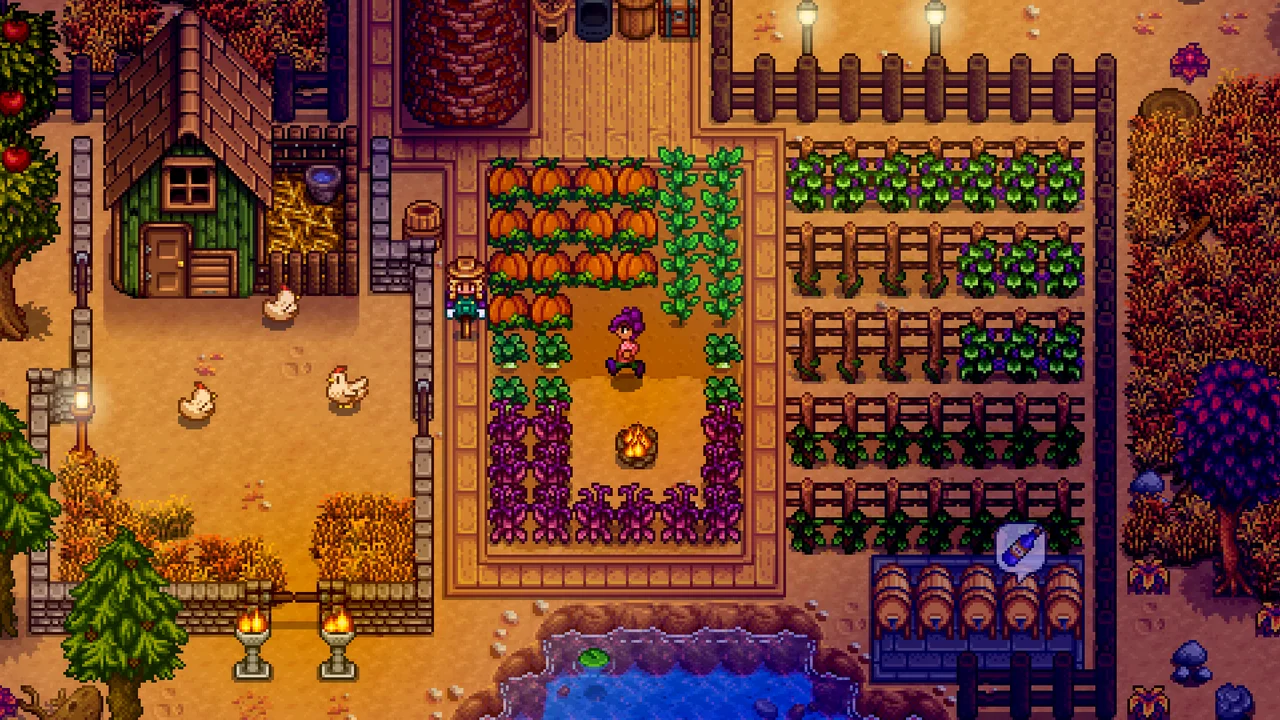
New to Stardew Valley?
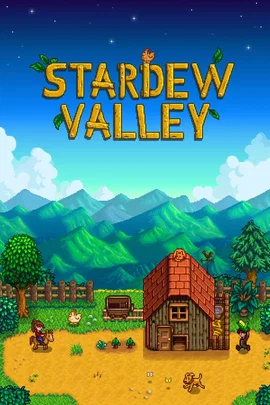
Stardew Valley is an open-ended country-life RPG from ConcernedApe. You inherit your grandfather's old farm plot, and with hand-me-down tools and a few coins you set out to turn the overgrown fields into a thriving home. Grow crops, raise animals and craft machines, explore the Mines, fish the local spots, and make friends with the people in town. Restore the Community Center, or join forces with Joja.
Grow crops, start an orchard, raise animals and lay the farm out your way.
Befriend over 30 villagers, take part in seasonal festivals, and court a partner.
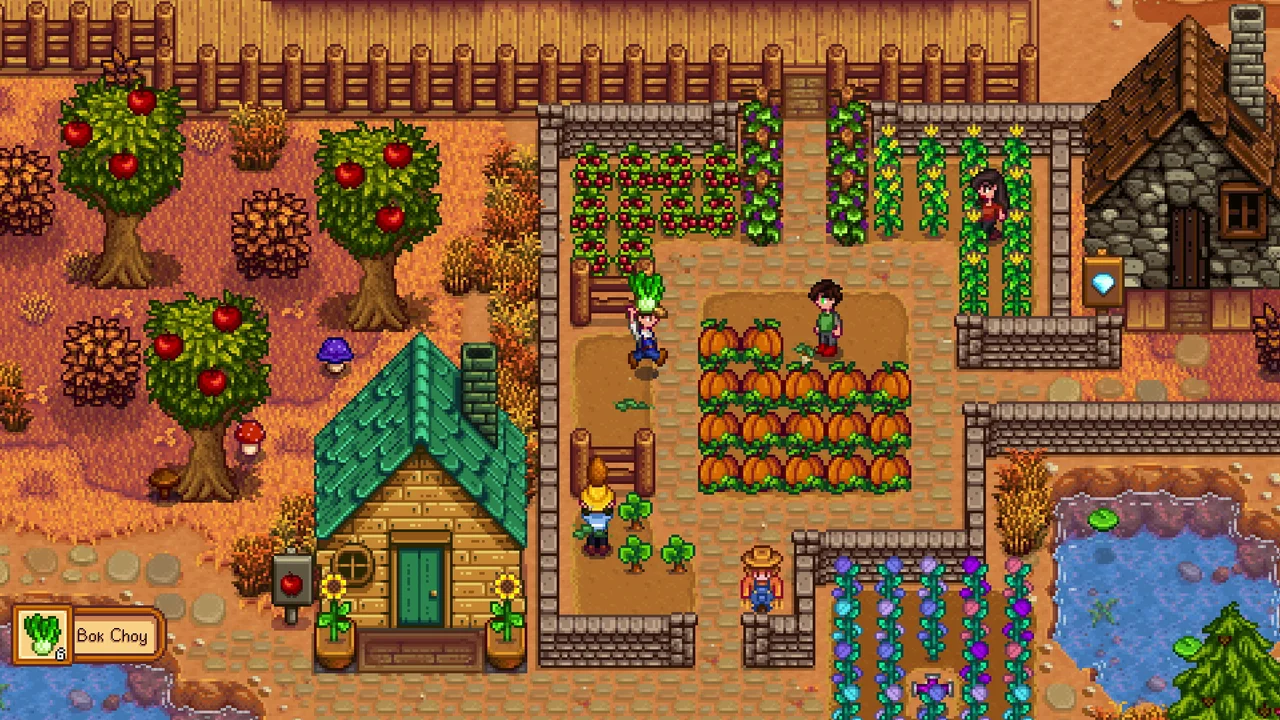
Why rent a server?
In regular co-op the farm lives on the host's PC and closes when they log off. A server keeps it open around the clock, so friends and family can farm together or on their own time, with no PC left on at home. With Physgun you set the farm name, farm map, player limit and password in the startup settings, set cabins, wallets and profit margin in the config editor, add SMAPI mods, and get full file access over SFTP and SSH.
Your farm stays online, so farmhands can join whenever they like.
Pick shared or separate wallets, a profit margin and where cabins go.
Straight answers before you order. Still stuck? Real people are here around the clock.
 Physgun
Keep your farm open around the clock, so everyone can play on their own schedule.