

















duel_jedi · Duel
Pick the power you need
Choose the CPU, memory and NVMe storage your server runs on, and add more as your community grows.

Run a Star Wars Jedi Knight II server for your clan or duel community, with your game type, your Force rules and your saber settings, all set up from one panel.
Powering
Find your plan
Tell us about your server and we'll recommend a plan.
Let's find your plan
No per-slot fees. Choose your own slot limit. To help us recommend the right plan for you, tell us how many friends are joining you!

Best fit
Tavion1 GB RAM, 125% CPU
$3.24/mo
Pick your plan
Or build your own. Then choose where it runs and deploy.
 CustomChoose your own plan!
Billing
Secure Backups Included
Tavion
Billed monthly. Cancel any time.
Switch your Star Wars Jedi Knight II: Jedi Outcast server to any of 610 other games, right from the panel, whenever you want!*
Included with
every plan
Your game type, your Force rules and your mods, on a server you run from one panel.
Choose the CPU, memory and NVMe storage your server runs on, and add more as your community grows.
Your server stays up when you log off, and it is protected from DDoS attacks.
Order and we install Jedi Outcast and its dedicated server for you. No game files to upload.
server.cfg, without the typing
Time, kill, duel and capture limits, teams, Force rank, Force powers, weapons and sabers, grouped and labelled in the panel.
 server.cfg - Physgun VS Code main
For the power users
Connect with real developer tools and edit server.cfg, maps and mod files directly. Or skip it and use the panel.
Set the server name, game type, map, max players and passwords in the startup settings, and restart to apply them.

The server runs JK2MV, so players on older and newer versions of the game can join the same server.
Upload a server mod to its own folder and name it in the panel, and fast downloads send custom maps to players.
One place for your whole server: name, game type, map, passwords, game version and mod folder in the startup settings, a config editor for match limits, Force powers and sabers, a live console, schedules you set for restarts and backups, subusers for your clan, a file manager with SSH and VS Code, and every other universal tool.
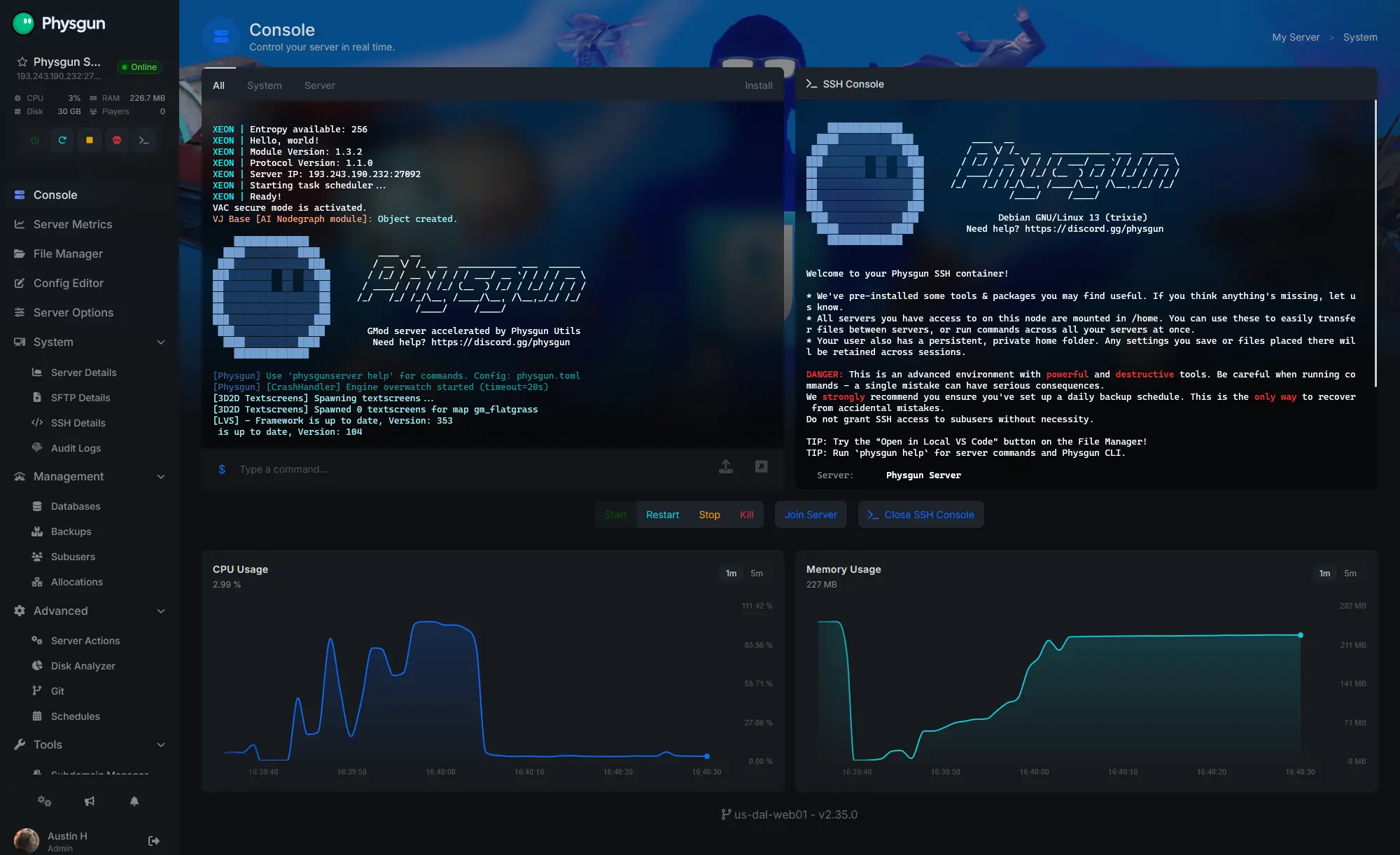
Accurate, blazing-fast output piped directly from the container. Paired with complete SSH access inside the Panel!
1 / 10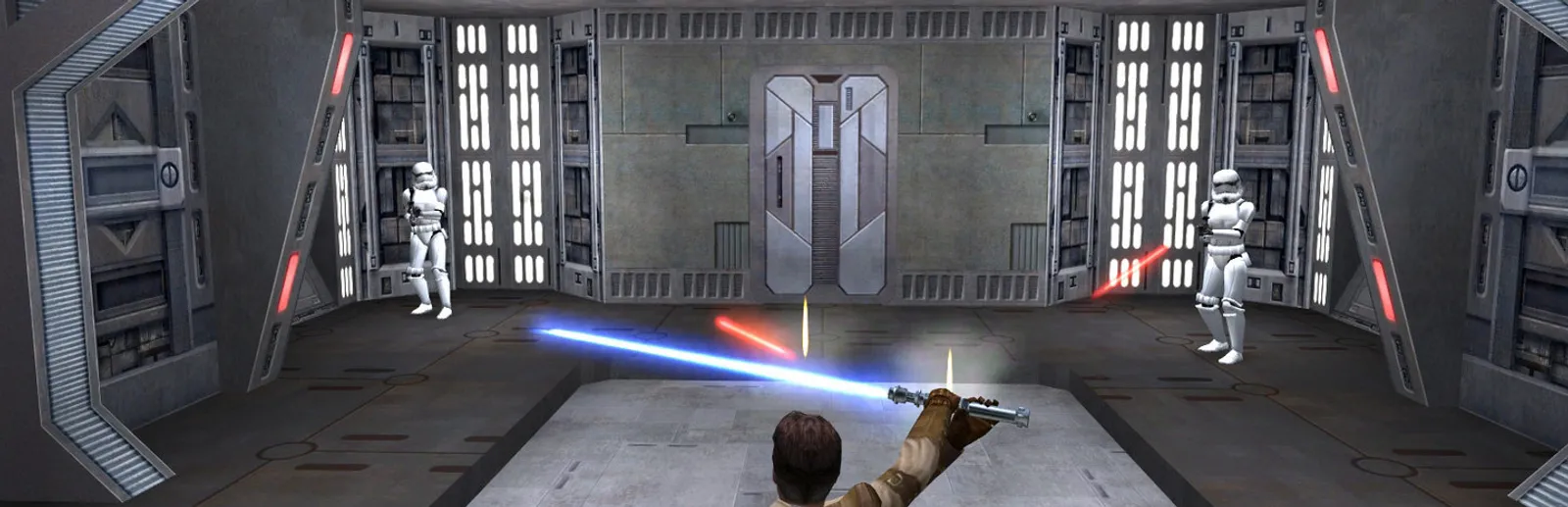
New to Jedi Outcast?
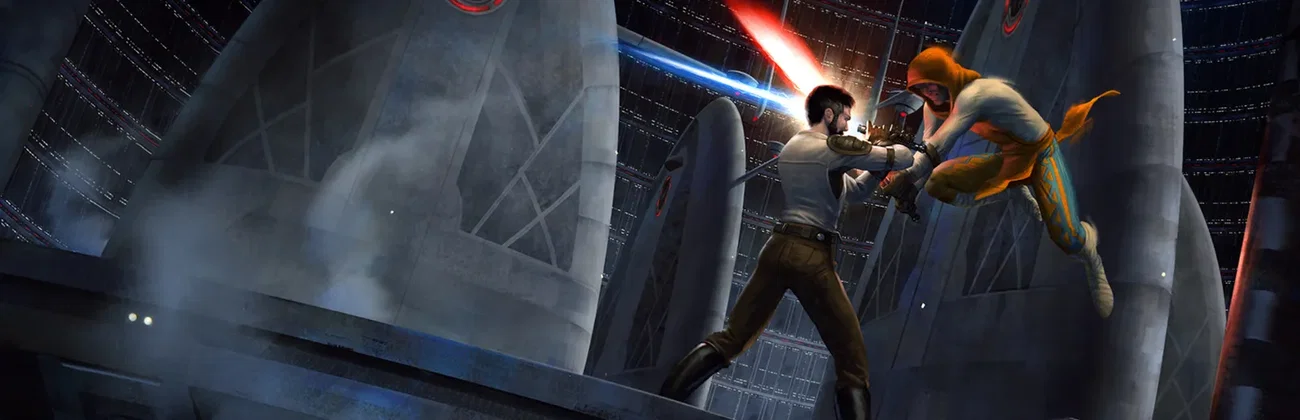
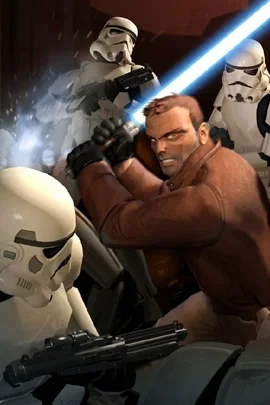
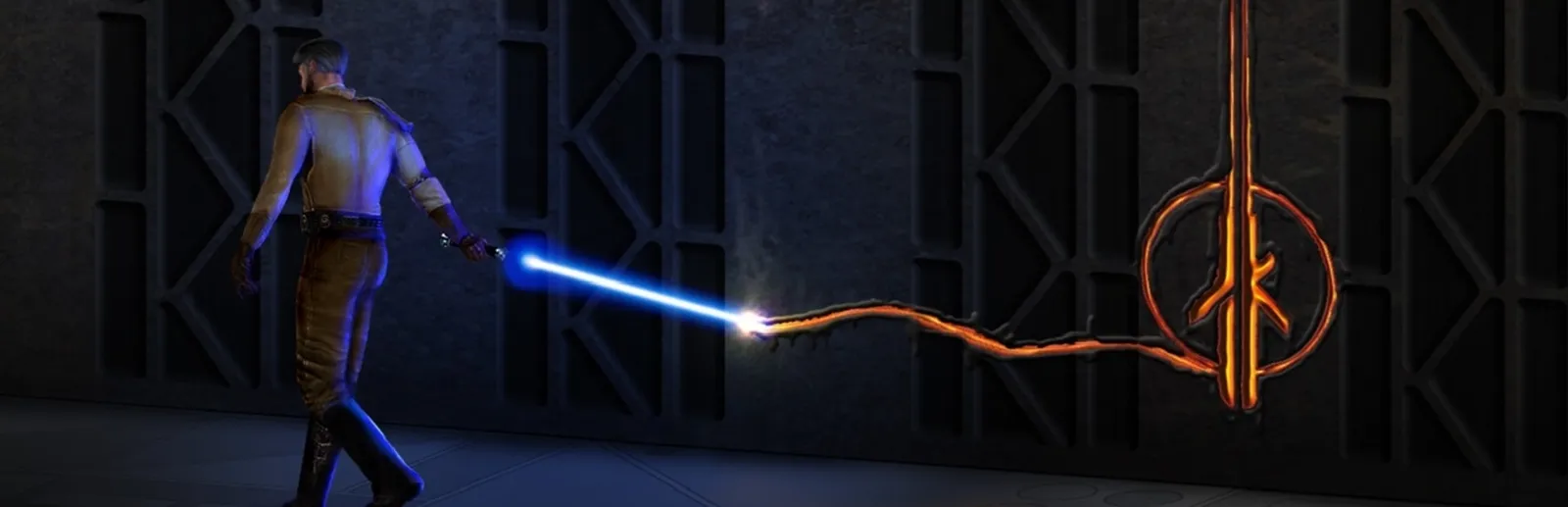
Star Wars Jedi Knight II: Jedi Outcast is a first-person Star Wars action game from Raven Software, built on the Quake III Arena engine. As Kyle Katarn, agent of the New Republic, you use your lightsaber and the full power of the Force to combat a new evil plaguing the galaxy. Online, 2 to 32 players fight with sabers, blasters and Force powers in Free For All, Duel, Capture the Flag, Holocron, Jedi Master and more.
Wield Force Grip, Force Lightning, the Jedi Mind Trick and more, with more Force powers online.
Skill-based saber fights, from one-on-one Duel to Capture the Flag.
Why rent a server?
A Jedi Outcast dedicated server gives your clan or duel community one place to play that stays online when you log off. With Physgun you set the server name, game type, map, passwords and game version in the panel, tune match limits, Force powers, weapons and sabers in the config editor, run server mods and send custom maps with fast downloads, and get full file access over SFTP and SSH.
Your server stays up when you log off, so your clan can duel any time.
Pick the CPU, memory and storage your server gets, and change them later.
Straight answers before you order. Still stuck? Real people are here around the clock.
 Physgun
Give your clan or duel community a server of its own, with your game type, your Force rules and players on older and newer versions of the game together.