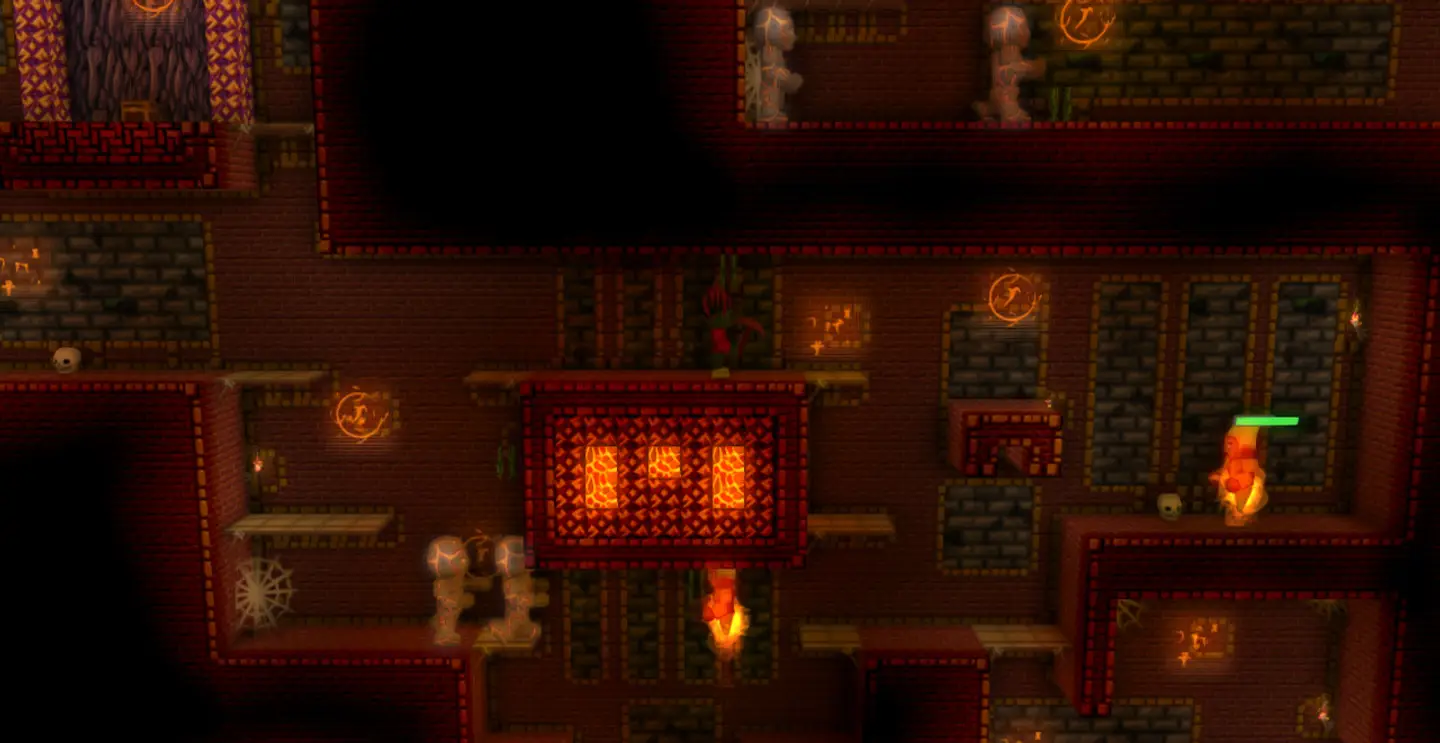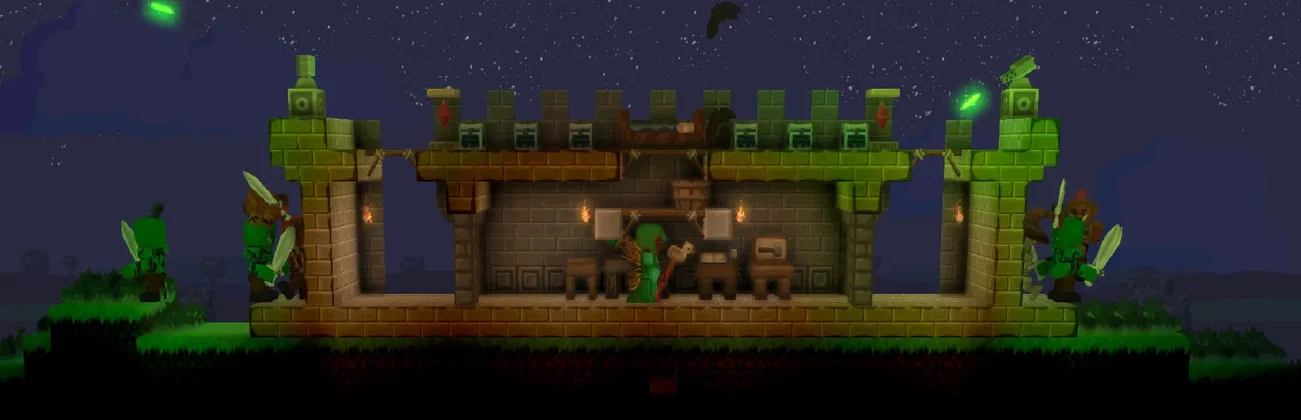




































World loaded, players exploring
Room for a growing world
Pick the CPU and memory your world needs, on NVMe storage, and size up as it grows.

Explore, build and fight the otherworlders with friends on a world that stays online. Set the world, seed and difficulty from the panel.
Powering
Find your plan
Tell us about your server and we'll recommend a plan.
Let's find your plan
No per-slot fees. Choose your own slot limit. To help us recommend the right plan for you, tell us how many friends are joining you!

Best fit
Snow Golem3 GB RAM, 150% CPU
$8.49/mo
Pick your plan
Or build your own. Then choose where it runs and deploy.
 CustomChoose your own plan!
Billing
Secure Backups Included
Snow Golem
Billed monthly. Cancel any time.
Switch your Spoxel server to any of 445 other games, right from the panel, whenever you want!*
Included with
every plan
A world that stays online for your whole group, with its name, players, seed and difficulty in the panel.
Pick the CPU and memory your world needs, on NVMe storage, and size up as it grows.
99.9% uptime, and every Spoxel server is protected from DDoS attacks.
Your server installs itself the moment you order, and picks up game updates each time it restarts.
Set up your server
Name your server, choose how many players can join and which world it loads. New worlds take your seed and difficulty. All from the panel.
 voxelcraftserver.settings - Physgun VS Code main
For the power users
Connect with real developer tools to look through your worlds, logs and server files. Or skip it entirely and use our simple panel.
Set how much ore and loot new worlds generate, and how often the server updates, in our config editor.
Type commands straight into the console. Anything without a slash goes to your players as chat.
Put backups and restarts on a schedule, and the panel runs them on time, whether or not anyone is online.
One place for your whole world: server name, player limit, world, seed and difficulty in the startup settings, ore and loot amounts in the config editor, a console for commands, schedules you set for restarts and backups, a file manager with SSH and VS Code, and every other universal tool.

Accurate, blazing-fast output piped directly from the container. Paired with complete SSH access inside the Panel!
1 / 10
New to Spoxel?
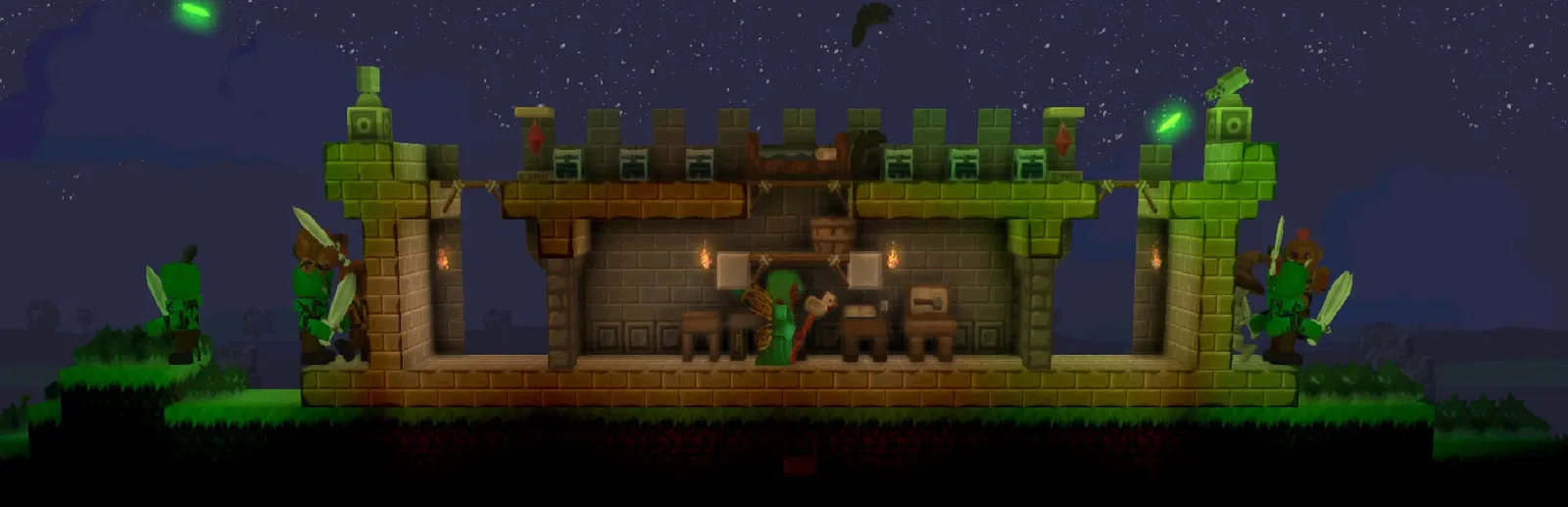
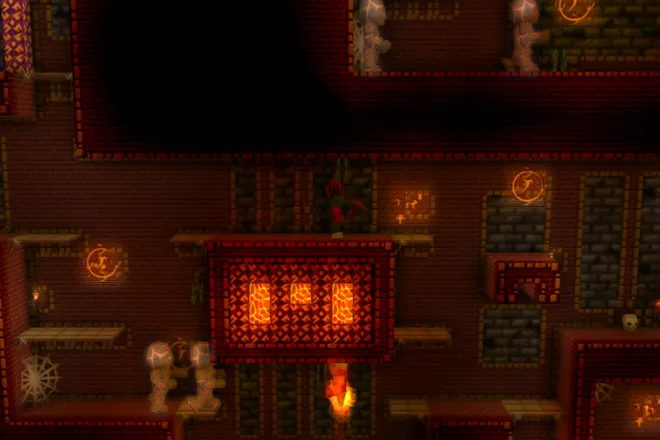
Spoxel is a voxel sandbox action RPG. The otherworlders have taken the land and forced the grounders below the surface, and you set out to fight back. Explore an infinite world and delve into other dimensions, gather rare resources, and build a base to defend. Combine materials into weapons and armor with their own traits, then move, rotate, scale and dye the parts until they fit your character. Play it with friends in online co-op or PvP.
Research rune combinations and put them together into custom spells, from automining to teleporting enemies into lava.
Infuse weapons and armor with rare resources to create items of power.
Why rent a server?
A Spoxel dedicated server keeps your world and your base online around the clock, so your friends can play without one of you hosting from the game. With Physgun you set the server name, player limit, world, seed and difficulty in the panel, tune how much ore and loot new worlds get in our config editor, type commands in the console, and get full file access over SFTP and SSH.
Your world stays up when you log off, so the group can explore on their own schedules.
Set players, world, seed and difficulty, and more ore or loot for new worlds.
Straight answers before you order. Still stuck? Real people are here around the clock.
 Physgun
Keep your world and base online, so your group can explore whenever they like.