



























Large grids · crew online
Room for big grids
Large ships, busy stations and scripts all add load. Pick the CPU and memory your world needs, and size up as it grows.

A dedicated server that keeps your ships, stations and bases online for the whole crew. Pick Survival or Creative, a starting scenario and your Workshop mods, then build whenever you like.
Powering
Find your plan
Tell us about your server and we'll recommend a plan.
No per-slot fees. Choose your own slot limit. To help us recommend the right plan for you, tell us how many friends are joining you!
No modded server is the same, and all games vary in how heavily modding can affect performance. We ask this to further estimate which plan is right for you. You can always upgrade or downgrade at any time.
Best fit
MR-50A Rifle10 GB RAM, 200% CPU
$26.49/mo
Pick your plan
Or build your own. Then choose where it runs and deploy.
 CustomChoose your own plan!
Billing
Secure Backups Included
MR-50A Rifle
Billed monthly. Cancel any time.
Switch your Space Engineers server to any of 445 other games, right from the panel, whenever you want!*
Included with
every plan
A world that stays online for your crew, Workshop mods from their IDs, and Torch plugins, one click away in the panel.
Large ships, busy stations and scripts all add load. Pick the CPU and memory your world needs, and size up as it grows.
Your world stays up when the host logs off, and every Space Engineers server is protected from DDoS attacks.
Your server sets itself up the moment you order, and it updates the game every time it starts.
Your world, your rules
Pick Survival or Creative and the scenario a new world starts from, from a single planet to the whole Star System. Set the player limit, production speeds, block limits and your admins, all from the startup settings.
 SpaceEngineers-Dedicated.cfg - Physgun VS Code main
For the power users
Connect with real developer tools to manage your worlds and server files. Or skip it entirely and use our simple panel.
Add a mod's Workshop ID and restart. The server downloads it and loads it into your world.
Torch plugins are one click away in the panel, with your files kept.
Give your crew's admins their own login with limited access. No password sharing.
One place for your whole star system: game mode, starting scenario, admins and Workshop mods in the startup settings, scheduled restarts and backups, subusers for your crew, and a file manager with SSH and VS Code for your worlds.

Accurate, blazing-fast output piped directly from the container. Paired with complete SSH access inside the Panel!
1 / 10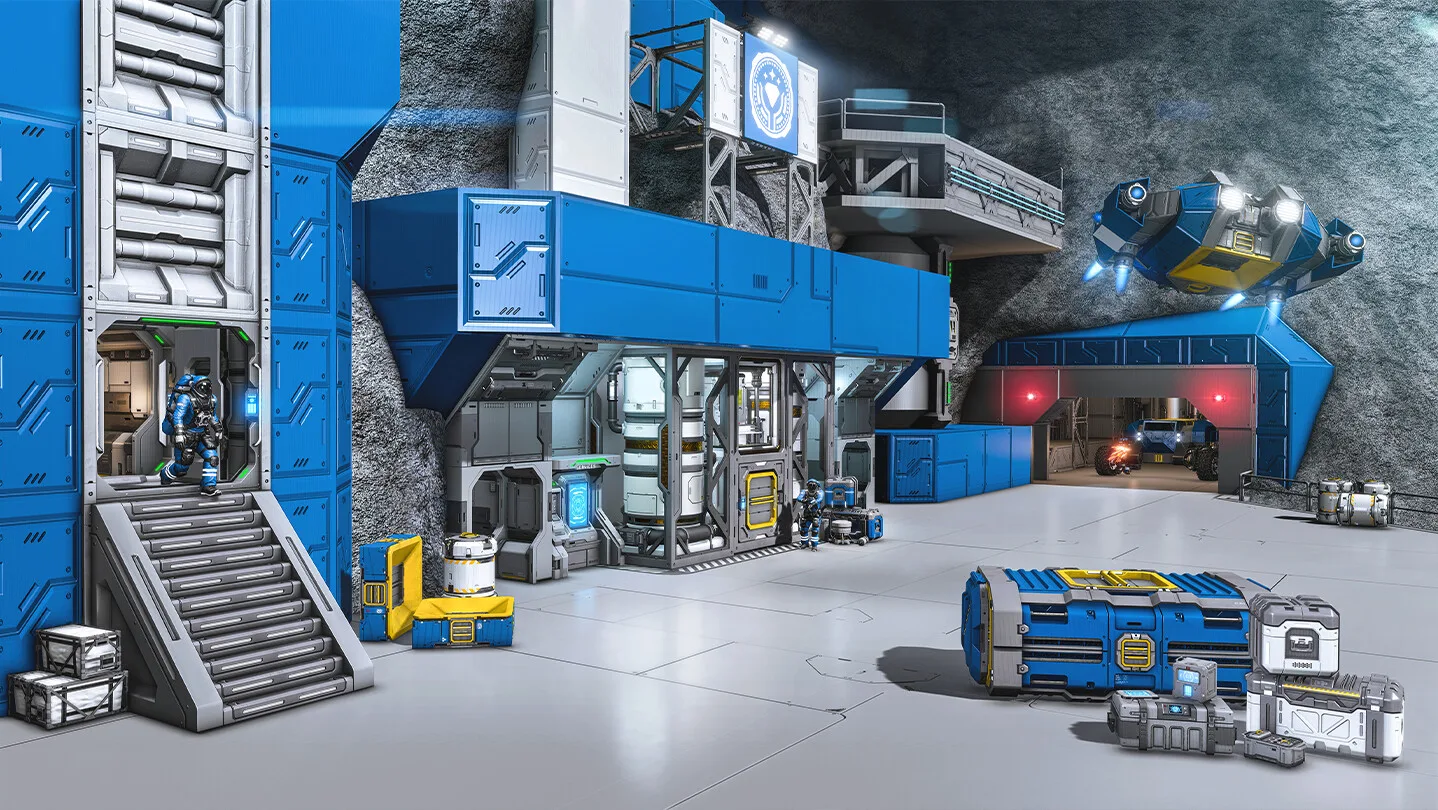
New to Space Engineers?
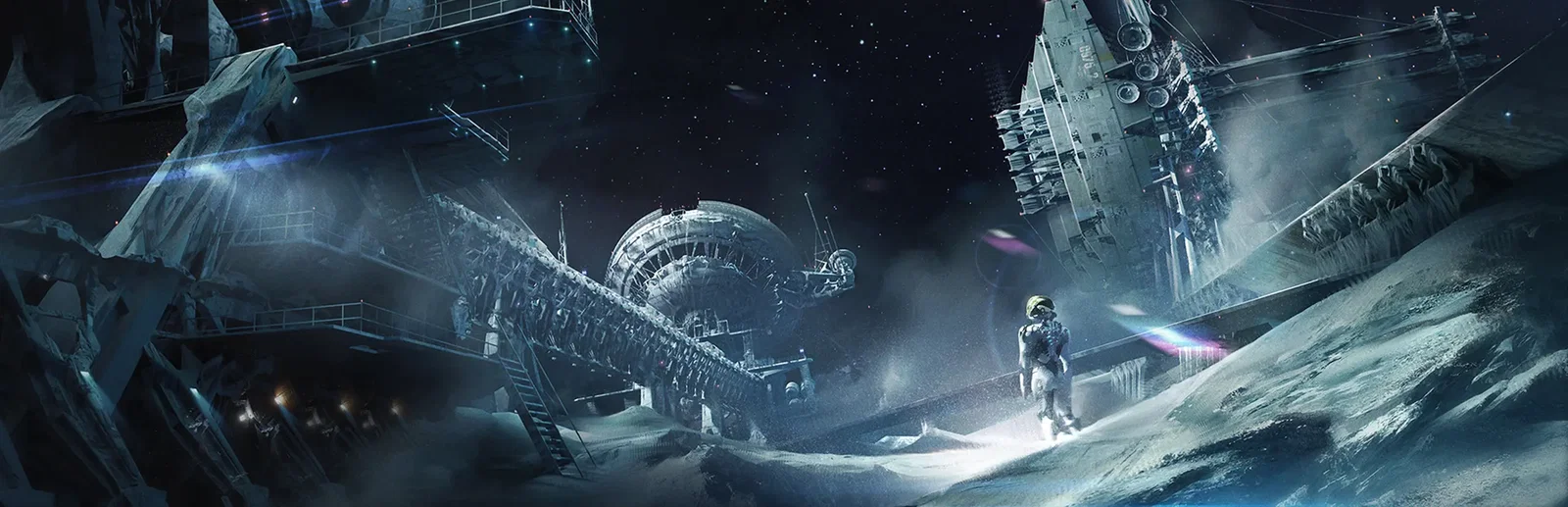
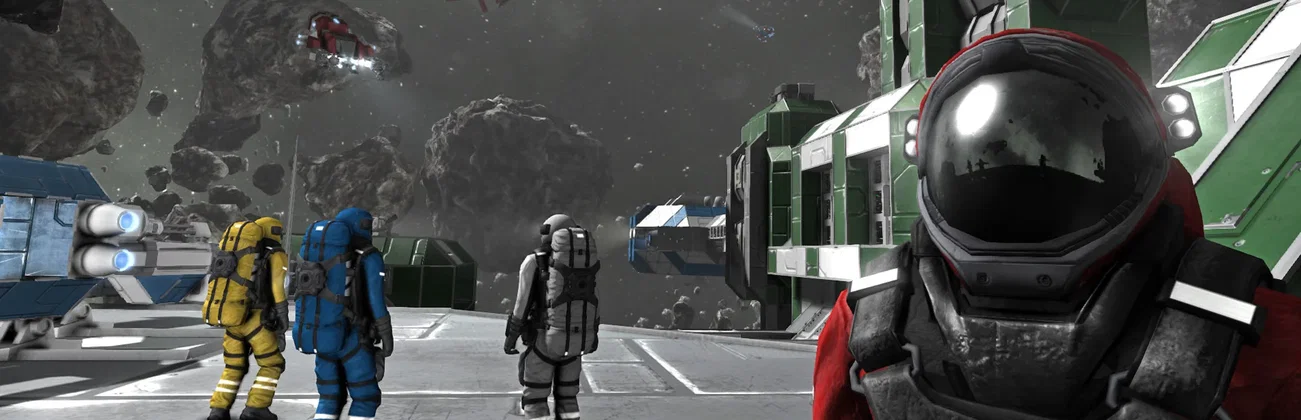
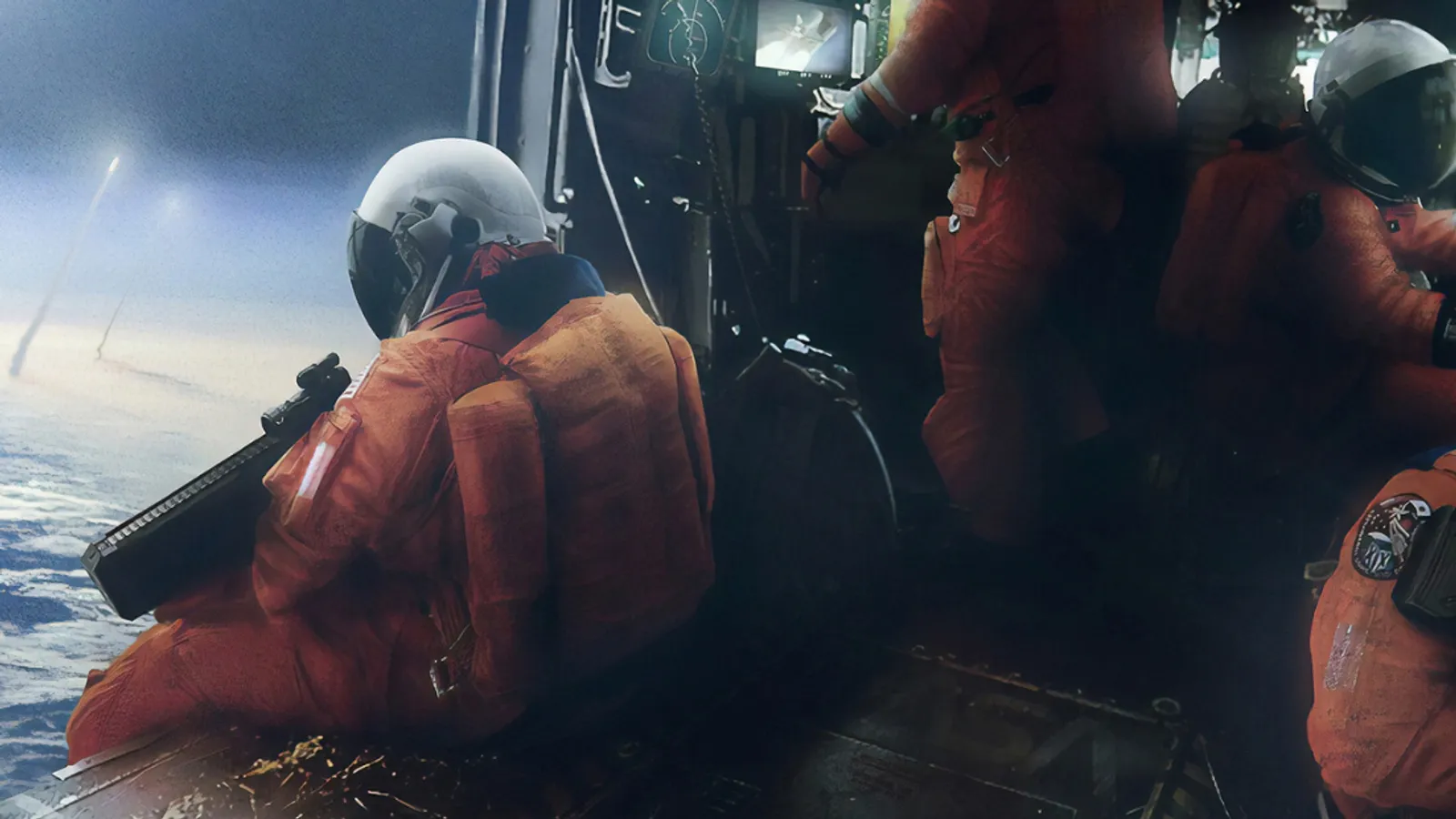
Space Engineers is a sandbox engineering game from Keen Software House. You design and build ships, stations and planetary bases block by block, in a world where every block has mass and can break apart. In Survival you mine ore on planets and asteroids, refine it into ingots, assemble components and weld them into rovers, ships and bases, while you keep the power, oxygen and hydrogen flowing. Creative gives you unlimited resources and instant building, so you can design and test freely.
Ships, stations, rovers and bases, built from over 200 functional blocks.
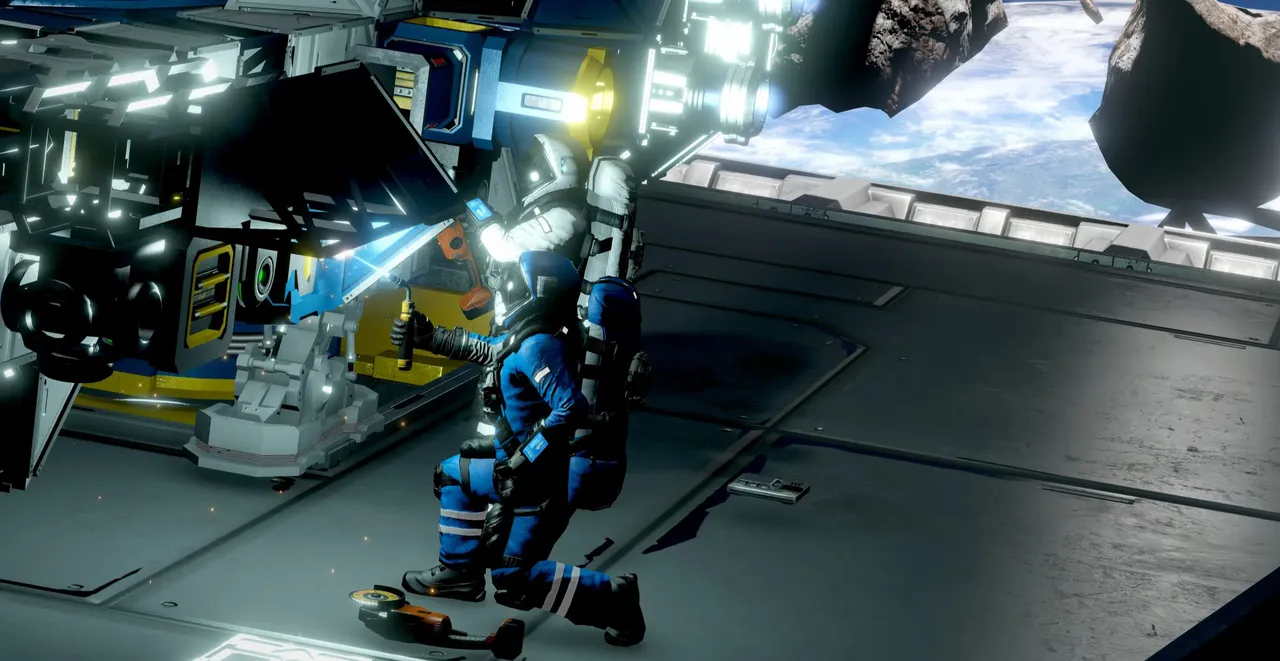
Mine, refine, build and fly as a crew, or form factions and fight it out.
Why rent a server?
When one player hosts from their own game, the world stops when they leave, and their PC carries the whole physics simulation. A dedicated server keeps the world online on its own, so anyone in your crew can join and keep building on their own schedule. Ours is ready minutes after you order, with the game mode, starting scenario, admins and Workshop mods in the panel, full file access over SFTP and SSH, and a game update every time it starts.
The world stays online when the host logs off, so the crew can play whenever they like.
Set the game mode, player limit, production speeds and mods, and Torch plugins, one click away in the panel.
Straight answers before you order. Still stuck? Real people are here around the clock.
 Physgun
Keep your ships, stations and bases online for the whole crew, with Survival or Creative, your starting scenario and your Workshop mods.