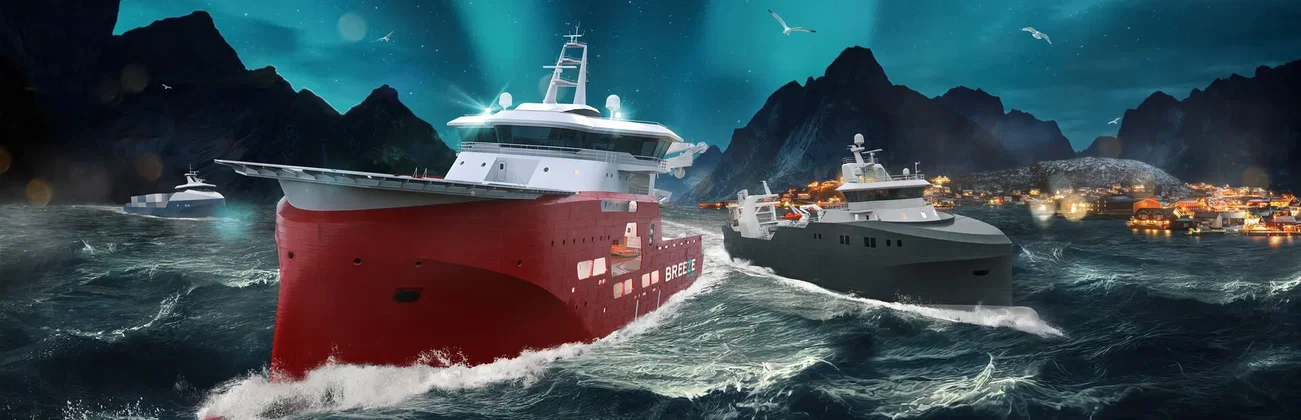

































Lofoten · crew at sea
Pick the power you need
Choose the CPU, memory and NVMe storage your server runs on, and add more when your crew grows.

Run a shared Lofoten for your crew. Your company, fleet and progress stay online when you log off, and players find you by name in the multiplayer menu.
Powering
Find your plan
Tell us about your server and we'll recommend a plan.
Let's find your plan
No per-slot fees. Choose your own slot limit. To help us recommend the right plan for you, tell us how many friends are joining you!
Best fit
Turbo6 GB RAM, 150% CPU
$15.99/mo
Pick your plan
Or build your own. Then choose where it runs and deploy.
 CustomChoose your own plan!
Billing
Secure Backups Included
Turbo
Billed monthly. Cancel any time.
Switch your Ships At Sea server to any of 445 other games, right from the panel, whenever you want!*
Included with
every plan
A shared world for your crew, your company and your fleet, run from one panel.
Choose the CPU, memory and NVMe storage your server runs on, and add more when your crew grows.
Your world stays up when you log off, and it is protected from DDoS attacks.
Order and the server downloads and installs Ships At Sea on its own. Nothing to set up on your side.
Found by name in the game
Set the name and description players see in the in-game multiplayer list, let up to 16 players join, and choose how often the world saves.
 DedicatedServerSettings.ini - Physgun VS Code main
For the power users
Connect with real developer tools and reach your server's files and saves directly. Or skip it and use the panel.
The server updates to the latest game version each time it starts, so a restart brings the newest patch. You can turn it off.
Set how many minutes pass between world saves. A shorter interval keeps more of your crew's progress.
Set up a backup schedule in the panel. Secure backup storage is included in every server.
One place for your whole crew: server name, description, max players and autosave interval in the startup settings, schedules you set for restarts and backups, subusers for your crewmates, a file manager with SSH and VS Code, and every other universal tool.

Accurate, blazing-fast output piped directly from the container. Paired with complete SSH access inside the Panel!
1 / 10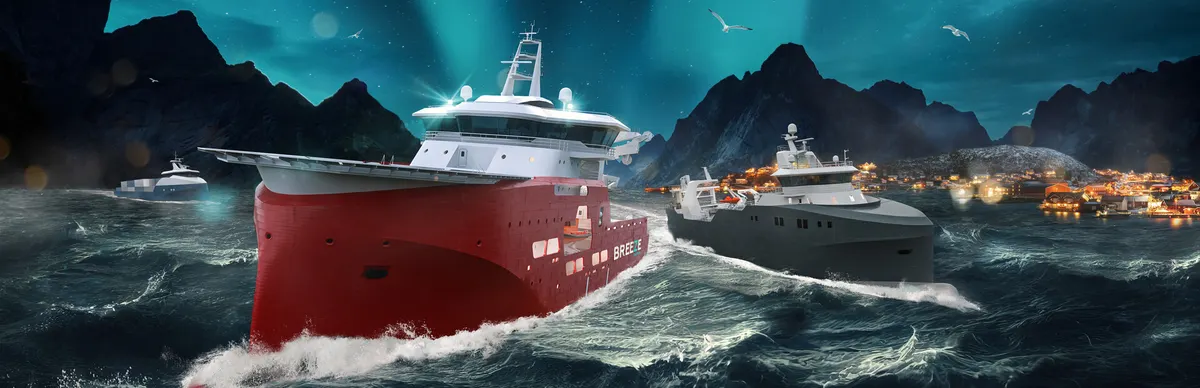
New to Ships At Sea?
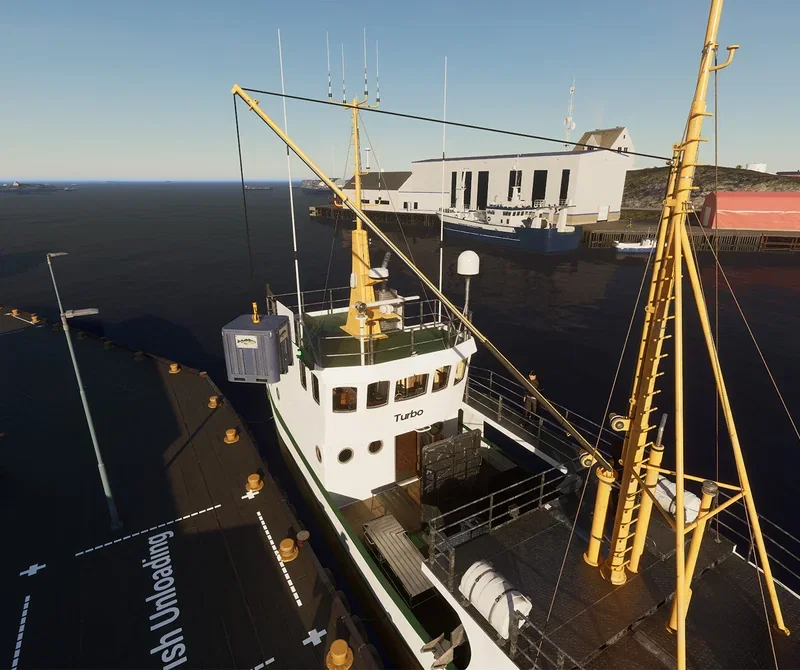
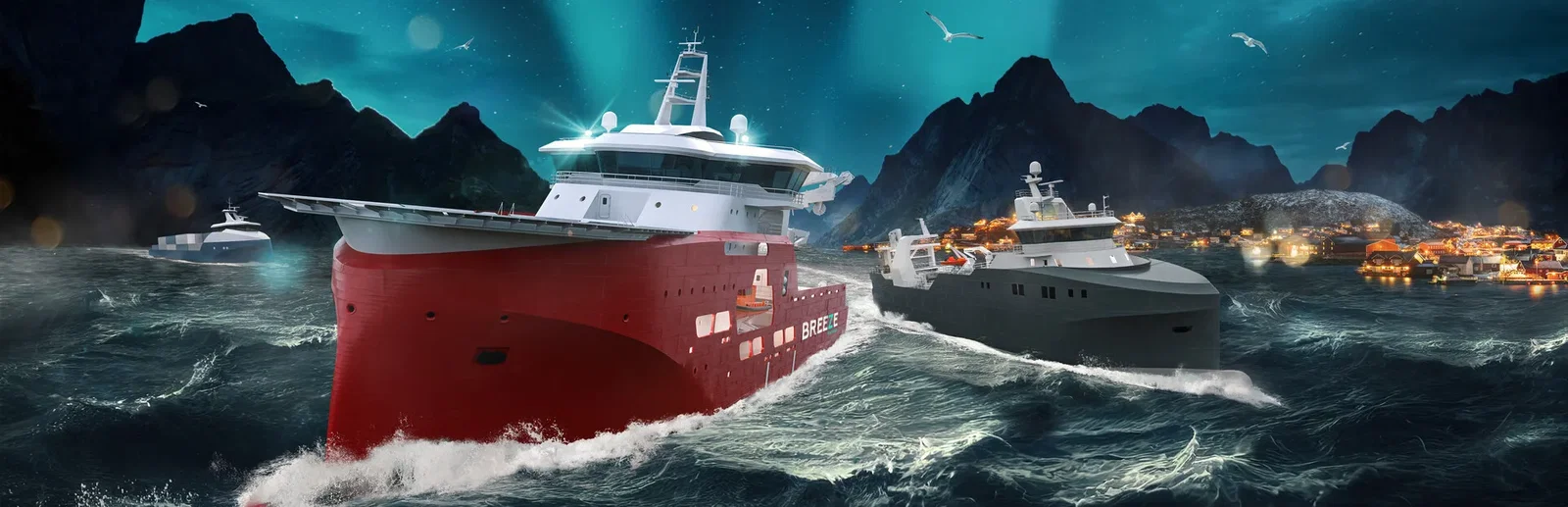
Ships At Sea is a maritime simulator from Misc Games, the studio behind Fishing: North Atlantic. It is set in an open-world recreation of Norway's Lofoten region. You take fishing, cargo and service jobs, sail by radar, sonar and autopilot through fog, storms and changing seas, and spend what you earn at shipyards and dry docks on repairs, upgrades and bigger vessels. Certifications unlock larger classes, all the way up to the IMT 9604, an offshore service vessel for wind farm work.
Fish with jigging, longline and nets, haul cargo, tow and repair, and grow your fleet.
Share one ship at the helm, deck and crane, or run your own ships under one company.

Why rent a server?
A Ships At Sea dedicated server keeps your world online around the clock, so your company and fleet do not depend on one player's game. Up to 16 players can join, and they find it by name in the multiplayer menu. With Physgun you set the server name, description, max players and autosave interval in the panel, the server updates the game each time it starts, and you get full file access over SFTP and SSH.
Your crew can log in at any time and keep working on the same company.
Name your server, set the player limit and choose how often the world saves.
Straight answers before you order. Still stuck? Real people are here around the clock.
 Physgun
Give your crew a shared world of up to 16 players that stays online when you log off.