



































Team match · live
Pick the power you need
Choose the CPU, memory and NVMe storage your server runs on, and add more when your group grows.

Run your own Scrunk server for your group, with the name, player limit and map you pick.
Powering
Find your plan
Tell us about your server and we'll recommend a plan.
Let's find your plan
No per-slot fees. Choose your own slot limit. To help us recommend the right plan for you, tell us how many friends are joining you!
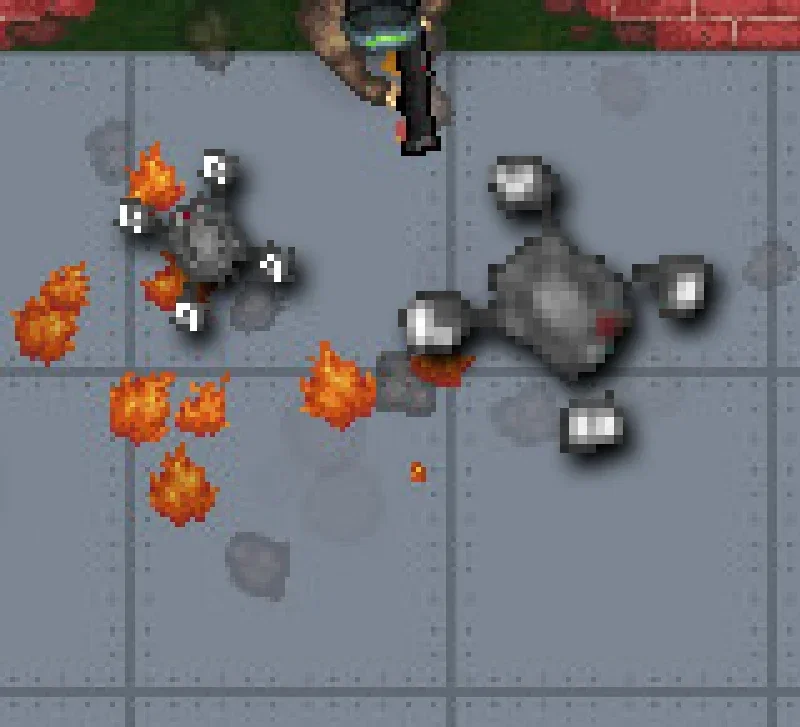
Best fit
Drone1 GB RAM, 150% CPU
$3.49/mo
Pick your plan
Or build your own. Then choose where it runs and deploy.
 CustomChoose your own plan!
Billing
Secure Backups Included
Drone
Billed monthly. Cancel any time.
Switch your Scrunk server to any of 445 other games, right from the panel, whenever you want!*
Included with
every plan
Team raids or Free For All, on a server that stays up when you log off.
Choose the CPU, memory and NVMe storage your server runs on, and add more when your group grows.
Your server stays up when you log off, and it is protected from DDoS attacks.
Order and the server downloads and installs Scrunk on its own. Nothing to set up on your side.
Your match, your rules
Set the server name and player limit, pick the team map or Free For All, and give every player admin rights for testing and sandbox play. Changes apply on the next restart.
 config.txt - Physgun VS Code main
For the power users
Connect with real developer tools and edit your server's files directly. Or skip it and use the panel.
Type the name your server goes by, restart, and it is live.
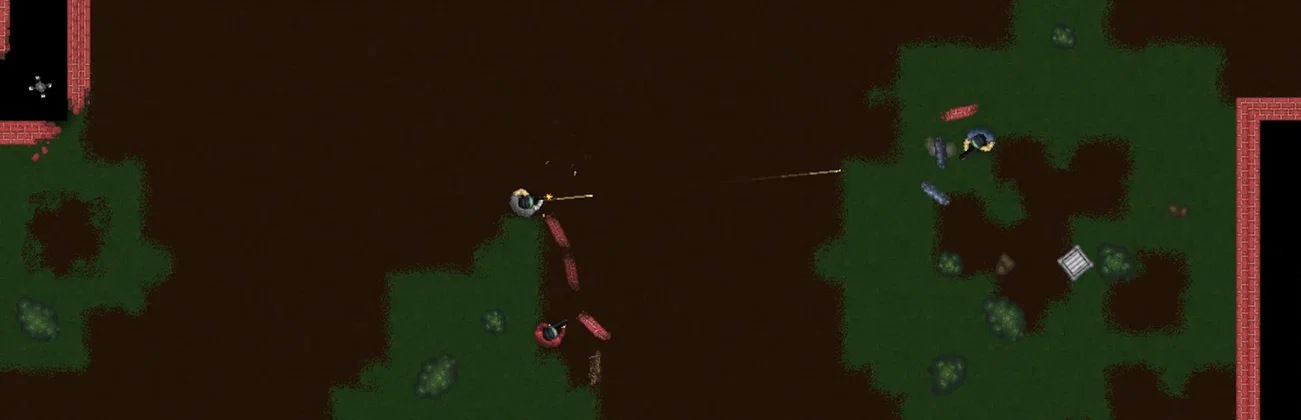
Run the team map, where both sides build and raid, or switch to Free For All for solo play.
Turn on Everyone Is Admin to give every player admin rights, for testing and sandbox play.
One place for your whole server: name, player limit, map and admin rights in the startup settings, a file manager with SSH and VS Code, and every other universal tool.

Accurate, blazing-fast output piped directly from the container. Paired with complete SSH access inside the Panel!
1 / 10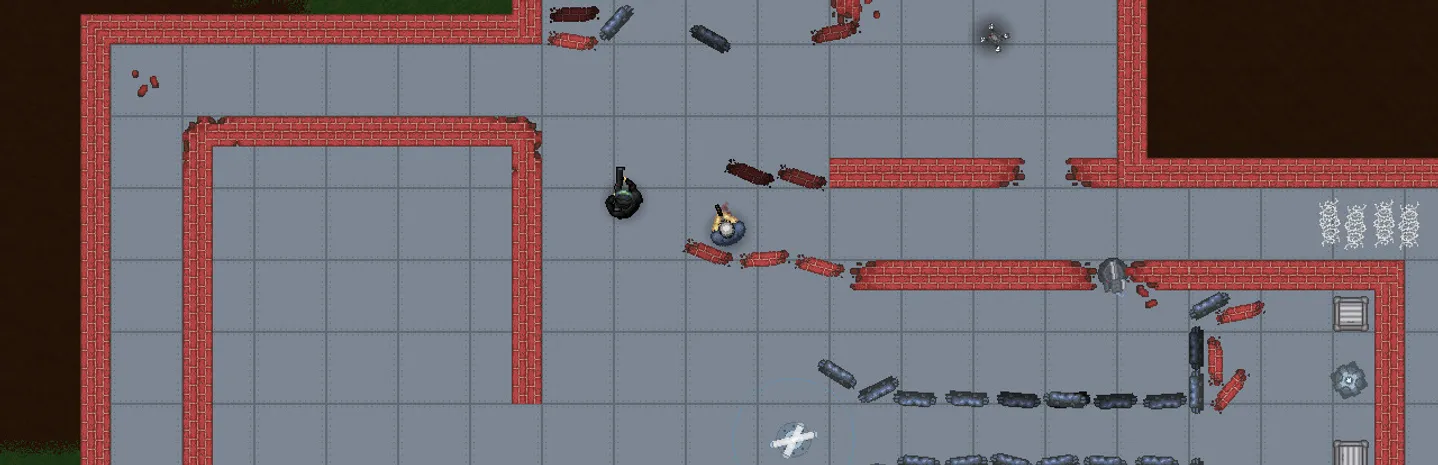
New to Scrunk?
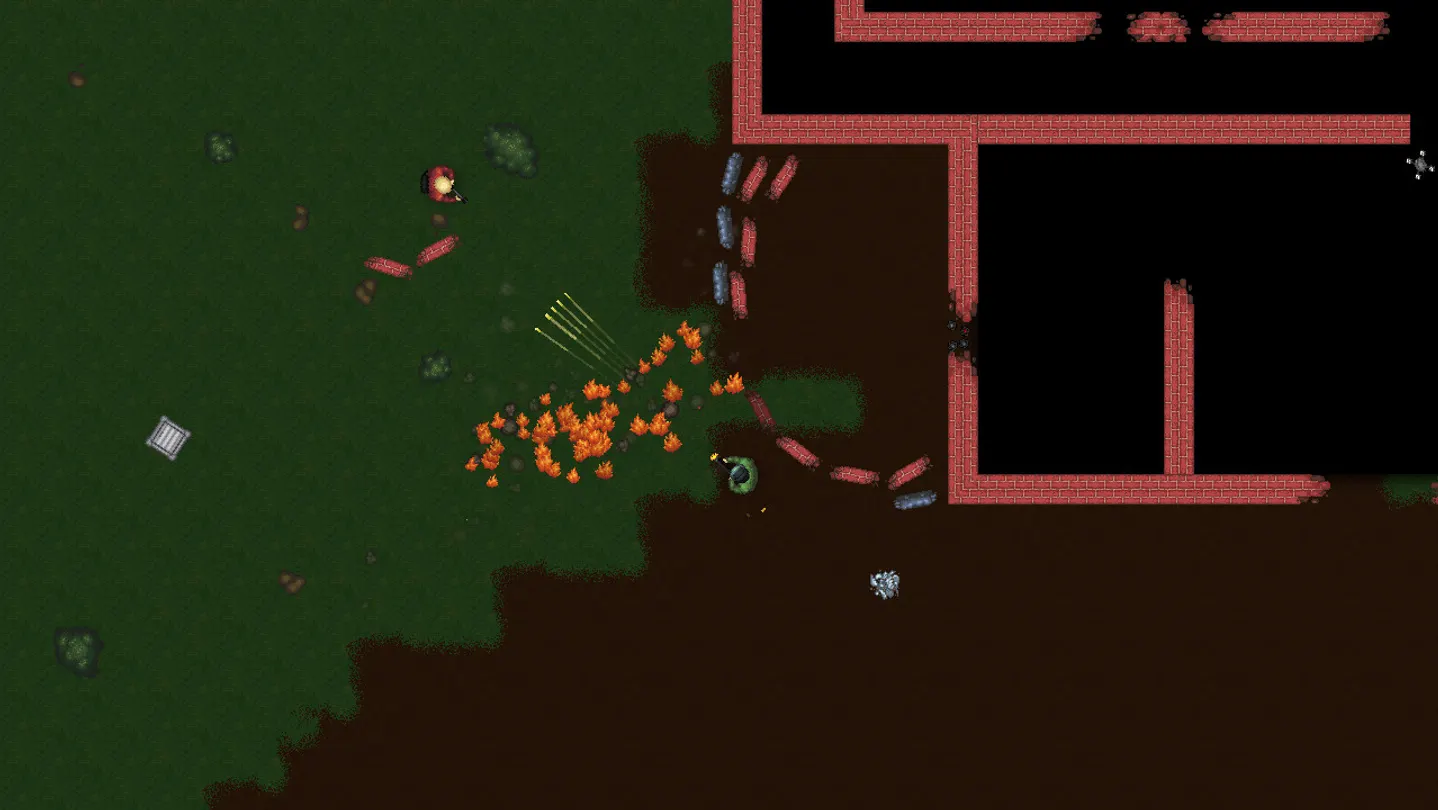
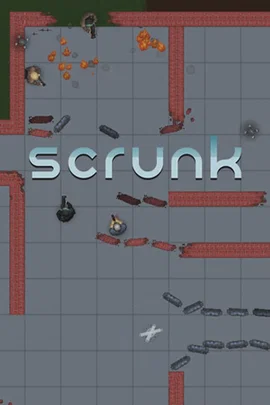
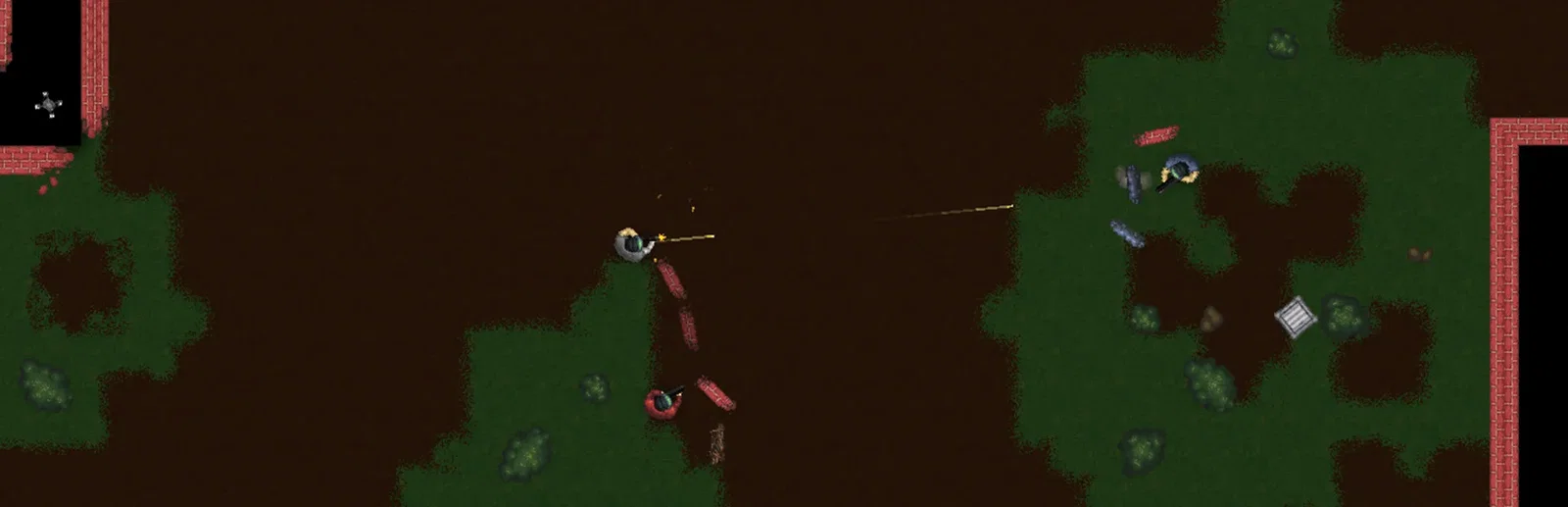
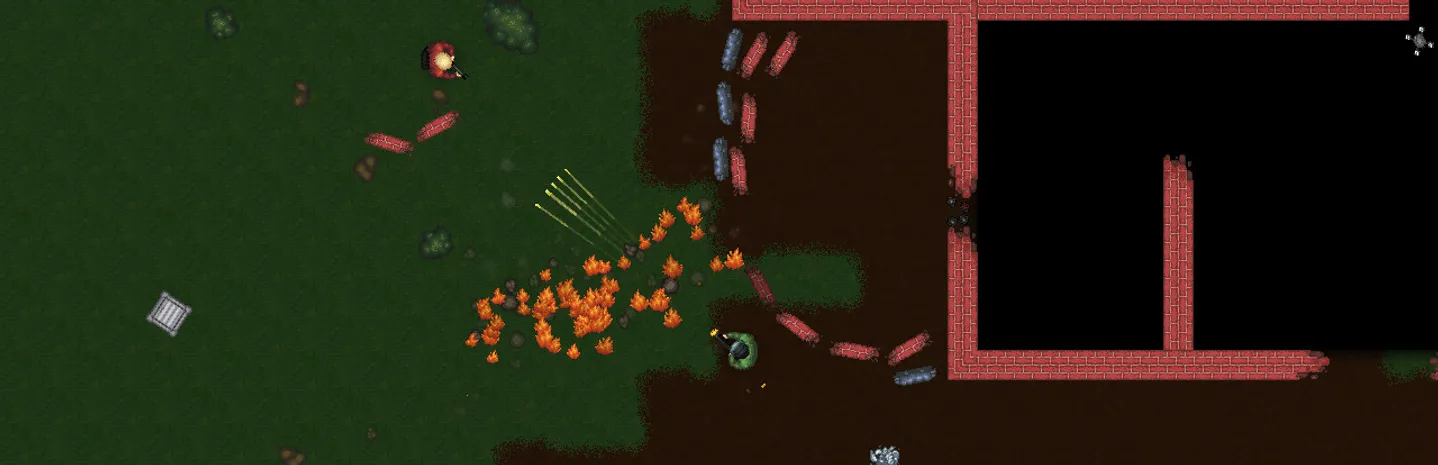
Scrunk is a 2D online team-based building and raiding game by Sleepy Studios. Fortify your team's base with traps, walls, barbed wire and turrets to keep your core block safe, and scavenge scrap from mechs, drones, skitterers and world events to craft explosives, bombs and guns. Then break into the enemy base and destroy their core block. Win matches to climb from Duster to Junklord, or play Free For All, the game's solo take on battle royale.
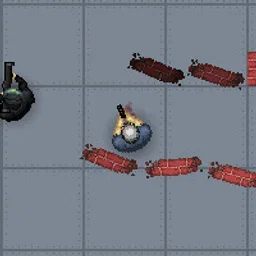
Walls, traps, barbed wire and turrets stand between the raiders and your core block.
Turn scrap from mechs and drones into explosives, and blow your way into the enemy base.
Why rent a server?
A Scrunk dedicated server runs your matches on our hardware, so nobody has to leave their own PC on to host. With Physgun you set the server name, player limit and map in the panel, turn on Everyone Is Admin for testing and sandbox play, and get full file access over SFTP and SSH.
Your server stays up when you log off, ready for the next match.
Pick the map, the player limit and the name, and restart to apply them.
Straight answers before you order. Still stuck? Real people are here around the clock.
 Physgun
Run your own Scrunk server for your group, with the name, player limit and map you pick.