

















































Hyland Point, crew online
Pick the power you need
Choose the CPU, memory and NVMe storage your server runs on, and add more as your crew grows.

A dedicated server that keeps Hyland Point running for your crew, with your own name, password and autosaves, all set up from one panel.
Powering
Find your plan
Tell us about your server and we'll recommend a plan.
Let's find your plan
No per-slot fees. Choose your own slot limit. To help us recommend the right plan for you, tell us how many friends are joining you!
Best fit
Block Boss6 GB RAM, 200% CPU
$16.49/mo
Pick your plan
Or build your own. Then choose where it runs and deploy.
 CustomChoose your own plan!
Billing
Secure Backups Included
Block Boss
Billed monthly. Cancel any time.
Switch your Schedule I server to any of 610 other games, right from the panel, whenever you want!*
Included with
every plan
Your crew, your rules and an empire that keeps going, on a server you run from one panel.
Choose the CPU, memory and NVMe storage your server runs on, and add more as your crew grows.
Your world keeps running when the host logs off, and it is protected from DDoS attacks.
Order and the server installs Schedule I with its server mod, then fetches updates for both each time it starts.
server_config.toml, without the typing
Time speed, sleeping, pausing when nobody is on, autosaves and the server's tick rate, grouped and labelled in the panel.
 server_config.toml - Physgun VS Code main
For the power users
Connect with real developer tools and edit server_config.toml or your permissions file directly. Or skip it and use the panel.
Set the server name, password and max players in the startup settings, and restart to apply them.
Run either version of the game, and your players switch to the same one in Steam.
Send commands like save, settime and listplayers from the panel, and see the server's reply.
One place for your whole operation: name, password, max players and game version in the startup settings, a config editor for time, sleeping and autosaves, a live console, schedules you set for restarts and backups, subusers for your crew, a file manager with SSH and VS Code, and every other universal tool.
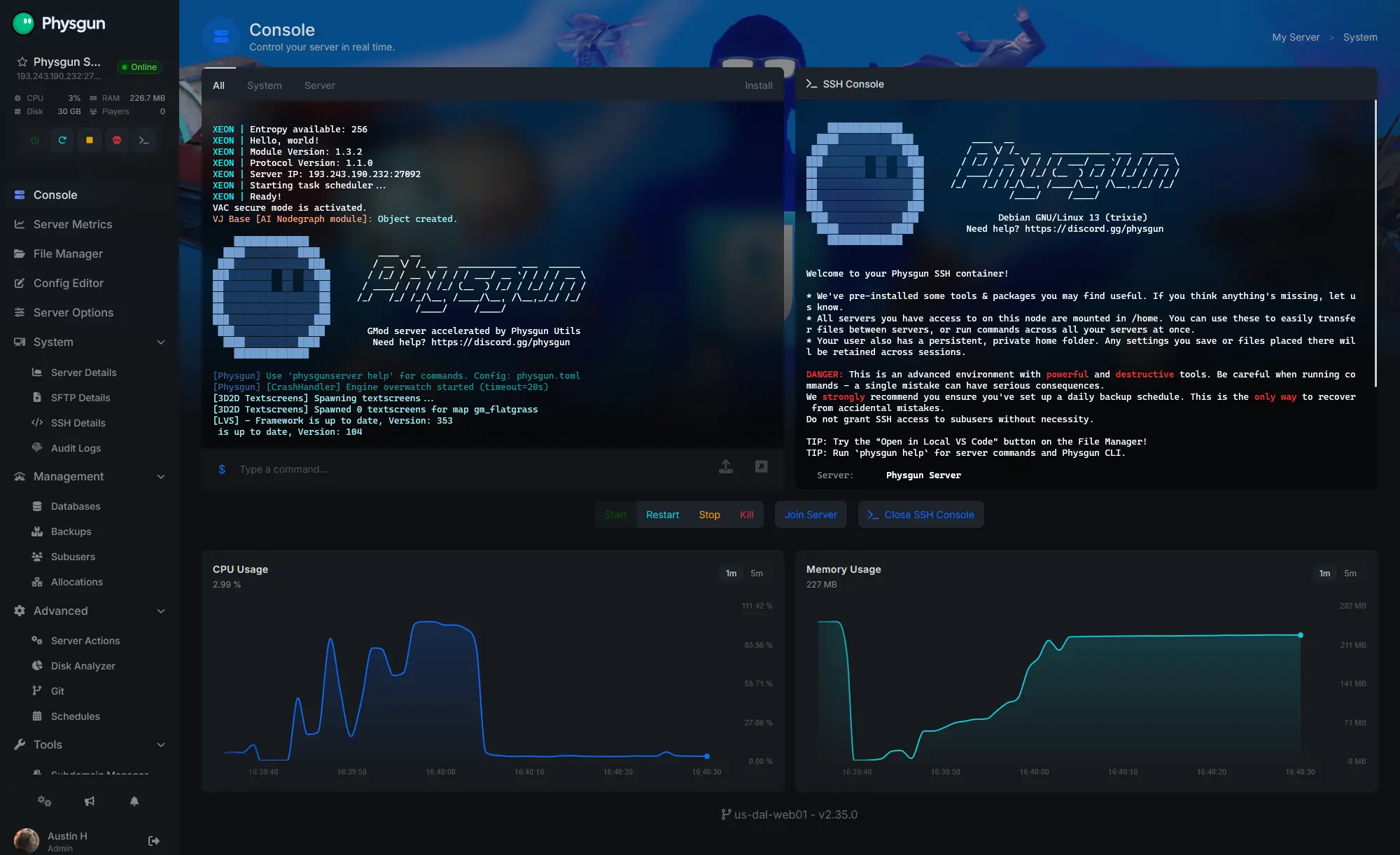
Accurate, blazing-fast output piped directly from the container. Paired with complete SSH access inside the Panel!
1 / 10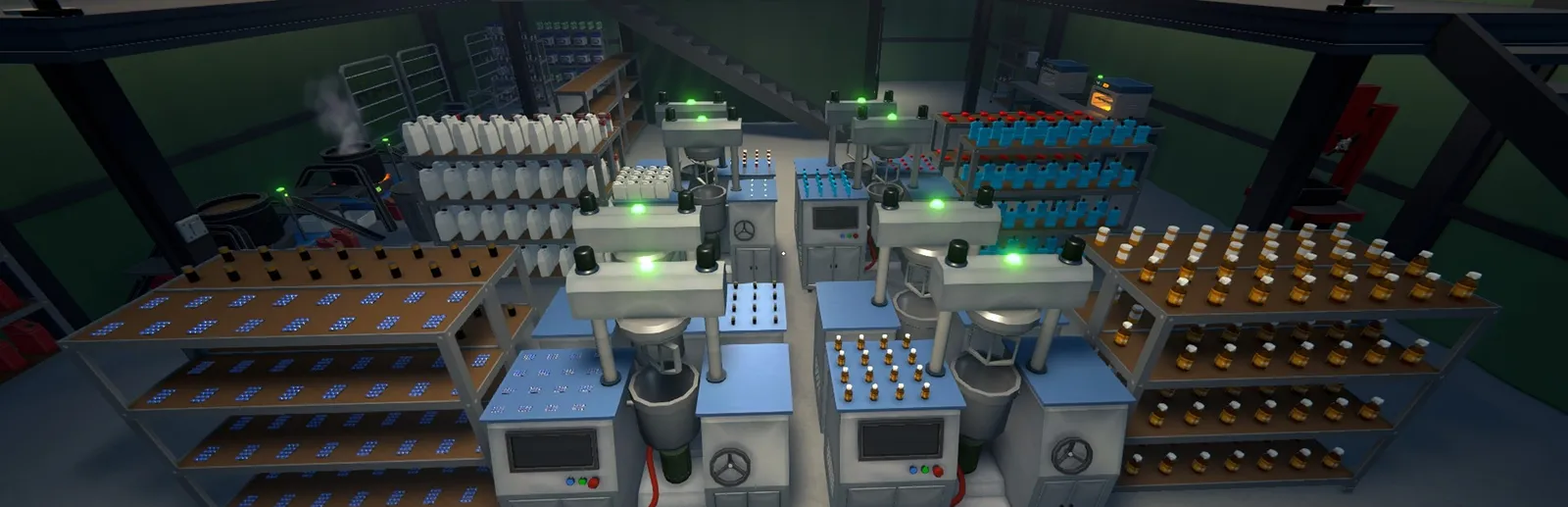
New to Schedule I?
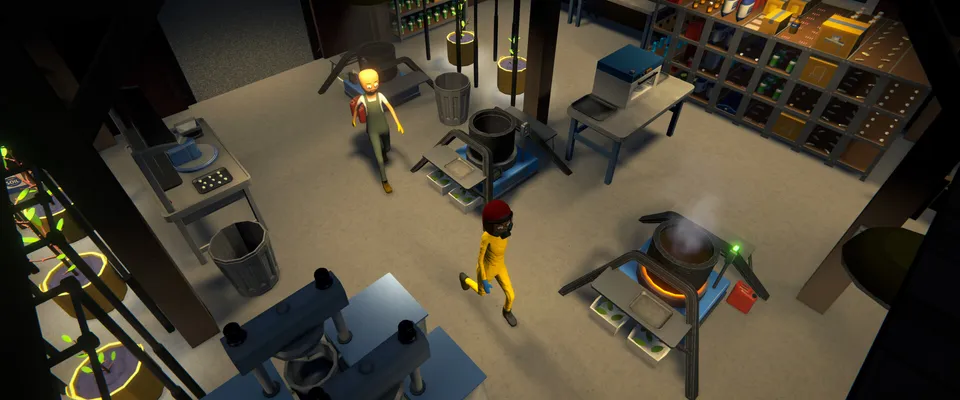
Schedule I is a first-person crime business sim set in the grungy west-coast city of Hyland Point. You roll into town with no cash, no product and no connections, then build your empire from the ground up. Grow and mix product, deliver it on foot, by skateboard or by car, buy properties, hire dealers and employees, and contend with the police and deadly cartel rivals along the way. The whole game can be played in co-op.
Discover recipes that create new product variants with special properties.
Hire employees and work with suppliers to build a fully automated production chain.

Why rent a server?
In normal co-op, Hyland Point only runs while the host is in the game. A dedicated server keeps your world online on its own, so your crew can log in whenever they like. With Physgun you set the server name, password, max players and game version in the panel, tune time speed, sleeping and autosaves in the config editor, send commands from the live console, and get full file access over SFTP and SSH.
Your world stays up when you log off, so your crew can play any time.
The server saves the world each time it stops or restarts.
Straight answers before you order. Still stuck? Real people are here around the clock.
 Physgun
Keep Hyland Point running for your crew, even when the host logs off.