



































TE-Apartments · Territory
Pick the power you need
Choose the CPU, memory and NVMe storage your server runs on, and add more when your community grows.

Run your own Heroes of Stalingrad and Rising Storm server. Pick the starting map and the player limit, run WebAdmin in your browser, and size the server yourself.
Powering
Find your plan
Tell us about your server and we'll recommend a plan.
Let's find your plan
No per-slot fees. Choose your own slot limit. To help us recommend the right plan for you, tell us how many friends are joining you!
Best fit
Squad Leader2 GB RAM, 150% CPU
$5.99/mo
Pick your plan
Or build your own. Then choose where it runs and deploy.
 CustomChoose your own plan!
Billing
Secure Backups Included
Squad Leader
Billed monthly. Cancel any time.
Switch your Red Orchestra 2 server to any of 445 other games, right from the panel, whenever you want!*
Included with
every plan
Your maps, your player limit and your rules, on a server you run from one panel.
Choose the CPU, memory and NVMe storage your server runs on, and add more when your community grows.
Your server keeps running when nobody is hosting, and it is protected from DDoS attacks.
Your server deploys itself the moment you order, and fetches game updates each time it starts.
Set up in the panel
Name your server, lock it with a password or leave it public, set the player limit and pick the map it opens on. The next restart puts it live.
 ROGame.ini - Physgun VS Code main
For the power users
Connect with real developer tools to edit the game's config files. Or skip it and use the file manager in the panel.
Set a password for scheduled matches and practice, or leave it empty and open the server to everyone.
Run Territory, Countdown, Firefight or Search and Destroy, on the Stalingrad maps or the Rising Storm ones.
Type a command in the panel console and the game runs it, through its WebAdmin, logged in with your admin password.
One place for your whole server: name, password, player limit and starting map in the startup settings, a console that runs game commands, scheduled restarts and backups, subusers for your admins, a file manager with SSH and VS Code, and every other universal tool.

Accurate, blazing-fast output piped directly from the container. Paired with complete SSH access inside the Panel!
1 / 10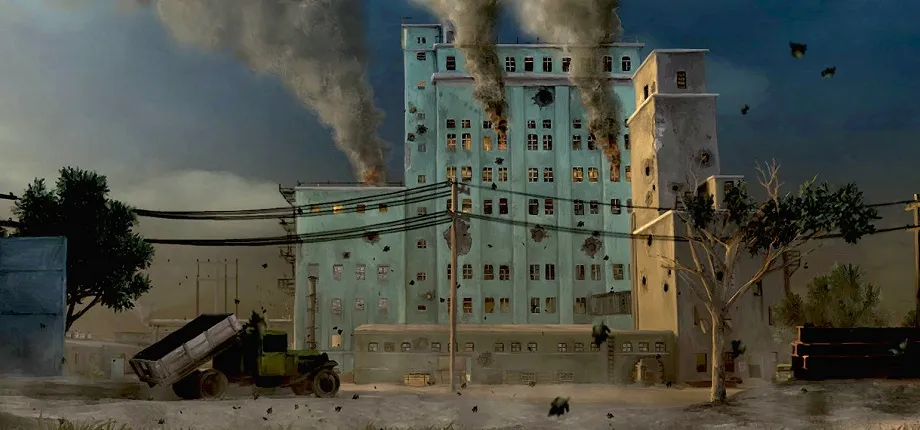
New to Red Orchestra 2?
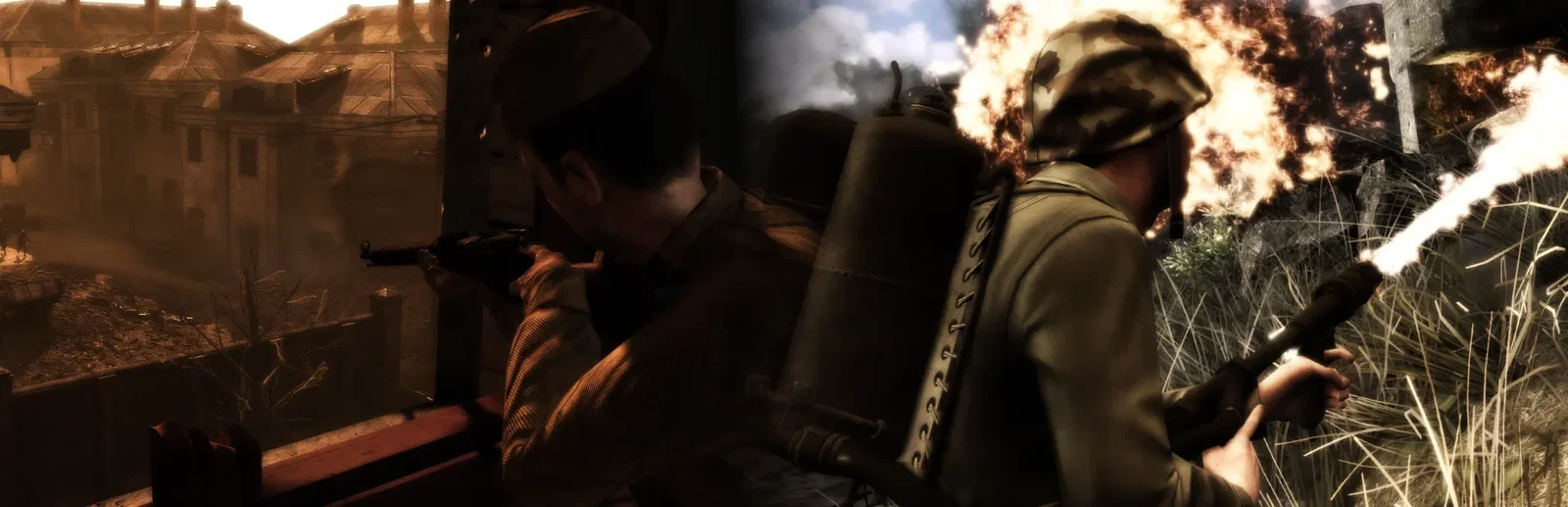
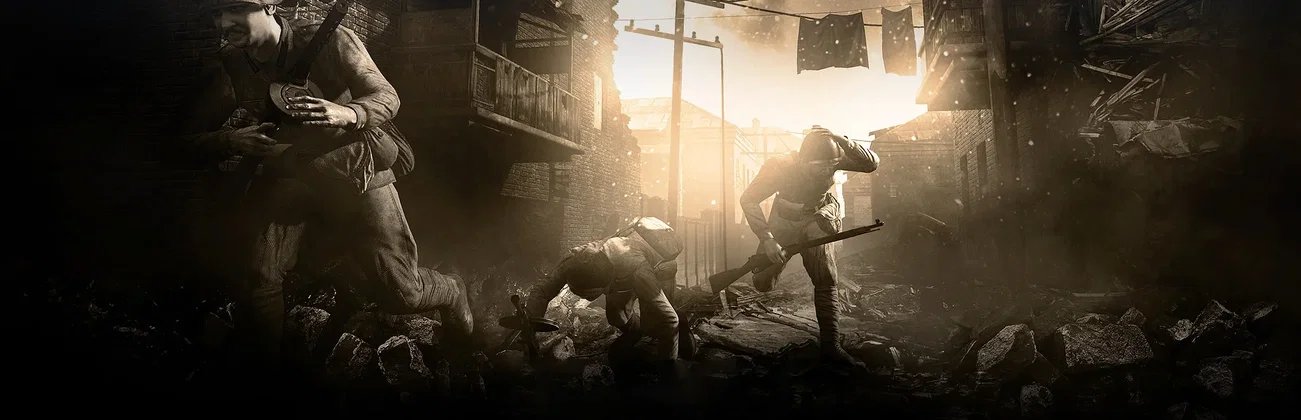
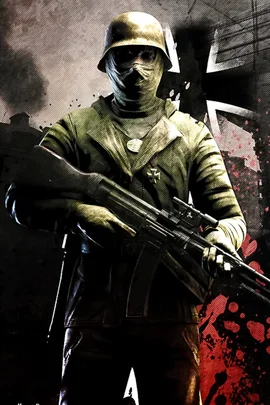
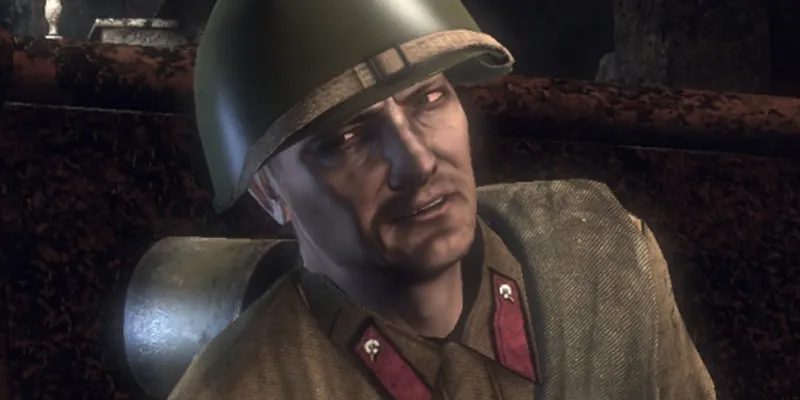
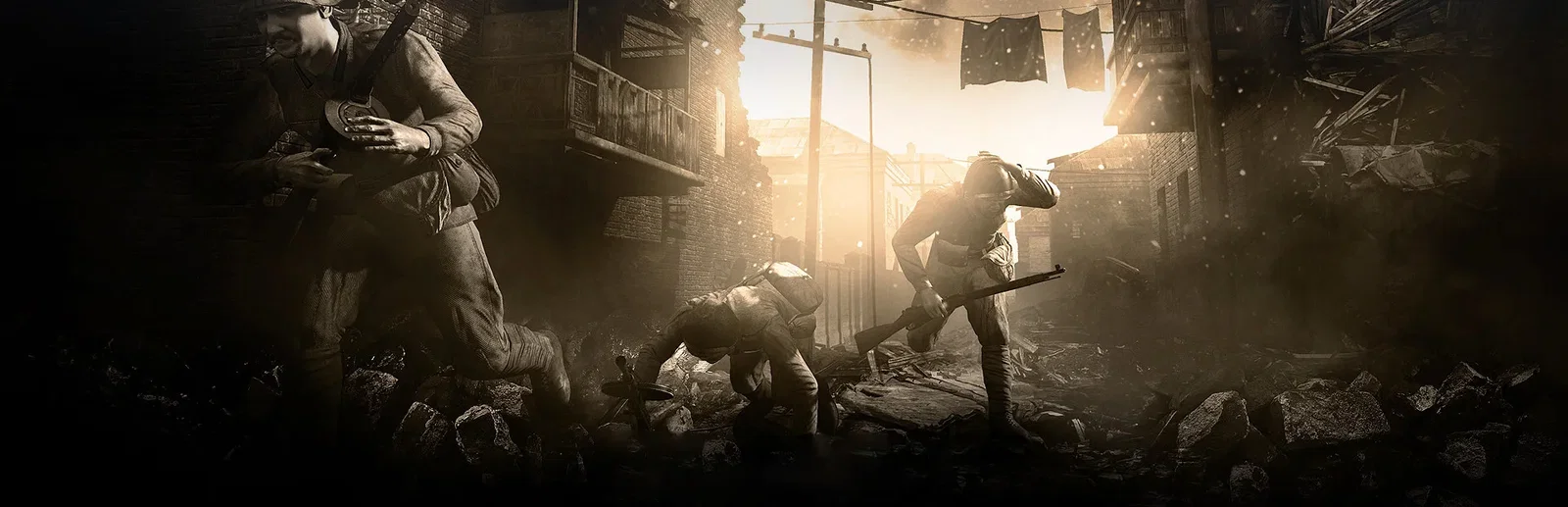
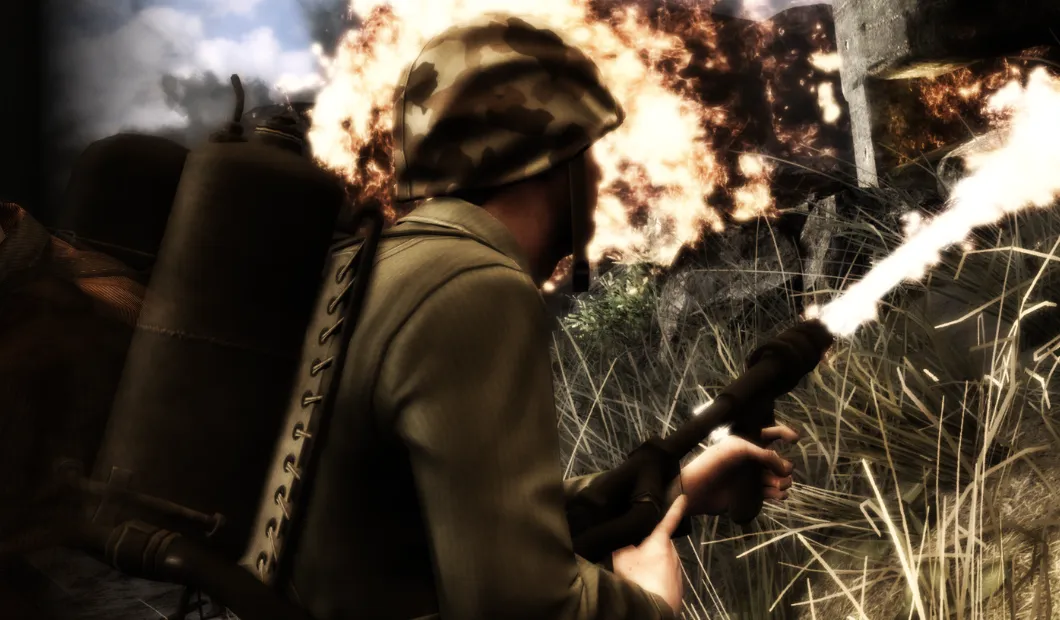
Red Orchestra 2: Heroes of Stalingrad is a realistic first person WWII shooter from Tripwire Interactive, set in the Battle of Stalingrad from July 1942 to February 1943. Fight for the German or the Soviet army with true to life ballistics, free aim and weapon bracing, where one or two hits kill. Take cover and blind fire, crew a tank from its fully modelled interior, and rank up until you become a Hero. Rising Storm, included in the same game, takes the fight to the Pacific between the US and Japan.
Real ballistics, bullet penetration and suppression make every firefight tense.
Capture zones in turn, fight with one life per round, or play Tripwire's take on team deathmatch.
Why rent a server?
A Red Orchestra 2 dedicated server is a battlefield your group controls, online whether or not anyone is playing. It is how a clan runs scheduled matches behind a password, and how a community runs a public server with its own admins. You name the server, set the player limit up to 64, and pick the map it opens on, from Stalingrad or the Pacific. The game's WebAdmin is always on, logged in with your admin password. With Physgun it deploys in minutes, and you size the CPU, memory and storage yourself.
Your server stays up around the clock, so your community can play without anyone hosting.
Pick the starting map and mode, set a password or leave it public, and choose your player limit.
Straight answers before you order. Still stuck? Real people are here around the clock.
 Physgun
Pick your maps and your player limit, and keep the server up for your community.