
































Server online, match running
Pick the power you need
Choose the CPU, memory and NVMe storage your server runs on, and add more as your matches grow.

Run your own Raptor Territory server for your pack. Pick the game modes, maps, teams and round length, and size the server yourself.
Powering
Find your plan
Tell us about your server and we'll recommend a plan.
Let's find your plan
No per-slot fees. Choose your own slot limit. To help us recommend the right plan for you, tell us how many friends are joining you!
Best fit
Deinonychus3 GB RAM, 150% CPU
$8.49/mo
Pick your plan
Or build your own. Then choose where it runs and deploy.
 CustomChoose your own plan!
Billing
Secure Backups Included
Deinonychus
Billed monthly. Cancel any time.
Switch your Raptor Territory server to any of 445 other games, right from the panel, whenever you want!*
Included with
every plan
Your modes, your maps and your teams, on a server that is up whenever your pack wants to play.
Choose the CPU, memory and NVMe storage your server runs on, and add more as your matches grow.
Your server stays up with nobody hosting from home, and it is protected from DDoS attacks.
Your server installs itself the moment you order, ready for the first match.
Set up every match
Choose the modes your server picks from, the maps it plays in order, how many teams players split into and how long each round lasts, all labelled in the panel.
 Server.ini - Physgun VS Code main
For the power users
Connect with real developer tools to read the full server log, check the settings file your choices are written to, or keep your own copies of your files.
Choose from Conquerors of the Nest, Head-on Collision, Rescue the Baby Raptor and more. Each round plays one of your picks.
Give your server its own name, and change it whenever your group does.
Make rounds quick or long. When a round ends, the next map in your rotation starts.
One place for your whole server: name, game modes, map rotation, player limit, teams and round length in the startup settings, scheduled restarts and backups, subusers for your admins, a file manager with SSH and VS Code, and every other universal tool.

Accurate, blazing-fast output piped directly from the container. Paired with complete SSH access inside the Panel!
1 / 10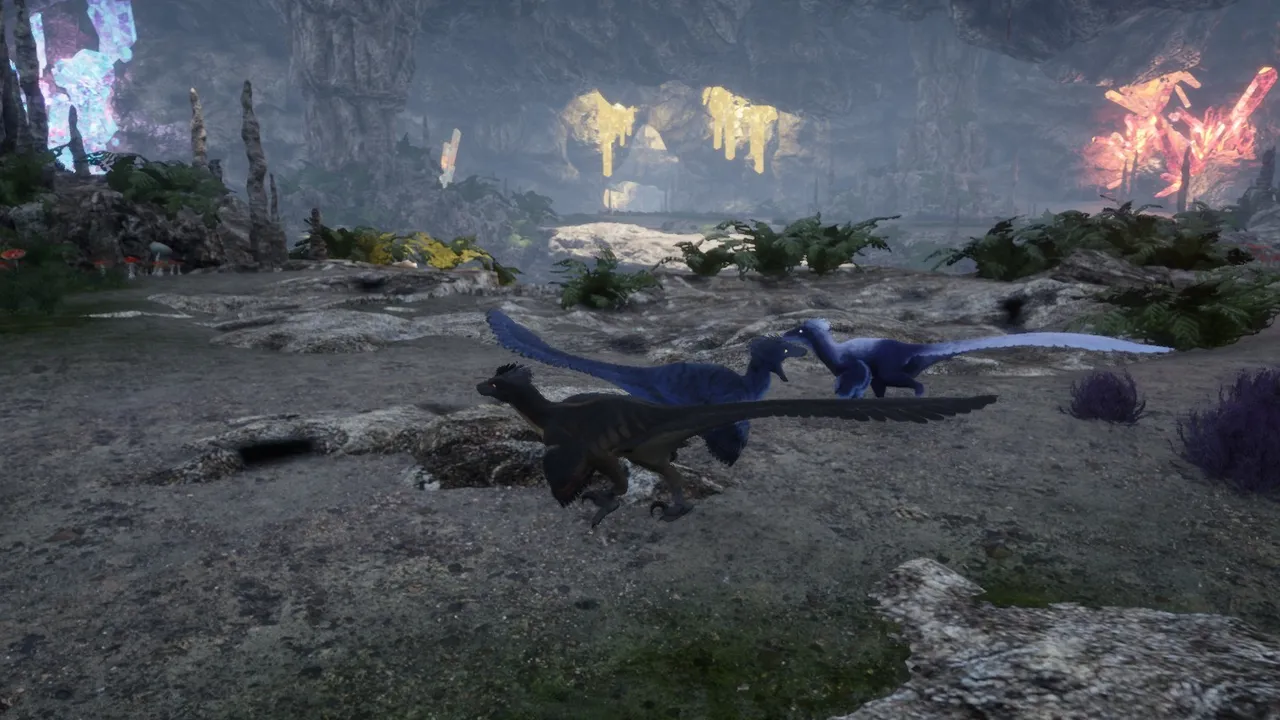
New to Raptor Territory?
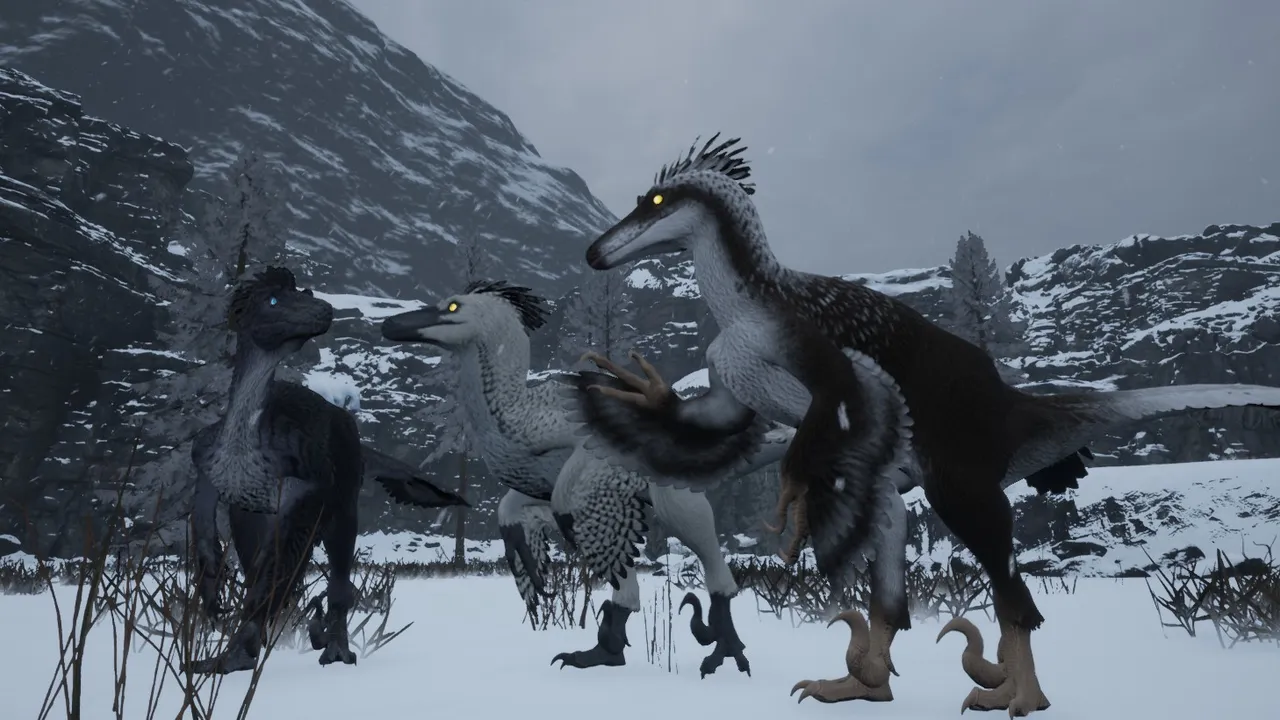
Raptor Territory is a team PvP action game from RedClaw Productions, in Early Access on Steam. Every player is a Deinonychus. Teams destroy rival nests in Conquerors of the Nest, rack up kills in Head-on Collision, carry off and protect a baby raptor in Rescue the Baby Raptor, or out-eat each other in Become a Foodie. Free Roaming drops the objectives: eat, fight and survive. Rounds are short, and the controls are simple.
Place your team's nests, destroy the other teams', and hold the map.
Conquerors of the Nest takes up to 52 players, split into 4 teams.
Why rent a server?
A Raptor Territory server is a match that is always there for your group. You choose which modes the rounds play, the maps in your rotation, how many teams players split into and how long each round lasts. It stays online with no gaming PC left on, so your friends or your Discord can join whenever they are ready to fill the teams. With us it deploys in minutes, and you size the CPU, memory and storage yourself.
Your server stays up around the clock, so your group can play on their own schedule.
Set the server name, game modes, maps, player limit, teams and round length in the panel.
Straight answers before you order. Still stuck? Real people are here around the clock.
 Physgun
Pick your modes, maps and teams, on a server that is up whenever your pack wants to play.