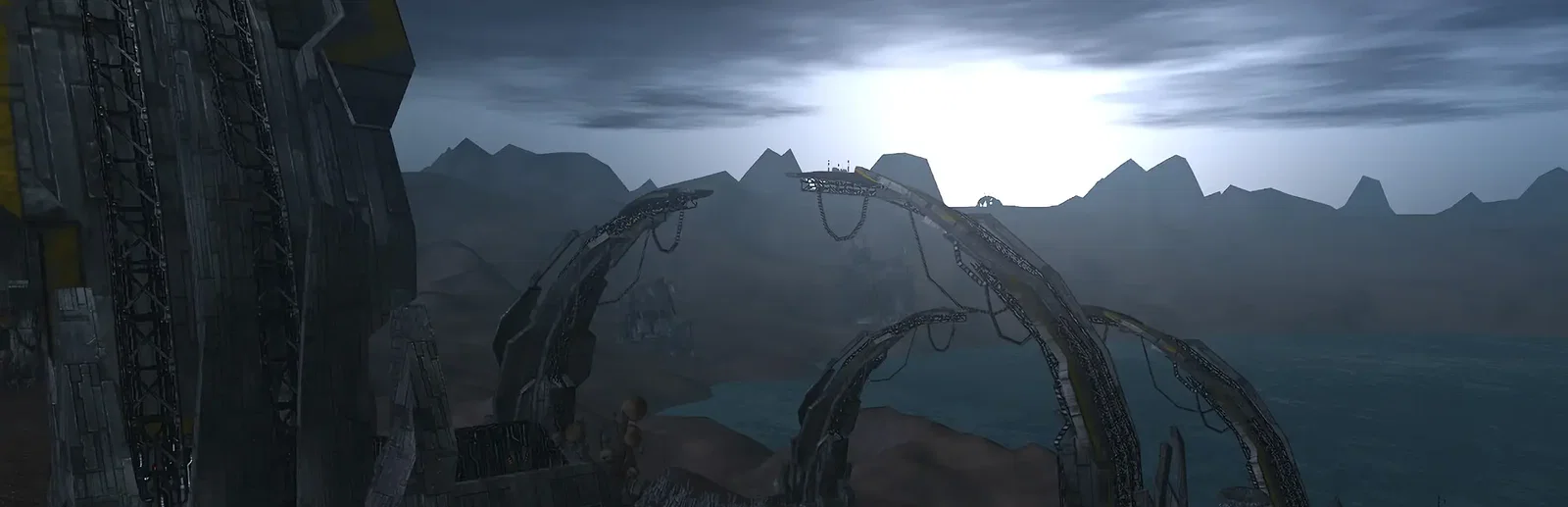






























Every island running
Every island, always running
The server keeps all of Nia's islands running, even with nobody online. Pick the CPU and memory your world needs, on NVMe storage.

Run your own world of Nia for your corporation. Every island keeps running when you log off, with sign-up, the admin password and corporation rules set from the panel.
Powering
Find your plan
Tell us about your server and we'll recommend a plan.
Let's find your plan
No per-slot fees. Choose your own slot limit. To help us recommend the right plan for you, tell us how many friends are joining you!
Best fit
Beta Islands6 GB RAM, 200% CPU
$16.49/mo
Pick your plan
Or build your own. Then choose where it runs and deploy.
 CustomChoose your own plan!
Billing
Secure Backups Included
Beta Islands
Billed monthly. Cancel any time.
Switch your Perpetuum server to any of 445 other games, right from the panel, whenever you want!*
Included with
every plan
Your own world of Nia that keeps running when you log off, with its accounts and corporation rules set from the panel.
The server keeps all of Nia's islands running, even with nobody online. Pick the CPU and memory your world needs, on NVMe storage.
Your world keeps running when you log off, and every Perpetuum server is protected from DDoS attacks.
Your server deploys itself the moment you order, with the world database ready on the first start.
Choose who gets in
Name your server and give players a description and a way to reach you. Let new players create their own accounts from the game's login screen, or turn sign-up off and keep the world invite-only. The ADMIN password is set from the panel too.
 perpetuum.ini - Physgun VS Code main
For the power users
Connect with real developer tools and edit your server's files directly. Or skip it entirely and use our simple panel.
Set what it costs to found a corporation and rent a hangar, how long a rent payment lasts, and how long joining or leaving takes.
A stop saves the terrain first, then closes the world database cleanly. Accounts stay put through restarts and reinstalls.
Schedule restarts and backups in the panel, and they run on time, day or night.
One place for your whole world: server name, description, contact, open sign-up and the ADMIN password in the startup settings, corporation rules in the config editor, scheduled restarts and backups, subusers for your corporation, a file manager with SSH and VS Code, and every other universal tool.

Accurate, blazing-fast output piped directly from the container. Paired with complete SSH access inside the Panel!
1 / 10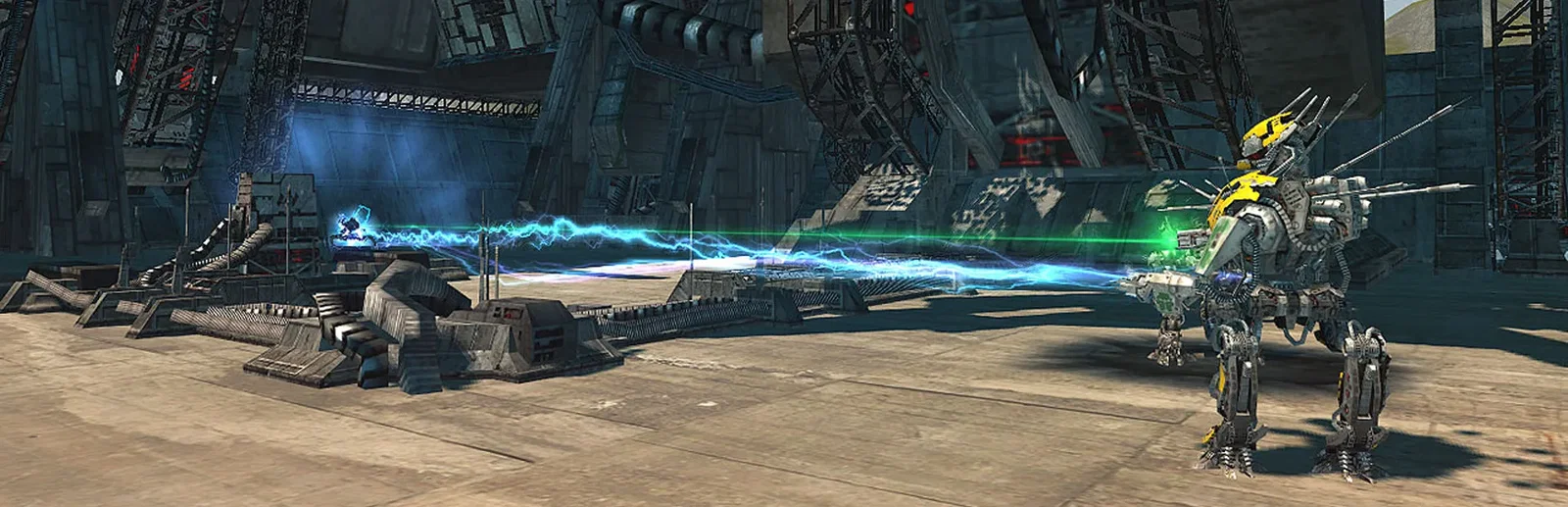
New to Perpetuum?
Perpetuum is a persistent sandbox sci-fi MMORPG set on the alien planet Nia. You pilot robots and mechs, from the starter Arkhe up to heavy mechs, and fit them out with modules. Mine resources, run a multi-tier industry and trade on a market where nearly everything is player-made. Skills grow with extension points that build up in real time, even while you are offline, so there is no grind. Corporations raise outposts, reshape the terrain with terraforming, and fight over territory on the open PvP beta and gamma islands.
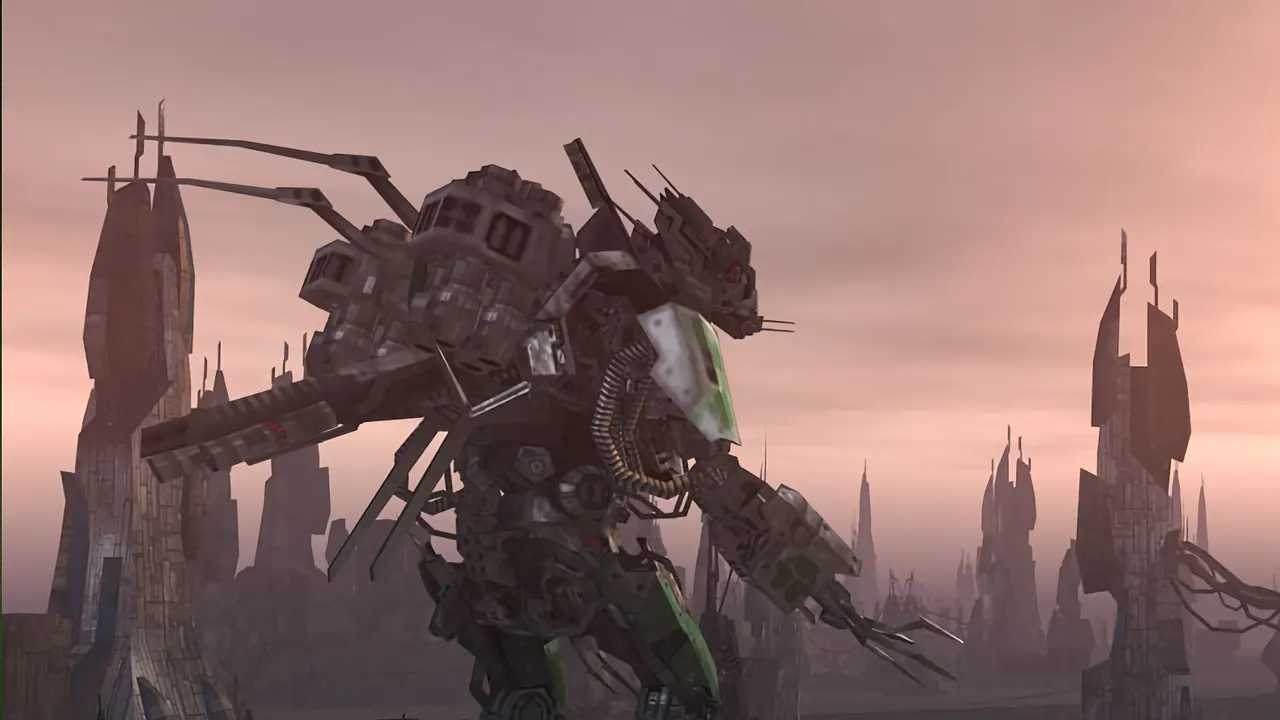
Customize robots and mechs with modules for mining, industry or war.
Build outposts, raise or lower the terrain, and hold territory against other corporations.

Why rent a server?
The official servers closed in 2018, so today Perpetuum lives on servers players run themselves. Running one at home means a PC left on around the clock and a database to look after. A Perpetuum server with us keeps the world, its market and its outposts running on its own, with the world database set up on the first start. Name the server, choose open sign-up or invite-only, set the ADMIN password, and tune corporation costs from the panel, with full file access over SFTP and SSH.
Every island keeps running when you log off, so pilots can play whenever they like.
Set sign-up, the admin password and corporation rules, and size your server any time.
Straight answers before you order. Still stuck? Real people are here around the clock.
 Physgun
Keep your own world of Nia running for your corporation, with sign-up, admin password and corporation rules set from the panel.