





























Faction war · 64 players
Pick the power you need
Choose the CPU, memory and NVMe storage your world runs on, and add more as your faction grows.

Run a Pantropy world for your faction that stays online for up to 64 players, with your own server name, password and admins.
Powering
Find your plan
Tell us about your server and we'll recommend a plan.
Let's find your plan
No per-slot fees. Choose your own slot limit. To help us recommend the right plan for you, tell us how many friends are joining you!

Best fit
T2 Mech8 GB RAM, 150% CPU
$20.99/mo
Pick your plan
Or build your own. Then choose where it runs and deploy.
 CustomChoose your own plan!
Billing
Secure Backups Included
T2 Mech
Billed monthly. Cancel any time.
Switch your Pantropy server to any of 510 other games, right from the panel, whenever you want!*
Included with
every plan
A world for your faction that keeps going, set up and run from one panel.
Choose the CPU, memory and NVMe storage your world runs on, and add more as your faction grows.
Your bases stay in a world that keeps running when you log off, and it is protected from DDoS attacks.
Order and the server installs Pantropy on its own, then checks for game updates each time it starts.
No config files to edit
Name and describe your server, lock it with a password, set the player limit and choose who gets admin rights in the game.
 Console - Faction HQ Running
Right from the panel
Type save to save the world, say to send a message to every player, and help to list the commands. Each one answers in the console.
AutoSave loads the world you played last. Enter a new name for a fresh world, or an old one to load it again.
Stop or restart from the panel and the server saves the world first, so the next start picks up where you left off.
onlineThe panel shows your server's name, how many players are on and whether it has a password.
One place for your whole Pantropy world: server name, description, password, player limit, admins and the world to load in the startup settings, a console for saves and messages to every player, schedules you set for restarts and backups, subusers for your faction, and every other universal tool.

Accurate, blazing-fast output piped directly from the container. Paired with complete SSH access inside the Panel!
1 / 10
New to Pantropy?
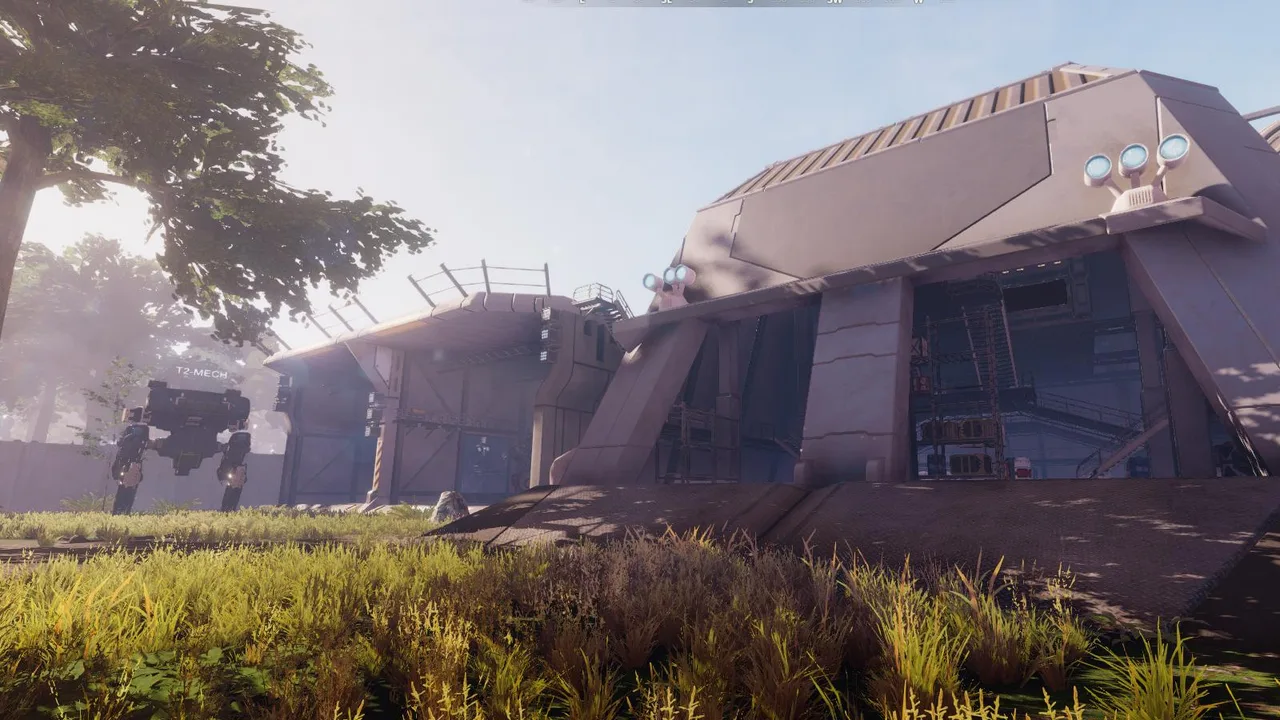
Pantropy is a science-fiction multiplayer game from Brain Stone, set on an alien island rich with resources and dangerous lifeforms. You spawn on the outer edge, gather resources, complete faction quests and craft tools, weapons, armor, vehicles and bases. Then you push toward the center, where the mobs are stronger and the best loot and ores wait, and fight rival factions for land with skill-based FPS combat and modular mechs.
Mine resources and build a powerful modular mech, or crew bigger machines together.
Join a faction, take on its quests and battle rival players for territory and ores.
Why rent a server?
A Pantropy dedicated server keeps your faction's world online without a PC left on at home, so your bases are there whenever your group logs in. With Physgun it installs in minutes, with the server name, description, password, player limit, admins and world in the startup settings, a console to save the world and message every player, and backups, schedules, subusers and full file access over SFTP.
Your world stays up when you log off, so your faction can join any time.
Pick the players who get admin rights in the game by their SteamID64.
Straight answers before you order. Still stuck? Real people are here around the clock.
 Physgun
Launch a Pantropy world that stays online for your faction, with your own name, password and admins.