























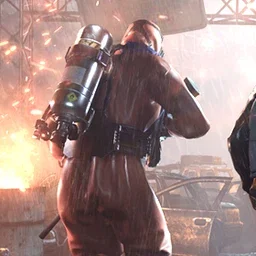




Sandbox · factories running
Pick the power you need
Choose the CPU, memory and NVMe storage your outpost runs on, and add more as your base grows.

Run your own colony on Gaiya. Your factories and robots keep working when you log off, and the raid rules are yours to set.
Powering
Find your plan
Tell us about your server and we'll recommend a plan.
Let's find your plan
No per-slot fees. Choose your own slot limit. To help us recommend the right plan for you, tell us how many friends are joining you!
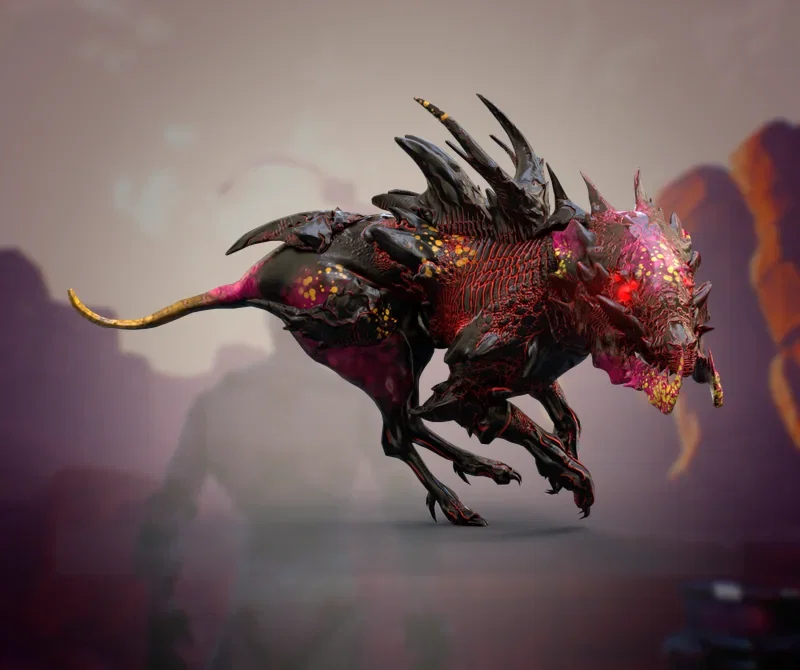
Best fit
Night Stalker9 GB RAM, 150% CPU
$23.49/mo
Pick your plan
Or build your own. Then choose where it runs and deploy.
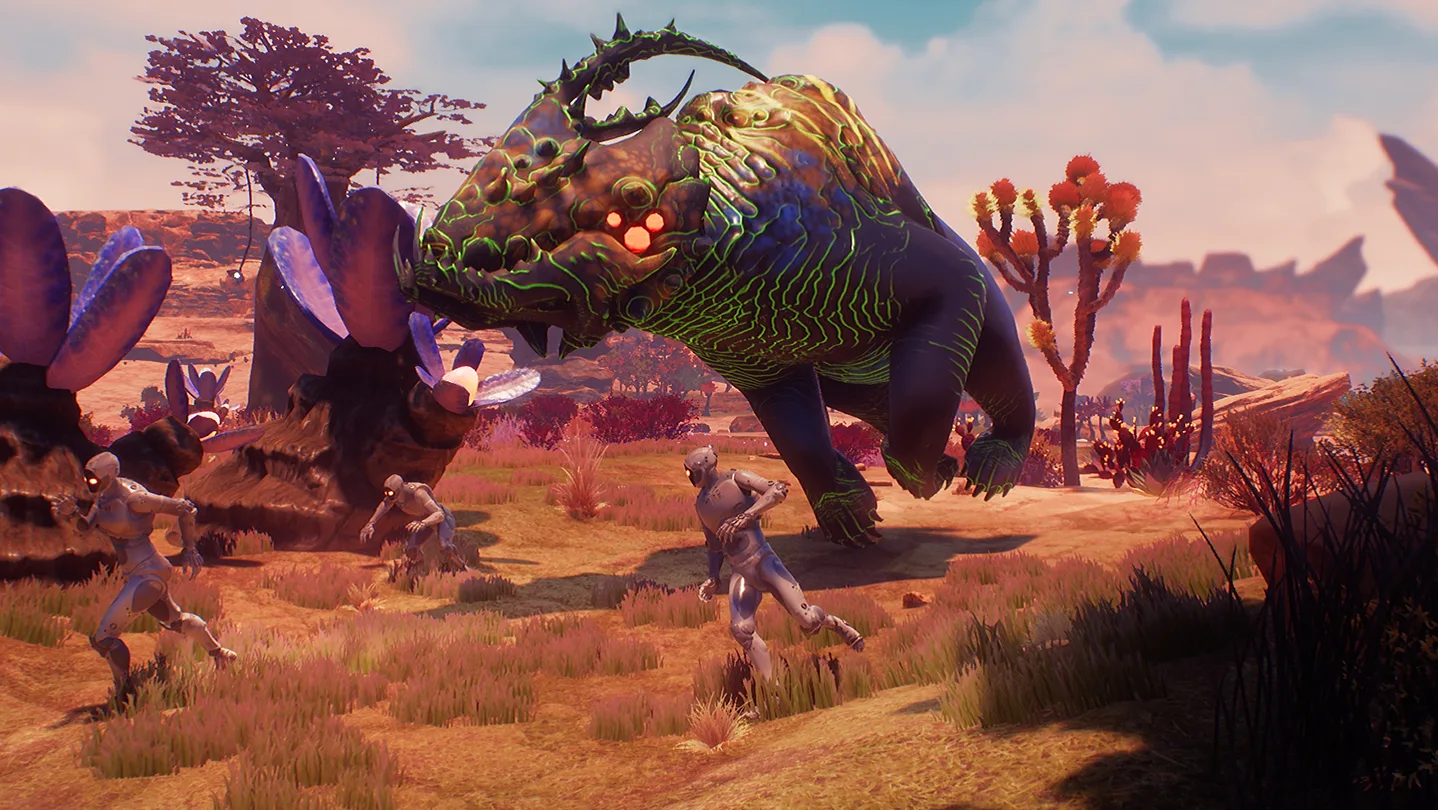 CustomChoose your own plan!
Billing
Secure Backups Included
Night Stalker
Billed monthly. Cancel any time.
Switch your Outpost Zero server to any of 445 other games, right from the panel, whenever you want!*
Included with
every plan
A colony that keeps running between sessions, with the raid and world rules set your way.
Choose the CPU, memory and NVMe storage your outpost runs on, and add more as your base grows.
Your factories and robots keep working when you log off, and the server is protected from DDoS attacks.
Order and the server downloads and installs Outpost Zero on its own. Nothing to set up on your side.
Raids on your terms
Turn player raids and pirate raids on or off, set how many pirates a raid brings and how strong they get, and give your crew more time to man the walls before a raid lands.
 Game.ini - Physgun VS Code main
For the power users
Connect with real developer tools and edit your server's config files directly. Or skip it and use the panel.
Set the name players see in the server list, add a password for a private colony, and allow up to 32 players.

Play Sandbox, Conquest or Fast Conquest, and turn on PvE so players can't hurt each other or their outposts.
Raise the gather rate, speed up resource respawns and the day, or soften what storms, meteors and quakes do to your base.
One place for your whole colony: server name, password, max players, game mode and PvE in the startup settings, a config editor for raids, gather rates and disasters, schedules you set for restarts and backups, subusers for your crew, a file manager with SSH and VS Code, and every other universal tool.

Accurate, blazing-fast output piped directly from the container. Paired with complete SSH access inside the Panel!
1 / 10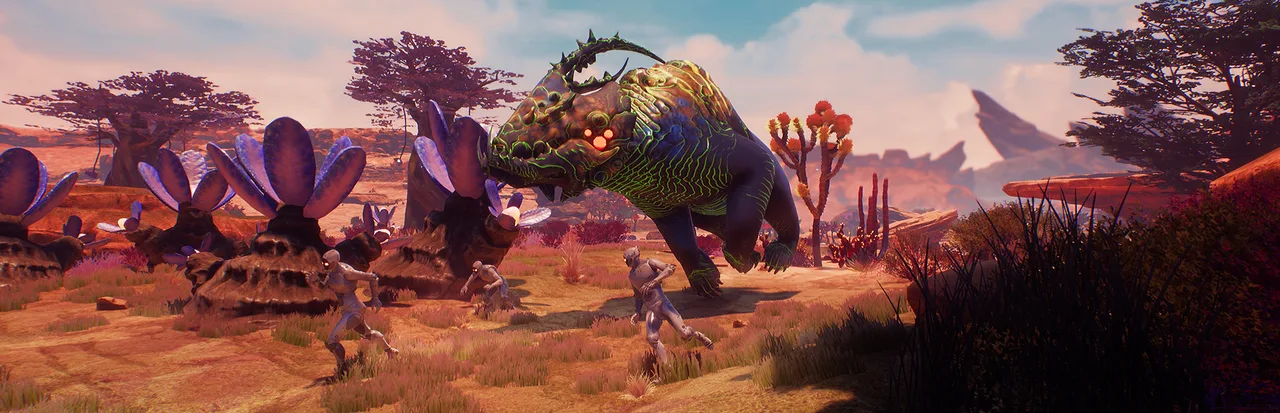
New to Outpost Zero?
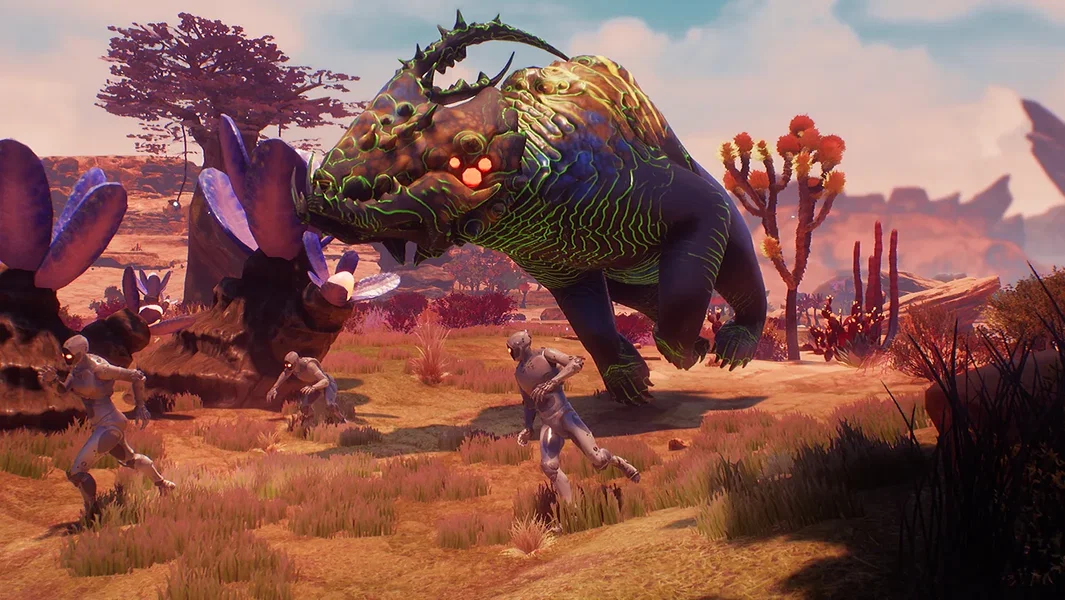
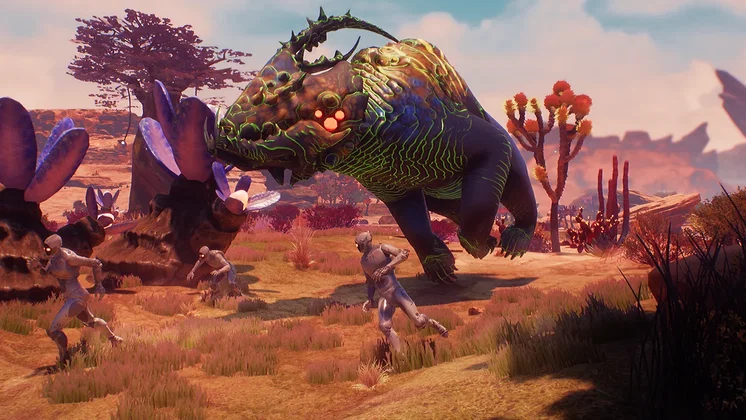
Outpost Zero blends multiplayer base-building survival with colony simulation in a sci-fi universe. You and your robotic crewmates land on Gaiya to prepare a home for human colonists. Mine and harvest resources, build supply chains and automated factories, and train robots to work and fight for you, while sandstorms, meteor showers, earthquakes, native creatures and pirate raids try to tear it all down.
Assign jobs, keep your crew happy, and lead AI squadmates into battle.
Share your base with friends, then ally with or raid rival corporations.

Why rent a server?
Your factories, mines and robots only work while the world is running. An Outpost Zero dedicated server keeps it running around the clock, without a PC left on at home. With Physgun you set the server name, password, max players, game mode and PvE in the panel, tune raids, gather rates, disasters and autosaves in the config editor, and get full file access over SFTP and SSH.
Your colony keeps producing when you log off, so your crew can play any time.
Pick your game mode, run PvE or PvP, and set raids and world rules your way.
Straight answers before you order. Still stuck? Real people are here around the clock.
 Physgun
Keep your colony running between sessions, with raids and world rules set your way.