






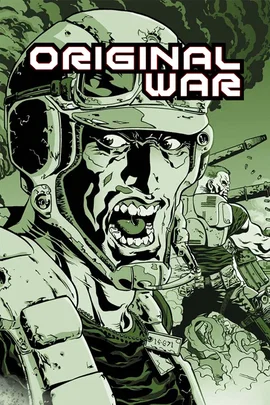

Siberia · match in progress
Pick the power you need
Choose the CPU, memory and NVMe storage your server runs on, and add more when your mod list grows.

Give your group a server that is always there for PvP and co-op matches, with your Workshop mods and your lobby rules, all set up from one panel.
Powering
Find your plan
Tell us about your server and we'll recommend a plan.
Let's find your plan
No per-slot fees. Choose your own slot limit. To help us recommend the right plan for you, tell us how many friends are joining you!
Best fit
Burlak1 GB RAM, 125% CPU
$3.24/mo
Pick your plan
Or build your own. Then choose where it runs and deploy.
 CustomChoose your own plan!
Billing
Secure Backups Included
Burlak
Billed monthly. Cancel any time.
Switch your Original War server to any of 536 other games, right from the panel, whenever you want!*
 Minecraft
 Team Fortress 2
 Hytale
 Minecraft: Bedrock Edition
 Klaus Veen's Treason

 ReSkate
 Factorio
 Counter-Strike: Source
 Left 4 Dead 2
 Kingdom Come: Deliverance II
 BattleRush
 Counter-Strike

 TTT Classic

 nanos world

 Euro Truck Simulator 2

 Mount & Blade: Warband

 Barotrauma
 Military Conflict: Vietnam
 American Truck Simulator

 Assetto Corsa
Included with
every plan
A server that is always there for your group's matches, with your mods and lobby rules, run from one panel.
Choose the CPU, memory and NVMe storage your server runs on, and add more when your mod list grows.
Your server stays up when you log off, so your group can start a match any time, and it is protected from DDoS attacks.
Order and the server installs Original War on its own, then updates the game and your Workshop mods each time it starts.
Your lobby, your rules
Name your server, lock it with a password, greet players with a welcome message, and decide whether players pick the map or the server always starts the same game.
 Dedicated.ini - Physgun VS Code main
For the power users
Connect with real developer tools to upload your own mods and read the server's files. Or skip it and use the panel.
Set the name players see in the server list, and restart to apply it.
List Workshop mods and the server downloads them each time it starts. Pick the one your matches run.
 open
Your server shows up in the game's own server list, with its name and the mod it runs.
One place for your whole server: name, passwords, welcome message, pausing, map choice and Workshop mods in the startup settings, schedules you set for restarts and backups, subusers for your admins, a file manager with SSH and VS Code for your own mods, and every other universal tool.
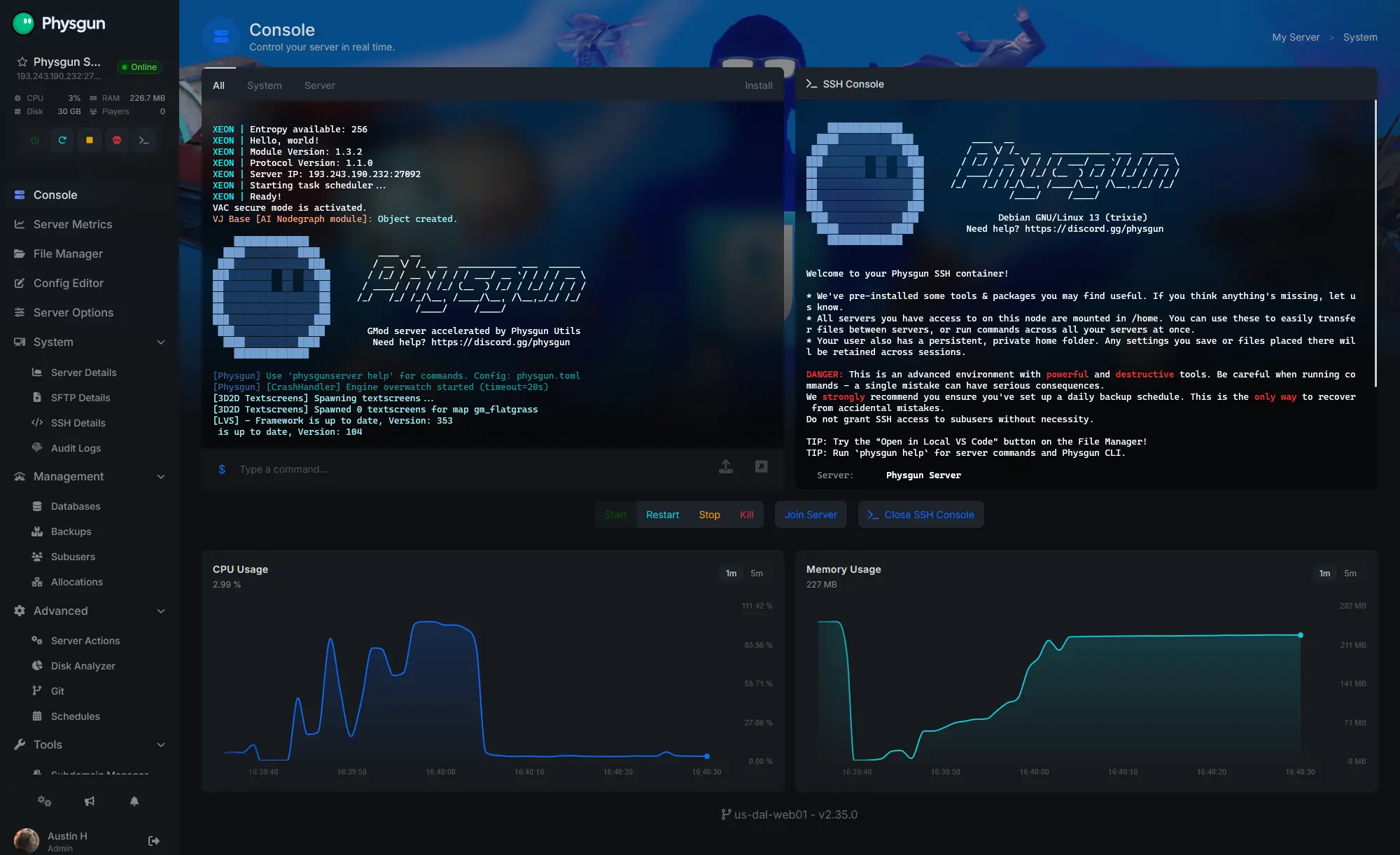
Accurate, blazing-fast output piped directly from the container. Paired with complete SSH access inside the Panel!
1 / 10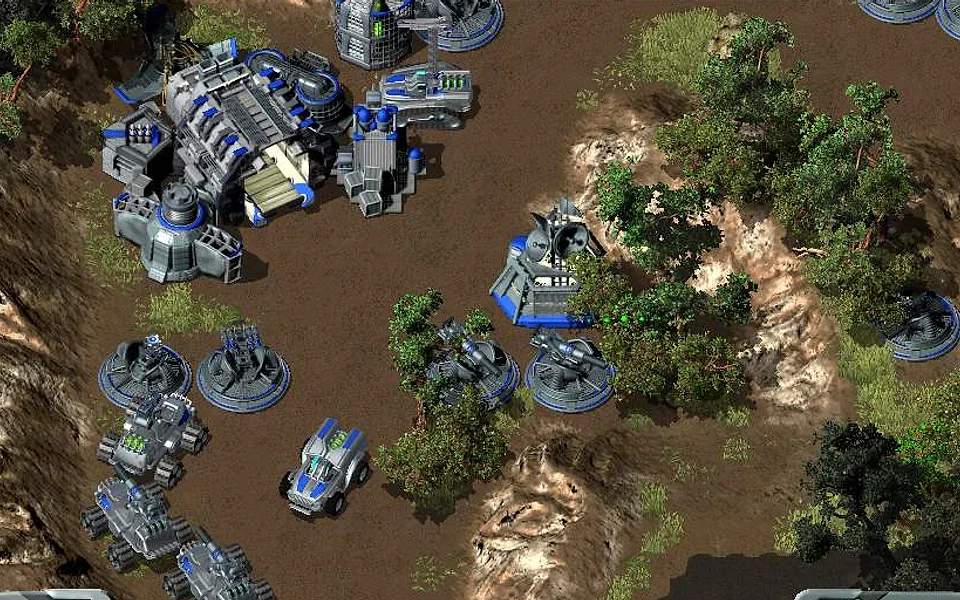
New to Original War?
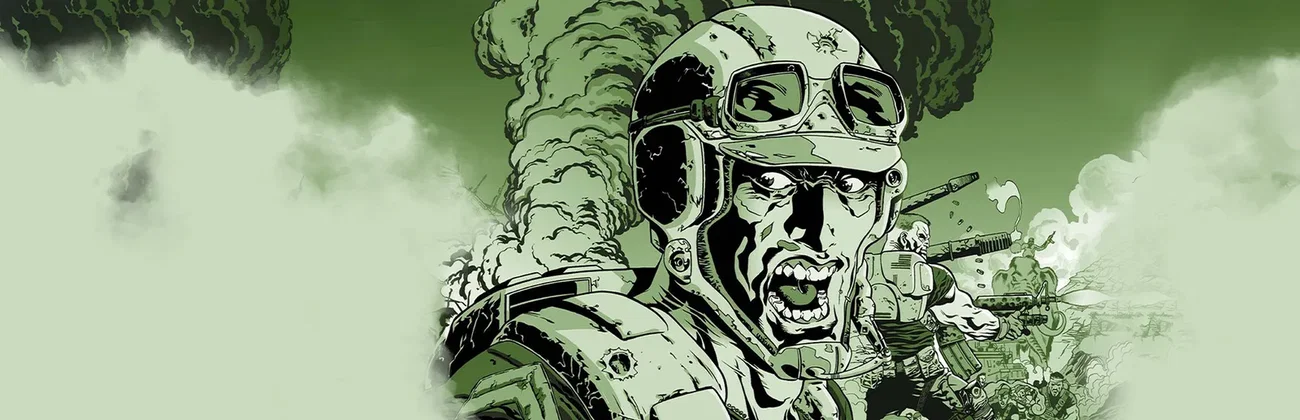
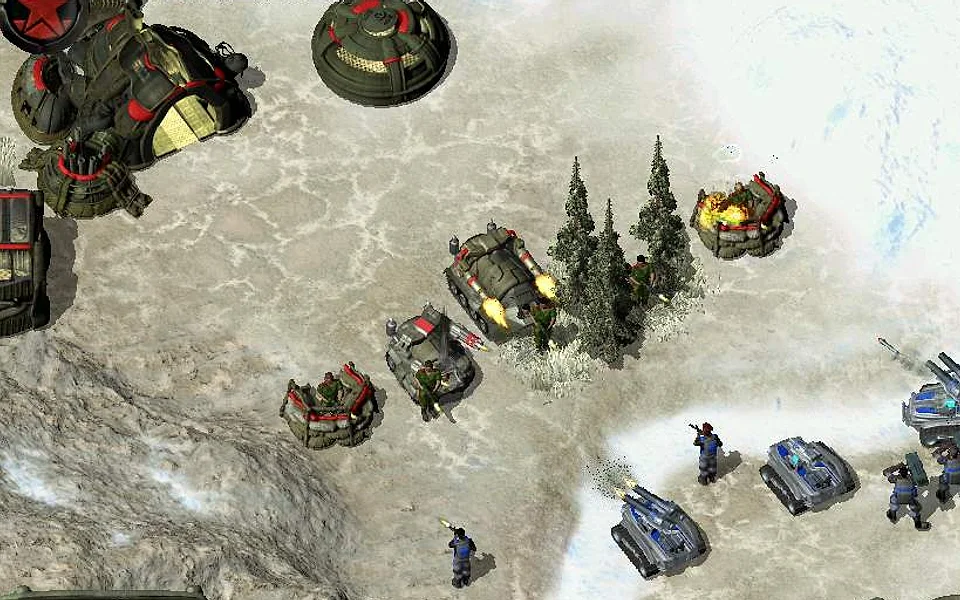
Original War is a real-time strategy game from Altar Games, published on Steam by Bohemia Interactive. An American expedition in Siberia finds Siberite, an unknown mineral that powers the EON, an extraterrestrial artifact that sends whatever is placed in it hundreds of thousands of years back in time. You build bases, gather resources, research and build vehicles and weapons, and lead a small squad of characters who each have their own class and skills.
Build a base, gather resources and send your vehicles against the enemy.
Every character is a unit of their own, with a class and skills to grow.
Why rent a server?
Hosting an Original War match from home means opening a port on your router, which many home connections do not allow. A dedicated server stays online with no PC left on at home, so your group can start a match whenever they like. With Physgun you set the server name, passwords, welcome message, pausing and who picks the map in the panel, list Workshop mods to download on start, and get full file access over SFTP and SSH for your own mods.
Your server stays up when you log off, so friends can join any time.
Run a Workshop mod or one of your own.
Straight answers before you order. Still stuck? Real people are here around the clock.
 Physgun
Give your group a server that is always there for matches, with your mods and your lobby rules.