







































Kalinsk · 27 vs 27
Pick the power you need
Choose the CPU, memory and NVMe storage your server runs on, and add more when your matches grow.

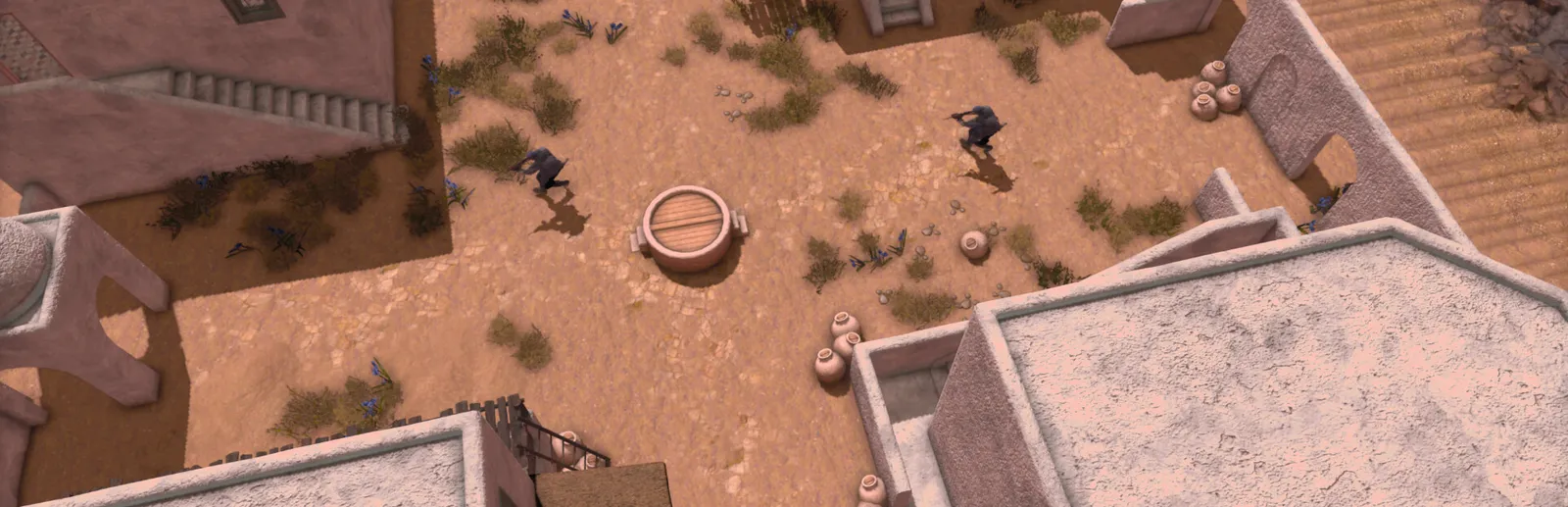
Run your own 27 vs 27 battlefield for your clan or community, with your map rotation, your bots and a server that stays online.
Powering
Find your plan
Tell us about your server and we'll recommend a plan.
Let's find your plan
No per-slot fees. Choose your own slot limit. To help us recommend the right plan for you, tell us how many friends are joining you!
Best fit
Demolition3 GB RAM, 150% CPU
$8.49/mo
Pick your plan
Or build your own. Then choose where it runs and deploy.
 CustomChoose your own plan!
Billing
Secure Backups Included
Demolition
Billed monthly. Cancel any time.
Switch your Operation Valor server to any of 610 other games, right from the panel, whenever you want!*
Included with
every plan
Your maps, your bots and your rules for 27 vs 27 battles, on a server you run from one panel.
Choose the CPU, memory and NVMe storage your server runs on, and add more when your matches grow.
Your server stays up when you log off, and it is protected from DDoS attacks.
Order and the server installs Operation Valor on its own, then checks for game updates each time it starts.
Maps and bots, without the typing
Pick the maps your server plays and their order, and set how many bots fight for each team on every map, grouped and labelled in the panel.
 Server.cfg - Physgun VS Code main
For the power users
Connect with real developer tools and edit your server's config files directly. Or skip it and use the panel.
Set the server name, a password and max players in the startup settings, and restart to apply them.
Add bots to either team, map by map, for practice or a smaller group.
Send commands from the panel and read the reply, like the list of players on your server.
One place for your Operation Valor server: server name, password and player limit in the startup settings, a config editor for the map rotation and the bots on every map, a console for server commands, scheduled restarts and backups, subusers for your squad leaders, and every other universal tool.
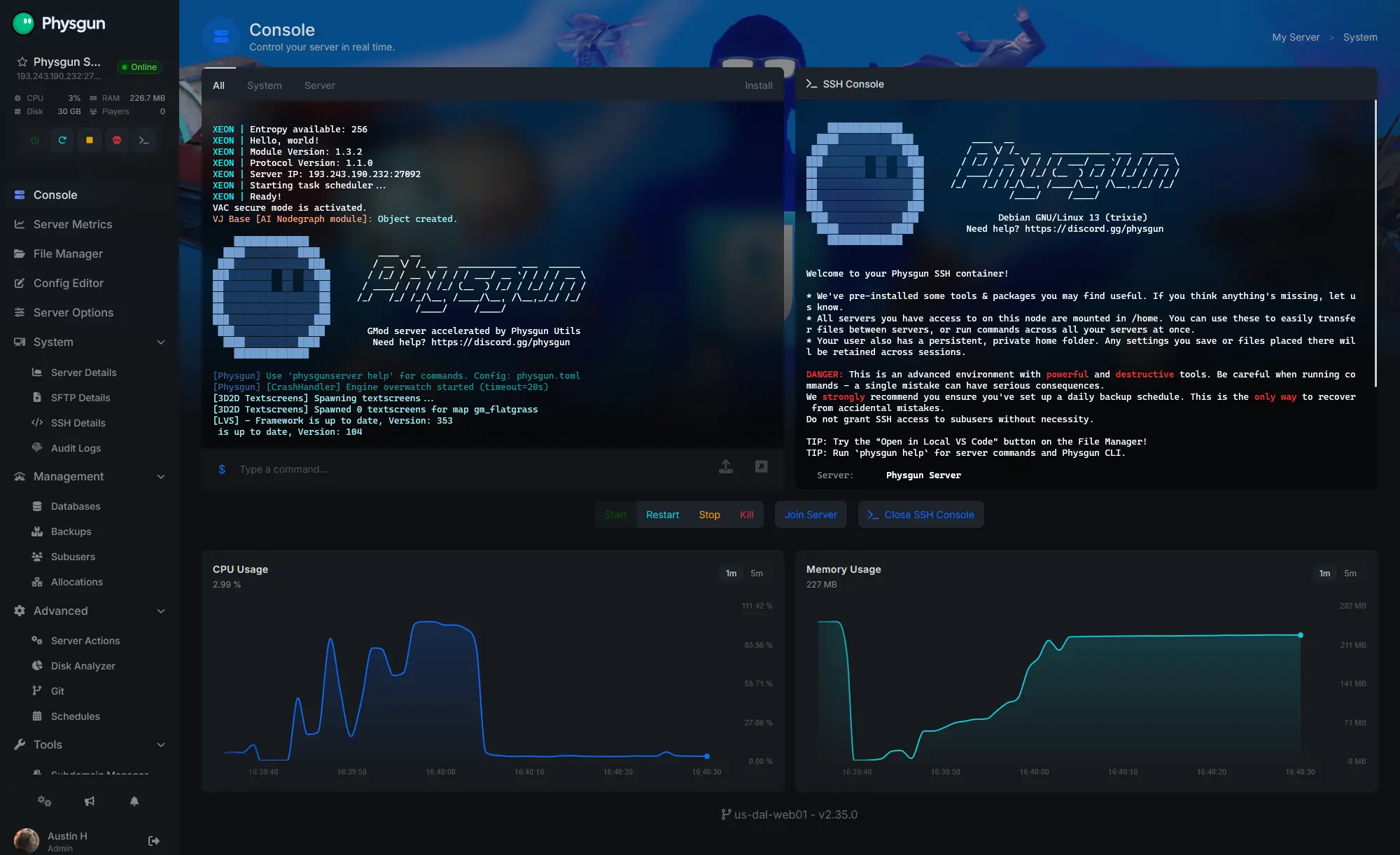
Accurate, blazing-fast output piped directly from the container. Paired with complete SSH access inside the Panel!
1 / 10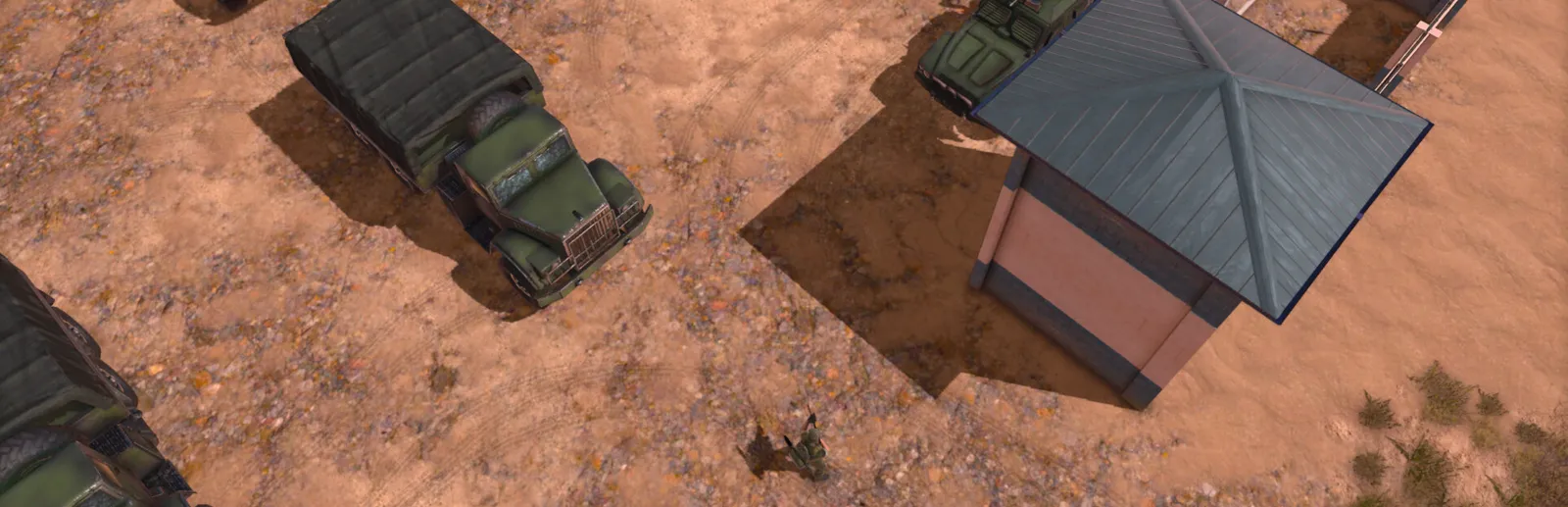
New to Operation Valor?
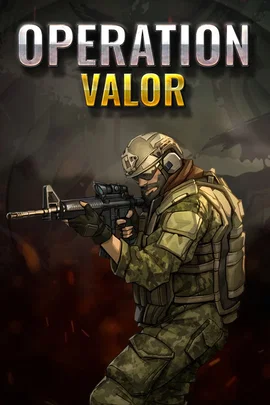
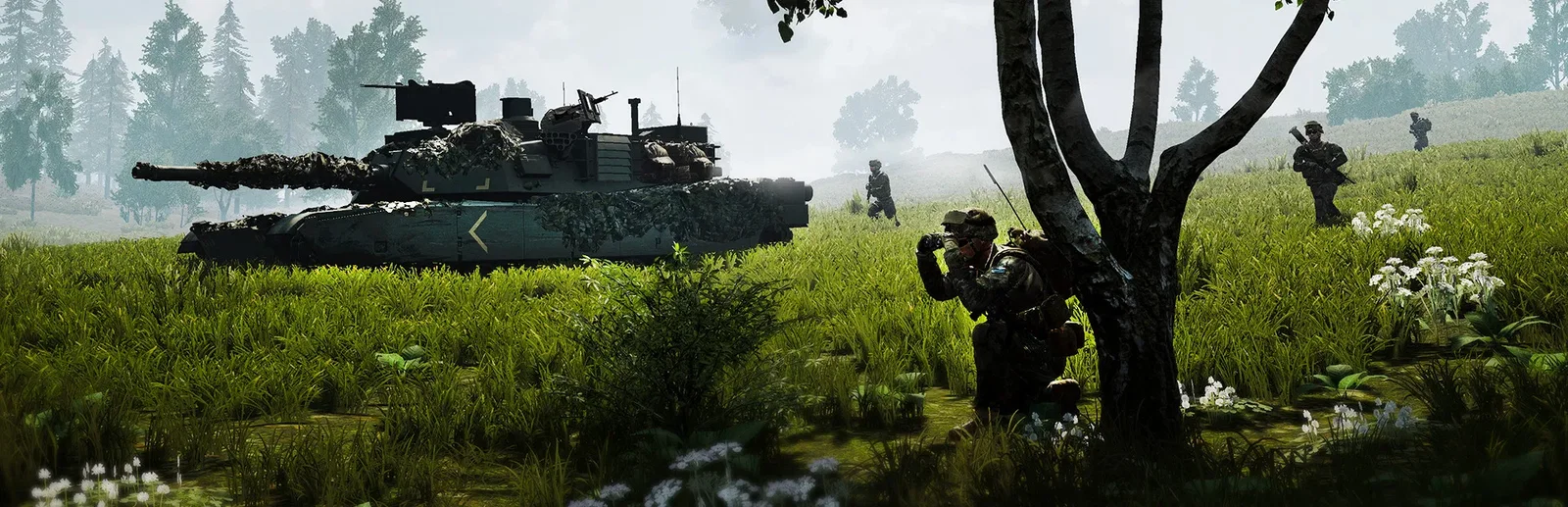
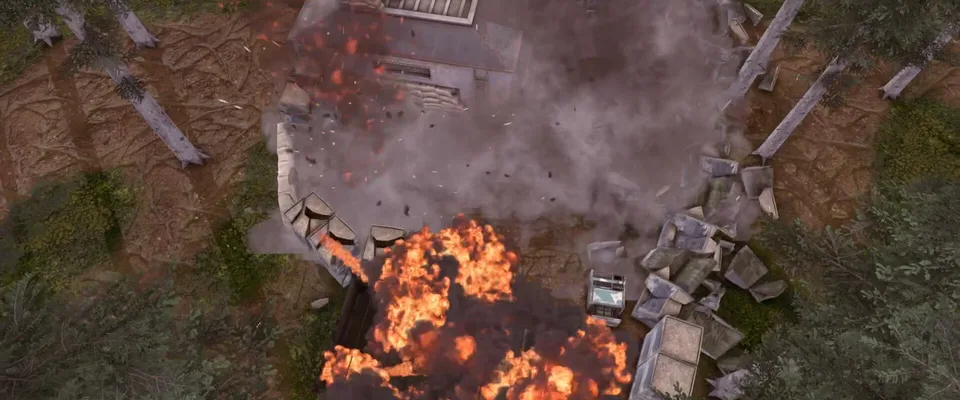
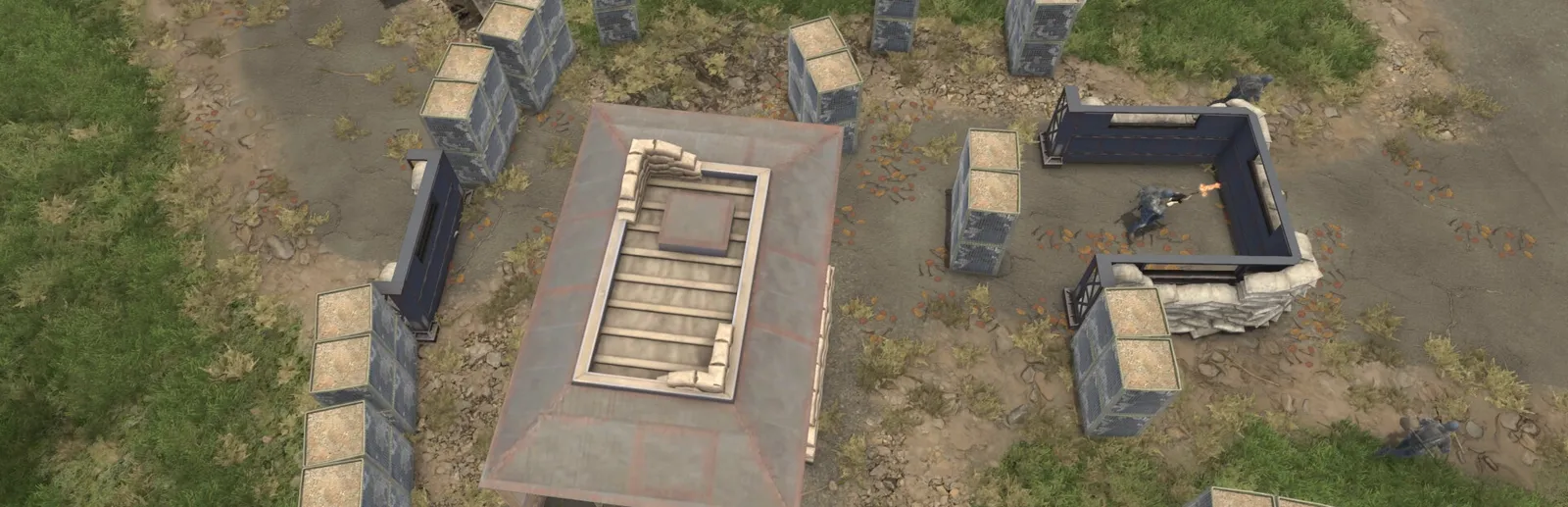
Operation Valor is a tactical top-down multiplayer shooter from One Dawn Studios, with large-scale combat through base building and teamwork. Two teams of 27 fight across the map on foot or in vehicles. Every soldier matters: logistics trucks carry construction points and ammo, squad leaders place offensive and defensive buildings, and squads push the front line together.
Fight as a Squad Leader, Rifleman, Medic, Support, Marksman, Demolition or Engineer.
Move construction points and ammo in the Logi Truck, and build forward operating bases to hold the push.
Why rent a server?
Hosting from your own PC means forwarding ports on your home router, and the match ends when your PC goes off. A dedicated server stays online on its own, so your clan or community can play on their own schedule. With Physgun it installs in minutes, with the server name, password and player limit in the startup settings, the map rotation and bots in the config editor, a console for server commands, and backups, schedules, subusers and full file access over SFTP.
Your server stays up when you log off, so your squads can play any time.
Pick the maps in your rotation and how many bots fight on each one.
Straight answers before you order. Still stuck? Real people are here around the clock.
 Physgun
Launch a server for your squads, with your own map rotation and bots, ready for 27 vs 27 battles.