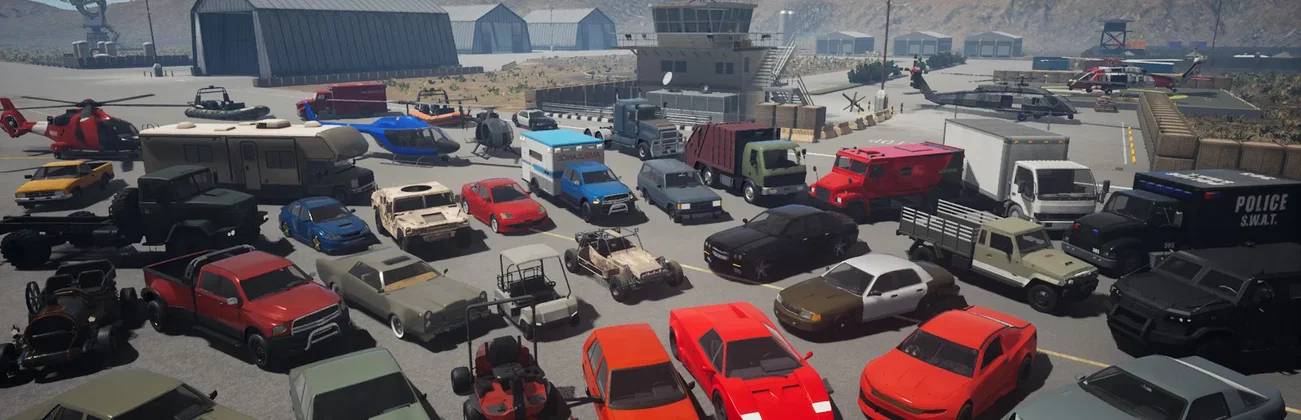




































Onset · Server online
Pick the power you need
Choose the CPU, memory and NVMe storage your server runs on, and add more when your community grows.

Run your own Onset server for your game mode, your scripts and your community, set up from one panel.
Powering
Find your plan
Tell us about your server and we'll recommend a plan.
Let's find your plan
No per-slot fees. Choose your own slot limit. To help us recommend the right plan for you, tell us how many friends are joining you!
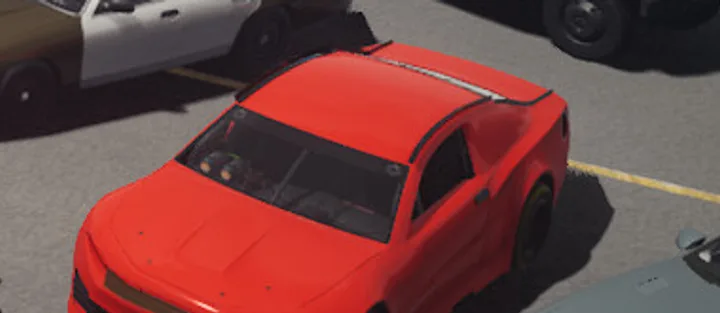
Best fit
Muscle Car3 GB RAM, 150% CPU
$8.49/mo
Pick your plan
Or build your own. Then choose where it runs and deploy.
 CustomChoose your own plan!
Billing
Secure Backups Included
Muscle Car
Billed monthly. Cancel any time.
Switch your Onset server to any of 445 other games, right from the panel, whenever you want!*
Included with
every plan
Your scripts, your game mode and your rules, on a server you run from one panel.
Choose the CPU, memory and NVMe storage your server runs on, and add more when your community grows.
Your server stays up when you log off, and it is protected from DDoS attacks.
Order and the server installs Onset on its own, and it checks for game updates every time it starts.
server_config.json, without the typing
Your website, loading screen page, public listing, Discord status, connections per IP, Valve Anti-Cheat, voice chat and the script sandbox, grouped and labelled in the panel.
 server_config.json - Physgun VS Code main
For the scripters
Connect with real developer tools and work on your server's files directly, with full file access over SFTP. Or skip it and use the panel.
Run the stable game or the UE5 beta, and set the game mode players see in the server list.
Turn in-game voice chat on or off, pick its quality, and let voices fade with distance.
List your server for everyone, or set a password so only your group can join.
One place for your whole server: server name, password, max players, game mode and Stable or UE5 beta in the startup settings, a config editor for your server listing, voice chat, Valve Anti-Cheat and script sandbox, schedules you set for restarts and backups, subusers for your admins, a file manager with SSH and VS Code, and every other universal tool.

Accurate, blazing-fast output piped directly from the container. Paired with complete SSH access inside the Panel!
1 / 10
New to Onset?
Onset is an open world Lua scripting sandbox made from the ground up for multiplayer. The map starts empty and there are no set goals: server owners use over 400 Lua functions to build their own game modes, from roleplay to cops and robbers and freeroam, and players join the servers that run them. Spawn cars, helicopters, NPCs and objects, load custom maps, tune weapons, and build your interface in HTML, CSS and JavaScript.
Write your own game mode with hundreds of Lua functions, a good start for learning to program.
Drive vehicles with a damage model, fly helicopters and talk over in-game voice chat.
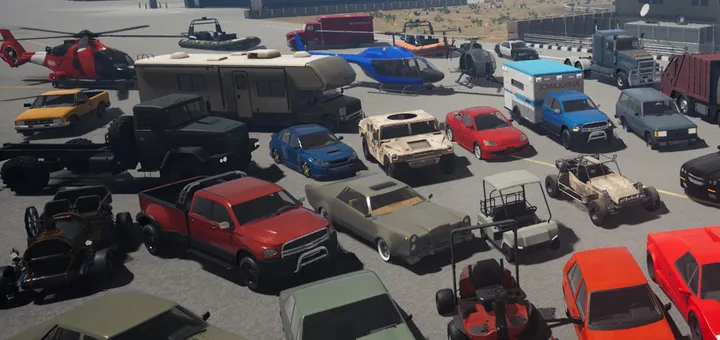
Why rent a server?
Every Onset game mode lives on a community server, so a server of your own is where your scripts and your rules run. A Physgun server keeps it online around the clock, with no PC left on at home and no router ports to forward. Set the name, max players, password, game mode and game version in the panel, change the server listing, voice chat, Valve Anti-Cheat and script sandbox in the config editor, and get full file access over SFTP and SSH.
Your server stays up when you log off, so your players can join any time.
Set your version, game mode and rules, and reach every file on your server.
Straight answers before you order. Still stuck? Real people are here around the clock.
 Physgun
Run your own game mode on a server that stays up when you log off, with the version, voice chat and listing you pick.