



































race · server live
Pick the power you need
Choose the CPU, memory and NVMe storage your server runs on, and add more when it grows.

Run your own San Andreas server for roleplay, racing, freeroam or a game mode you wrote yourself, set up from one panel.
Powering
Find your plan
Tell us about your server and we'll recommend a plan.
Let's find your plan
No per-slot fees. Choose your own slot limit. To help us recommend the right plan for you, tell us how many friends are joining you!
Best fit
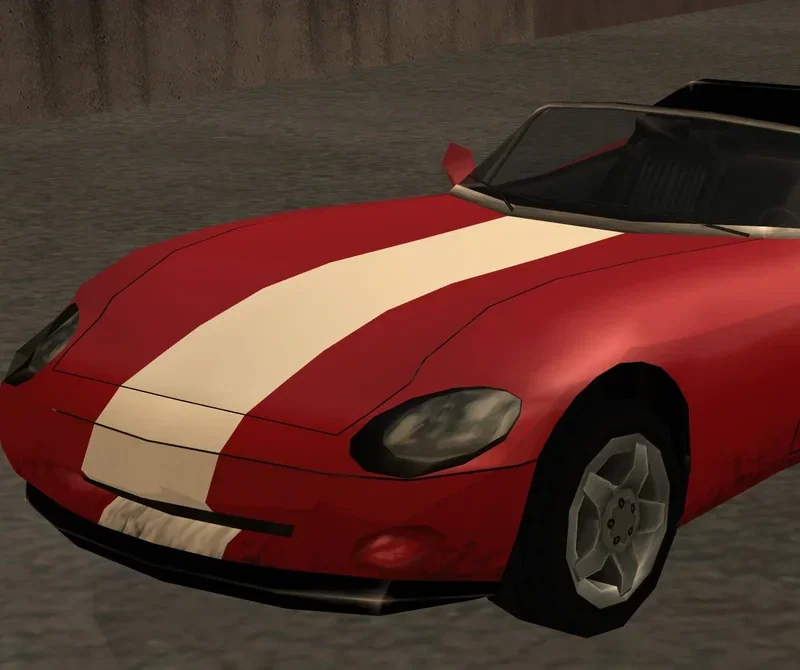
Banshee4 GB RAM, 150% CPU
$10.99/mo
Pick your plan
Or build your own. Then choose where it runs and deploy.
 CustomChoose your own plan!
Billing
Secure Backups Included
Banshee
Billed monthly. Cancel any time.
Switch your Multi Theft Auto: San Andreas server to any of 445 other games, right from the panel, whenever you want!*
Included with
every plan
Your game mode, your resources and your rules, on a server you run from one panel.
Choose the CPU, memory and NVMe storage your server runs on, and add more when it grows.
Your server stays up when you log off, and it is protected from DDoS attacks.
Order and the server installs MTA:SA with its default config and resources. Nothing to set up on your side.
mtaserver.conf, without the typing
Set your server's name, password, player limit, voice chat, FPS limit and owner email in the panel. They are written to mtaserver.conf every time the server starts.
 mtaserver.conf - Physgun VS Code main
For the power users
Connect with real developer tools and edit your Lua resources, acl.xml and the rest of mtaserver.conf directly. Or skip it and use the panel.
Point players at a web address that serves your resource files so they download faster, or let the server send them itself.
Upload your Lua scripts, maps, models and sounds with full file access, and run roleplay, race, freeroam or a game mode of your own.
Open your server to everyone, or set a password so only your group can join.
One place for your whole server: name, password, player limit and voice chat in the startup settings, schedules you set for restarts and backups, subusers for your admins, a file manager with SSH and VS Code for your Lua resources, and every other universal tool.

Accurate, blazing-fast output piped directly from the container. Paired with complete SSH access inside the Panel!
1 / 10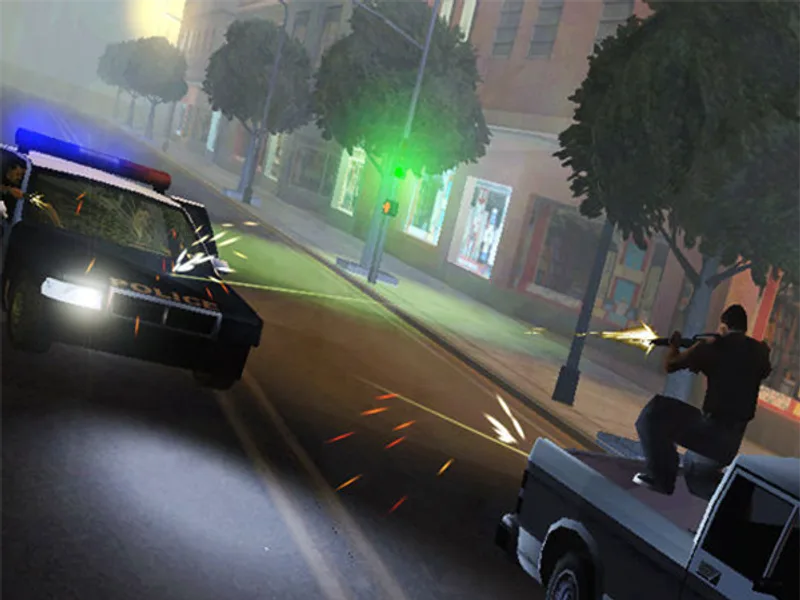
New to Multi Theft Auto?
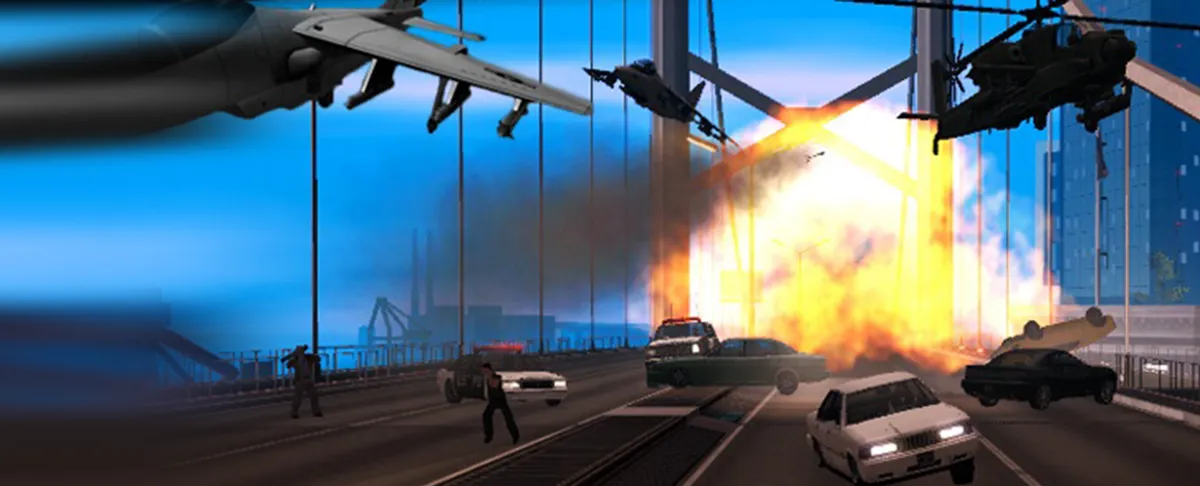
Multi Theft Auto is a free multiplayer mod for Grand Theft Auto: San Andreas. Every server loads its own Lua scripts, maps, models and sounds, so the same San Andreas map plays like a different game on each one. Players pick a server, download its resources and jump into its game mode, from persistent roleplay worlds with jobs and characters to race servers with hundreds of tracks.
Characters, jobs, factions and property in a world that keeps going between sessions.
Race on community tracks, or drive, fight and mess around with no objectives.
Why rent a server?
An MTA:SA dedicated server keeps your community online around the clock, without a PC left on at home or ports to forward. With us, you set the server name, password, player limit and voice chat in the panel, add a fast download link for your resources, and get full file access over SFTP and SSH for your scripts, maps and config.
Your server stays up when you log off, so your players can join any time.
Load your own resources, keep data in MySQL, and set your rules and passwords.
Straight answers before you order. Still stuck? Real people are here around the clock.
 Physgun
Run your own roleplay, race or freeroam server with your own Lua resources, online while you are offline.