











dm_hydro · monsters inbound
Pick the power you need
Choose the CPU, memory and NVMe storage your server runs on, and change them later as your group grows.

Run your own Controlled Combat Testing Facility for up to 16 players, with your game mode, your maps and your rules, whether you fight each other or the monsters.
Powering
Find your plan
Tell us about your server and we'll recommend a plan.
Let's find your plan
No per-slot fees. Choose your own slot limit. To help us recommend the right plan for you, tell us how many friends are joining you!

Best fit
Zombine1 GB RAM, 150% CPU
$3.49/mo
Pick your plan
Or build your own. Then choose where it runs and deploy.
 CustomChoose your own plan!
Billing
Secure Backups Included
Zombine
Billed monthly. Cancel any time.
Switch your Modular Combat server to any of 536 other games, right from the panel, whenever you want!*
 Minecraft
 Team Fortress 2
 Hytale

 Minecraft: Bedrock Edition

 Klaus Veen's Treason

 ReSkate

 Factorio
 Counter-Strike: Source

 Left 4 Dead 2

 Kingdom Come: Deliverance II
 BattleRush
 Counter-Strike

 TTT Classic

 nanos world

 Euro Truck Simulator 2

 Mount & Blade: Warband

 Barotrauma

 Military Conflict: Vietnam
 American Truck Simulator

 Assetto Corsa
Included with
every plan
Your modes, your maps and your rules for the Controlled Combat Testing Facility, on a server you run from one panel.
Choose the CPU, memory and NVMe storage your server runs on, and change them later as your group grows.
Your server stays up when you log off, and it is protected from DDoS attacks.
Order and the server installs Modular Combat on its own, then checks for game updates each time it starts.
server.cfg, without the typing
Max level, start level, respawns, monster difficulty, time and kill limits, friendly fire and voting, grouped and labelled in the panel.
 server.cfg - Physgun VS Code main
For the power users
Connect with real developer tools and edit server.cfg, the map cycle or the message of the day directly. Or skip it and use the panel.
Set the server name, password, max players and VAC in the startup settings, and restart to apply them.
Start in Deathmatch, Team Deathmatch, Players vs Monsters, Free for All with Monsters or Hoarder.
Pick the start map from the mod's 14 maps, and let players vote for the next map and game mode.
One place for your whole server: name, password, max players, start map, game mode and VAC in the startup settings, a config editor for levels, voting, rounds and monster difficulty, a live console, schedules you set for restarts and backups, subusers for your admins, a file manager with SSH and VS Code, and every other universal tool.
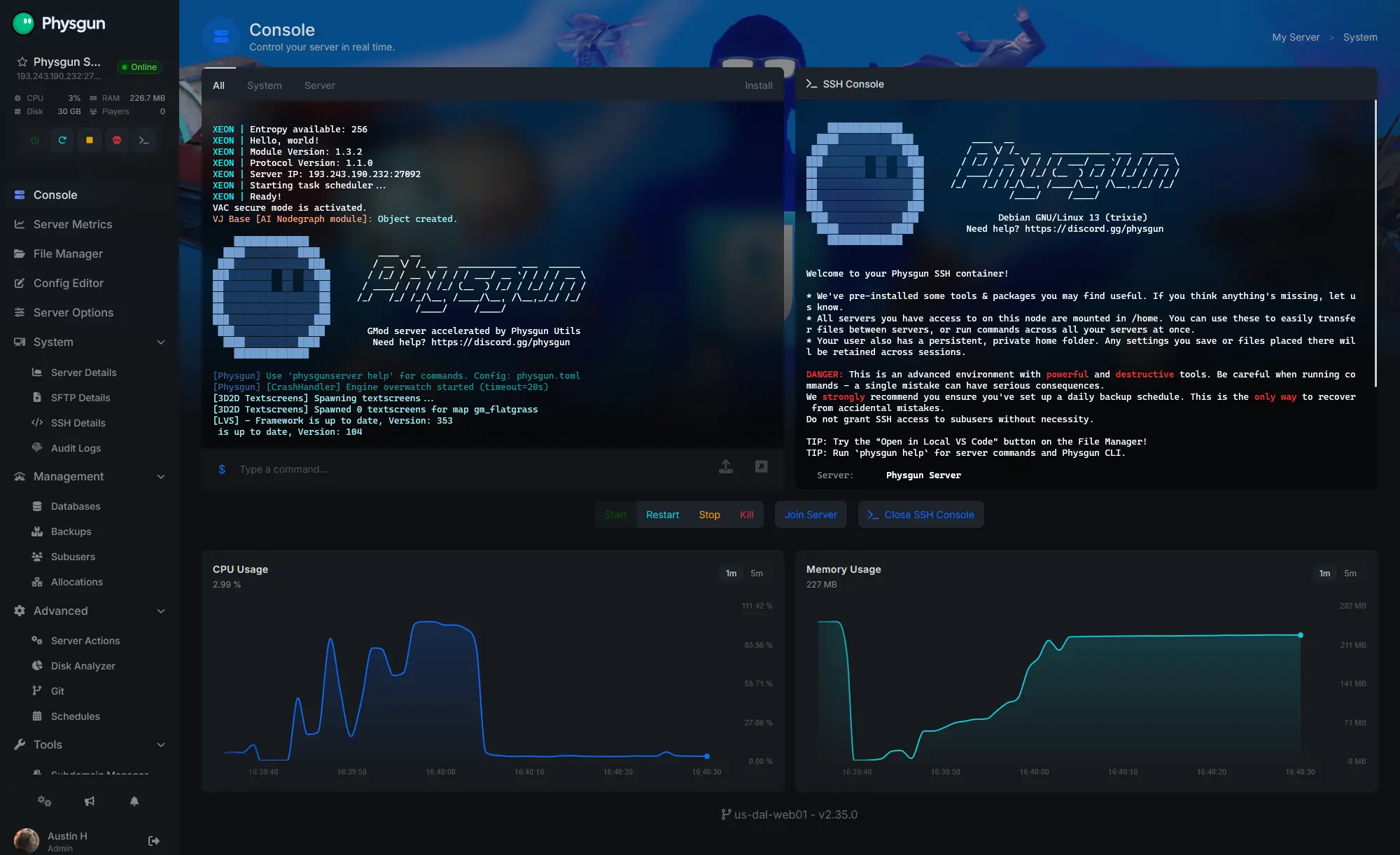
Accurate, blazing-fast output piped directly from the container. Paired with complete SSH access inside the Panel!
1 / 10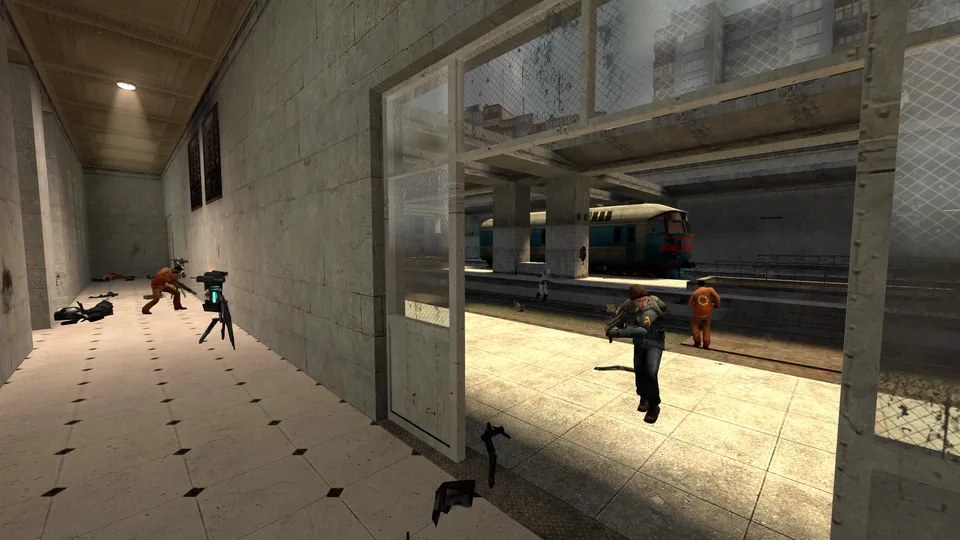
New to Modular Combat?
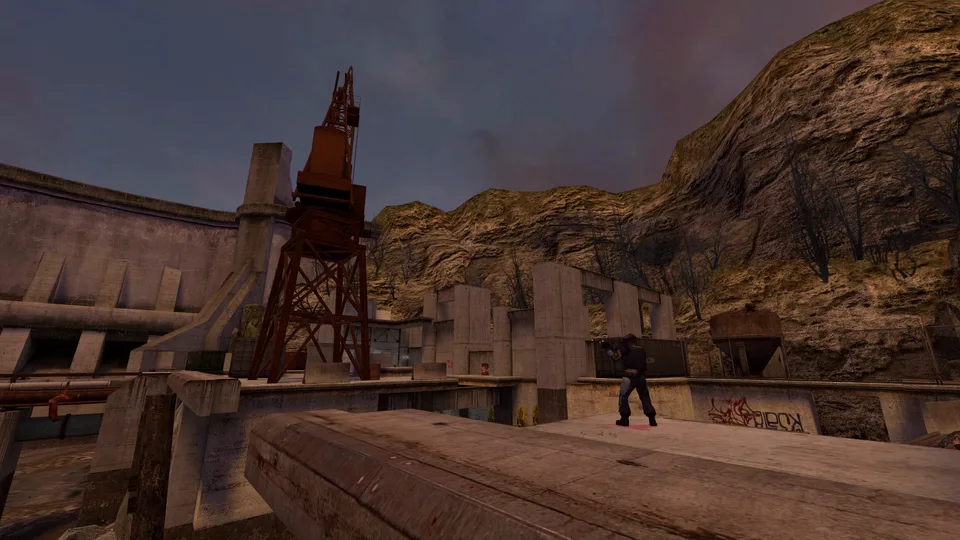
Modular Combat is a free role-playing shooter set in the Half-Life universe, made by Team ModCom and played since 2008. The Resistance, the Combine and Aperture Science are testing the HEV Mark VI Combat System, and combatants face off against each other, and monsters, in the Controlled Combat Testing Facility, watched over by a super-computer called BoSS. Fights earn experience, levels earn points, and you spend them on dozens of modules, upgraded in any combination.
Fly, teleport, cloak, spawn minions, or fire flechettes and energy balls. Mix modules however you like.
Fight for the Resistance, the Combine or Aperture Science.
Why rent a server?
A server hosted from a player's PC only runs while that player is online, and lags when the PC is busy. A dedicated server stays online around the clock on its own hardware, so your group always has somewhere to play. With Physgun it installs itself, with the server name, password, max players, start map, game mode and VAC in the startup settings, levels, voting, rounds and monster difficulty in the config editor, and backups, schedules, subusers and full file access over SFTP.
Your server stays up when you log off, so players can join any time.
Set the max level, respawns, time and kill limits, friendly fire and how tough the monsters are.
Straight answers before you order. Still stuck? Real people are here around the clock.
 Physgun
Pick your game mode, your maps and your rules, and fight players and monsters on a server that stays online.