








CPU · memory · NVMe storage
Sized for your server
Pick the CPU and memory your game mode needs, on NVMe storage. Add more later without starting over.
Keep your Modiverse sandbox online for your community, even when you log off. Browse the Steam Workshop in the panel and add game modes, maps and add-ons in one click.
Powering
Find your plan
Tell us about your server and we'll recommend a plan.
Let's find your plan
No per-slot fees. Choose your own slot limit. To help us recommend the right plan for you, tell us how many friends are joining you!

Best fit
Leader2 GB RAM, 150% CPU
$5.99/mo
Pick your plan
Or build your own. Then choose where it runs and deploy.
 CustomChoose your own plan!
Billing
Secure Backups Included
Leader
Billed monthly. Cancel any time.
Switch your Modiverse server to any of 610 other games, right from the panel, whenever you want!*
Included with
every plan
Your game mode, your map and your prop rules, set from one panel, on a server that stays online when you log off.
Pick the CPU and memory your game mode needs, on NVMe storage. Add more later without starting over.
DDoS protection on every Modiverse server, so your players stay connected.
Your server installs itself the moment you order, ready to play Sandbox on its first start.
Steam Workshop
Browse the Modiverse Steam Workshop in the panel, with pictures, search and tags. Add a game mode such as Deathrun, a map, and tools, props and weapons with one click, and your server downloads and loads them on its next start. Prefer Sandbox or a map cycle of your own? Those work too.
 ServerConfiguration.json - Physgun VS Code main
Full file access
Connect with real developer tools to edit your map cycle and server configuration directly. Or skip it and use the file manager in the panel.
Let every player move and remove each other's props, or keep them to their owner, and clear a player's props when they leave.
Show players a web page of your own when they join, such as your rules or Discord, and choose how long after joining it opens.
Set up a backup schedule in the panel, and secure backup storage is included with every server.
One place for your whole Modiverse server: the Steam Workshop to add game modes, maps and add-ons in one click, your server name and player limit, a config editor for prop rules and the welcome page, a file manager with SSH and VS Code for your map cycle, scheduled restarts and backups, and every other universal tool.
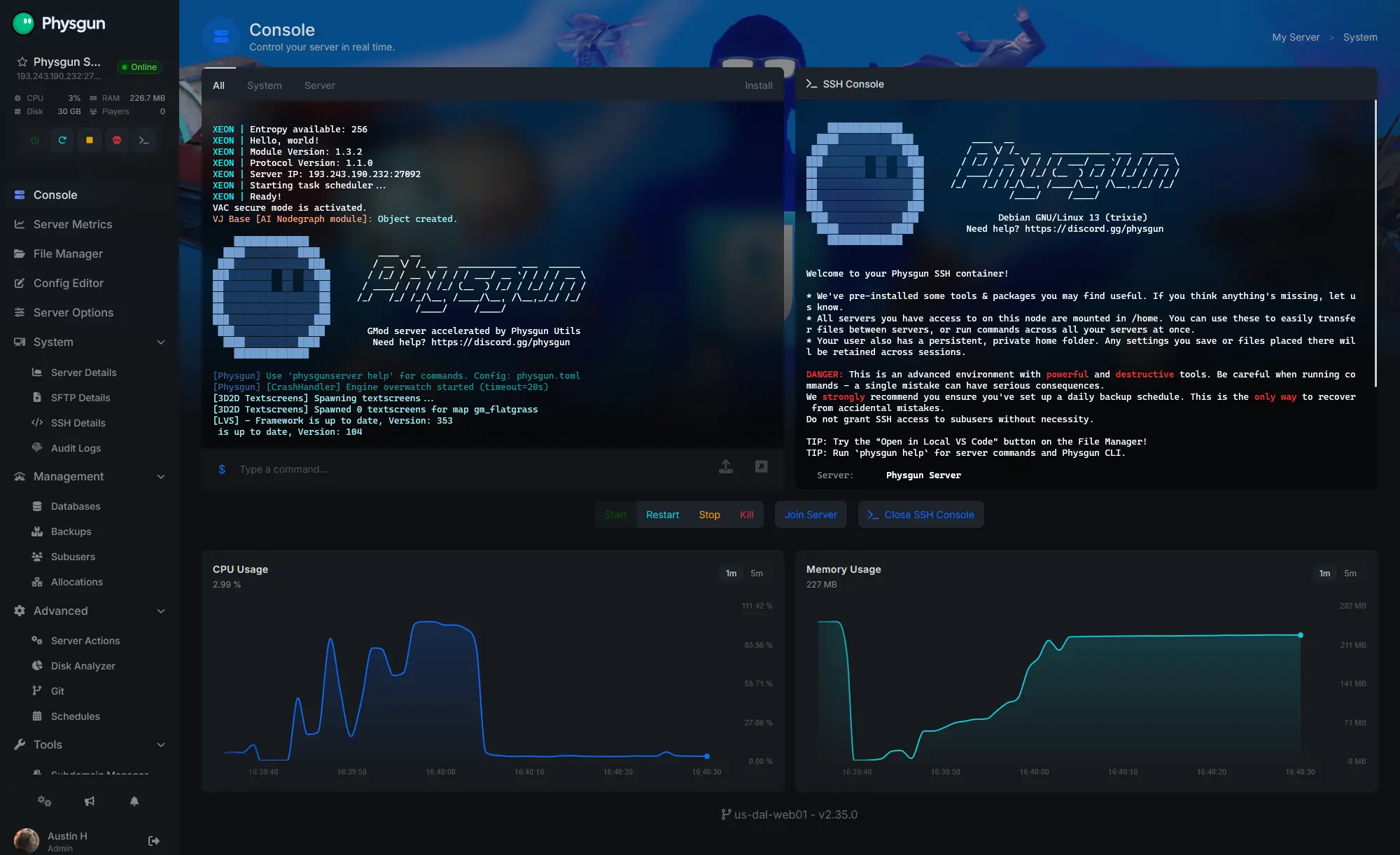
Accurate, blazing-fast output piped directly from the container. Paired with complete SSH access inside the Panel!
1 / 10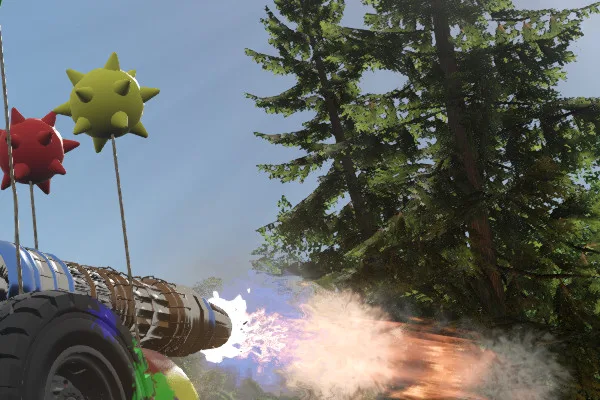
New to Modiverse?
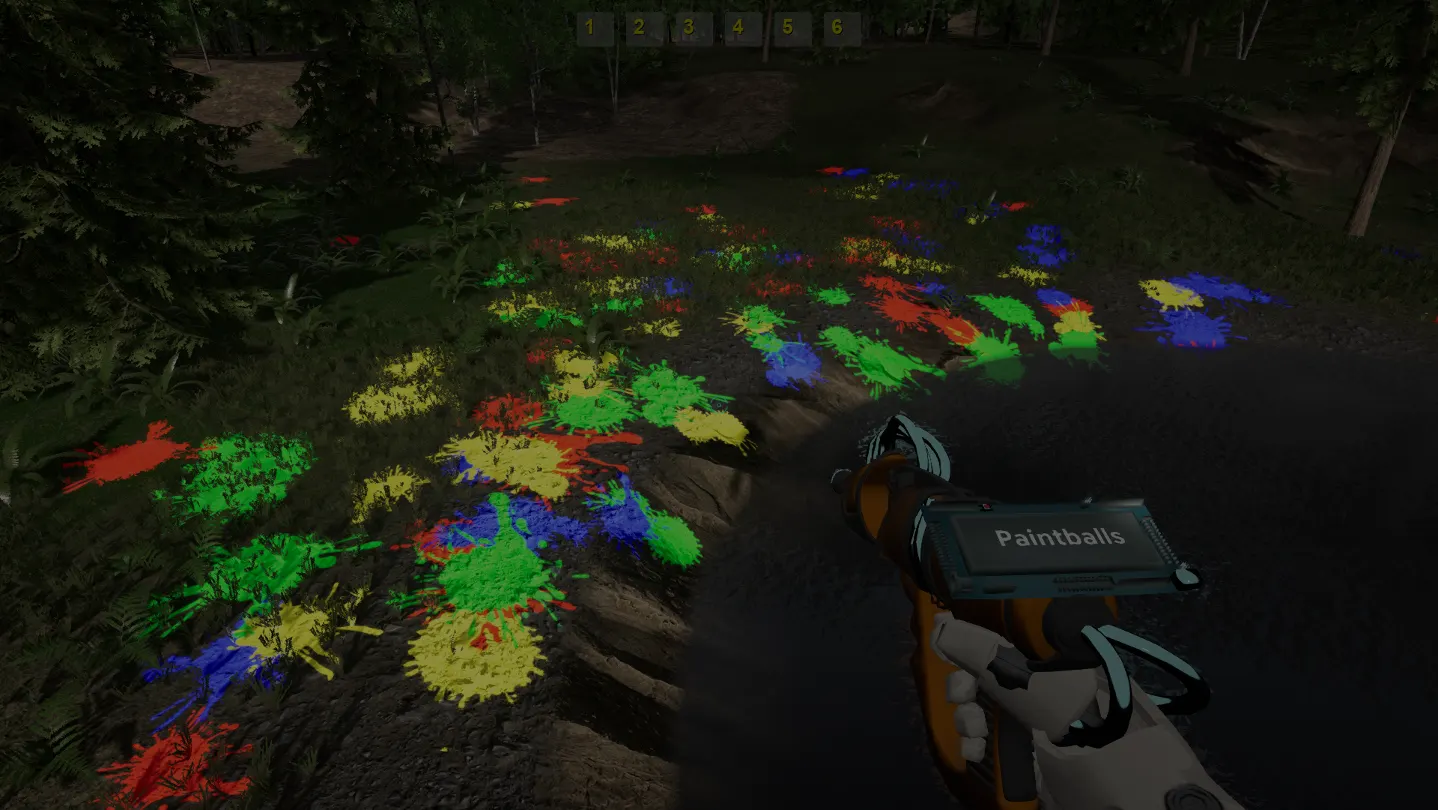
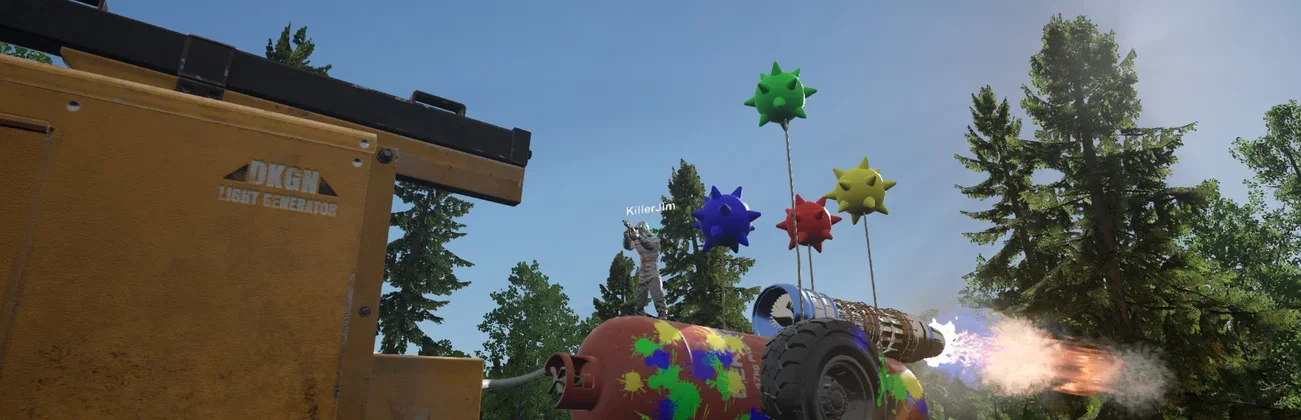
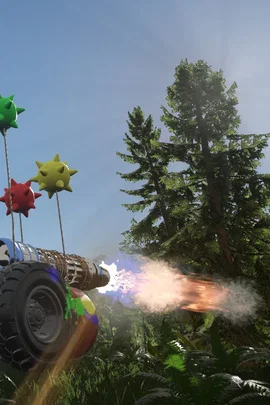
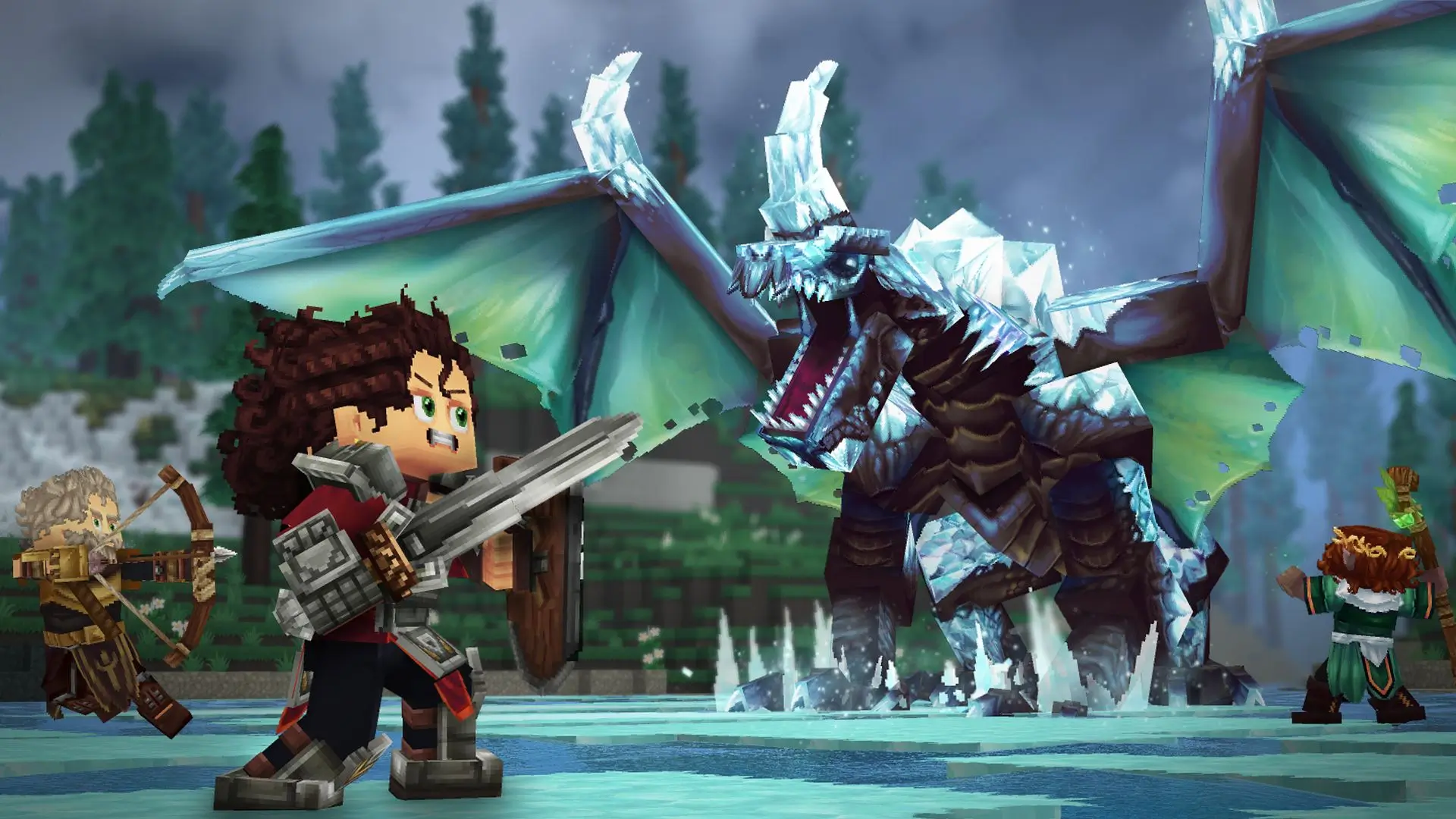
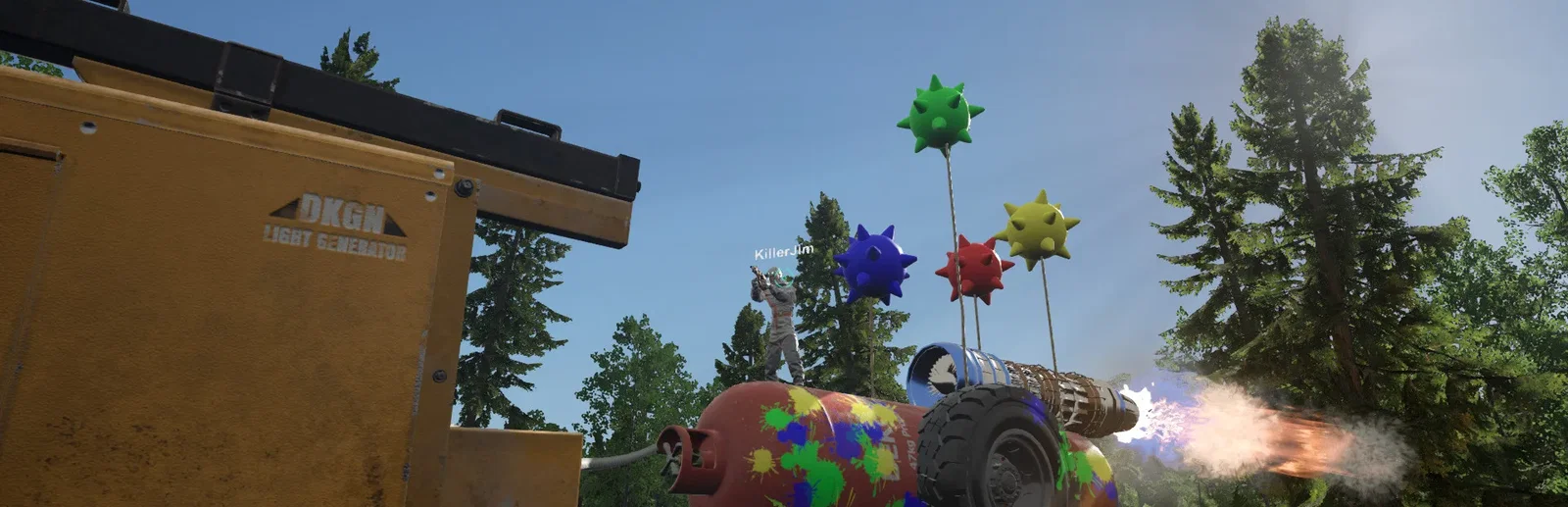
Modiverse is an open multiplayer sandbox from Deep Voodoo Games. Players spawn props and use tools such as lights, thrusters and wheels to build physics-based contraptions, or join a server running a community game mode like TTT, Deathrun, FortWars or RolePlay. Maps, models and game modes are shared on the Steam Workshop, and the mod kit lets anyone make their own tools, props, levels or complete game modes.
Spawn props and wire them up with tools into contraptions of your own.
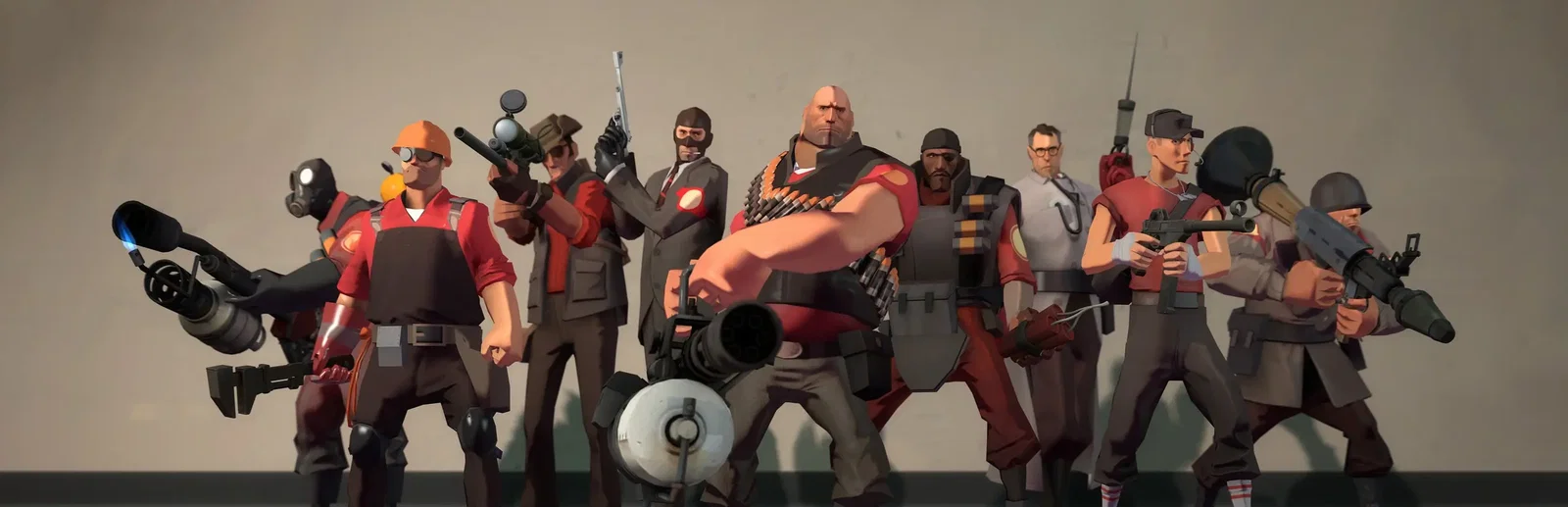
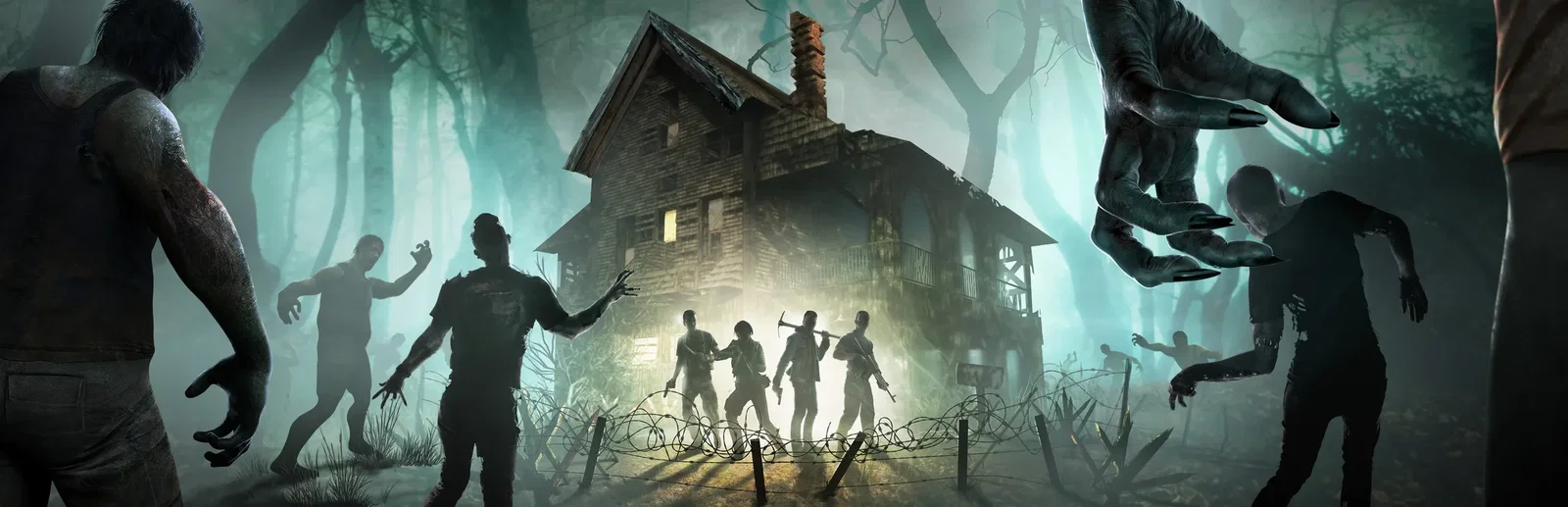
TTT, Deathrun, FortWars, RolePlay and more, made by the community.
Why rent a server?
Modiverse servers are run by the community, so a server of your own is how your group gets the game mode and map it wants. A dedicated server stays online when you log off, so players can join at any hour without someone hosting. With us it installs in minutes, with the server name, player limit, game mode, map and Workshop add-ons in the panel, prop rules and a welcome page in the config editor, and full file access over SFTP and SSH for your map cycle.
Your server stays up when you log off, so players join on their own schedule.
Set the game mode, map, add-ons and player limit from the panel.
Straight answers before you order. Still stuck? Real people are here around the clock.
 Physgun
Add game modes, maps and add-ons from the Steam Workshop in one click, and your Modiverse server stays online when you log off.