



























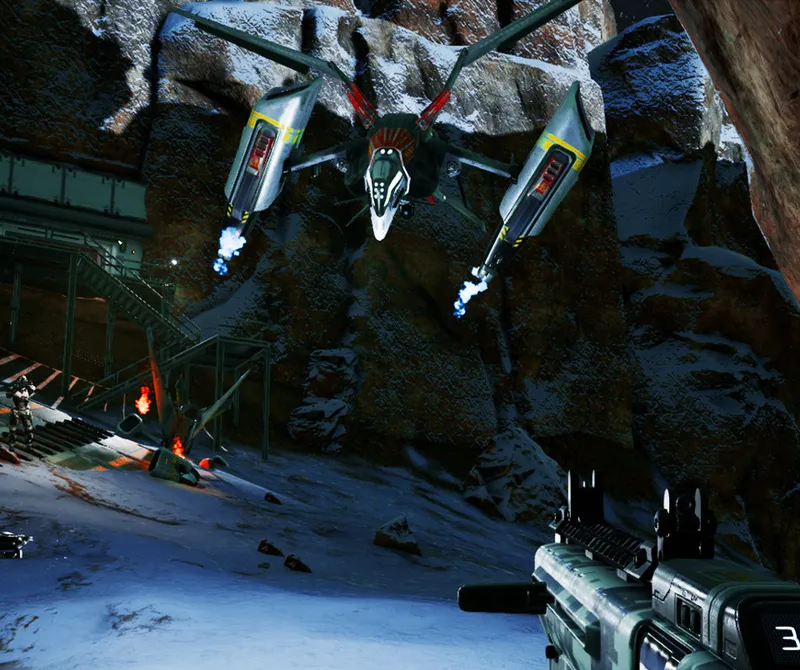
Haas Crater · raid inbound
Pick the power you need
Choose the CPU, memory and NVMe storage your world runs on, and add more as your colony grows.

Run your own Red Planet world for friends or a community, with your PvP rules, loot and enemy rates, all set up from one panel.
Powering
Find your plan
Tell us about your server and we'll recommend a plan.
Let's find your plan
No per-slot fees. Choose your own slot limit. To help us recommend the right plan for you, tell us how many friends are joining you!
Best fit
Wyvern8 GB RAM, 200% CPU
$21.49/mo
Pick your plan
Or build your own. Then choose where it runs and deploy.
 CustomChoose your own plan!
Billing
Secure Backups Included
Wyvern
Billed monthly. Cancel any time.
Switch your Memories of Mars server to any of 510 other games, right from the panel, whenever you want!*
Included with
every plan
Your rules, your PvP settings and a Red Planet world that keeps going, on a server you run from one panel.
Choose the CPU, memory and NVMe storage your world runs on, and add more as your colony grows.
Your world stays up when you log off, and it is protected from DDoS attacks.
Order and the server installs Memories of Mars and MoM Relive on its own, then starts up ready for your players.
Loot, enemies, meteors and survival
Set how often loot and robots appear, how hard they hit, how often meteors fall, oxygen use, hunger, building damage and decay, grouped and labeled in the panel.
 DedicatedServerConfig.cfg - Physgun VS Code main
For the power users
Connect with real developer tools and edit your server's config files directly. Or skip it and use the panel.
Set the server name, password, max players and PvP in the startup settings, and restart to apply them.
Your server runs MoM Relive, the community service that replaced the game's closed official servers. Players enter your IP, join port and join key in its free client.
Change the world ID to start a fresh world. The old one stays on disk, so you can go back to it.
One place for your whole Mars world: name, password, join key, max players, PvP and world in the startup settings, a config editor for admins, allowed and banned players, loot, enemies, meteors and building rules, schedules you set for restarts and backups, subusers for your admins, a file manager with SSH and VS Code, and every other universal tool.

Accurate, blazing-fast output piped directly from the container. Paired with complete SSH access inside the Panel!
1 / 10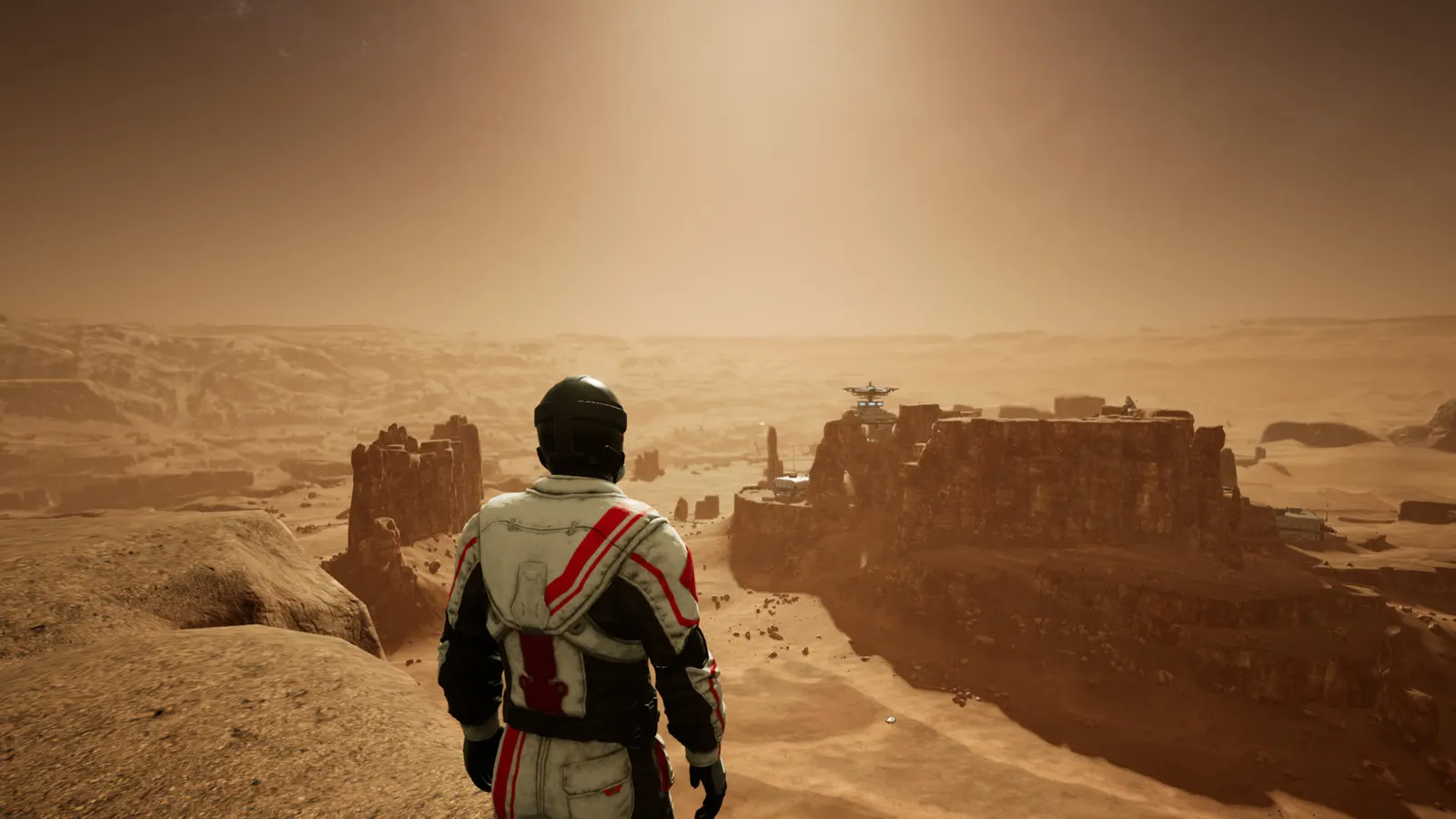
New to Memories of Mars?
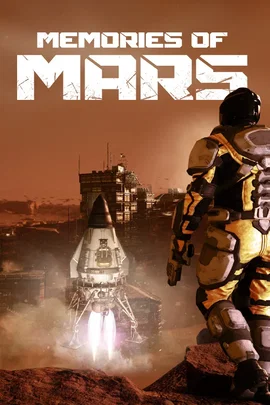
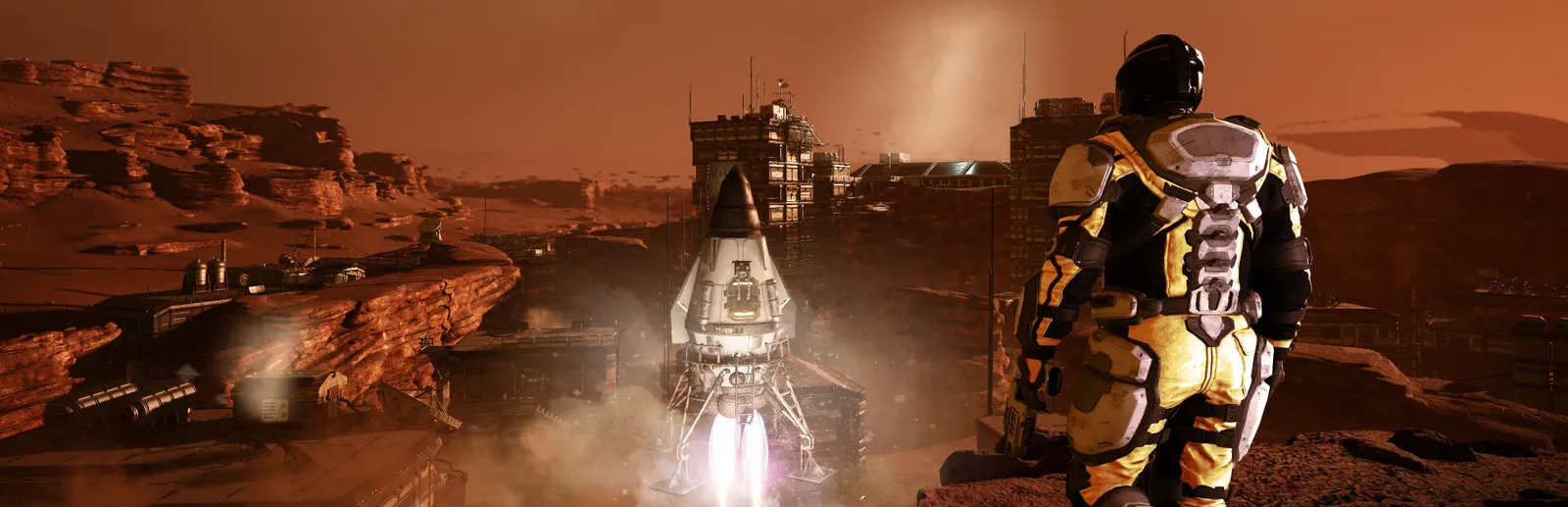
Memories of Mars is an open-world survival game from Limbic Entertainment, set on the abandoned mining operations of the Red Planet. You explore 16 square kilometers of Mars with over 120 points of interest, from abandoned towns and mines to biodomes, gather resources, 3D print your equipment and build a base, while fighting off security robots, drones and titanic military units left over from the failed colonization. Cooperate or compete with other clone survivors, and unveil the events that led to the withdrawal from Mars.
Gather resources, 3D print your gear and build a homestead that can hold.
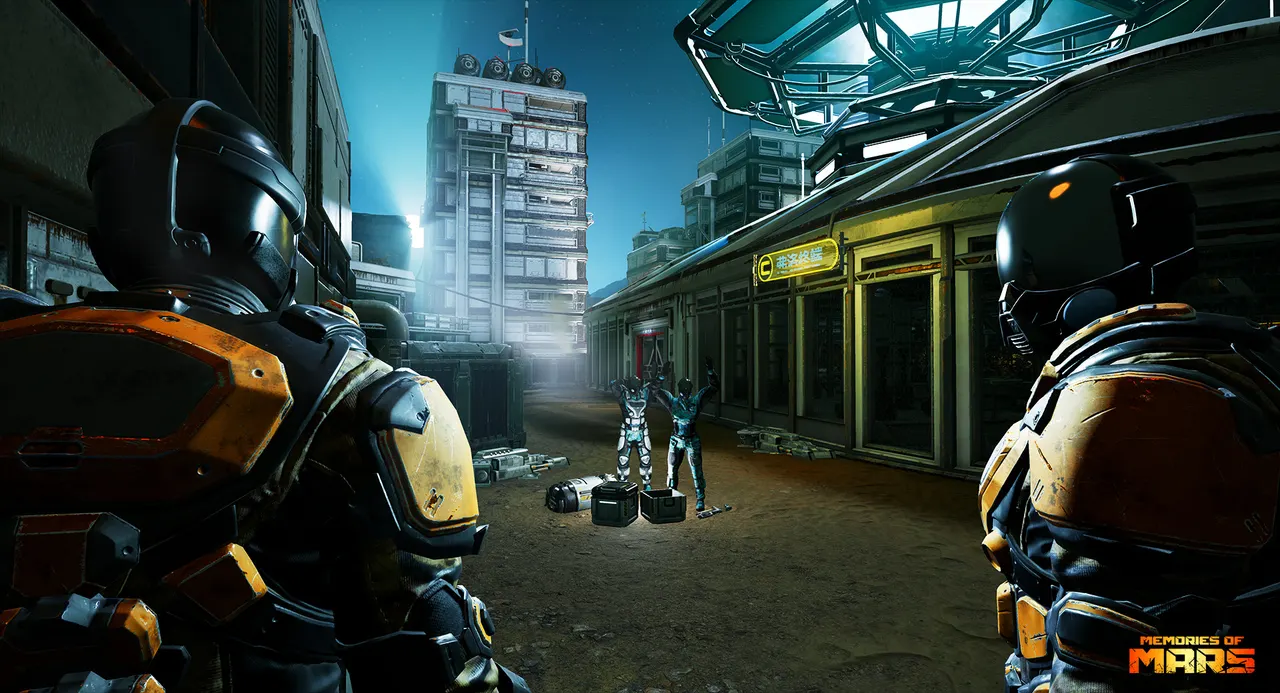
Fight robots and drones, and choose whether other survivors are friends or foes.
Why rent a server?
The game's official online servers closed in 2024. A Memories of Mars server with us runs on MoM Relive, the community replacement, so your group can keep playing on a world that stays up without a PC left on at home. You set the server name, password, join key, max players, PvP and world in the panel, tune loot, enemies, meteors, survival and building in the config editor, list your admins and allowed or banned players, and get full file access over SFTP and SSH.
Your world stays up when you log off, so friends can join any time.
Make Mars gentler or harsher with loot, enemy, oxygen and hunger rates.
Straight answers before you order. Still stuck? Real people are here around the clock.
 Physgun
Run your own Red Planet world on MoM Relive, with your PvP rules and world settings, online when you log off.