







































Celador · shard online
Pick the power you need
Choose the CPU, memory and NVMe storage your shard runs on, and add more as your community grows.

Run your own shard of Celador for your guild or community, with your name, your password and your player limit, and a world that stays online when you log off.
Powering
Find your plan
Tell us about your server and we'll recommend a plan.
Let's find your plan
No per-slot fees. Choose your own slot limit. To help us recommend the right plan for you, tell us how many friends are joining you!
Best fit
Drake12 GB RAM, 175% CPU
$31.24/mo
Pick your plan
Or build your own. Then choose where it runs and deploy.
 CustomChoose your own plan!
Billing
Secure Backups Included
Drake
Billed monthly. Cancel any time.
Switch your Legends of Aria Eternal server to any of 610 other games, right from the panel, whenever you want!*
Included with
every plan
Your own shard of Celador, with your name, your password and your player limit, run from one panel.
Choose the CPU, memory and NVMe storage your shard runs on, and add more as your community grows.
Celador keeps running when you log off, and your server is protected from DDoS attacks.
Order and the server installs Legends of Aria Eternal on its own, then fetches game updates each time it starts.
ClusterConfig.xml, without the typing
Name your shard, set a password, the player limit, character slots per account and how often the world saves. The panel writes it all into the server's config for you.
 ClusterConfig.xml - Physgun VS Code main
For the power users
Connect with real developer tools and edit your shard's config and access list directly. Or skip it and use the panel.
Set the name and description players see, and a password if you want a private shard. Restart to apply them.
Type the game's admin commands into the server console in the panel and see the reply there.
Stopping the server from the panel saves the world first, so houses, items and characters are there next time.
One place for your whole shard of Celador: name, password, player limit, character slots and save interval in the startup settings, a console for the game's admin commands, schedules you set for restarts and backups, subusers for your staff, a file manager with SSH and VS Code, and every other universal tool.
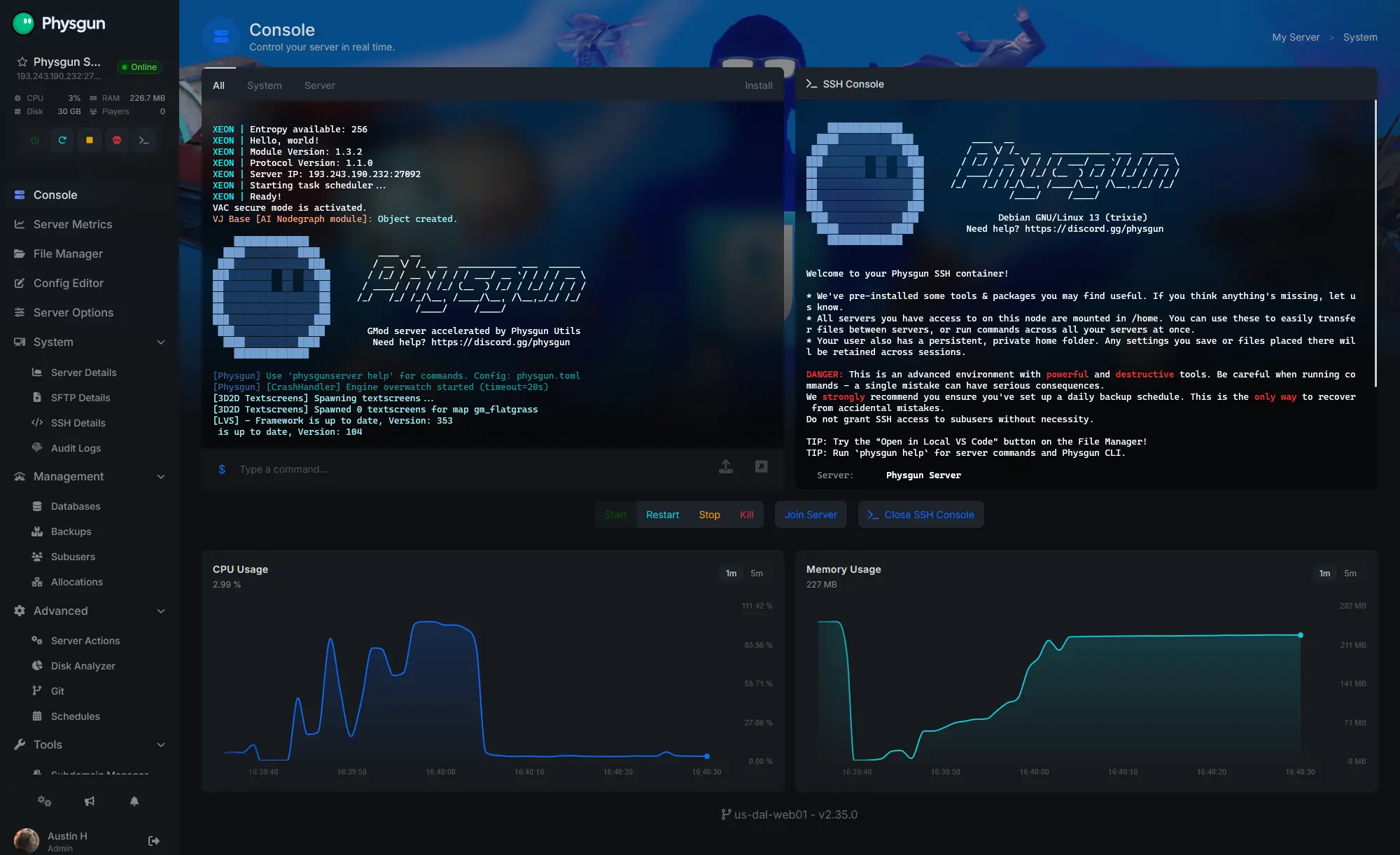
Accurate, blazing-fast output piped directly from the container. Paired with complete SSH access inside the Panel!
1 / 10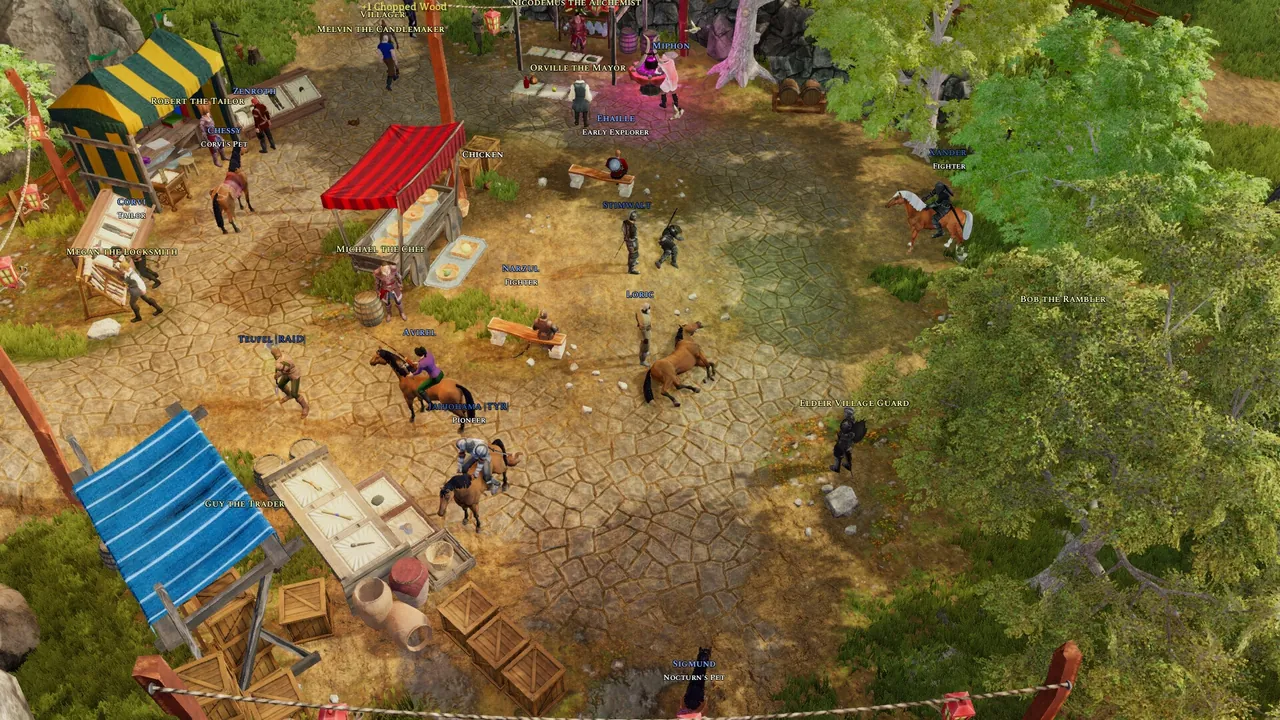
New to Legends of Aria?
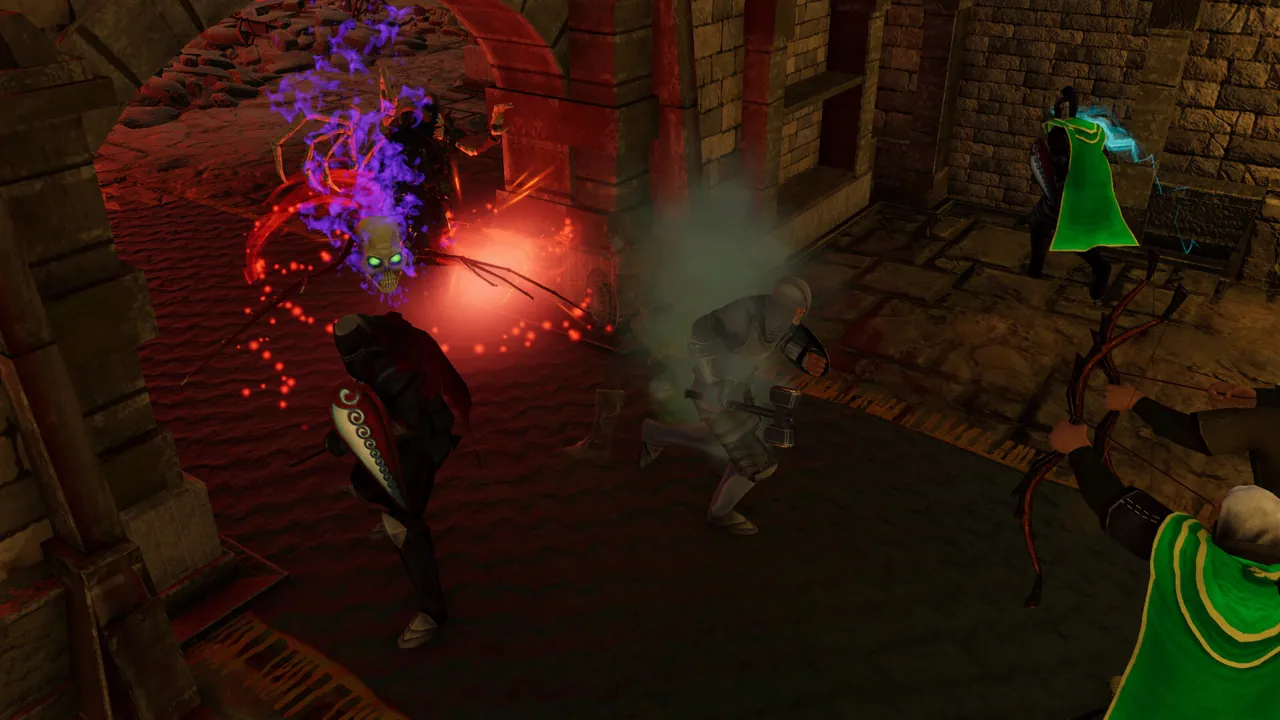
Legends of Aria Eternal is a sandbox MMORPG from Emergent Worlds, the relaunch of Legends of Aria on Steam. It is set in Celador, a persistent open world of deserts, forests, plains, frozen peaks and ancient ruins. There is no main quest and there are no classes or levels: over 30 skills improve as you use them, so you can become a beast tamer, an assassin, a master artisan or a traveling bard.
Nearly every weapon, tool and piece of gear is made by players, and only crafted items can be enchanted.
Build anything from a humble cabin to a sprawling estate, run a shop and fill it with your finds.
Why rent a server?
Anyone who owns Legends of Aria Eternal can run a community shard, and community shards get all the content that was once only on the official servers. A server of your own keeps your guild's houses, shops and economy online around the clock, without a PC left on at home. With Physgun you set the shard's name, password, player limit and character slots in the panel, send admin commands from the console, and get full file access over SFTP and SSH.
Every fight has consequences, and the Skill Loss justice system lets players hunt criminals for bounties.
Celador keeps going between sessions, so your guild can log in whenever they like.
Straight answers before you order. Still stuck? Real people are here around the clock.
 Physgun
Your own shard of Celador with your name, password and player limit, online when you log off.