
































KF-BioticsLab · wave 5 of 7
Pick the power you need
Choose the CPU, memory and NVMe storage your server runs on, and add more when your squad grows.

Run your own Killing Floor 2 server for co-op, Versus and Workshop maps. Pick the mode, difficulty and wave count, and size the server yourself.
Powering
Find your plan
Tell us about your server and we'll recommend a plan.
Let's find your plan
No per-slot fees. Choose your own slot limit. To help us recommend the right plan for you, tell us how many friends are joining you!
Best fit
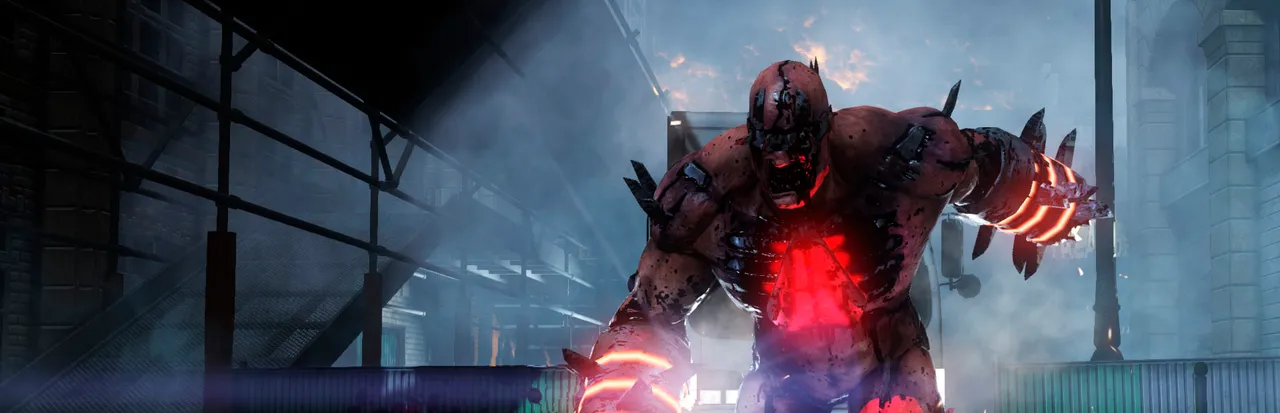
Fleshpound4 GB RAM, 200% CPU
$11.49/mo
Pick your plan
Or build your own. Then choose where it runs and deploy.
 CustomChoose your own plan!
Billing
Secure Backups Included
Fleshpound
Billed monthly. Cancel any time.
Switch your Killing Floor 2 server to any of 445 other games, right from the panel, whenever you want!*
Included with
every plan
Your modes, your difficulty and your Workshop maps, on a server you run from one panel.
Choose the CPU, memory and NVMe storage your server runs on, and add more when your squad grows.
Your server keeps running after everyone logs off, and it is protected from DDoS attacks.
Your server deploys itself the moment you order, and fetches game updates each time it starts.
Your rules, without the ini
Write your welcome message, set friendly fire and spectators, and turn map voting, kick voting and voice chat on or off, labelled in the panel.
 LinuxServer-KFGame.ini - Physgun VS Code main
For the power users
Connect with real developer tools and edit your config files, Workshop list and custom maps directly. Or skip it and use the panel.
Add Steam Workshop maps and mods to the server, and turn on mutators in the panel.
Run Survival, Endless, Weekly Outbreak or Versus, from Normal to Hell on Earth, at 4, 7 or 10 waves.
Change maps, kick and ban players from your browser, logged in with your admin password.
One place for your whole server: game mode, difficulty, match length, start map and mutators in the startup settings, a config editor for your welcome screen, gameplay and voting rules, scheduled restarts and backups, subusers for your admins, a file manager with SSH and VS Code, and every other universal tool.

Accurate, blazing-fast output piped directly from the container. Paired with complete SSH access inside the Panel!
1 / 10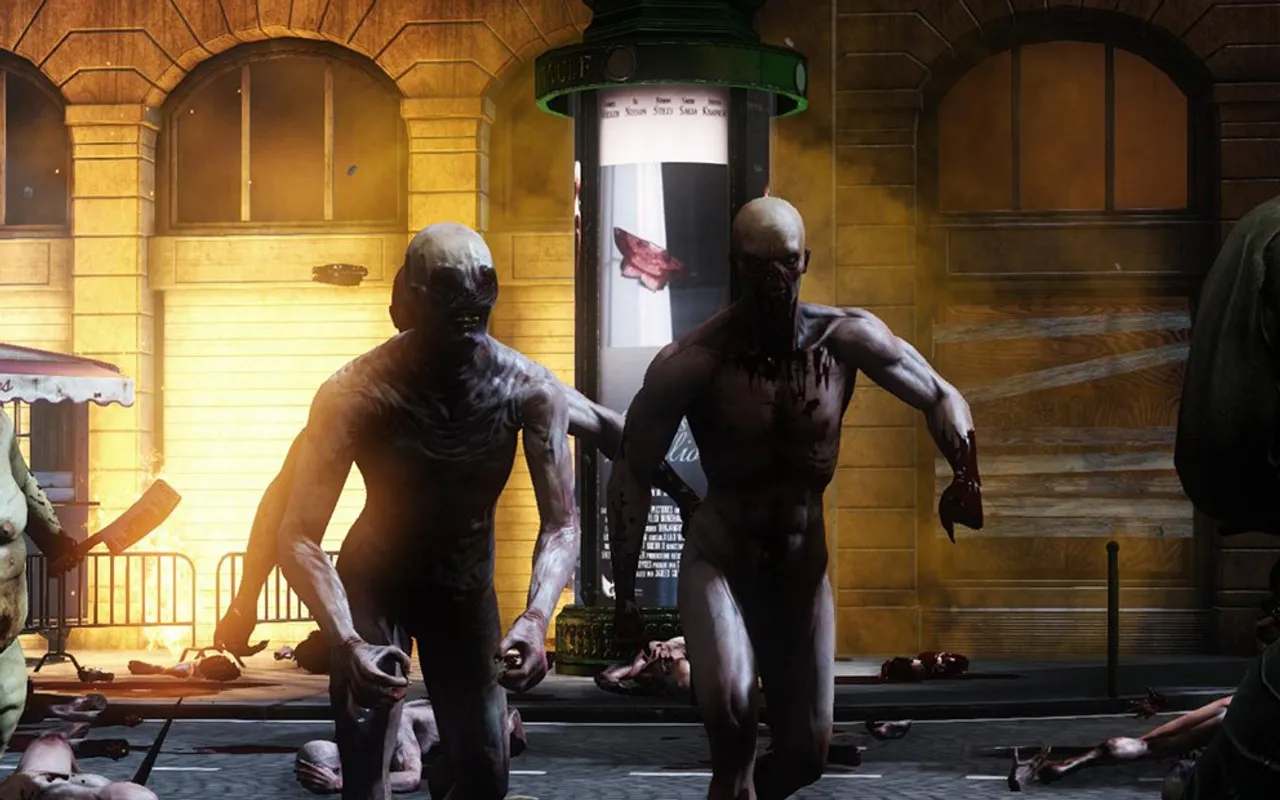
New to Killing Floor 2?
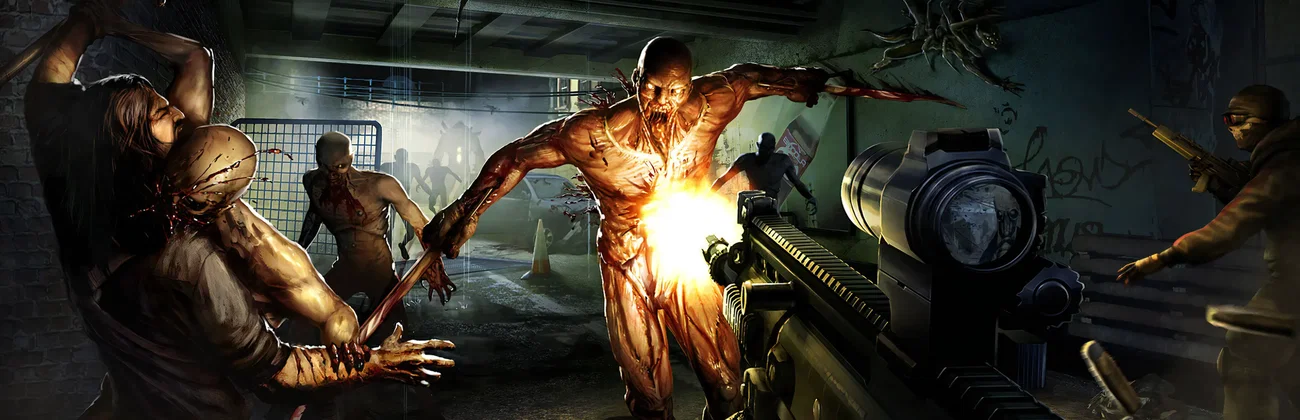
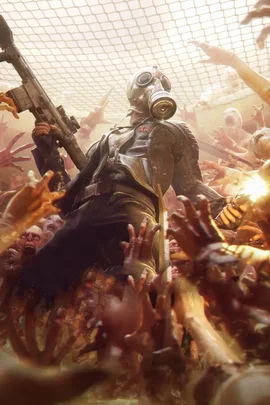
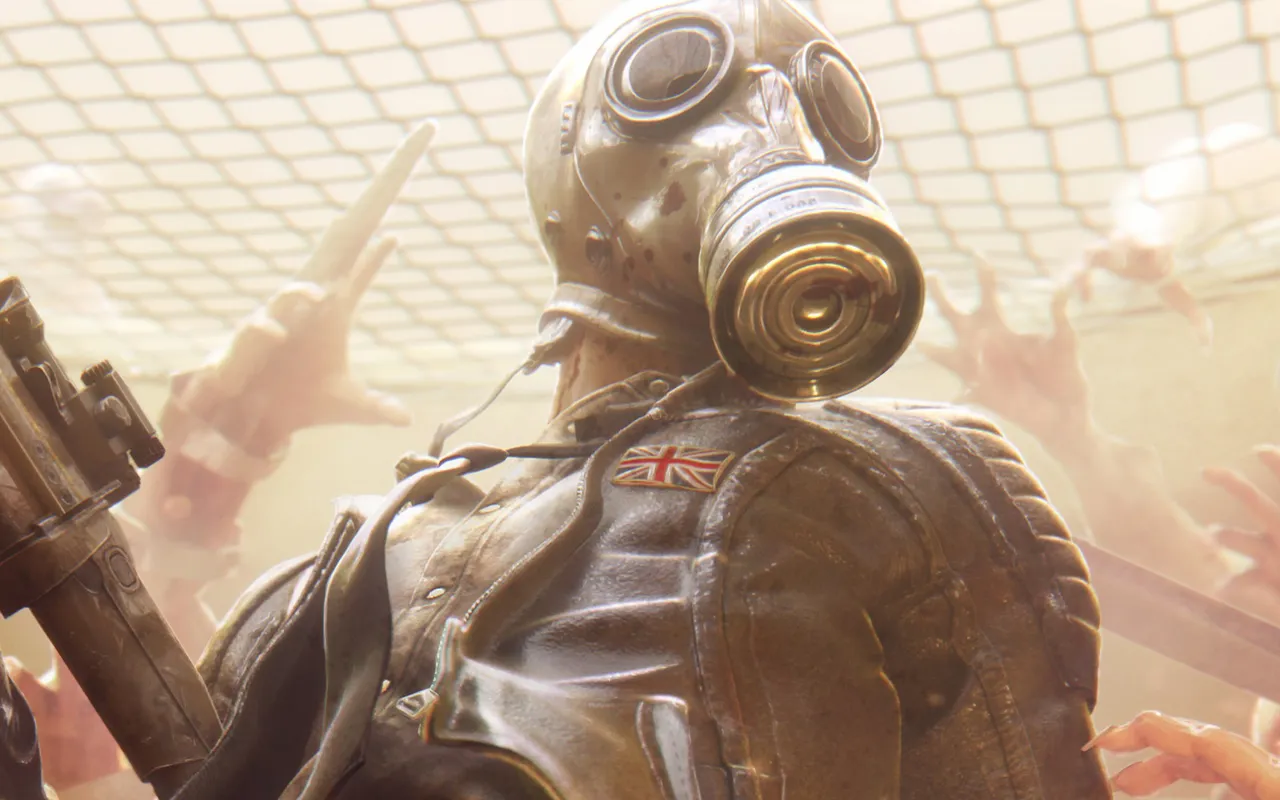
Killing Floor 2 is a first-person co-op horde shooter from Tripwire Interactive. Europe has been overrun by Zeds, murderous clones made by the Horzine corporation, and a band of civilians and mercenaries goes in to wipe them out. Up to six players pick a perk, buy weapons and armor at the trader between waves, and fight through 4, 7 or 10 waves before a boss. In Versus, two teams of up to six take turns playing the humans and the Zeds.
Clots, Gorefasts, Sirens, Scrakes and Fleshpounds, then a boss like the Patriarch or the Abomination.
Level up perks with talent choices, and watch the horde fall in slow motion when Zed Time kicks in.
Why rent a server?
A Killing Floor 2 dedicated server is a match your group controls, online whether or not anyone is hosting. It is how friends play custom Workshop maps together, and how a community runs a public server that shows up in the in-game browser. You pick the game mode, the difficulty from Normal to Hell on Earth, the match length and the start map, add Workshop maps and mutators, and manage players from Web Admin in your browser. With Physgun it deploys in minutes, and you size the CPU, memory and storage yourself.
Your server stays up around the clock, so the squad can play without a host in the game.
Set the mode, difficulty and match length, and run Workshop maps for everyone who joins.
Straight answers before you order. Still stuck? Real people are here around the clock.
 Physgun
Pick your mode, difficulty and Workshop maps, and keep the server up for your squad.