






























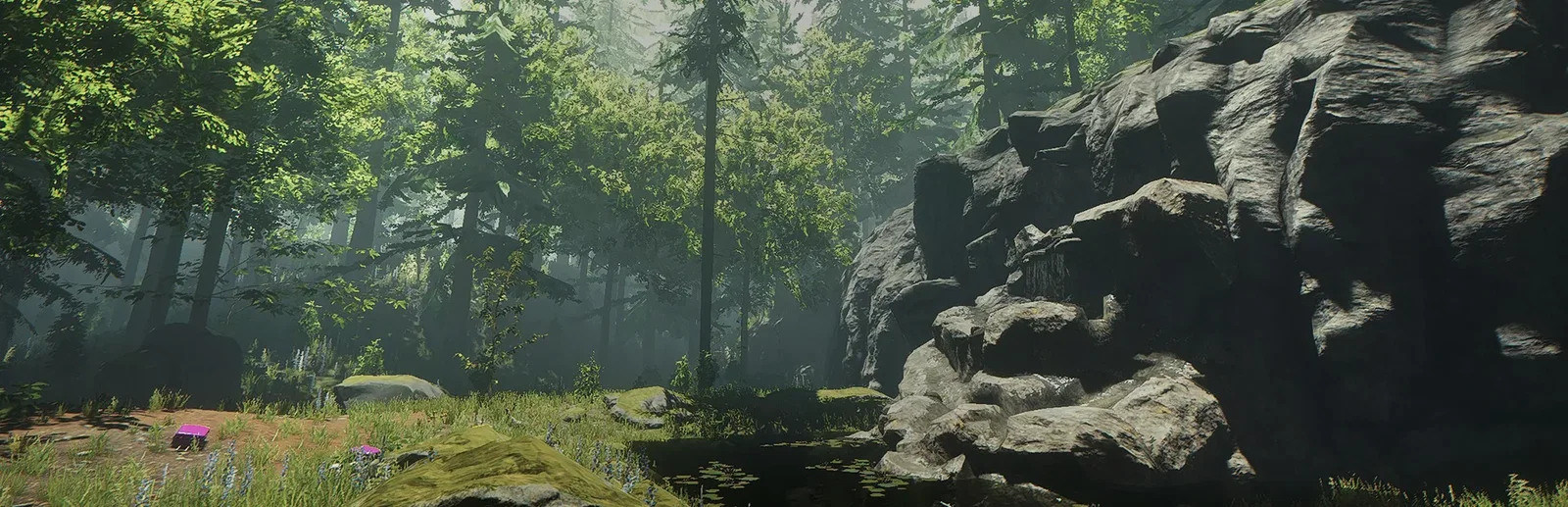

Tribe online · no lag
Smooth as your settlement grows
Pick the CPU and memory your world needs, on NVMe storage, and size up as your tribe builds more.

Start from nothing and build a thriving settlement with your tribe. Keep your islands online for the whole group, with the game mode and world set from the panel.
Powering
Find your plan
Tell us about your server and we'll recommend a plan.
Let's find your plan
No per-slot fees. Choose your own slot limit. To help us recommend the right plan for you, tell us how many friends are joining you!

Best fit
Loom4 GB RAM, 150% CPU
$10.99/mo
Pick your plan
Or build your own. Then choose where it runs and deploy.
 CustomChoose your own plan!
Billing
Secure Backups Included
Loom
Billed monthly. Cancel any time.
Switch your Journey Of Life server to any of 445 other games, right from the panel, whenever you want!*
Included with
every plan
Islands that stay up when the host logs off, with the game mode, name and world set from the panel.
Pick the CPU and memory your world needs, on NVMe storage, and size up as your tribe builds more.
99.9% uptime, and every Journey Of Life server is protected from DDoS attacks.
Your server deploys itself the moment you order. No setup, no waiting.
Set up your island
Run the server in Survival, Sandbox or Story mode under a name of your own. Choose whether the world has the NPC town and the ancient ruins, and how often it saves.
 ServerSettings.ini - Physgun VS Code main
For the power users
Connect with real developer tools and edit your server settings and files directly. Or skip it entirely and use our simple panel.
Give your server the name your tribe knows it by, and change it in the panel whenever you like.
The server downloads the latest Journey Of Life server update each time it starts, so a restart brings the newest version.
Schedule restarts and backups in the panel, and they run on time, day or night.
One place for your whole island: server name and game mode in the startup settings, a config editor for autosaves, the NPC town and the ancient ruins, schedules you set for restarts and backups, subusers for your tribe, a file manager with SSH and VS Code, and every other universal tool.

Accurate, blazing-fast output piped directly from the container. Paired with complete SSH access inside the Panel!
1 / 10
New to Journey Of Life?
Journey Of Life is a survival and city-builder game from Hyperion Studio. You play an engineer who lost his entire fortune overnight and starts again on an island with nothing. Gather wood, fiber, stone and ore, then build stations like the fiber breaker, threading station, loom and mill to turn them into components for tools and weapons. Smelt ore and cast it in molds, farm, hunt and cook, and explore the ancient ruins across the islands. Grow from nothing to a thriving settlement, alone or with a tribe.
Build stations that turn raw materials into components, tools and weapons, then a settlement around them.
Team up with other players in a tribe for a better chance on the islands.

Why rent a server?
When a player hosts from their own game, the islands only run while they are online. A dedicated Journey Of Life server keeps the world online on its own, so anyone in your tribe can drop in to gather, craft and build on their own schedule. Nobody has to forward ports or leave a PC on. With Physgun it deploys in minutes, with the server name and game mode in the panel, a config editor for the world, and full file access over SFTP and SSH.
Your settlement stays online when the host logs off, so the tribe can play whenever they like.
Set the server name and game mode, and turn the NPC town and ruins on or off.
Straight answers before you order. Still stuck? Real people are here around the clock.
 Physgun
Keep your islands online for the whole tribe, with the game mode and world set from the panel.