




































jb_buildingblocks · sandbox live
Pick the power you need
Choose the CPU, memory and NVMe storage your server runs on, and add more when your builds grow.

Run your own Half-Life 2 physics sandbox. Grab and freeze anything with the physgun, and build with your friends on a server that stays up when you log off.
Powering
Find your plan
Tell us about your server and we'll recommend a plan.
Let's find your plan
No per-slot fees. Choose your own slot limit. To help us recommend the right plan for you, tell us how many friends are joining you!
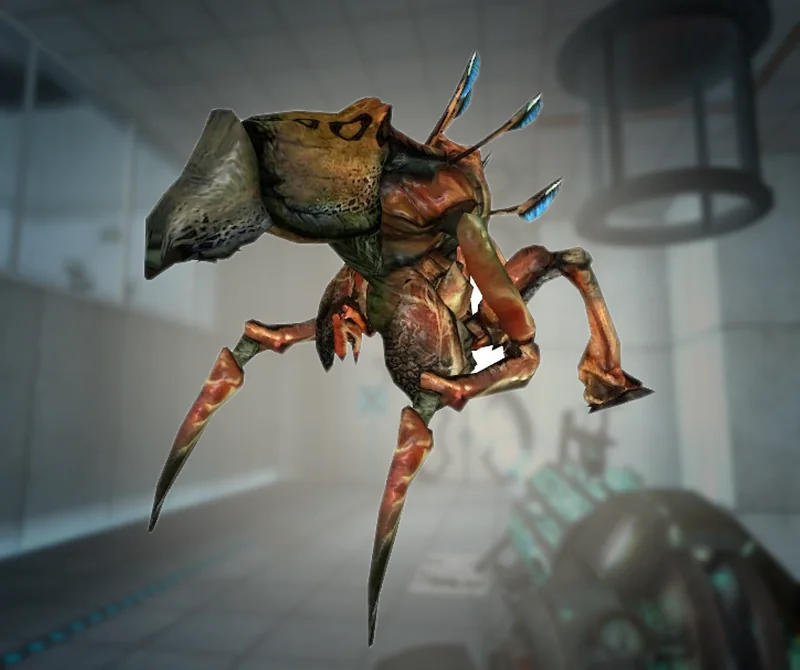
Best fit
Antlion Guard2 GB RAM, 150% CPU
$5.99/mo
Pick your plan
Or build your own. Then choose where it runs and deploy.
 CustomChoose your own plan!
Billing
Secure Backups Included
Antlion Guard
Billed monthly. Cancel any time.
Switch your JBMod server to any of 445 other games, right from the panel, whenever you want!*
Included with
every plan
Your physics sandbox, your maps and your rules, on a server you run from one panel.
Choose the CPU, memory and NVMe storage your server runs on, and add more when your builds grow.
Your server stays up when you log off, and it is protected from DDoS attacks.
Order and the server downloads and installs JBMod on its own. Nothing to set up on your side.
server.cfg, without the typing
Gravity, team play, friendly fire, fall damage, flashlights, instant respawn, weapons stay, time and kill limits, all talk and cheats, grouped and labelled in the panel.
 server.cfg - Physgun VS Code main
For the power users
Connect with real developer tools and edit server.cfg or upload your own maps directly. Or skip it and use the panel.
Set the server name, start map, max players, server password and RCON password from the panel.
List Steam Workshop items or collections by ID or link, and the server downloads them when it starts.
Run the public release, or pick the development build to try what Team JBMod is working on.
One place for your whole sandbox: start map, max players, passwords, Workshop items and game version in the startup settings, a config editor for gravity and server rules, schedules you set for restarts and backups, subusers for your admins, a file manager with SSH and VS Code for your maps, and every other universal tool.

Accurate, blazing-fast output piped directly from the container. Paired with complete SSH access inside the Panel!
1 / 10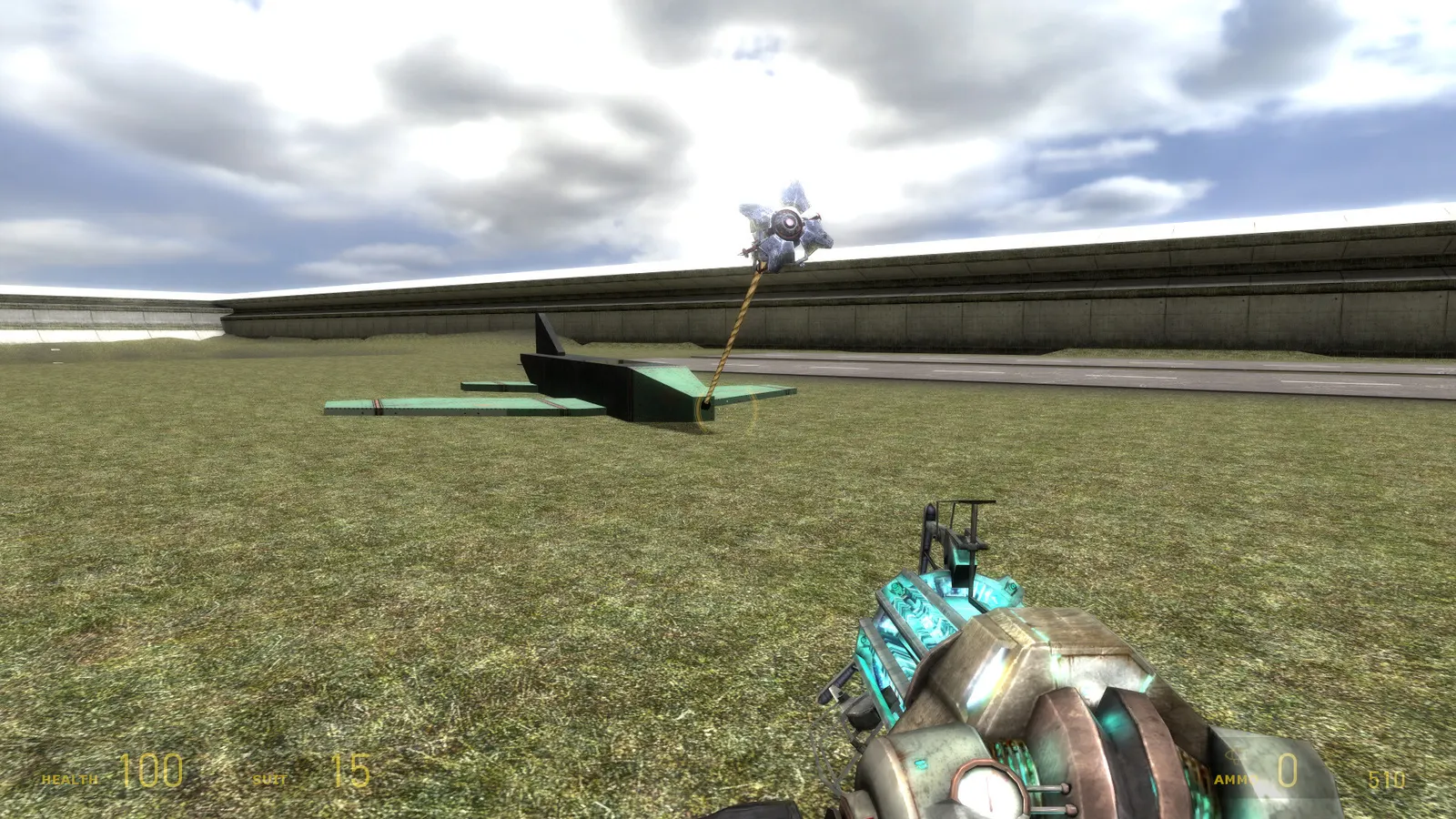
New to JBMod?
JBMod is the first mod released for the retail version of Half-Life 2, first made in 2004 by jb55 and the community on the HL2World forums, and now free on Steam. It brings back the physgun cut from the final game: grab, move and freeze anything you can see. Spawn props, ragdolls and entities, connect them with welds and ropes, and turn the world into a physics playground. On multiplayer servers players build together or play modes such as Sandbox, JBDM, Co-Op and Fishing.
Seize, move and freeze objects with the tool cut from Half-Life 2.
Weld and rope objects together into working, interactive creations.

Why rent a server?
A JBMod dedicated server keeps your sandbox online when the host is not playing, without a PC left on at home or ports to forward. With Physgun you set the server name, start map, max players and passwords in the panel, server rules in the config editor, list Workshop maps and add-ons to download on start, pick the public release or the development build, and get full file access over SFTP and SSH.
Your server stays up when you log off, so your group can build any time.
Set your map, rules and passwords, and add Workshop maps and add-ons.
Straight answers before you order. Still stuck? Real people are here around the clock.
 Physgun
Build with the physgun together, with your maps and your rules, on a server that stays up when you log off.