
































Ground Control · round live
Pick the power you need
Choose the CPU, memory and NVMe storage your server runs on, and add more when your matches fill up.

Run your own Homefront server for your group or your revival nights, with your own name, password and match rules, set up from one panel.
Powering
Find your plan
Tell us about your server and we'll recommend a plan.
Let's find your plan
No per-slot fees. Choose your own slot limit. To help us recommend the right plan for you, tell us how many friends are joining you!

Best fit
Freedom2 GB RAM, 150% CPU
$5.99/mo
Pick your plan
Or build your own. Then choose where it runs and deploy.
 CustomChoose your own plan!
Billing
Secure Backups Included
Freedom
Billed monthly. Cancel any time.
Switch your Homefront server to any of 445 other games, right from the panel, whenever you want!*
Included with
every plan
Ground Control and Team Deathmatch for up to 32 players, on a server you run from one panel.
Choose the CPU, memory and NVMe storage your server runs on, and add more when your matches fill up.
Your server stays up when you log off, and it is protected from DDoS attacks.
Order and the server installs Homefront with a Ground Control map rotation, ready for its first round.
Match rules, without the typing
Round time, score limits, respawn time, Battle Points, friendly fire, vehicles, hardcore rules, kicks and voting, grouped and labelled in the panel.
 DedicatedPlaylist - Physgun VS Code main
For the power users
Connect with real developer tools and edit your server profile and files directly. Or skip it and use the panel.
Set your server's name, a password for a private match, a welcome message, and up to 32 players.
Watch map changes, rounds and logins in the panel console, and send admin commands like the next map from there.
Turn on manual reloads, a reduced HUD, more weapon damage or no third-person camera for a tougher fight.
One place for your whole server: name, passwords, max players and welcome message in the startup settings, a config editor for match, hardcore, admin and voting rules, a console for admin commands, schedules you set for restarts and backups, subusers for your admins, a file manager with SSH and VS Code, and every other universal tool.

Accurate, blazing-fast output piped directly from the container. Paired with complete SSH access inside the Panel!
1 / 10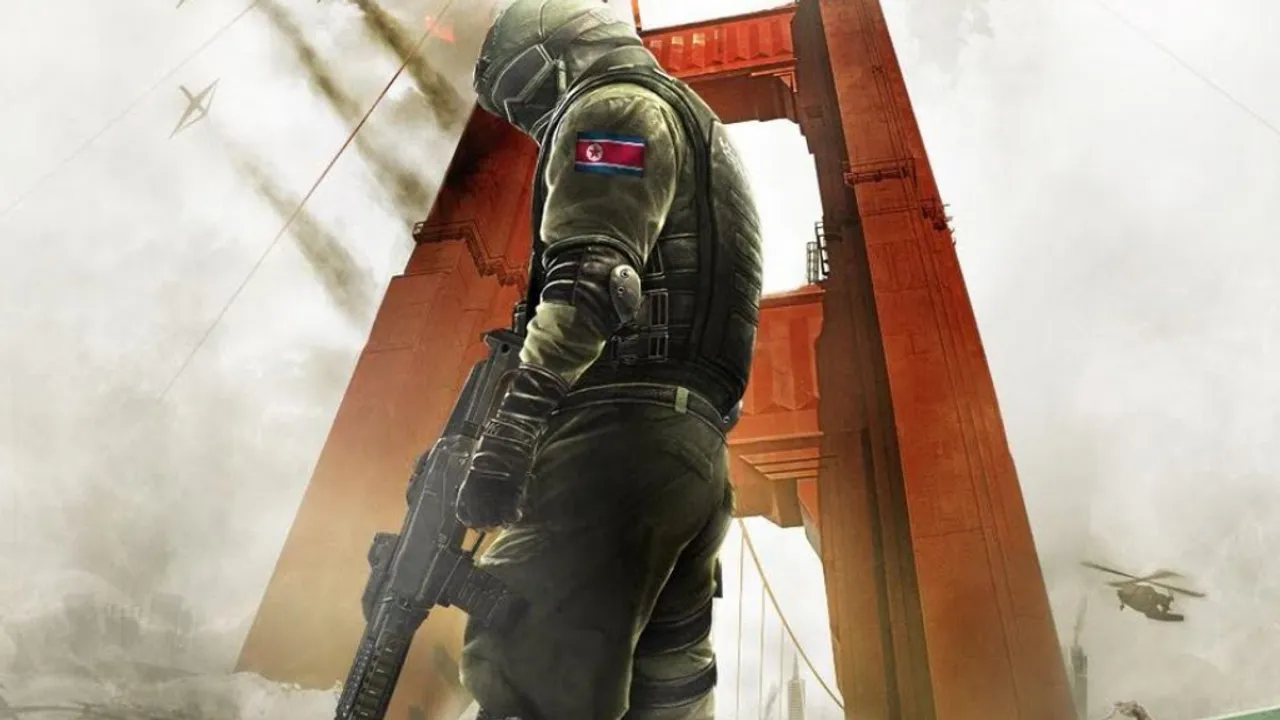
New to Homefront?
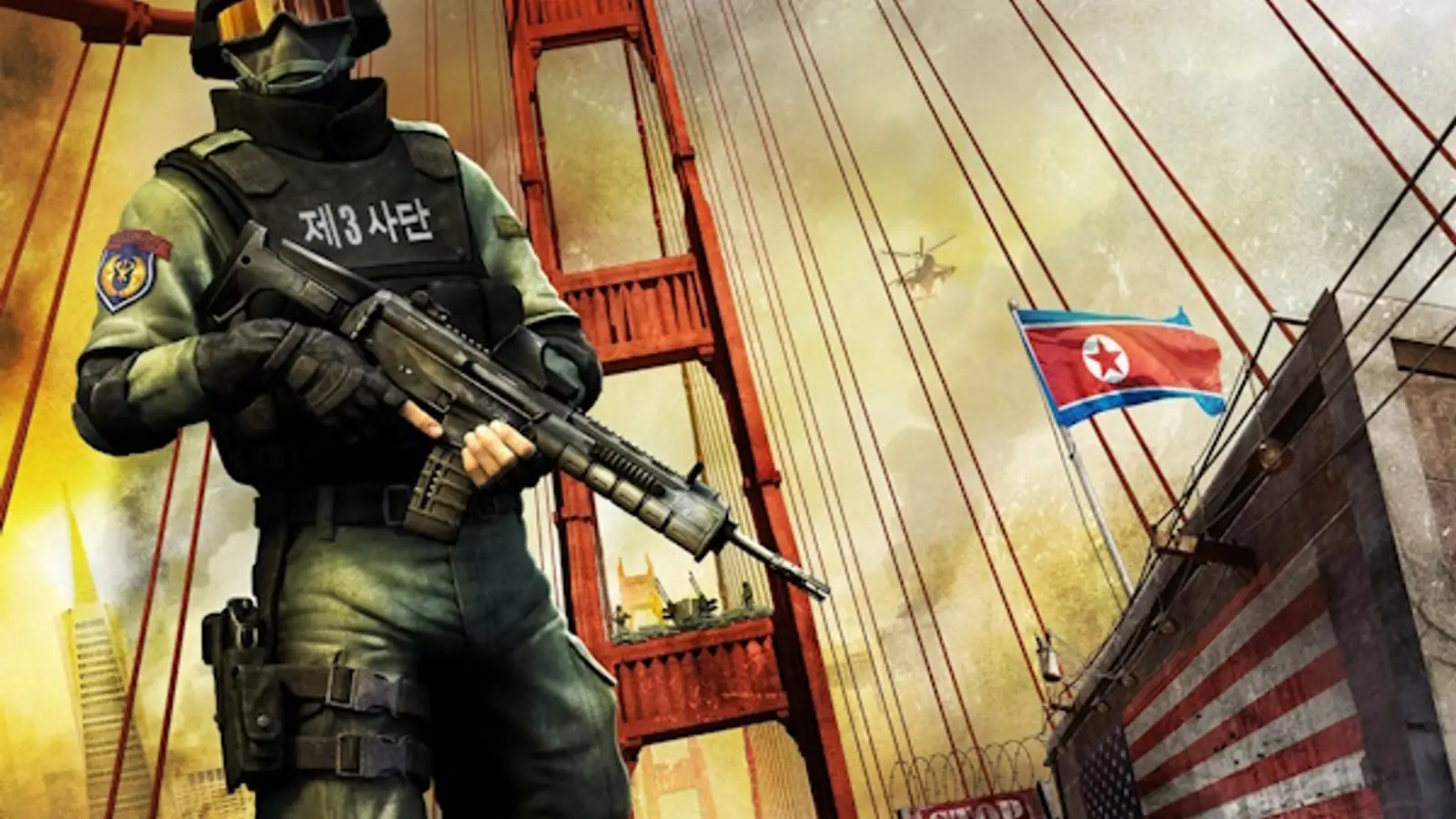
Homefront is a 2011 first-person shooter set in 2027, in a United States occupied by the Greater Korean Republic. Its campaign was written by John Milius. In multiplayer, up to 32 players fight across large maps with infantry, tanks, attack helicopters and drones, and earn Battle Points during a match to spend on vehicles, drones and support.
Capture and hold three points, and the front moves once a team's bar fills.
Earn points as you fight and spend them on tanks, helicopters and drones mid-match.

Why rent a server?
The original official servers are gone, so Homefront multiplayer lives on community servers. A dedicated server keeps your group's matches online around the clock, without a PC left on at home. With Physgun you set the server name, passwords, welcome message and max players in the panel, match, hardcore, admin and voting rules in the config editor, and edit your server profile with full file access over SFTP and SSH.
Your server stays up when you log off, so your group always has a place to play.
Set your name, password and rules, and send admin commands from the panel console.
Straight answers before you order. Still stuck? Real people are here around the clock.
 Physgun
Run Ground Control and Team Deathmatch for up to 32 players, with your own name, password and match rules.