




























Frontier Legends · server live
Pick the power you need
Choose the CPU, memory and NVMe storage your server runs on, and add more when your town grows.

Keep your Wild West world online for your friends. Build your town together, ride out any time, and set the rules from one panel.
Powering
Find your plan
Tell us about your server and we'll recommend a plan.
Let's find your plan
No per-slot fees. Choose your own slot limit. To help us recommend the right plan for you, tell us how many friends are joining you!
Best fit
Frontiersman10 GB RAM, 150% CPU
$25.99/mo
Pick your plan
Or build your own. Then choose where it runs and deploy.
 CustomChoose your own plan!
Billing
Secure Backups Included
Frontiersman
Billed monthly. Cancel any time.
Switch your Frontier Legends server to any of 445 other games, right from the panel, whenever you want!*
Included with
every plan
A Wild West world that stays online for your friends, on a server you run from one panel.
Choose the CPU, memory and NVMe storage your server runs on, and add more when your town grows.
Your world stays up when you log off, and it is protected from DDoS attacks.
Order and the server downloads and installs Frontier Legends on its own. Nothing to set up on your side.
Set it once
Pick when your server restarts and when it backs up. Each restart brings the latest game update, and backups go to the secure storage included with your server.
 FrontierLegends.log - Physgun VS Code main
For the power users
Connect with real developer tools to browse your server's files and read its log. Or skip it and use the panel.
Name your server and let up to 60 players ride on it at once.
Turn on password protection, and only friends with the password can join your world.
The server updates to the latest version of the game each time it starts, so a restart brings the newest patch.
One place for your whole frontier: server name, max players, a password and automatic updates in the startup settings, schedules you set for restarts and backups, subusers for your friends, a file manager with SSH and VS Code, and every other universal tool.

Accurate, blazing-fast output piped directly from the container. Paired with complete SSH access inside the Panel!
1 / 10
New to Frontier Legends?
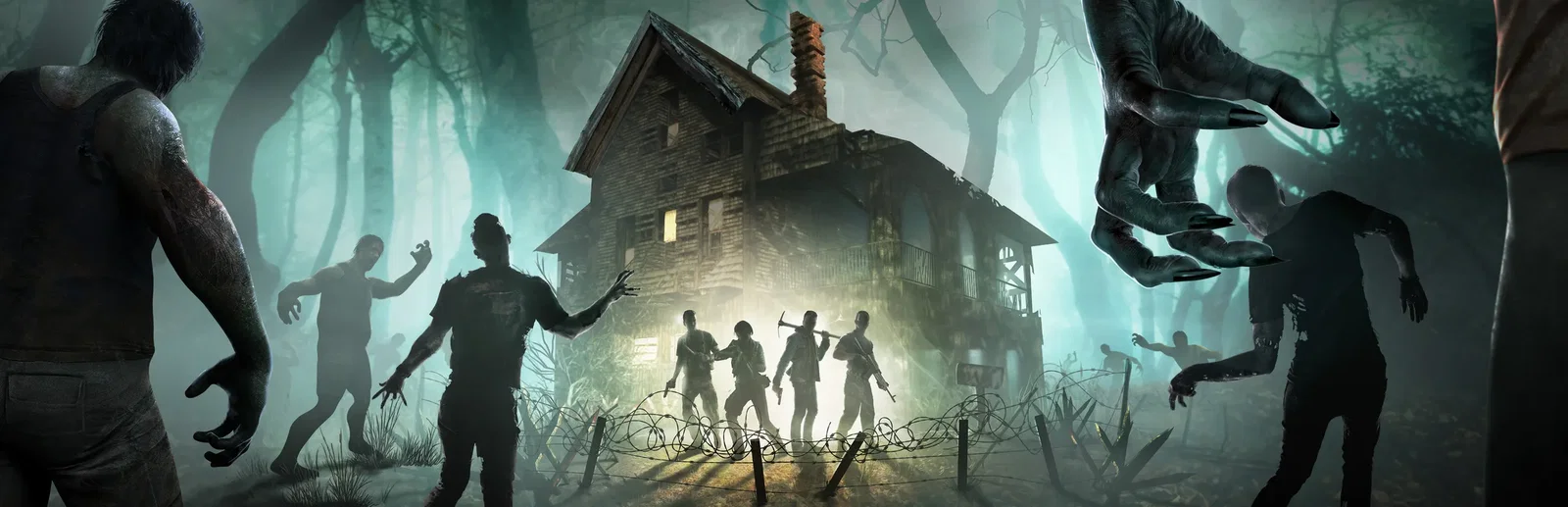
Frontier Legends is an open-world Wild West adventure that mixes survival, crafting and exploration. You arrive as a new settler and fend for yourself: tend to your needs, hunt and gather, and brave the weather, wildlife and outlaws. Over time a small camp grows into a frontier town, with settlers you recruit to farm, craft, gather and defend it. Tame wild horses, explore ancient ruins and forgotten camps, and become a hunter, trader, lawman or bandit.
Grow a small camp into a settlement, and give your settlers their daily work.
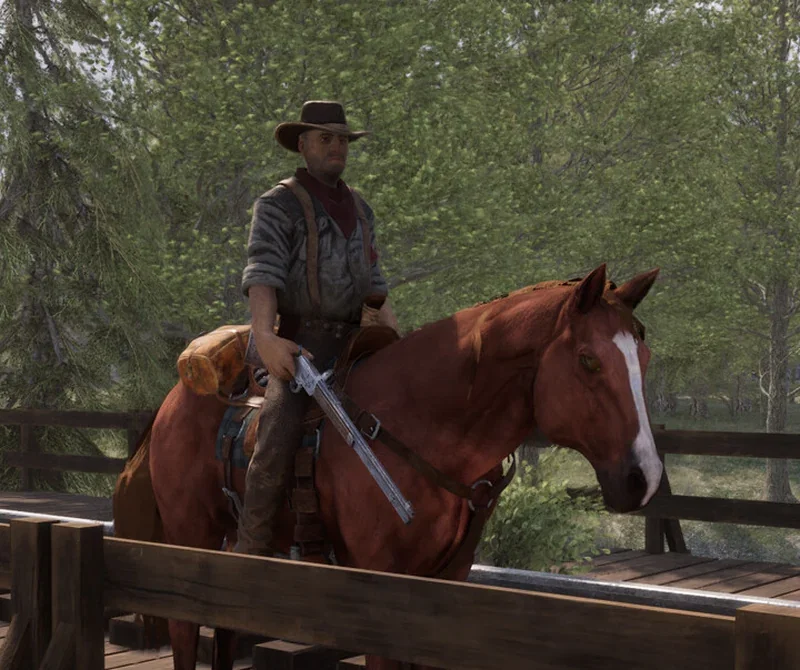
Each horse has its own attributes and abilities, and a good mount gets you home.

Why rent a server?
A Frontier Legends dedicated server keeps your world online around the clock, without a PC left on at home or ports to forward. With Physgun you set the server name, player limit and password in the panel, get the latest game update with every restart, schedule restarts and backups, and get full file access over SFTP and SSH.
Your world stays up when you log off, so your friends can play any time.
Set your name, your player limit and your password, and restart when you like.
Straight answers before you order. Still stuck? Real people are here around the clock.
 Physgun
Build your town with friends on a world that stays up when you log off.