




























CPU
Memory
Storage
CPU · memory · NVMe storage
Sized to your server
Pick the CPU, memory and NVMe storage your server gets, and change them as your group grows.

Run your own drone battlefield. Pick the mode, the maps and the match rules, and keep your server online for your group around the clock.
Powering
Find your plan
Tell us about your server and we'll recommend a plan.
Let's find your plan
No per-slot fees. Choose your own slot limit. To help us recommend the right plan for you, tell us how many friends are joining you!
Best fit
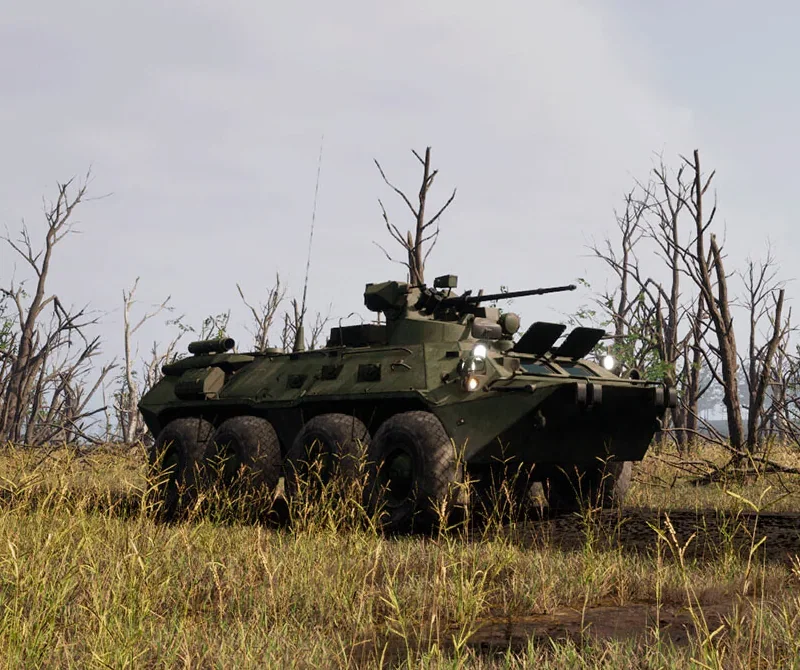
Armored Personnel Carrier4 GB RAM, 150% CPU
$10.99/mo
Pick your plan
Or build your own. Then choose where it runs and deploy.
 CustomChoose your own plan!
Billing
Secure Backups Included
Armored Personnel Carrier
Billed monthly. Cancel any time.
Switch your FPV Kamikaze Drone server to any of 445 other games, right from the panel, whenever you want!*
Included with
every plan
Your server stays up when you log off, plays the modes and maps you pick, and gets every game update on a restart.
Pick the CPU, memory and NVMe storage your server gets, and change them as your group grows.
99.9% uptime, and every server is protected from DDoS attacks.
Order, and the server downloads the game and writes a starting config, ready for you to change.
Match, weather and teams
Set how many rounds a match has, how long each lasts and the score that wins one. Choose how many players must join before it starts, allow all weapons, knives only or drones alone, and turn thermal vision on or off for drone pilots. Pick the weather and time of day, and name and colour both teams. It is all in the config editor, with no files to edit.
Modes, maps and players
Pick the game mode, from Conquest, Team Deathmatch and Elimination to co-op against AI. Choose the maps your server plays in turn, how many players can join, and the region players find it under in the server browser. Every start gets the latest game update.
Give your admins their own login to the panel with limited access. No password sharing.
Set up a backup schedule or back up on demand, and restore in a few clicks.
Set the weather and the hour on every map, from a clear sky to fog, rain, snow or a dust storm.
One place for your whole server: a config editor for match rules, weather and teams, scheduled restarts and backups, subusers for your admins, a file manager with SSH and VS Code, and every other universal tool.

Accurate, blazing-fast output piped directly from the container. Paired with complete SSH access inside the Panel!
1 / 10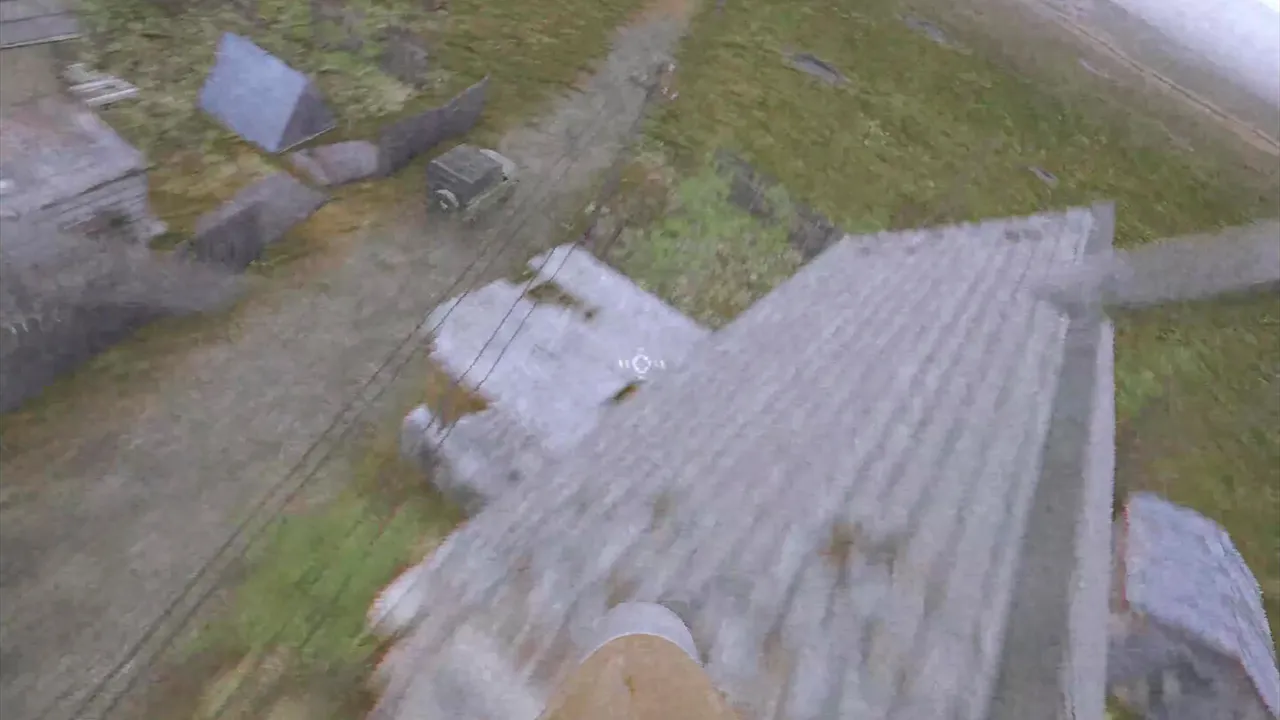
New to FPV Kamikaze Drone?
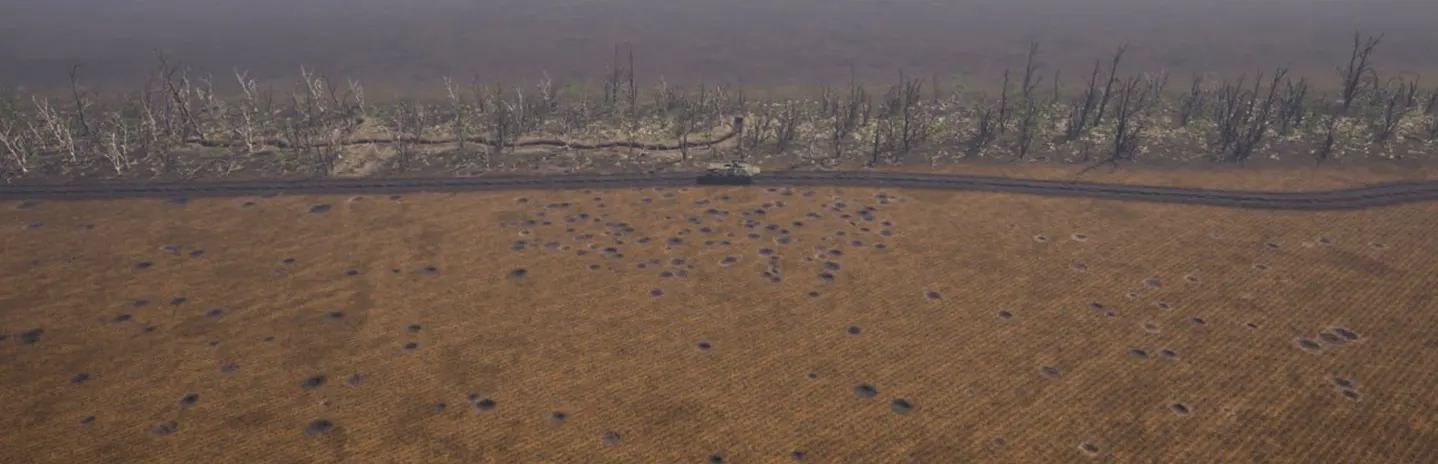
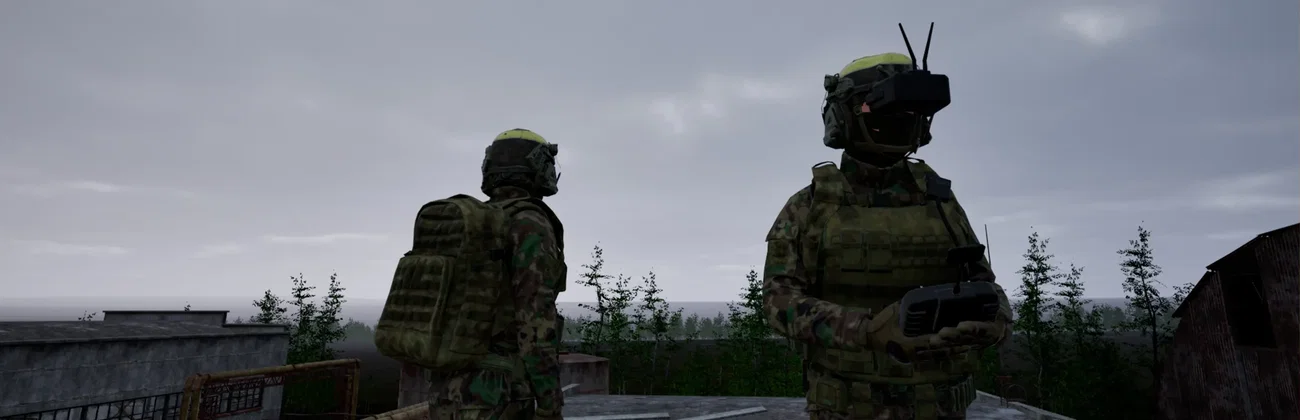
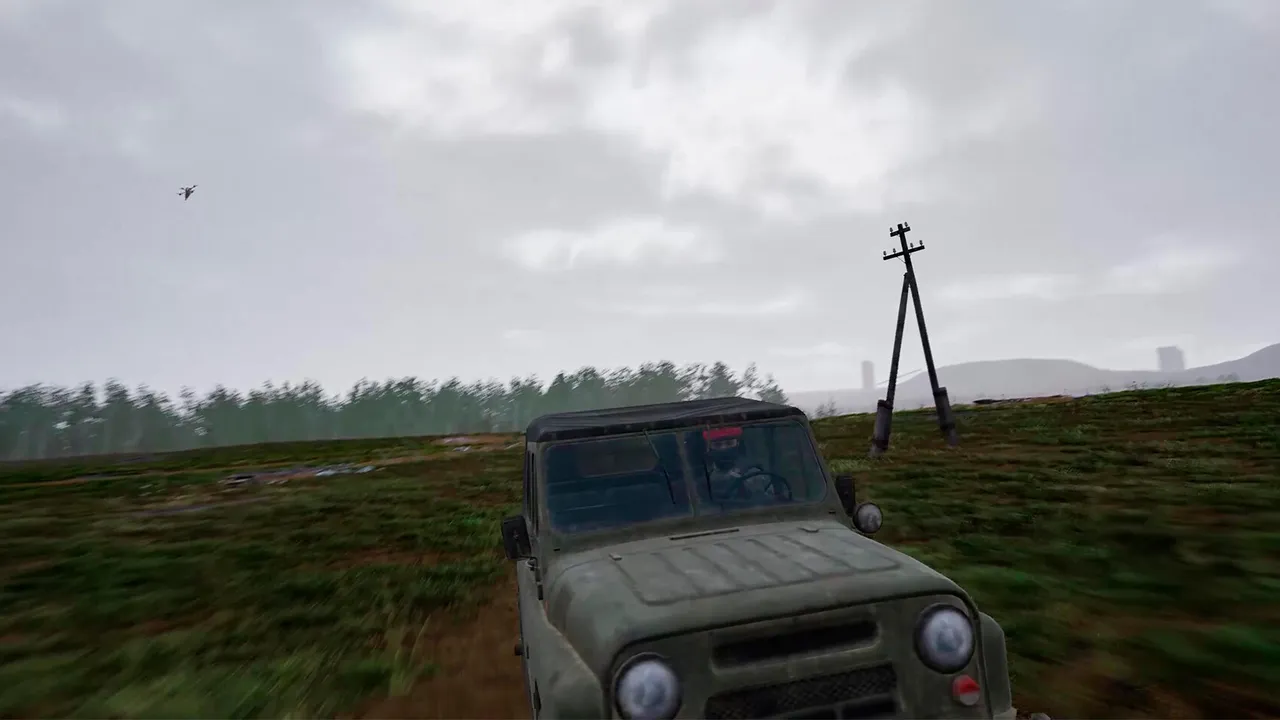
FPV Kamikaze Drone is a tactical game from HFM Games about FPV drones in modern warfare. You fly a drone from a first-person view, practise navigation and attack runs, and hit ground targets, with a gamepad or an RC transmitter. In co-op you complete missions together and coordinate your drones. In multiplayer you play a soldier in third person, move across the battlefield, find FPV drones and use them against other players. The game is in Early Access.
Fly attack runs from the drone's own camera, with a gamepad or an RC transmitter.
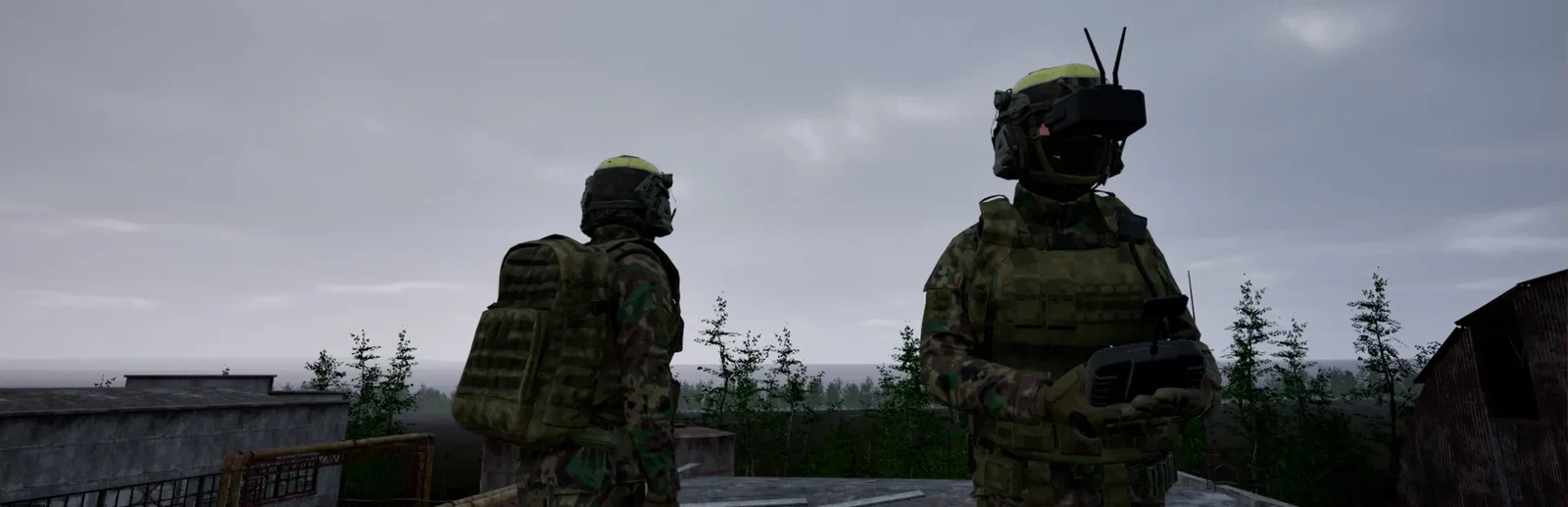
In multiplayer you fight on foot, then find a drone and take to the air.
Why rent a server?
A dedicated FPV Kamikaze Drone server keeps your matches online around the clock, so your group always has a server to join, playing the mode, maps and rules you choose. Set the rounds, the score that wins, the weapons soldiers carry, thermal vision for drone pilots, the weather and both teams' names and colours. With Physgun the server installs itself and gets the latest game update on every restart.
Your server stays up 24/7, so your group can join whenever they play.
Mode, maps, rounds, weapons and weather, changed whenever you like.
Straight answers before you order. Still stuck? Real people are here around the clock.
 Physgun
Pick your mode, maps and match rules, and your battlefield stays online for your group.