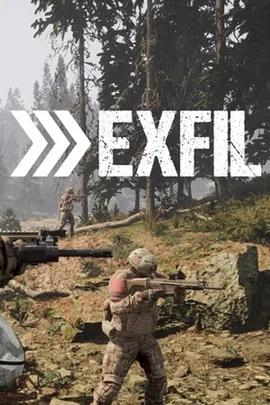




































Combat Ops · match live
Pick the power you need
Choose the CPU, memory and NVMe storage your server runs on, and add more when your group grows.

Run your own EXFIL server for Combat Ops against AI or PvP with your squad, with the missions, AI and rules you pick.
Powering
Find your plan
Tell us about your server and we'll recommend a plan.
Let's find your plan
No per-slot fees. Choose your own slot limit. To help us recommend the right plan for you, tell us how many friends are joining you!
Best fit
Roaming Patrol6 GB RAM, 200% CPU
$16.49/mo
Pick your plan
Or build your own. Then choose where it runs and deploy.
 CustomChoose your own plan!
Billing
Secure Backups Included
Roaming Patrol
Billed monthly. Cancel any time.
Switch your EXFIL server to any of 445 other games, right from the panel, whenever you want!*
Included with
every plan
Your squad's own missions, AI and rules, on a server you run from one panel.
Choose the CPU, memory and NVMe storage your server runs on, and add more when your group grows.
Your server stays up when you log off, and it is protected from DDoS attacks.
Order and the server installs EXFIL on its own. With auto update on, every restart brings the latest version.
Mission files, without the typing
Set each mission's map, time of day, month, weather and time limit, how many AI fight, how good they are and how hard they hit, and when the mortars start and the extraction flight lands.
 ServerSettings.JSON - Physgun VS Code main
For the power users
Connect with real developer tools and edit your server settings, admin list or mission rotation directly. Or skip it and use the panel.
Set the server name, password and max players, pick Extraction, Combat Ops, Search and Destroy, VIP or your own rotation, and run the stable or public testing build.
Your admin and ban list and your mission rotation sit at the top of the file manager, one click away.
List players, broadcast a message or end the match from the panel's console, with no remote admin tool to set up.
One place for your whole server: name, password, max players, game mode and build in the startup settings, a config editor for your lobby rules and each mission's map, weather and AI, a console that talks to the game, schedules you set for restarts and backups, subusers for your admins, a file manager with SSH and VS Code, and every other universal tool.

Accurate, blazing-fast output piped directly from the container. Paired with complete SSH access inside the Panel!
1 / 10
New to EXFIL?
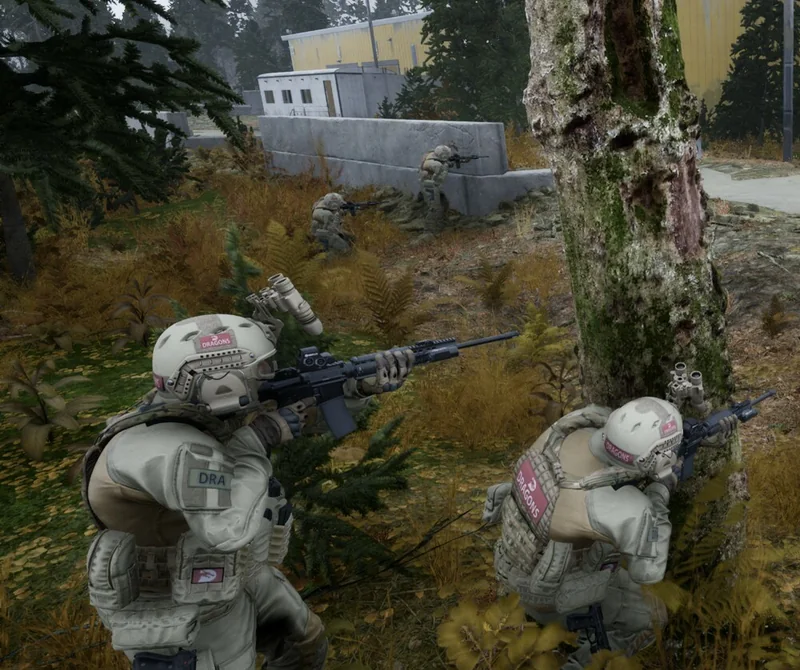
EXFIL is a tactical infantry shooter built around teamwork, communication and objectives, with no character classes, abilities or loot grind. Squads fight across handcrafted forests, industrial zones, military camps and jungles, with a day and night cycle, weather like sandstorms, fog and rain, simulated ballistics and proximity voice chat. AI factions patrol, reinforce and hunt across the map, so no two rounds play out the same way.
Complete randomised objectives while AI factions fight across the map, then get out alive.
Grab the objective and escape, assault anti-air sites, or protect and hunt a VIP.

Why rent a server?
An EXFIL dedicated server keeps your squad's game online around the clock, without a PC left on at home. With Physgun you set the server name, password, max players, game mode and build in the panel, tune each mission's map, time, weather, AI and extraction in the config editor, keep your admin and ban list one click away, and get full file access over SFTP and SSH.
Your server stays up when you log off, so your squad can deploy any time.
Pick the missions, set the AI and weather, and write the rules your group plays by.
Straight answers before you order. Still stuck? Real people are here around the clock.
 Physgun
Run your squad's missions, AI and rules on a server that stays up when you log off.