



































dys_broadcast · match live
Pick the power you need
Choose the CPU, memory and NVMe storage your server runs on, and add more when it grows.

Run your own Dystopia server for pickup games, scrims or your friends, with your rules, your tickrate and your password, set up from one panel.
Powering
Find your plan
Tell us about your server and we'll recommend a plan.
Let's find your plan
No per-slot fees. Choose your own slot limit. To help us recommend the right plan for you, tell us how many friends are joining you!
Best fit
Enhanced CyberDeck1 GB RAM, 150% CPU
$3.49/mo
Pick your plan
Or build your own. Then choose where it runs and deploy.
 CustomChoose your own plan!
Billing
Secure Backups Included
Enhanced CyberDeck
Billed monthly. Cancel any time.
Switch your Dystopia server to any of 445 other games, right from the panel, whenever you want!*
Included with
every plan
Your match rules, your tickrate and your branch, on a server you run from one panel.
Choose the CPU, memory and NVMe storage your server runs on, and add more when it grows.
Your server stays up when you log off, and it is protected from DDoS attacks.
Order and the server installs Dystopia on its own, then updates to the latest version each time it starts.
Server settings, without the typing
Time limit, rounds, friendly fire, team balance, all talk, gravity and voting, grouped and labelled in the panel.
 server.cfg - Physgun VS Code main
For the power users
Connect with real developer tools and edit your server config and map cycle directly. Or skip it and use the panel.
Set the server name, start map and max players, and raise the tickrate past the default 66 for smoother fights.
Run the Public or Release candidate branch. Your players need the same version to join.
Lock the server with a password for scrims and pickup games, and use your admin tools over RCON.
One place for your whole server: start map, max players, tickrate, game branch and passwords in the startup settings, a config editor for match rules and voting, schedules you set for restarts and backups, subusers for your admins, a file manager with SSH and VS Code, and every other universal tool.

Accurate, blazing-fast output piped directly from the container. Paired with complete SSH access inside the Panel!
1 / 10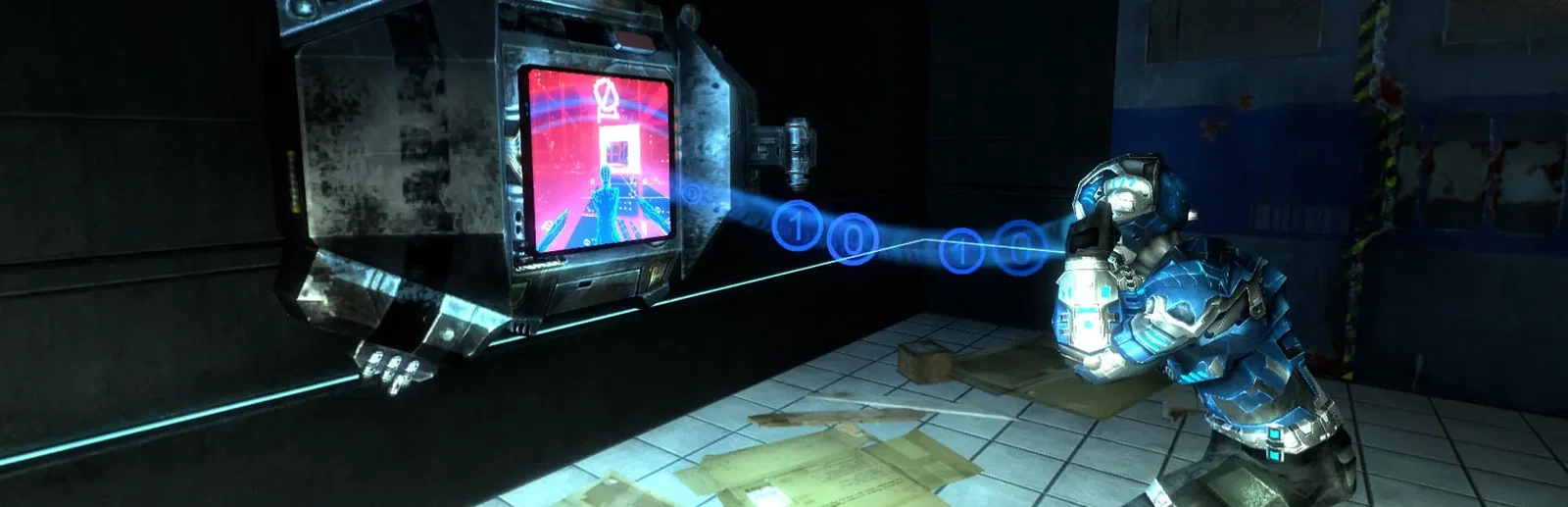
New to Dystopia?
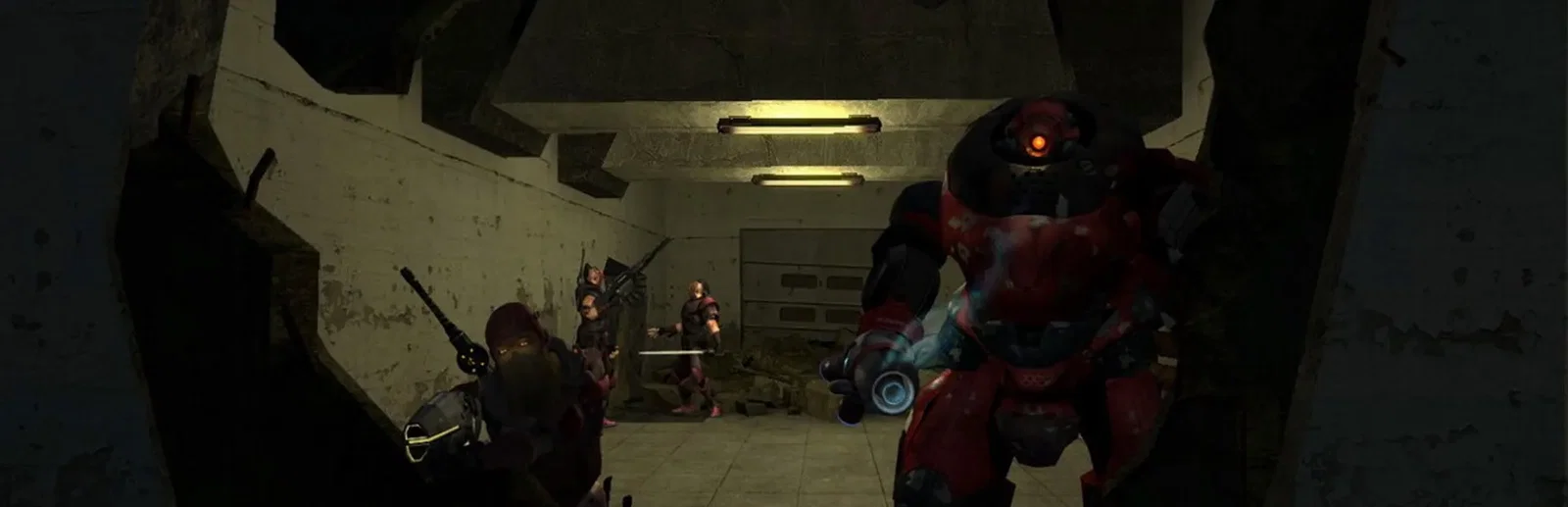
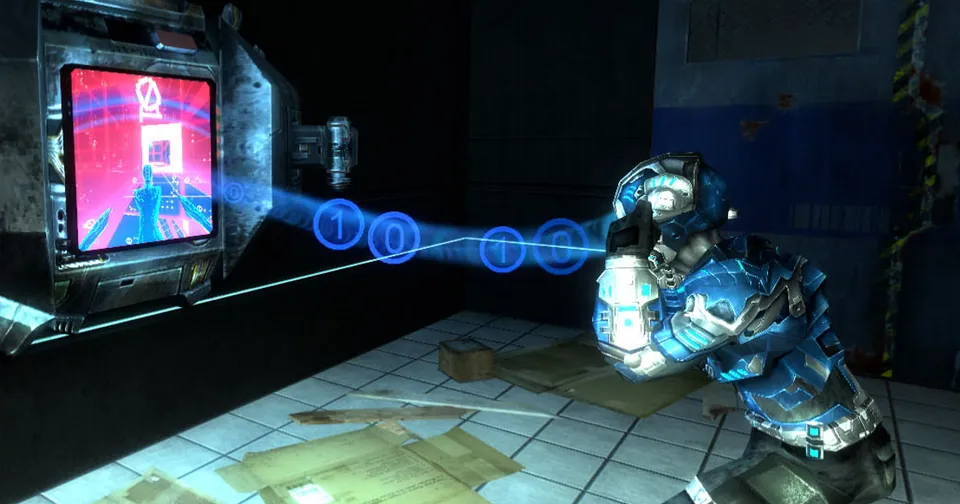
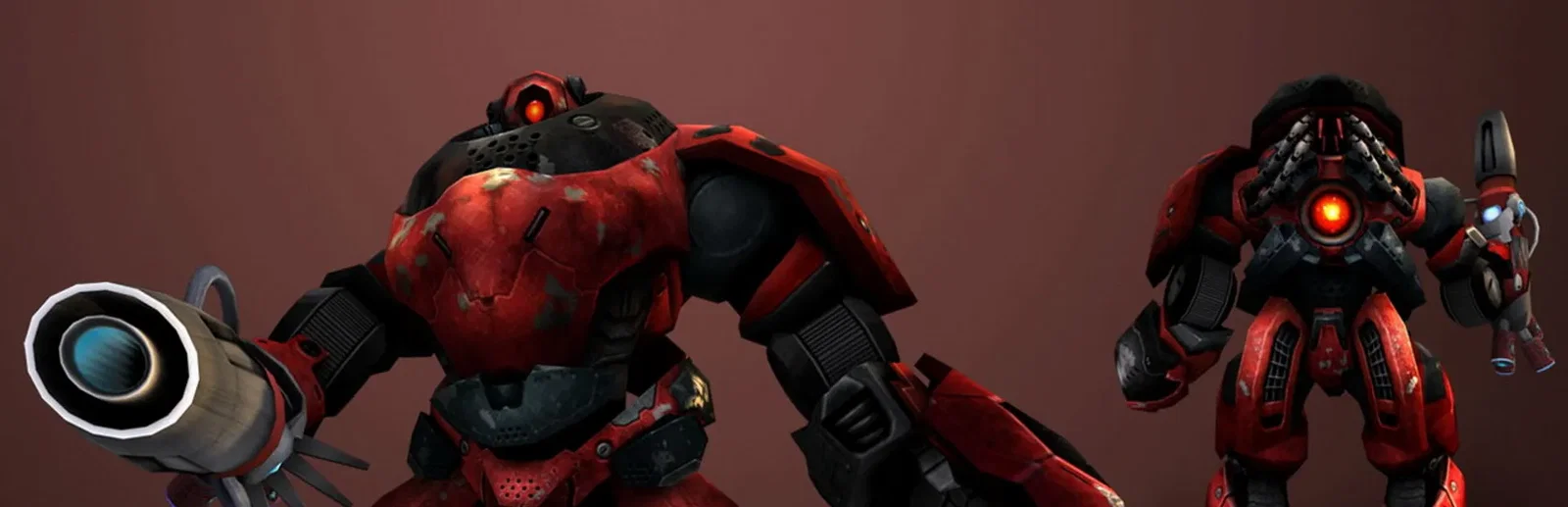
Dystopia is a free cyberpunk team shooter on the Source engine. Play as Punk mercenaries or Corporate security forces and fight through the physical world to reach jack-in terminals, then hack into cyberspace, a 3D picture of the world's network, to take down systems and fight off enemy hackers. Every map has 3 to 5 objectives: some are won with guns, some in cyberspace, and some only with both at once.
Fight in the real world and in cyberspace, with objectives that link the two.
Pick Light, Medium or Heavy armour, a primary weapon and your implants each round.
Why rent a server?
A Dystopia dedicated server gives your pickup games, scrims and friends a fixed place to play that stays online around the clock, with no PC left on at home. On our servers you set the server name, password, start map, max players and tickrate in the panel, pick the game branch, change match rules and voting in the config editor, and use RCON for your admin tools. The server updates itself each time it starts.
Your server stays up when you log off, so your team can play any time.
Set your rules, tickrate, branch and password from one panel.
Straight answers before you order. Still stuck? Real people are here around the clock.
 Physgun
Set your match rules, tickrate and password on a server that stays up when you log off.