



































Deathmatch 1 · match live
Pick the power you need
Choose the CPU, memory and NVMe storage your server runs on, and add more when it grows.

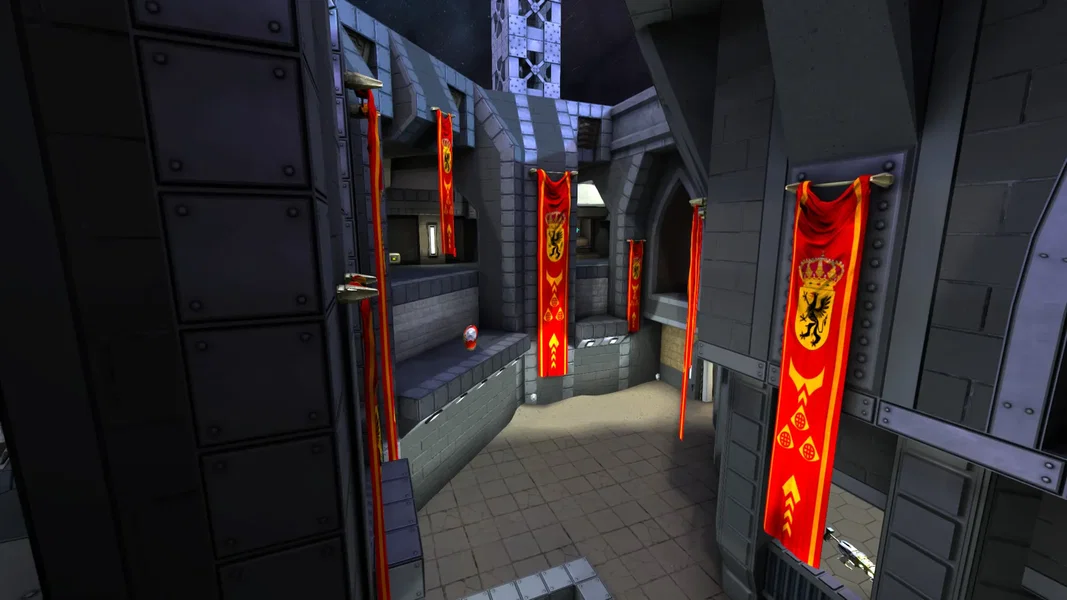
Your own DOOMBRINGER arena. Pick the game mode and map, set the frag and time limits, and keep the server online for duels, team matches or the co-op campaign.
Powering
Find your plan
Tell us about your server and we'll recommend a plan.
Let's find your plan
No per-slot fees. Choose your own slot limit. To help us recommend the right plan for you, tell us how many friends are joining you!
Best fit
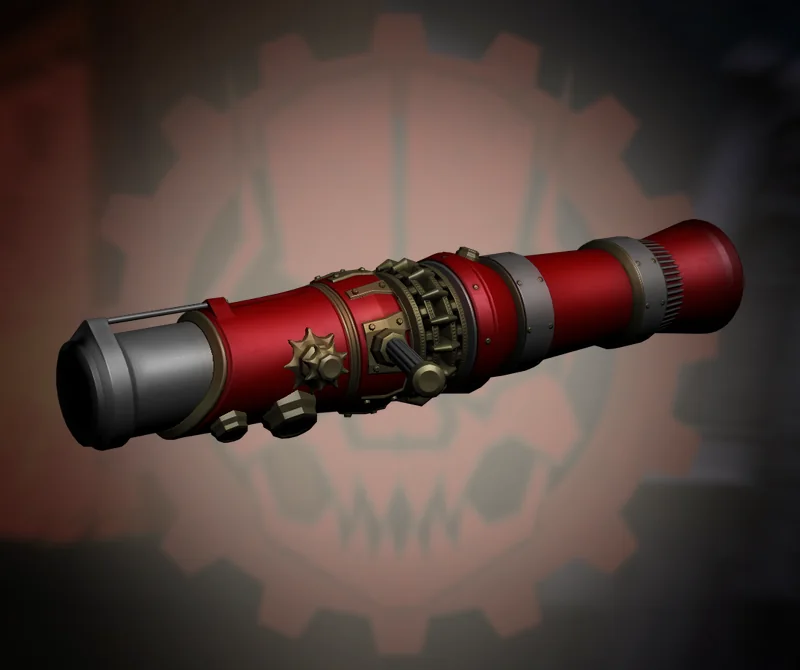
Rocket Launcher1 GB RAM, 150% CPU
$3.49/mo
Pick your plan
Or build your own. Then choose where it runs and deploy.
 CustomChoose your own plan!
Billing
Secure Backups Included
Rocket Launcher
Billed monthly. Cancel any time.
Switch your DOOMBRINGER server to any of 445 other games, right from the panel, whenever you want!*
Included with
every plan
Your modes, your maps and your match rules, on a server you run from one panel.
Choose the CPU, memory and NVMe storage your server runs on, and add more when it grows.
Your arena stays up when you log off, and it is protected from DDoS attacks.
Order and the server downloads and installs DOOMBRINGER on its own. Nothing to set up on your side.
Match rules, without the typing
The modes players can vote for, the countdown before a match, map refresh time, pausing and a match admin password, grouped and labelled in the panel.
 server_settings.cfg - Physgun VS Code main
For the power users
Connect with real developer tools and edit your server's config files directly. Or skip it and use the panel.
Set the frags to win and the minutes per match, or leave them empty to use the game mode's own limits.
Pick the mode and map the server starts on, from Duel to Capture the Flag, and let players vote for other modes in game.
Start a co-op mode on an Episode 1 level and play the campaign together, from Easy up to Nightmare.
One place for your whole server: game mode, starting map, time and frag limits, passwords and max players in the startup settings, a config editor for votes, countdowns and pausing, a live console, schedules you set for restarts and backups, subusers for your admins, a file manager with SSH and VS Code, and every other universal tool.

Accurate, blazing-fast output piped directly from the container. Paired with complete SSH access inside the Panel!
1 / 10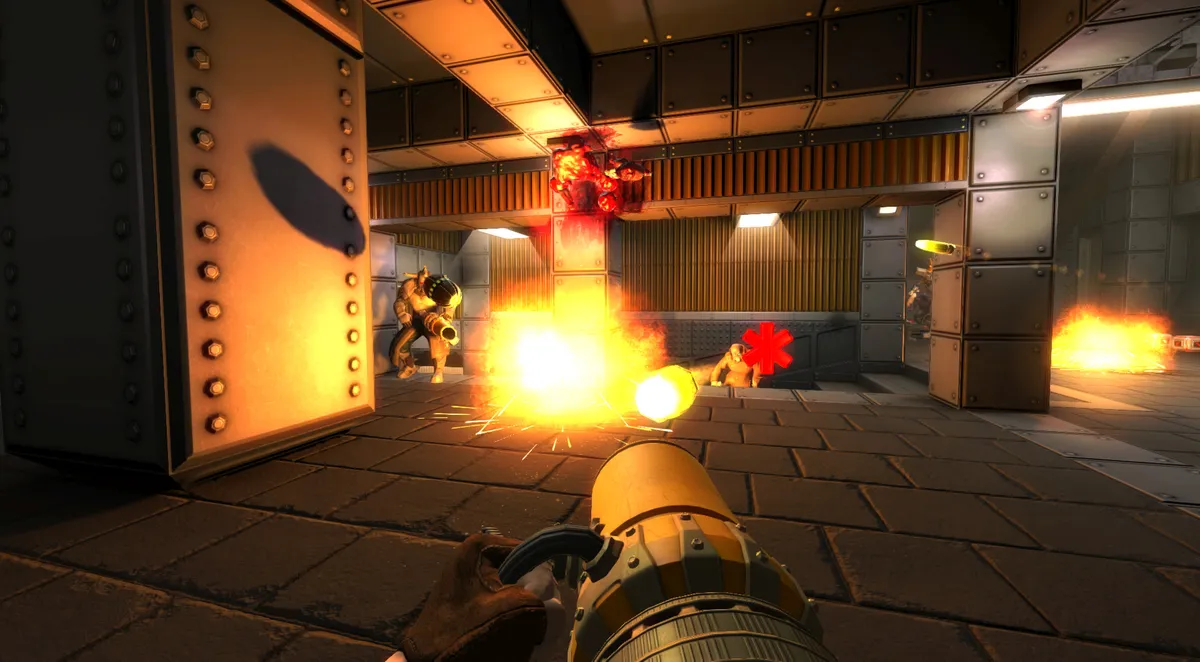
New to DOOMBRINGER?
DOOMBRINGER is a retro arena FPS from veterans of the Doom and Quake communities. In multiplayer you spawn into an arena, control the weapons, armor and power-ups, and frag your opponents with fast movement like bolt jumping. In single player you explore the silos of a wasted world in Episode 1, which you can also play in co-op. It is in Early Access, with more episodes planned.
Bolt jump over rivals and take the weapons, armor and power-ups before they do.
Rockets, shotguns, lightning and the Gotlung, plus seven power-ups and plenty of top hats.
Why rent a server?
A dedicated server keeps your arena online while nobody is hosting from their own PC, so your clan, duel group or friends can jump in whenever they like. With us, it installs itself the moment you order. You pick the game mode and starting map, set the time and frag limits, the player limit and a password, and choose the modes players can vote for. You also pick the CPU, memory and storage it gets.
Host duels, team matches and community cups with your own rules.
Run admin commands from the game console with your remote admin password, or from the panel's console.
Straight answers before you order. Still stuck? Real people are here around the clock.
 Physgun
Pick the game mode, map and match rules for your own arena, and keep it online for your group.