
































Station battle · live
Pick the power you need
Choose the CPU, memory and NVMe storage your server runs on, and add more when your crews grow.

Run your own capital ship battles. Pick the battle size, fight other crews or team up against AI ships, and lock the server with a password.
Powering
Find your plan
Tell us about your server and we'll recommend a plan.
Let's find your plan
No per-slot fees. Choose your own slot limit. To help us recommend the right plan for you, tell us how many friends are joining you!
Best fit
Heavy Fighter3 GB RAM, 150% CPU
$8.49/mo
Pick your plan
Or build your own. Then choose where it runs and deploy.
 CustomChoose your own plan!
Billing
Secure Backups Included
Heavy Fighter
Billed monthly. Cancel any time.
Switch your Deep Space Battle Simulator server to any of 445 other games, right from the panel, whenever you want!*
Included with
every plan
Your own crews and your own battles, on a server you run from one panel.
Choose the CPU, memory and NVMe storage your server runs on, and add more when your crews grow.
Your server stays up when you log off, and it is protected from DDoS attacks.
Order and the server downloads and installs Deep Space Battle Simulator on its own, and it updates itself each time it starts.
Set up your battle
Name your server, set a password, choose the battle size and switch between player battles and co-op against AI ships. Change a setting, restart, and the next battle uses it.
 Game.ini - Physgun VS Code main
For the power users
Connect with real developer tools and look through your server's files and logs directly. Or skip it and use the panel.
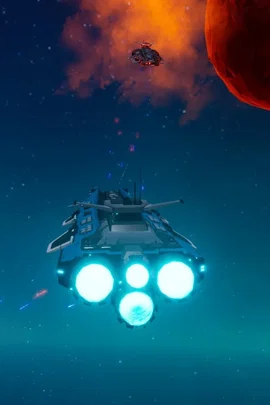
Fight a small frigate battle, add frigates next to the capital ships, or put a space station in the middle to capture.
Not enough players for two crews? Team up against AI ships and pick how hard they fight.
Name your server and set a password, so players need it to join your battles.
One place for your whole server: name, password, game mode, AI difficulty and battle size in the startup settings, schedules you set for restarts and backups, subusers for your crew, a file manager with SSH and VS Code, and every other universal tool.

Accurate, blazing-fast output piped directly from the container. Paired with complete SSH access inside the Panel!
1 / 10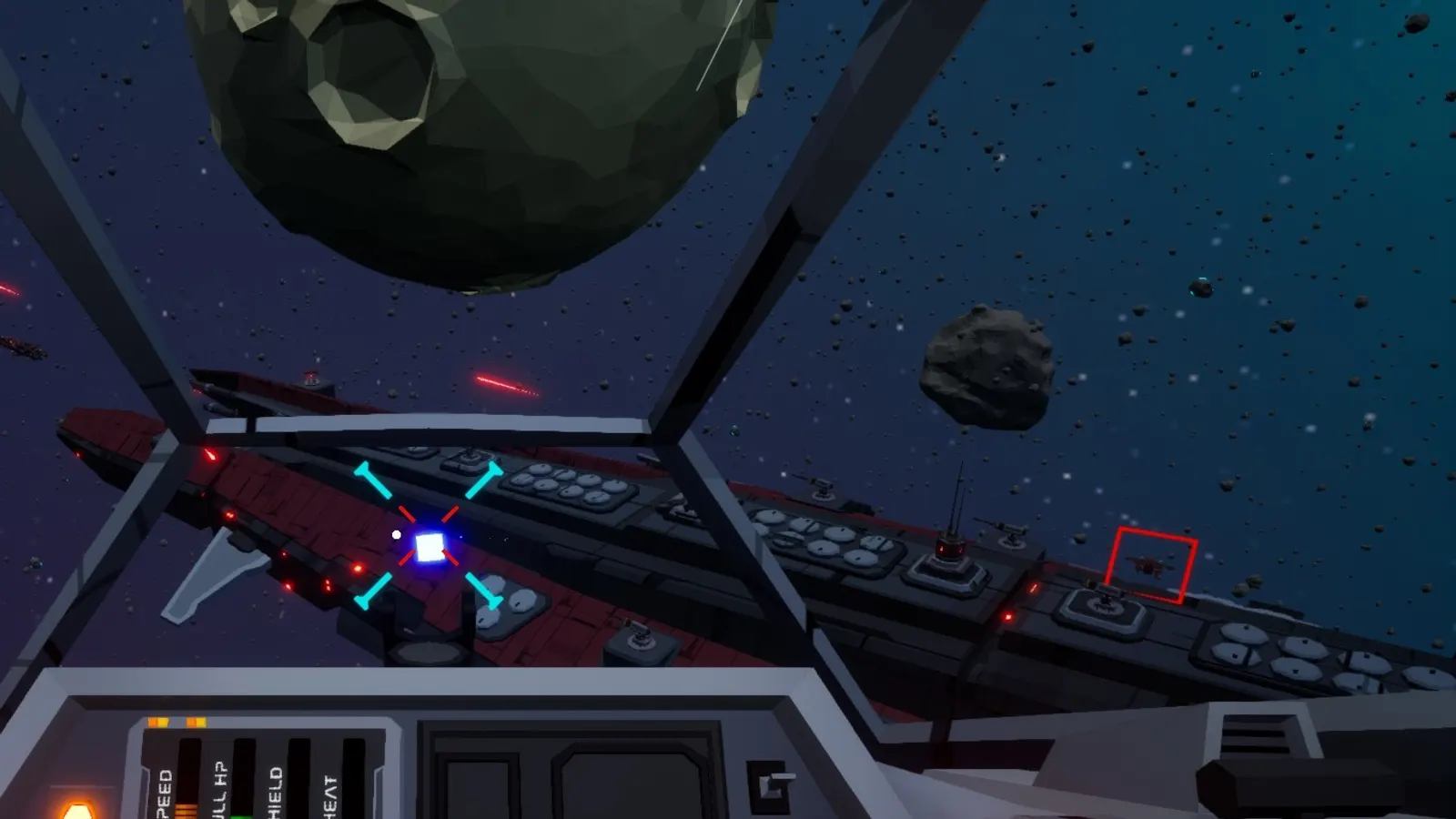
New to Deep Space Battle Simulator?
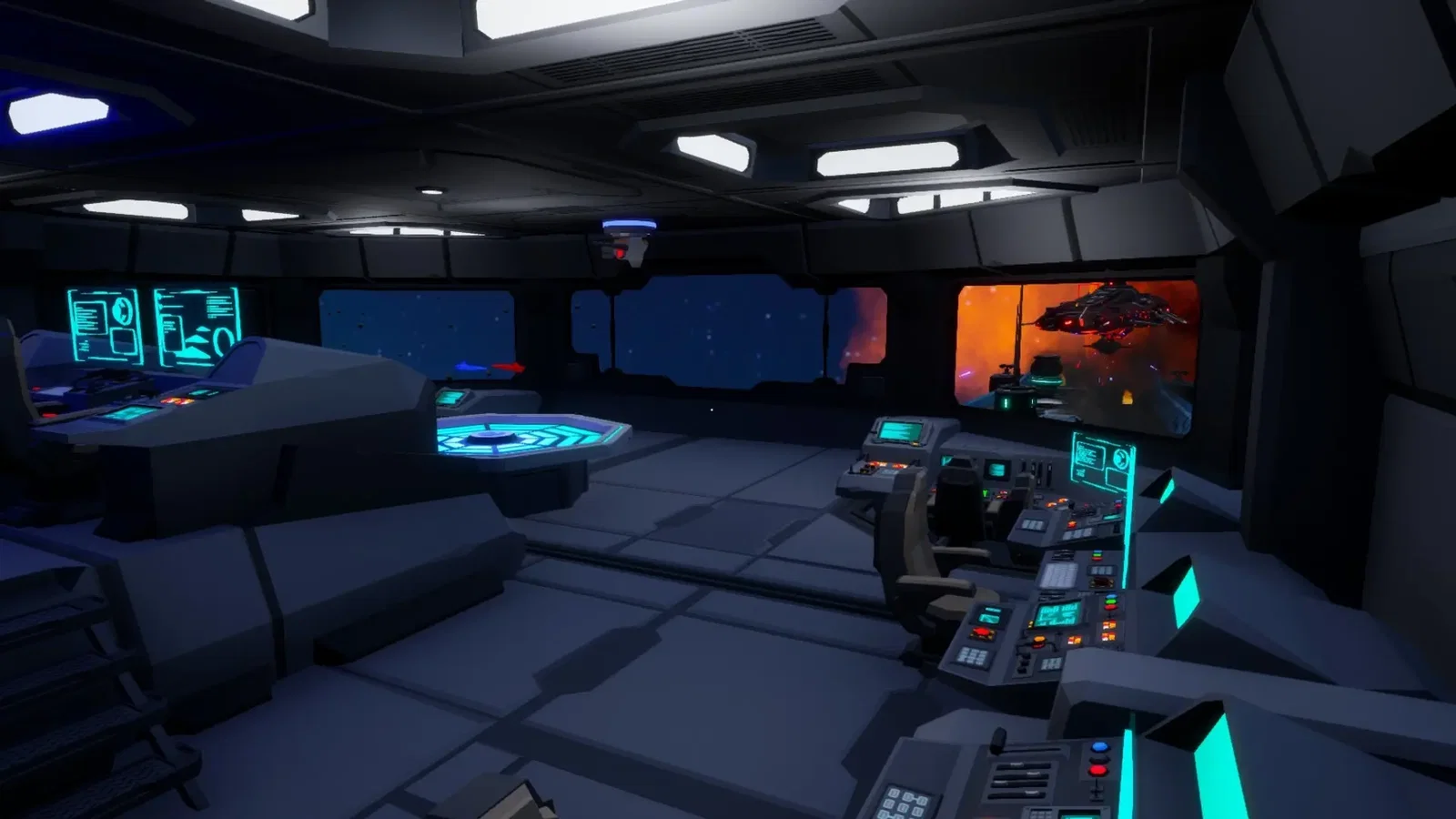
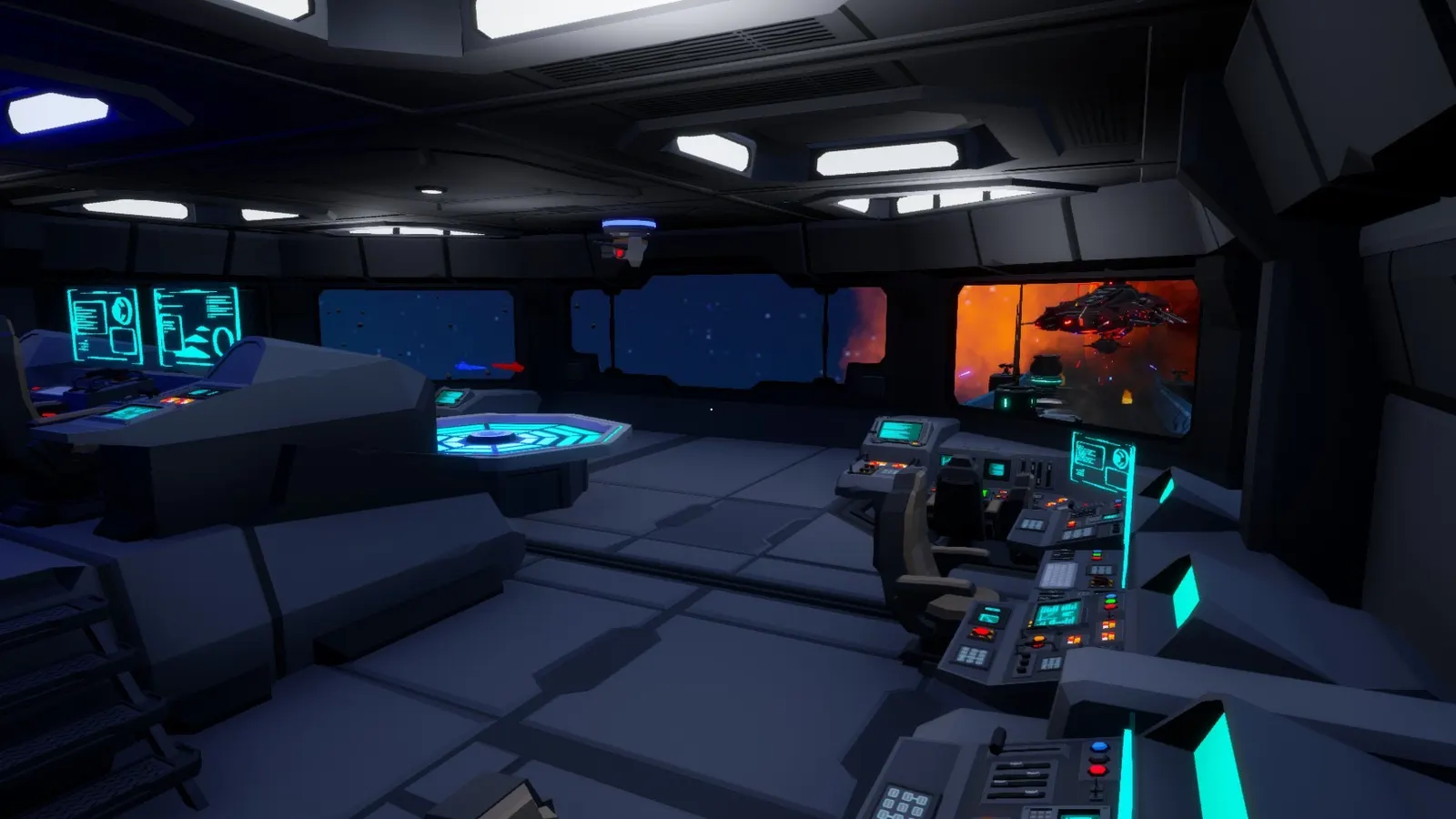
Deep Space Battle Simulator is a round-based first-person multiplayer game from yeswecamp, where two teams each crew a capital ship and try to destroy the other. Before each round you fit out your cruiser's turrets, fill the hangars with fighters and pick upgrades such as droids or gun lockers. Then you fly the ship in all three dimensions, fire the turrets, and split its power between shields, engines, life support and weapons. Run through the ship to a hangar to fly a fighter, or board the enemy ship and sabotage its generator, shields or engine.
Steer, man the turrets or manage the power, with five player classes to choose from.
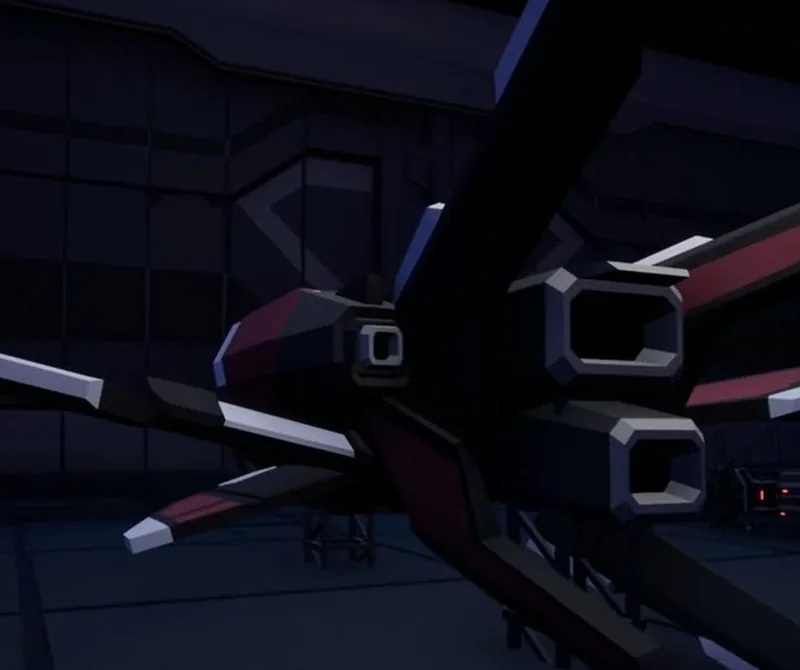
Fly a fighter across, get inside and take out their generator, shields or engine.
Why rent a server?
A Deep Space Battle Simulator dedicated server gives your friends or community a battle of their own, without one player hosting from their PC and ending the game when they quit. With Physgun you name the server, set a password, choose the battle size and switch between player battles and co-op against AI ships in the panel. The server installs itself, updates each time it starts, and comes with full file access over SFTP and SSH.
Your server stays up when you log off, so your crew can play any time.
Set the battle size, game mode, AI difficulty and password.
Straight answers before you order. Still stuck? Real people are here around the clock.
 Physgun
Run capital ship battles for your crew, against other players or AI ships, on a server that stays up when you log off.