



































World loaded · builds growing
Room for a growing world
Pick the CPU and memory your world needs, on NVMe storage, and size up as your builds grow.

Keep your Creativerse world online for your friends, even when your PC is off. Set the owner, players and map from the panel.
Powering
Find your plan
Tell us about your server and we'll recommend a plan.
Let's find your plan
No per-slot fees. Choose your own slot limit. To help us recommend the right plan for you, tell us how many friends are joining you!
Best fit
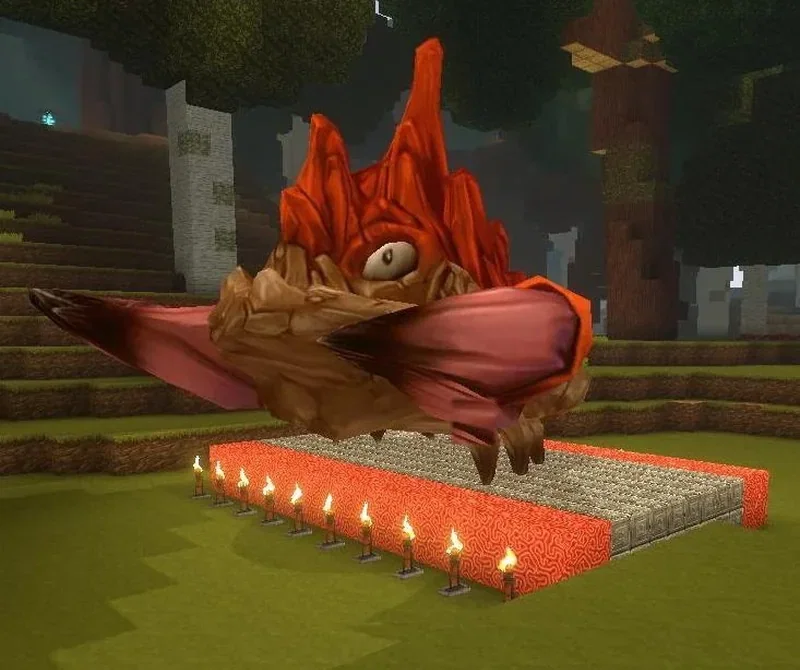
Rockzilla2 GB RAM, 150% CPU
$5.99/mo
Pick your plan
Or build your own. Then choose where it runs and deploy.
 CustomChoose your own plan!
Billing
Secure Backups Included
Rockzilla
Billed monthly. Cancel any time.
Switch your Creativerse server to any of 445 other games, right from the panel, whenever you want!*
Included with
every plan
A world that stays online for your friends, with its owner, map and rules set from the panel.
Pick the CPU and memory your world needs, on NVMe storage, and size up as your builds grow.
99.9% uptime, and every Creativerse server is protected from DDoS attacks.
Your server installs itself the moment you order, and picks up game updates each time it restarts.
Set up your world
Name your world and give it a description for the server list, add your Steam ID to get owner rights, choose how many players can join, and pick the map a new world starts from. All from the panel.
 config_world.json - Physgun VS Code main
For the power users
Connect with real developer tools to look through your world files, logs and settings. Or skip it entirely and use our simple panel.
Turn PvP, creature attacks, explosions, fire and corruption spread, and what players drop on death on or off in the config editor.
Make newcomers visitors who can look around but not build, and choose when idle players get a warning and when they are kicked.
Put backups and restarts on a schedule, and the panel runs them on time, whether or not anyone is online.
One place for your whole world: server name, description, owner, max players, listing, map template and world folder in the startup settings, a config editor for visitors, gameplay and world rules, schedules you set for restarts and backups, subusers for your friends, a file manager with SSH and VS Code, and every other universal tool.

Accurate, blazing-fast output piped directly from the container. Paired with complete SSH access inside the Panel!
1 / 10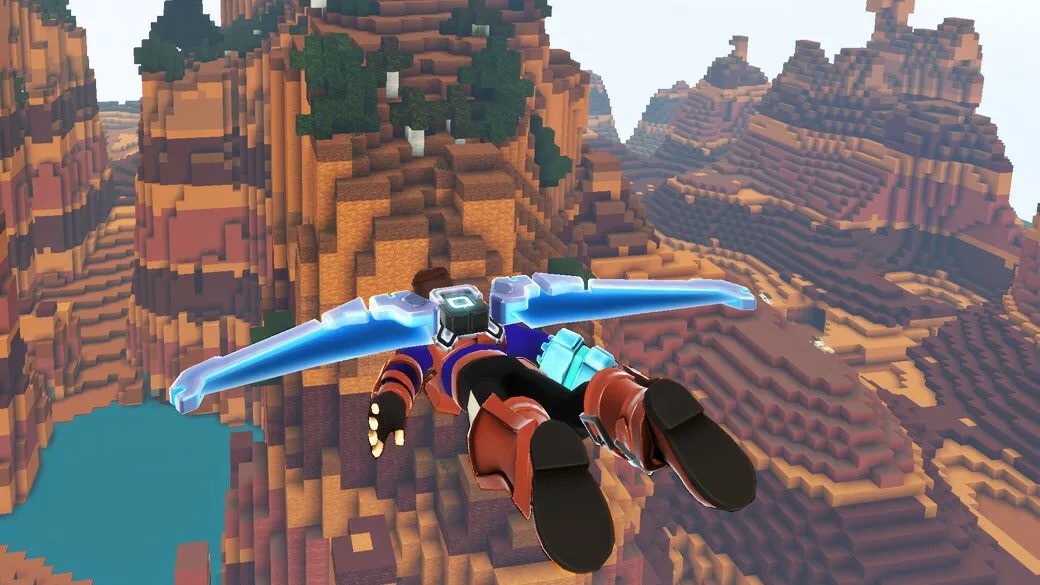
New to Creativerse?
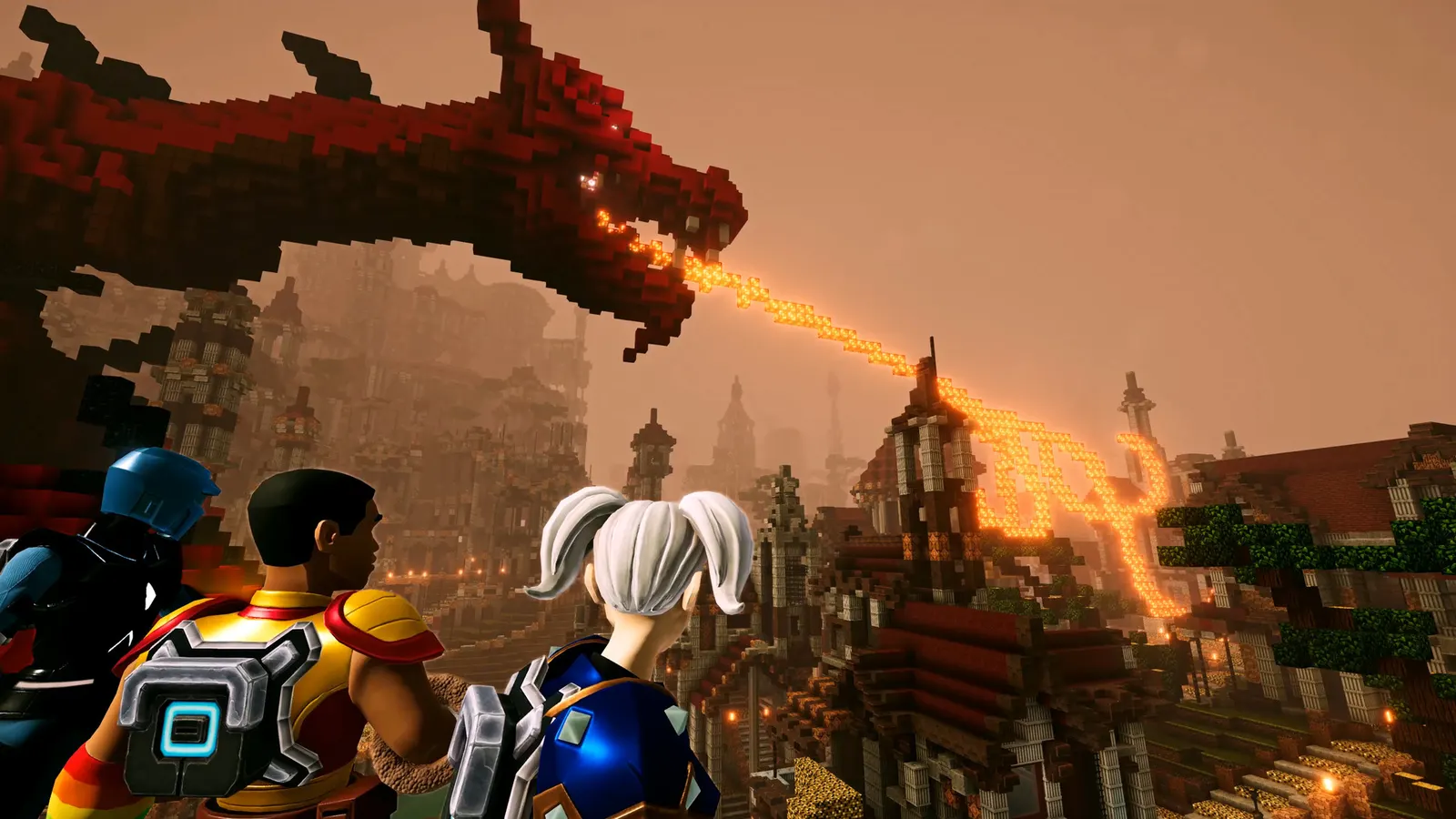
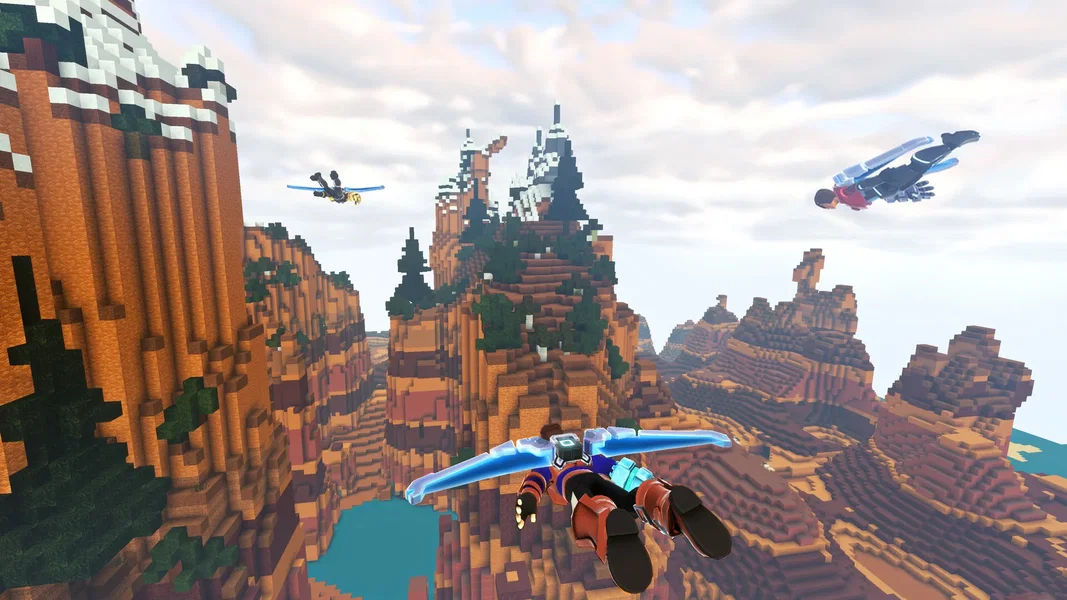
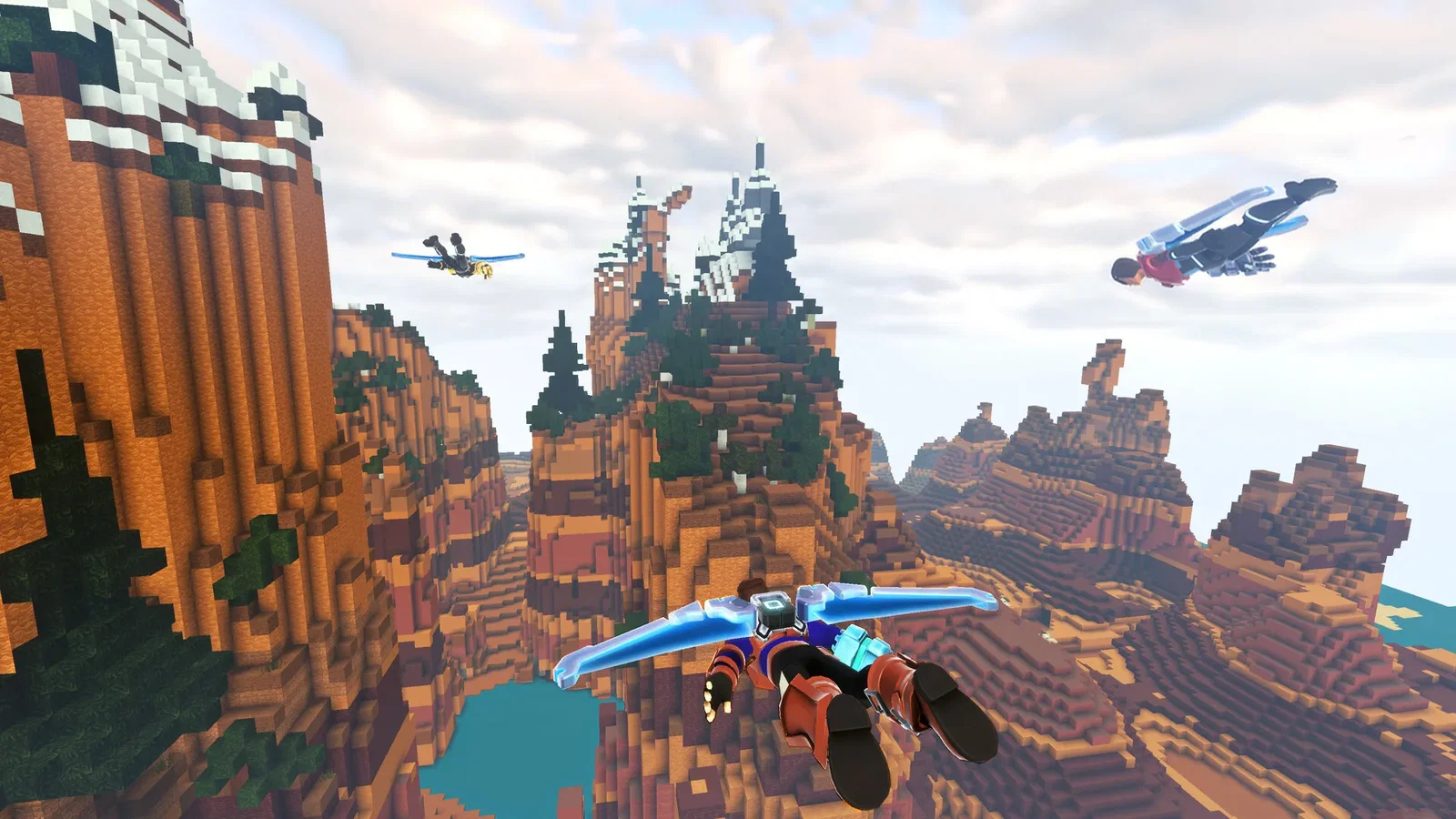
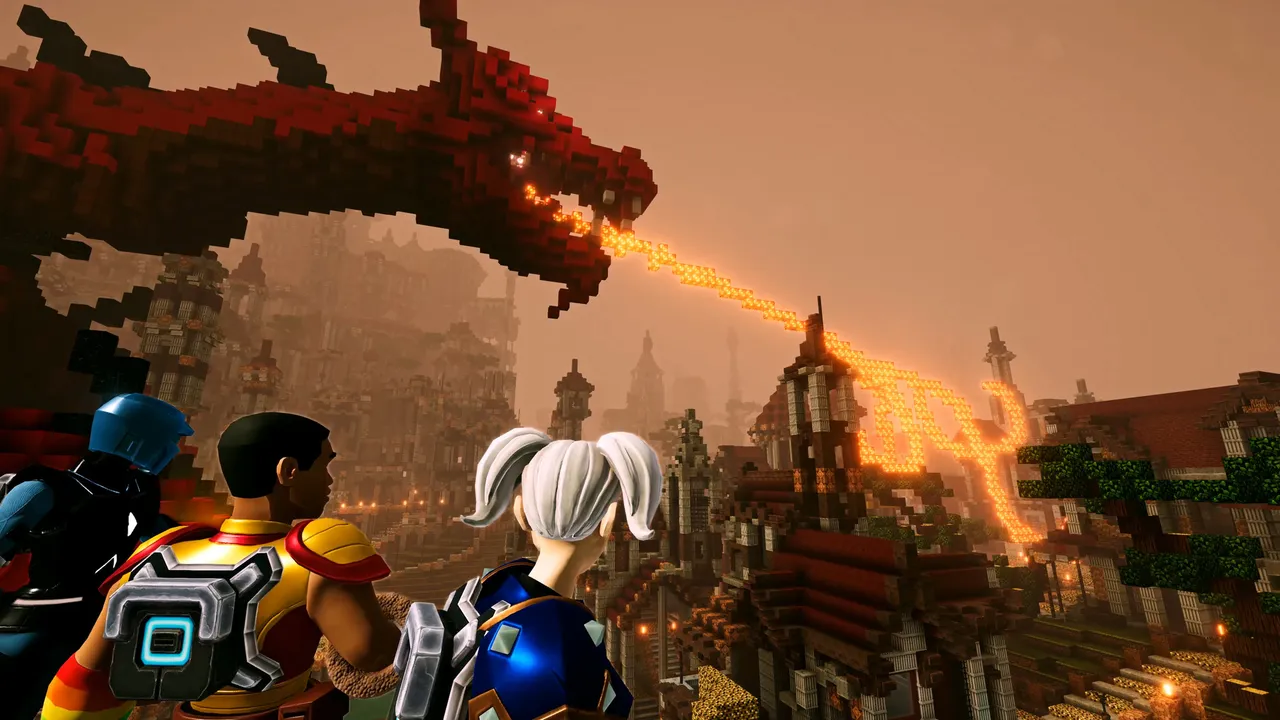
Creativerse is a sandbox adventure game in a huge, reactive block world. Dig down through caverns full of ores and rare treasures, mine with your ArcTek Gauntlets, craft, cook, farm and hunt, and fight or tame the creatures you meet. Build higher with hundreds of recipes, Blueprints, and machines wired up with logic gates and sensors, or switch to Creator Mode and skip straight to building.
Stronger Mining Cells reach harder layers, all the way down to the Corruption and Lumite Ore.
Rotate and paint every block, follow Blueprints, and bring your builds to life with machines.
Why rent a server?
Creativerse worlds are hosted by players, so a world played from a home PC is only online while that PC is, and friends from outside need the host to forward ports. A Creativerse dedicated server keeps your world online around the clock. With Physgun you set the server name, owner, player limit, listing and map template in the panel, change the world's rules in the config editor, and get full file access over SFTP and SSH.
Your world stays up when you log off, so friends can build on their own schedules.
Set PvP, creatures, explosions, death drops and events for your world in the config editor.
Straight answers before you order. Still stuck? Real people are here around the clock.
 Physgun
Keep your world online for your friends, with the rules and map you pick.