































Your CPU, memory and NVMe storage
Pick the power you need
Choose the CPU, memory and NVMe storage your server runs on, and add more when your lobby grows.

Run Multiplayer or Zombies on Plutonium, with your map rotation, your match rules and your password.
Powering
Find your plan
Tell us about your server and we'll recommend a plan.
Let's find your plan
No per-slot fees. Choose your own slot limit. To help us recommend the right plan for you, tell us how many friends are joining you!
Best fit
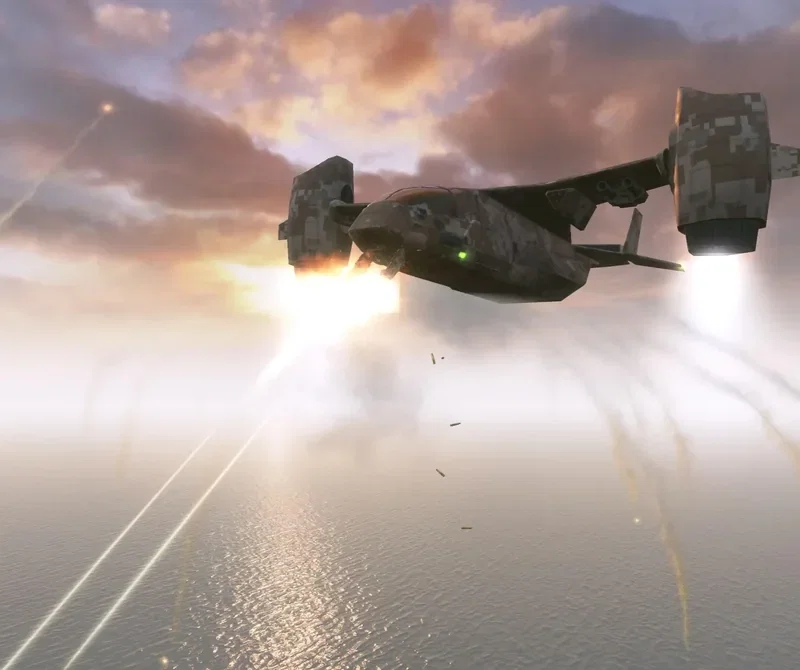
VTOL Warship2 GB RAM, 150% CPU
$5.99/mo
Pick your plan
Or build your own. Then choose where it runs and deploy.
 CustomChoose your own plan!
Billing
Secure Backups Included
VTOL Warship
Billed monthly. Cancel any time.
Switch your Call of Duty: Black Ops II server to any of 445 other games, right from the panel, whenever you want!*
Included with
every plan
Your mode, your map rotation and your password, on a server you run from one panel.
Choose the CPU, memory and NVMe storage your server runs on, and add more when your lobby grows.
Your server stays up when you log off, and it is protected from DDoS attacks.
We install Plutonium and starting configs the moment you order. Upload your own Black Ops II game files and start.
dedicated.cfg, without the typing
Map rotation, voice chat, aim assist, player collision and match recording, grouped and labelled in the panel for Multiplayer and Zombies.
 dedicated.cfg - Physgun VS Code main
For the power users
Connect with real developer tools and edit dedicated.cfg, dedicated_zm.cfg and your game type files directly. Or skip it and use the panel.
Pick the game mode in the panel, and set the server name, max players, a join password and RCON there too.
Your server gets the latest Plutonium on each start, so players on the newest version can join. Turn it off any time.
Give your admins their own login with limited access. No password sharing.
One place for your whole server: game mode, name, max players and passwords in the startup settings, a config editor for your Multiplayer and Zombies configs, scheduled restarts and backups, subusers for your admins, a file manager with SFTP, SSH and VS Code, and every other universal tool.

Accurate, blazing-fast output piped directly from the container. Paired with complete SSH access inside the Panel!
1 / 10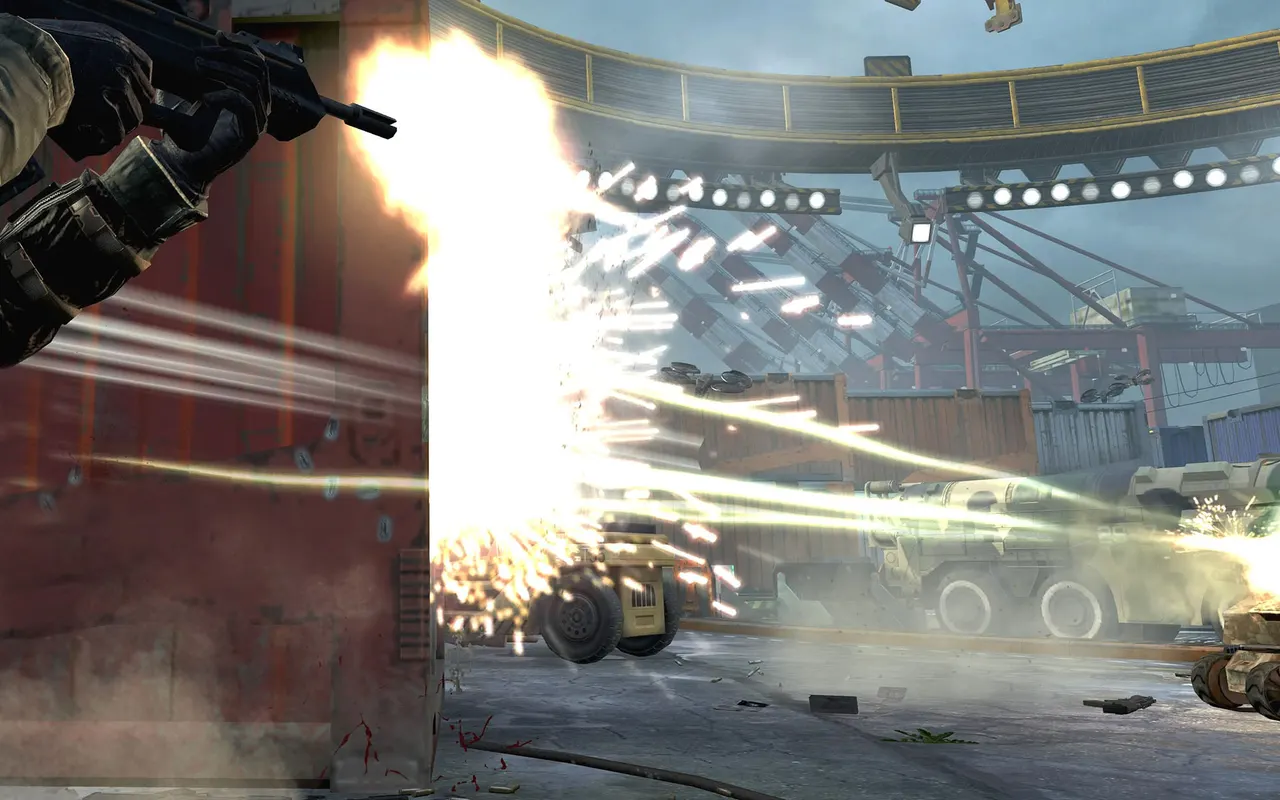
New to Black Ops II?
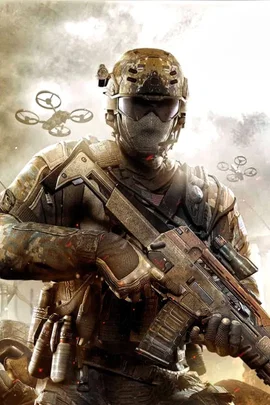
Call of Duty: Black Ops II is Treyarch's 2012 first-person shooter, set in a near-future, 21st century Cold War where technology and weapons have converged to create a new generation of warfare. Beside its branching campaign it has fast competitive multiplayer and the co-op Zombies mode. On PC it is played today mostly through Plutonium, a community client with its own dedicated servers.
Build a class from 10 picks of weapons, attachments, perks and wildcards, then rank up and prestige.
Survive harder and harder waves, open doors, buy weapons and perks, and chase the Easter eggs on maps like Origins.
Why rent a server?
A server of your own stays online without anyone hosting it from their PC, and nobody has to forward ports on a home network. We install Plutonium and starting configs for Multiplayer and Zombies; you upload the game files from your own copy of Black Ops II once over SFTP, and add a free Plutonium server key. Then pick the mode, server name, max players and passwords in the panel, set your map rotation and match rules in the config editor, and edit any file over SFTP or SSH.
Your server stays up when you log off, so your lobby can play any time.
Set your mode, map rotation, password and match rules.
Straight answers before you order. Still stuck? Real people are here around the clock.
 Physgun
Run Multiplayer or Zombies with your map rotation and password, on a server that stays up when you log off.