



































Container City · match live
Pick the power you need
Choose the CPU, memory and NVMe storage your server runs on, and add more when it grows.

Run your own server for 8 v 8 objective matches, Stopwatch or the campaign in co-op, with bots to fill the teams, set up from one panel.
Powering
Find your plan
Tell us about your server and we'll recommend a plan.
Let's find your plan
No per-slot fees. Choose your own slot limit. To help us recommend the right plan for you, tell us how many friends are joining you!

Best fit
Security1 GB RAM, 150% CPU
$3.49/mo
Pick your plan
Or build your own. Then choose where it runs and deploy.
 CustomChoose your own plan!
Billing
Secure Backups Included
Security
Billed monthly. Cancel any time.
Switch your BRINK server to any of 445 other games, right from the panel, whenever you want!*
Included with
every plan
Your modes, your maps and your rules on the Ark, on a server you run from one panel.
Choose the CPU, memory and NVMe storage your server runs on, and add more when it grows.
Your server stays up when you log off, and it is protected from DDoS attacks.
Order and the server downloads and installs BRINK on its own. A restart brings the latest update.
server.cfg, without the typing
Map rotation and map votes, rank limits, late joining, private slots, bot difficulty, warm-up damage, voice chat and team-only chat, grouped and labelled in the panel.
 server.cfg - Physgun VS Code main
For the power users
Connect with real developer tools and edit server.cfg or any other file on your server directly. Or skip it and use the panel.
Play Objective or Stopwatch with the Standard, Advanced, Competition or Old Skool rules, or the campaign in co-op as Security or Resistance.
Start on any of ten maps, Founders Tower and Labs included, then set a fixed rotation or the maps players vote on.
Bots fill the match up to the size you pick. Set how well they play, and turn friendly fire on or off.
One place for your whole server: game mode, start map, bots, friendly fire and passwords in the startup settings, a config editor for map rotation, rank limits and chat, schedules you set for restarts and backups, subusers for your admins, a file manager with SSH and VS Code, and every other universal tool.

Accurate, blazing-fast output piped directly from the container. Paired with complete SSH access inside the Panel!
1 / 10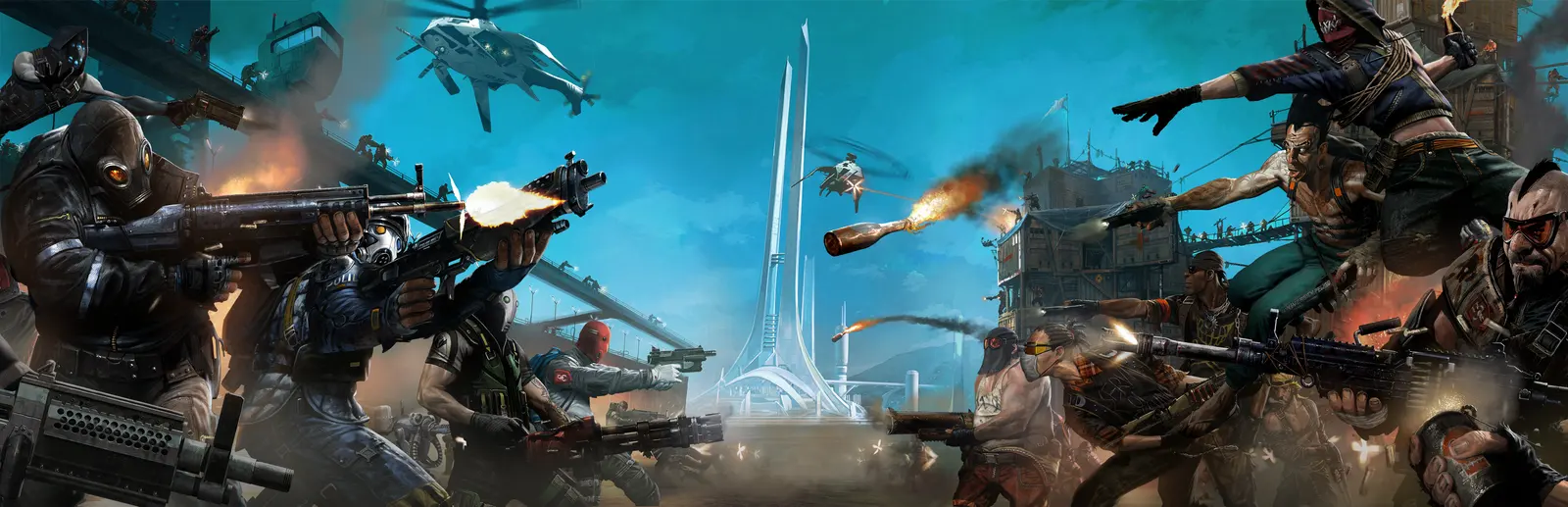
New to BRINK?
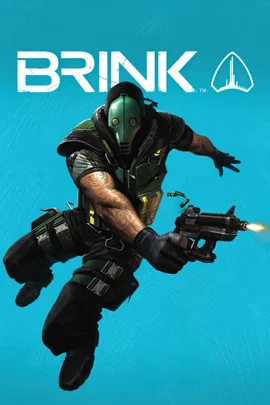
BRINK is a team-based first-person shooter from Splash Damage. It takes place on the Ark, a man-made floating city on the brink of civil war, where Security and the Resistance fight for control. You build your own character, pick a class and a side, and play objective-based maps solo, in co-op or against other players, with the same character in every mode. The SMART button handles the parkour: press it and the game works out where you are heading and vaults or slides you there.
Attack or defend objectives with your class's abilities, 8 v 8 against other players.
One button vaults and slides you across the Ark.

Why rent a server?
A BRINK dedicated server keeps your matches online around the clock, with no PC left on at home and no ports to forward. With Physgun you pick the game mode, start map, max players, bots, friendly fire and password in the panel, set map rotation, rank limits, bot difficulty and chat in the config editor, and get full file access over SFTP and SSH.
Your server stays up when you log off, so your group can play any time.
Pick the mode, maps and bots, and set the rules your server plays by.
Straight answers before you order. Still stuck? Real people are here around the clock.
 Physgun
Pick your mode, map and bots, and keep the fight for the Ark going for your friends and your community.